

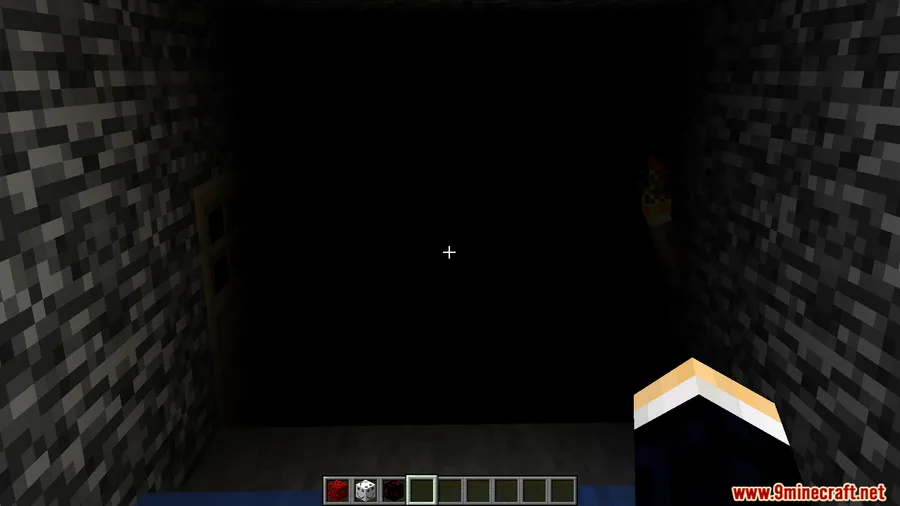
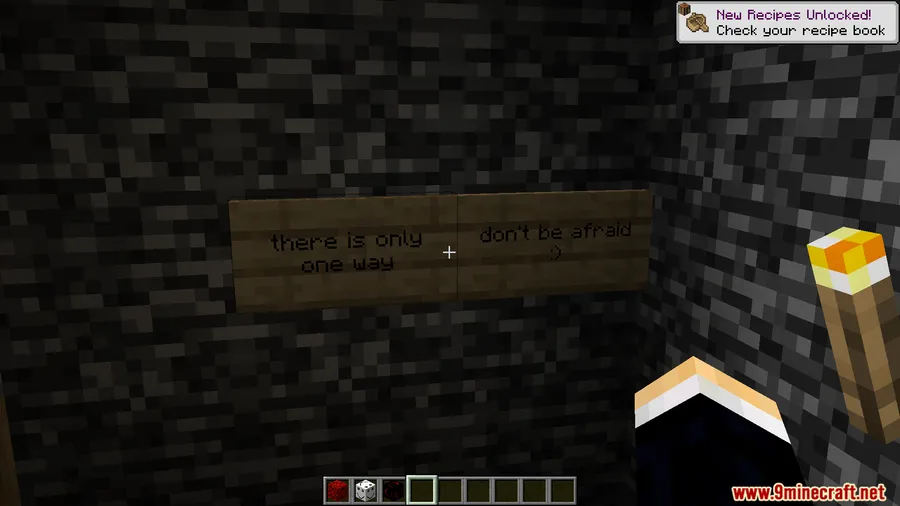
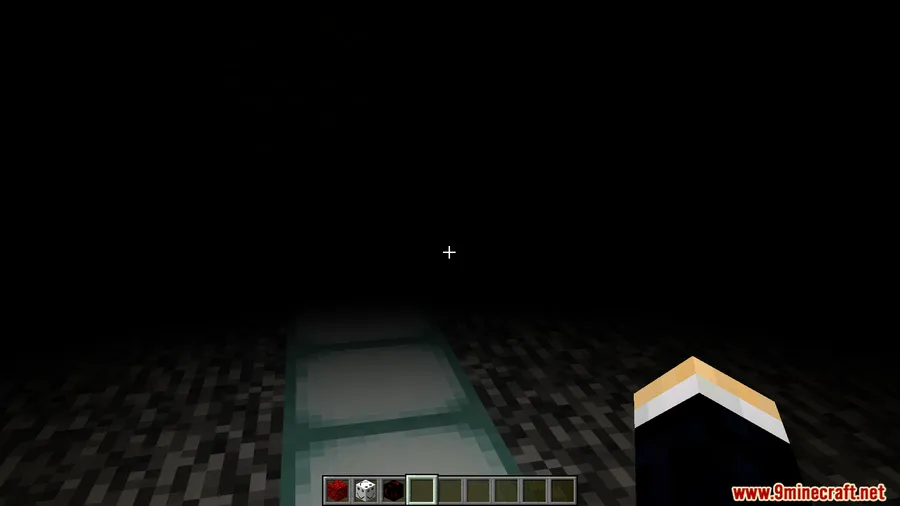
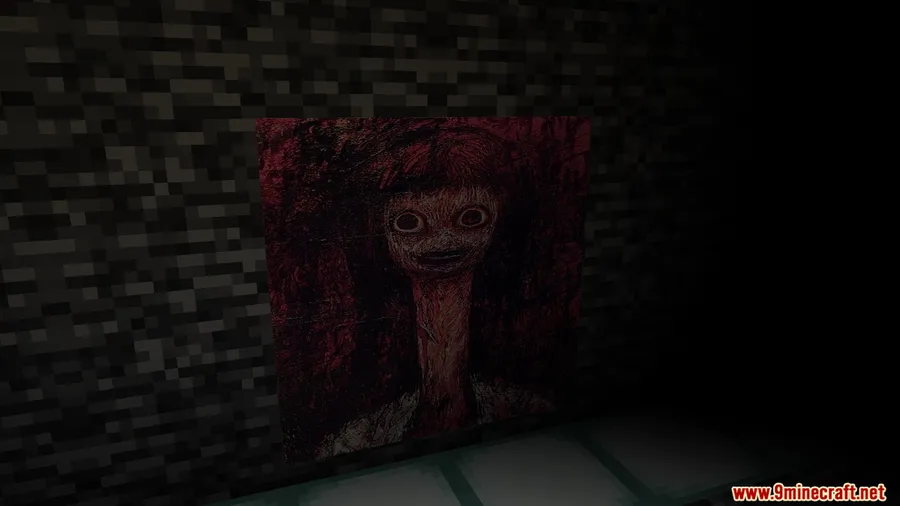
Most Minecraft horror mods rely on jump scares to get a reaction. 000.jar Mod takes a different approach — it introduces a mysterious, malevolent entity that warps the environment around you, evoking the unsettling atmosphere of Minecraft's earliest versions. Instead of cheap frights, this Forge mod by EBALIA builds psychological dread through visual glitches, environmental anomalies, and unpredictable behavior that keeps you on edge every time you explore. With over 156,000 downloads on Modrinth and support for Minecraft 1.19.2 through 1.20.1, it has quickly become a go-to pick for players who want genuine unease in their survival worlds.
Key Features
- Psychological horror entity — A mysterious, unpredictable presence stalks your world. This is not a standard mob with predictable AI; the entity behaves erratically, making each encounter feel different.
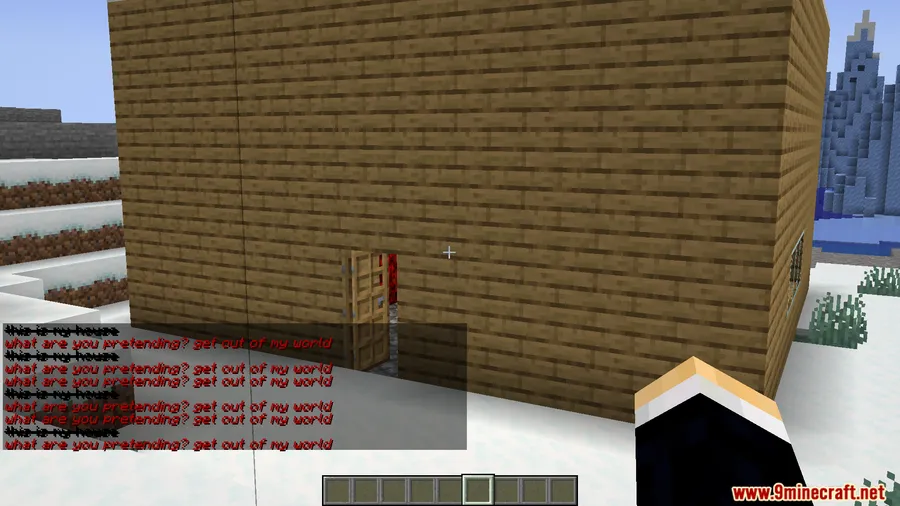
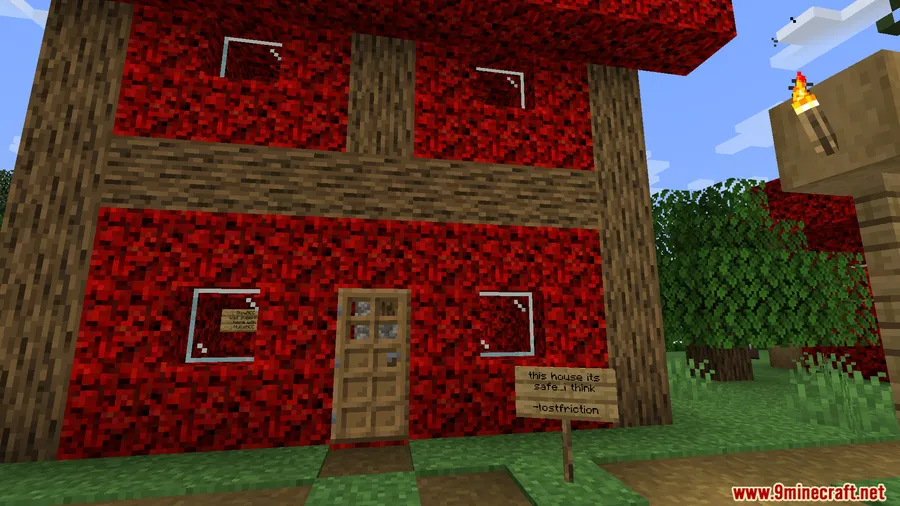
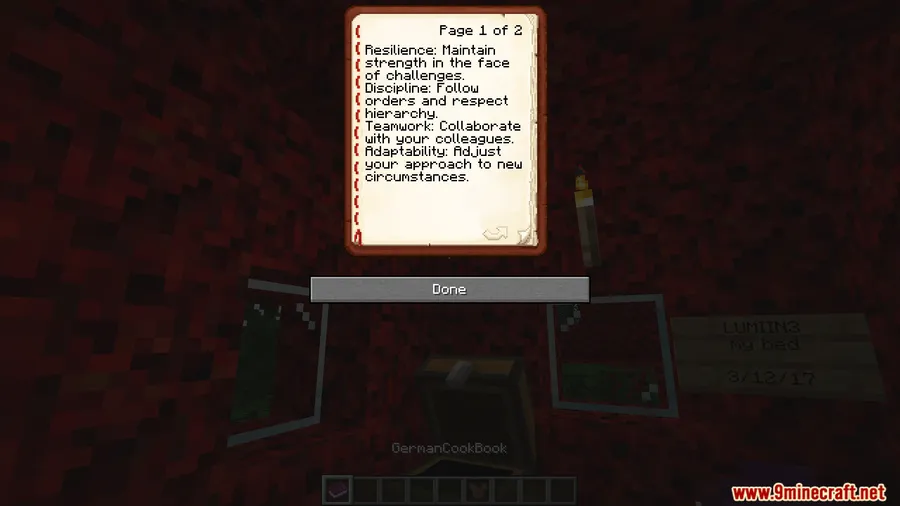
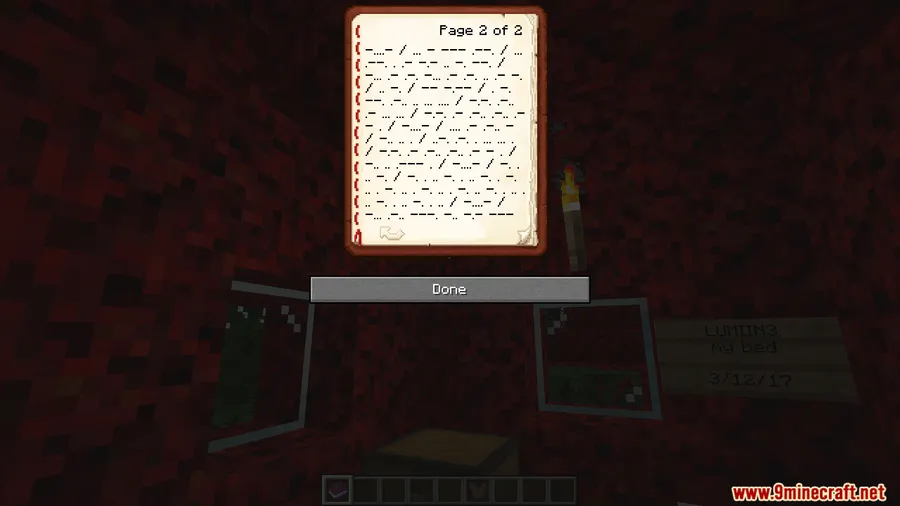
- Environmental anomalies — The mod creates strange visual glitches and environmental distortions that build tension without relying on scripted events.
- Configurable intensity — A settings file lets you adjust the entity's behavior and the overall intensity, so you can dial the horror up or down to your comfort level.
- Singleplayer and multiplayer support — Works in both solo survival and on multiplayer servers, so you can share the dread with friends.
Screenshots


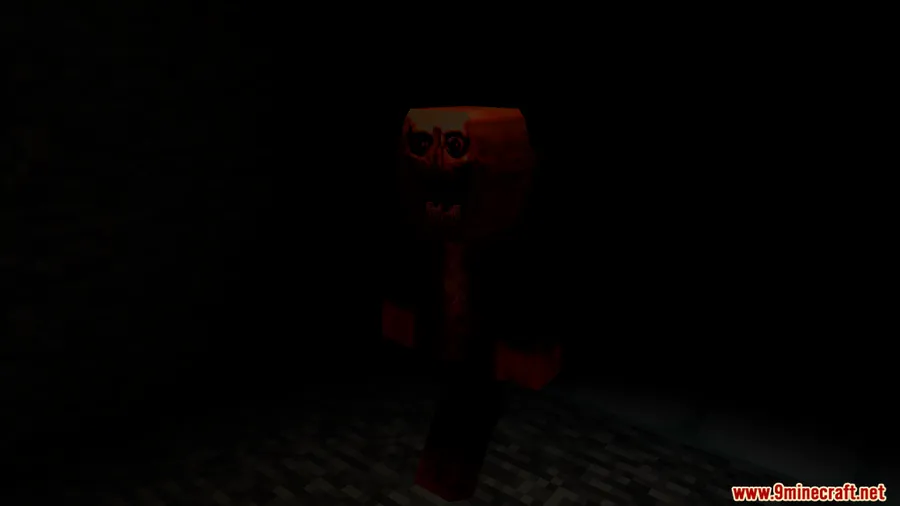
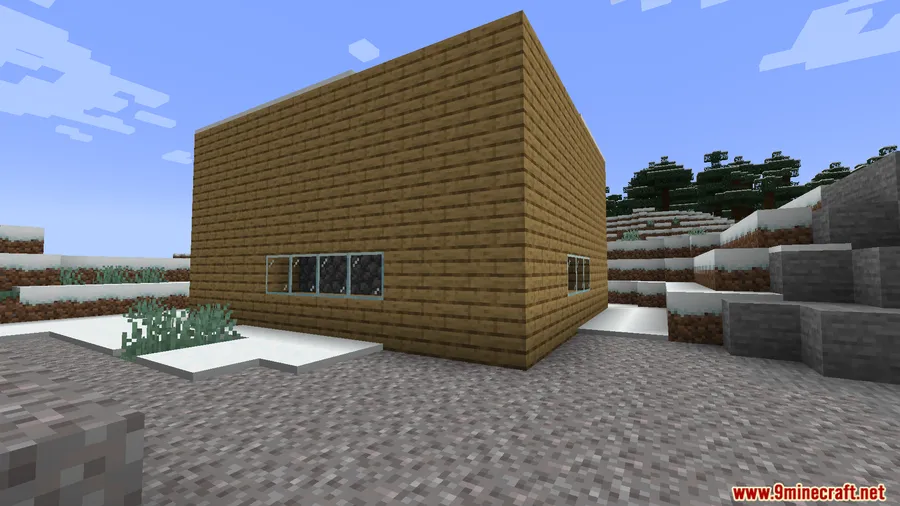
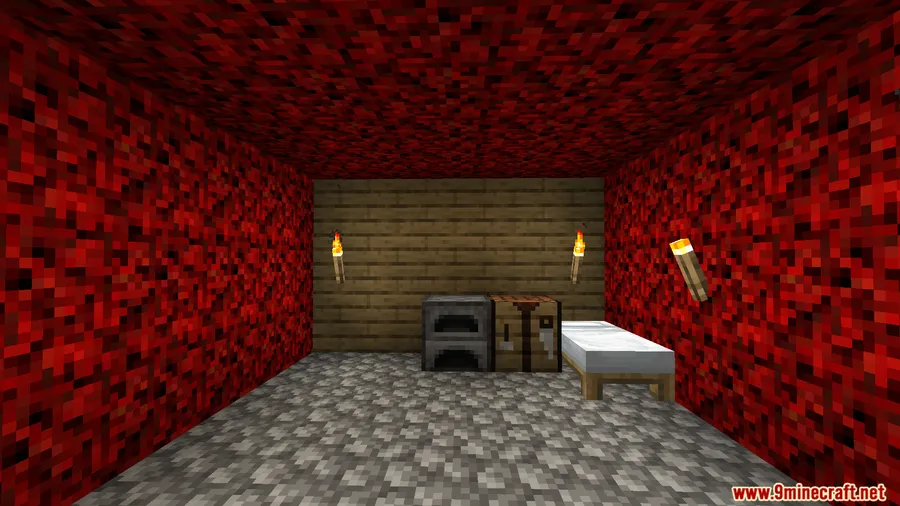
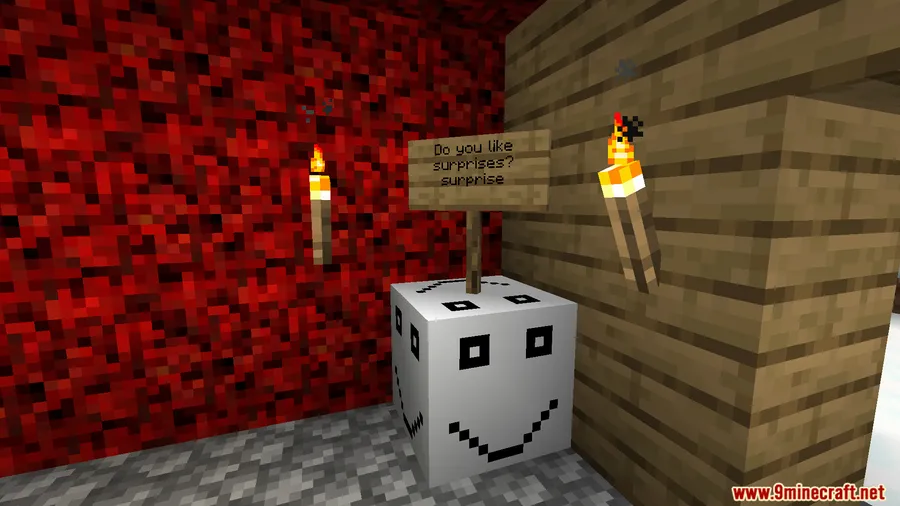
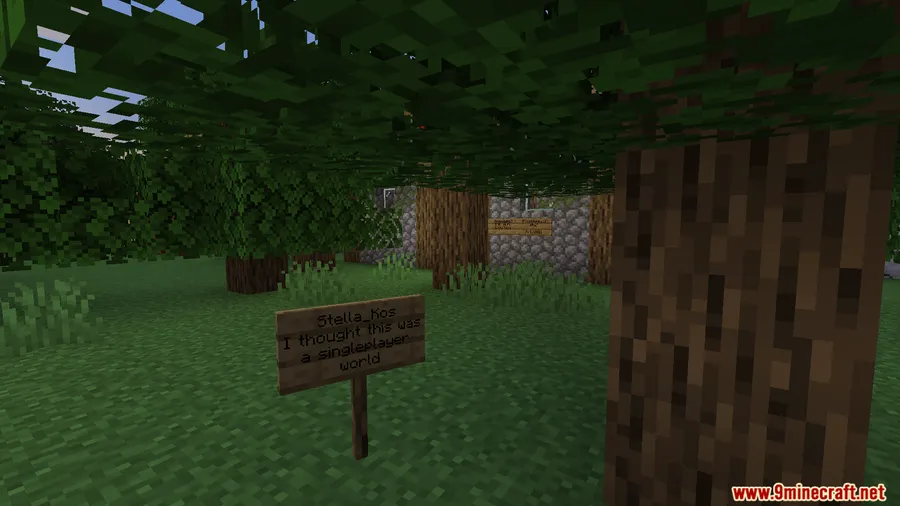
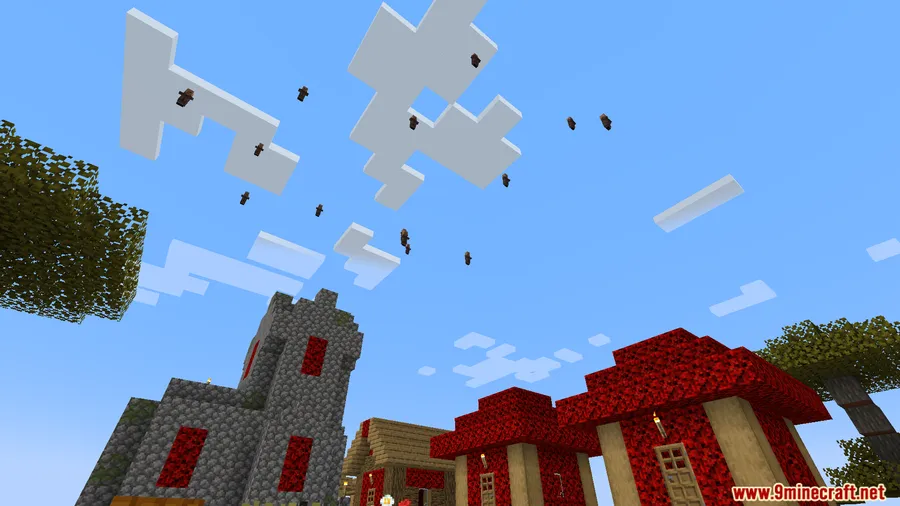
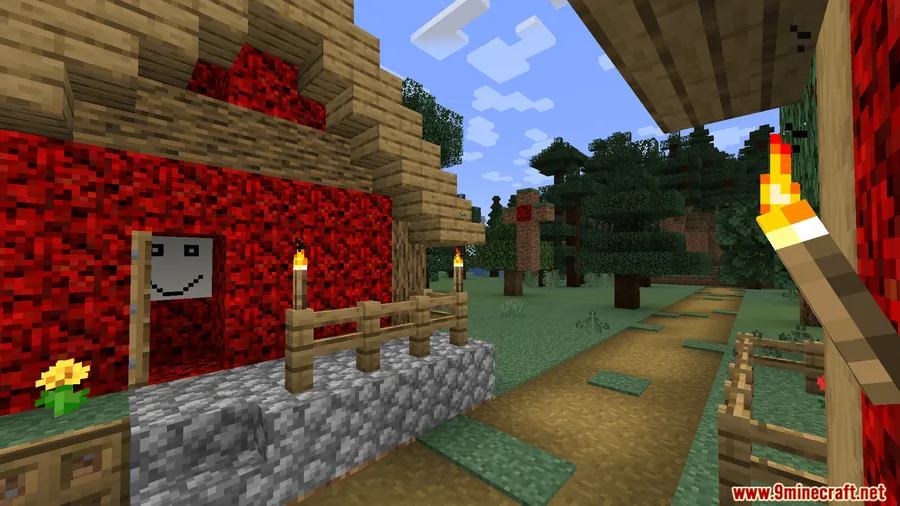
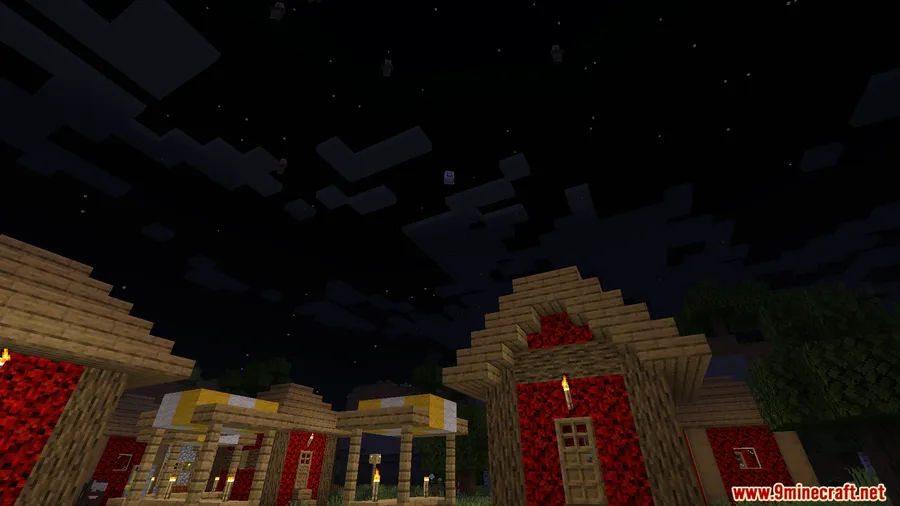
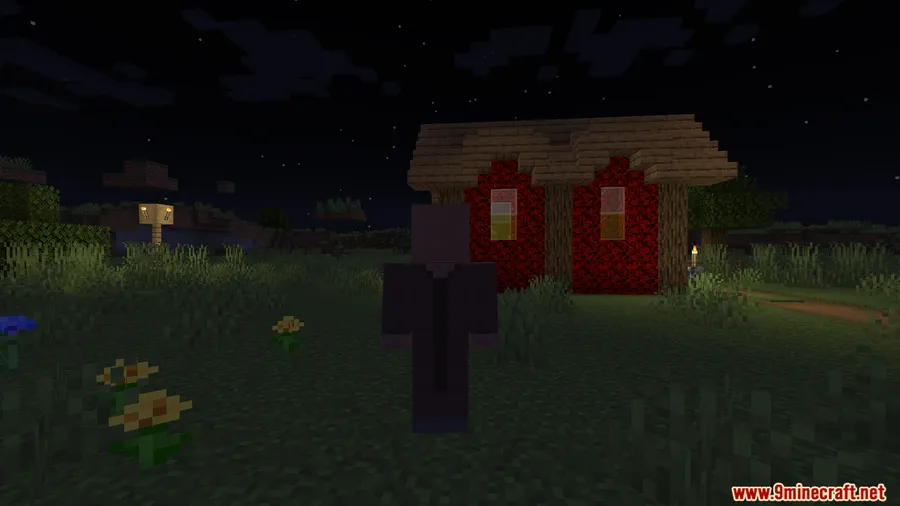
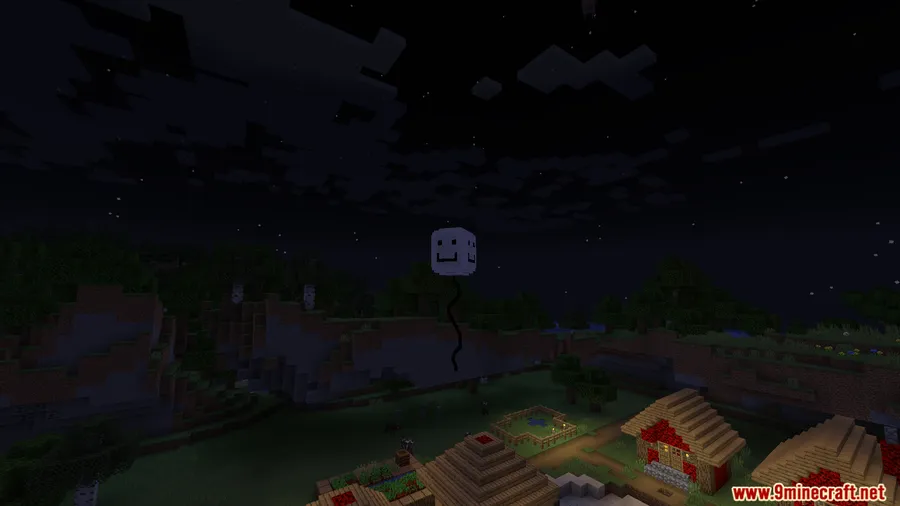
How to Install
- Install Minecraft Forge for your target Minecraft version (1.19.2, 1.19.4, or 1.20.1).
- Download and install GeckoLib — 000.jar Mod requires it as a dependency.
- Download 000.jar Mod from the link below.
- Place both
.jarfiles into your.minecraft/modsfolder. - Launch Minecraft using the Forge profile and confirm both mods appear in the mod list.
Requirements
| Requirement | Details |
|---|---|
| Mod Loader | Minecraft Forge |
| Dependencies | GeckoLib |
| Minecraft Version | 1.19.2, 1.19.4, 1.20.1 |
Pros & Cons
Pros
- Focuses on atmosphere and psychological tension rather than cheap jump scares
- Configurable settings let you control the horror intensity
- Works in both singleplayer and multiplayer
- Actively maintained with multiplayer fixes
Cons
- Forge-only — no Fabric or NeoForge support
- Requires GeckoLib as an additional dependency
- Limited to Minecraft 1.19.x–1.20.1; no support for newer versions yet
Download
Always download mods from official sources to stay safe.
What's New
- Multiplayer fix — resolved issues with the entity in multiplayer sessions.
- Last updated January 8, 2026.
FAQ
What Minecraft versions does 000.jar Mod support?
000.jar Mod currently supports Minecraft 1.19.2, 1.19.4, and 1.20.1, all on the Forge mod loader.
Does 000.jar Mod require any other mods to work?
Yes, you need GeckoLib installed alongside 000.jar Mod. Both must be placed in your mods folder for the mod to function.
Can I use 000.jar Mod on a multiplayer server?
The mod supports both singleplayer and multiplayer worlds. A recent update specifically addressed multiplayer stability. Check with your server admin before installing any mods on shared servers.


![[TaCZ] Timeless and Classics Zero Mod (1.20.1, 1.20) – FPS Improvement](http://mcinside.com/wp-content/uploads/2026/03/thumbnail-2197-300x169.webp)


![[Let's Do] Candlelight - Farm&Charm compat Mod (1.21.1) - thumbnail](http://mcinside.com/wp-content/uploads/2026/04/thumbnail-81-52x52.webp)


![[Let's Do] Meadow Mod (1.21.1) - thumbnail](http://mcinside.com/wp-content/uploads/2026/04/thumbnail-64-52x52.webp)


![Not Enough Recipe Book [NERB] Mod (1.21.11) - thumbnail](http://mcinside.com/wp-content/uploads/2026/04/thumbnail-63-52x52.webp)