
Behind many of the best mods created by developer aaronhowser1 sits a single shared backbone: Aaron Mod. Rather than reinventing the wheel across every project, this library mod bundles common utilities, helpers, and systems into one lightweight dependency. If you've installed any of Aaron's other mods, you'll need this one — it's the foundation they all rely on to function properly.
Key Features
- Task Scheduling & Timing — Built-in schedulers that let dependent mods manage timed events and recurring tasks efficiently.
- Network & Packet Helpers — Streamlined packet utilities that simplify communication between client and server for mods that need networking support.
- Screen & Menu Utilities — Ready-made tools for building custom in-game interfaces, saving mod authors from writing boilerplate GUI code.
- Better Fake Players — Improved fake player implementations useful for automated systems like farms and redstone contraptions.
- Extra Codecs & Data Handling — Additional codecs that help mods serialize and deserialize data more cleanly.
- General-Purpose Utility Functions — A collection of handy helpers that cover common development needs across multiple projects.
Screenshots
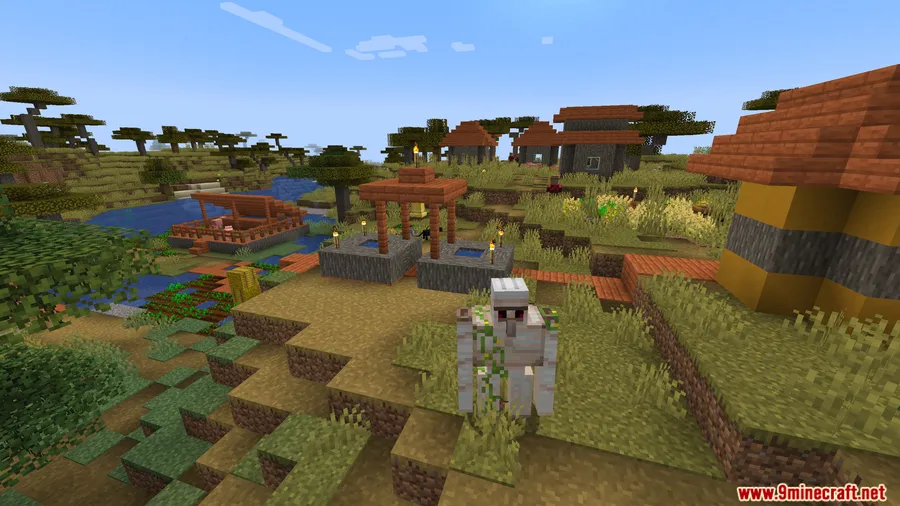
How to Install
- Install Minecraft Forge (for 1.20.1) or NeoForge (for 1.21.1), depending on your Minecraft version.
- If using the Forge version, also install Kotlin for Forge Mod as an additional dependency.
- Download the correct Aaron Mod file for your Minecraft version from the link below.
- Place the downloaded
.jarfile into your.minecraft/modsfolder. - Launch Minecraft with your modded profile — Aaron Mod will load automatically as a library for other mods that require it.
Requirements
| Requirement | Details |
|---|---|
| Mod Loader | Forge (1.20–1.20.1) or NeoForge (1.21–1.21.1) |
| Dependencies | Kotlin for Forge Mod (Forge version) |
| Minecraft Version | 1.20, 1.20.1, 1.21, 1.21.1 |
Pros & Cons
Pros
- Consolidates shared code so you don't need multiple overlapping libraries
- Covers a wide range of utilities — networking, scheduling, GUIs, and more
- Supports both Forge and NeoForge across modern Minecraft versions
- Appears to be lightweight since it only provides backend utilities with no gameplay changes
Cons
- No standalone functionality — only useful as a dependency for other Aaron mods
- Requires Kotlin for Forge as an extra dependency on the Forge version
- Limited to mods by aaronhowser1; not a general-purpose library for all mod developers
Download
Always download mods from official sources to stay safe.
FAQ
Do I need Aaron Mod if I don't use any of Aaron's other mods?
No. Aaron Mod is strictly a dependency library — it provides no features on its own. You only need to install it if another mod you're using lists it as a requirement.
Is Aaron Mod available for Fabric?
Currently, Aaron Mod only supports Forge (for Minecraft 1.20–1.20.1) and NeoForge (for Minecraft 1.21–1.21.1). There is no Fabric version available based on the current releases.
Will Aaron Mod affect my game performance or change gameplay?
Aaron Mod appears to be lightweight since it only provides behind-the-scenes code utilities for other mods. It does not add any blocks, items, or gameplay mechanics on its own.


![[Let's Do] Meadow Mod (1.21.1) - thumbnail](http://mcinside.com/wp-content/uploads/2026/04/thumbnail-64-52x52.webp)


![Not Enough Recipe Book [NERB] Mod (1.21.11) - thumbnail](http://mcinside.com/wp-content/uploads/2026/04/thumbnail-63-52x52.webp)


