

Accessories is a data-driven accessory mod that lets players equip rings, necklaces, capes, and other wearable items in dedicated accessory slots for Minecraft Fabric, Forge, and NeoForge. Built by developer glisco and the Wisp Forest team, it provides a unified API across mod loaders so content creators and players can enjoy a consistent accessory experience regardless of platform.
Minecraft's vanilla equipment system is limited to six armor slots, an offhand, and a hotbar. That works fine until you start adding mods that introduce rings, amulets, backpacks, or capes — suddenly there is nowhere to put them. This is the exact problem Accessories solves, and with over 7 million downloads since its November 2023 release, it has quickly become the go-to accessory framework for the modern Minecraft modding ecosystem. Rather than forcing players to choose between Curios on Forge or Trinkets on Fabric, Accessories works across Fabric, Forge, and NeoForge with a single common API, making life easier for both mod developers and the players who install their creations.
Key Features of Accessories Mod
- Data-Driven Slot System — Instead of hardcoding accessory slots, Accessories uses a data-driven approach that lets modpack creators and developers define custom slots through data files. This means you can configure exactly which accessory slots are available in your game without touching any code, giving server owners and modpack authors full control over the accessory experience.
- Cross-Loader Compatibility — Accessories provides a common API that works identically on Fabric, Forge, and NeoForge. For players, this means you can switch between mod loaders without losing access to your favorite accessory mods. For developers, it means writing accessory support once and having it work everywhere.
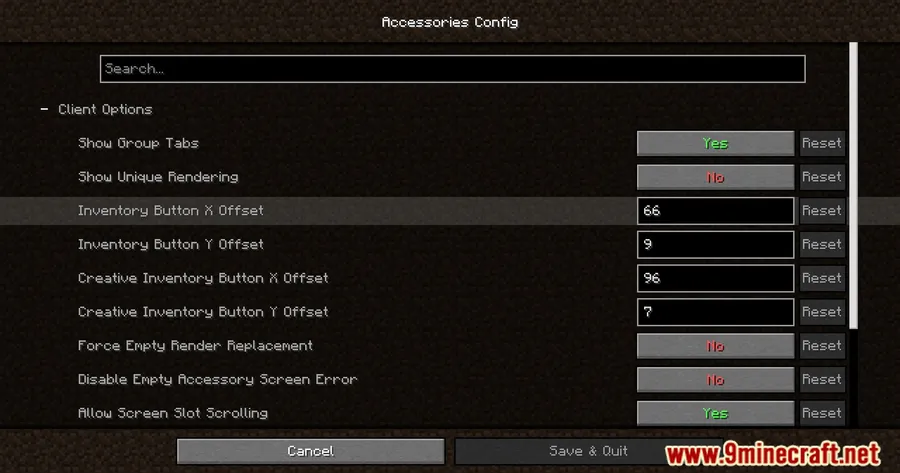
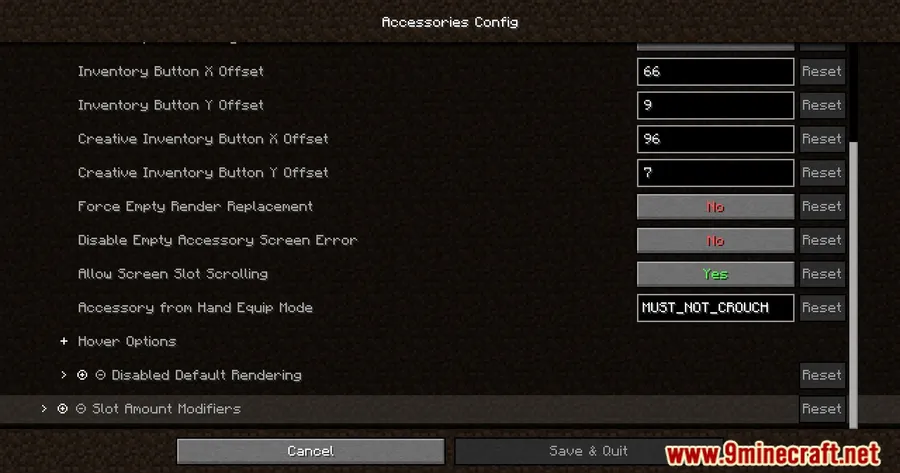
- Elytra, Totem, and Banner Support — Out of the box, you can equip banners in head or cape slots to show off custom designs. Elytra and totem support is also available through the config, letting you free up valuable inventory space by moving these items into dedicated accessory slots instead.
- Curios and Trinkets Compatibility Layer — Already using mods built for Curios or Trinkets? The optional Accessories Compatibility Layer translates those older APIs so all your existing accessory mods work under the unified Accessories system. This eliminates the headache of running multiple accessory frameworks side by side.
- Model Translation API for Rendering — Accessories includes a proper transformation API that links equipped items to entity model parts during rendering. This means it works correctly with popular resource packs like Fresh Animations and other custom model frameworks, so your accessories actually appear in the right place on your character — even with non-standard player models.
- Entity Accessory Management — You can manage accessories on tamed pets, mounts, and other entities — not just your own character. Hold shift and interact with any owned entity to open its accessory screen, or use the
/accessories editcommand for direct management. Server admins can use this to manage player accessories when needed. - NBT-Based Accessory Support — Full support for NBT-based accessories means mods can store custom data on accessory items, enabling features like upgradeable rings, enchanted amulets, or accessories with variable stats. This gives developers the flexibility to create far more interesting wearable items.
Screenshots
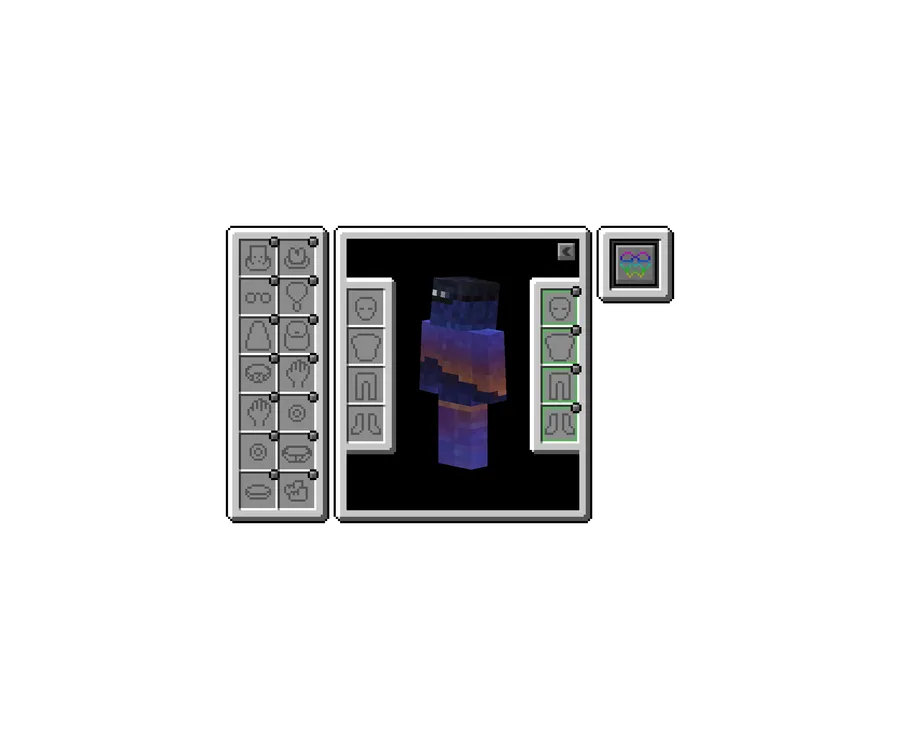
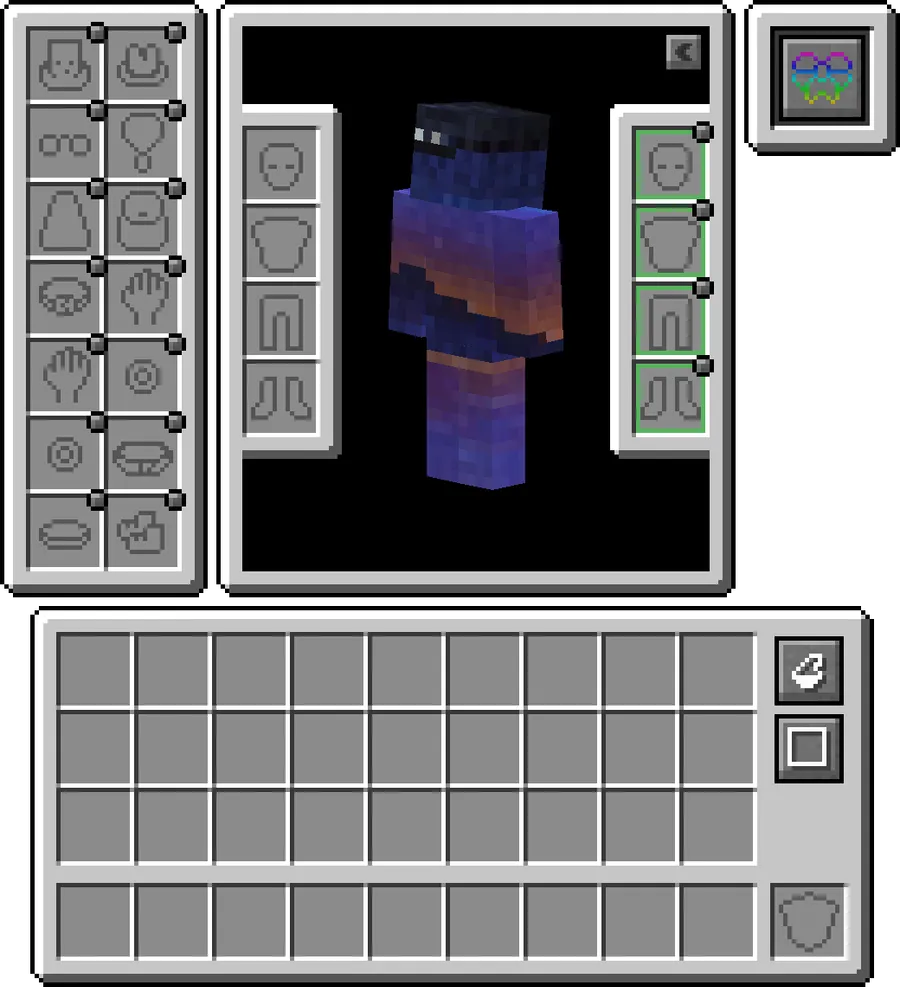
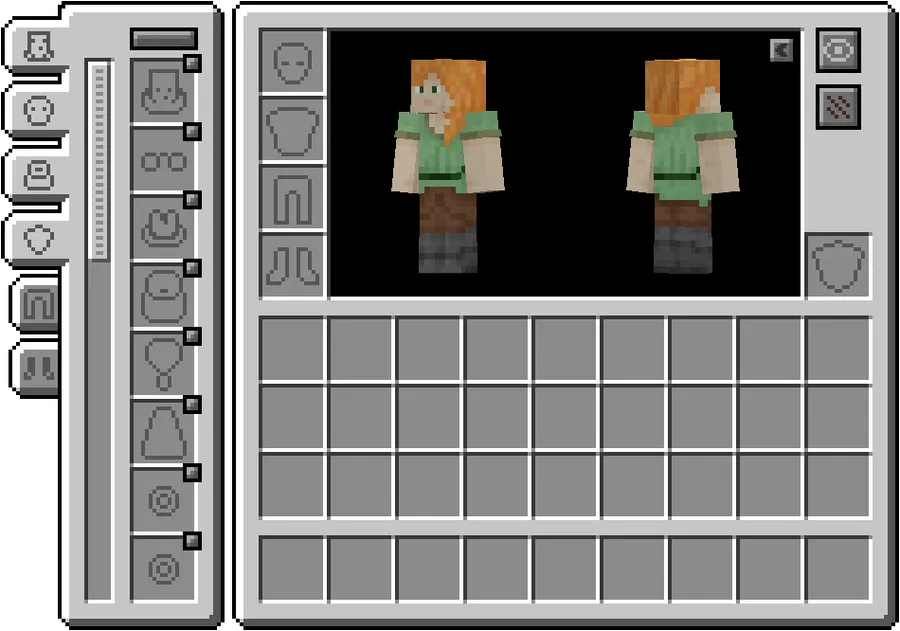
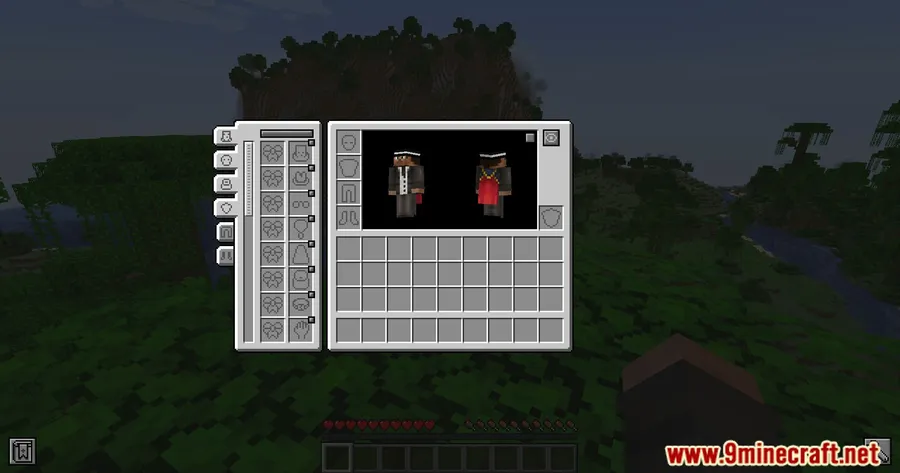
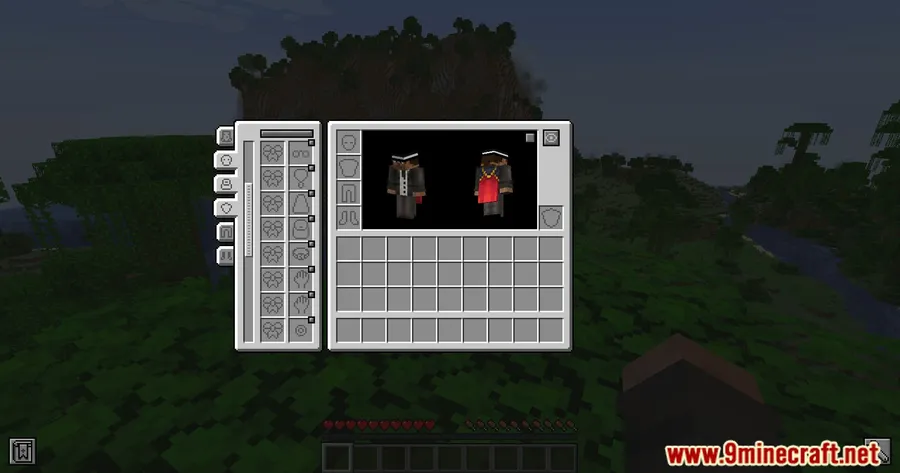
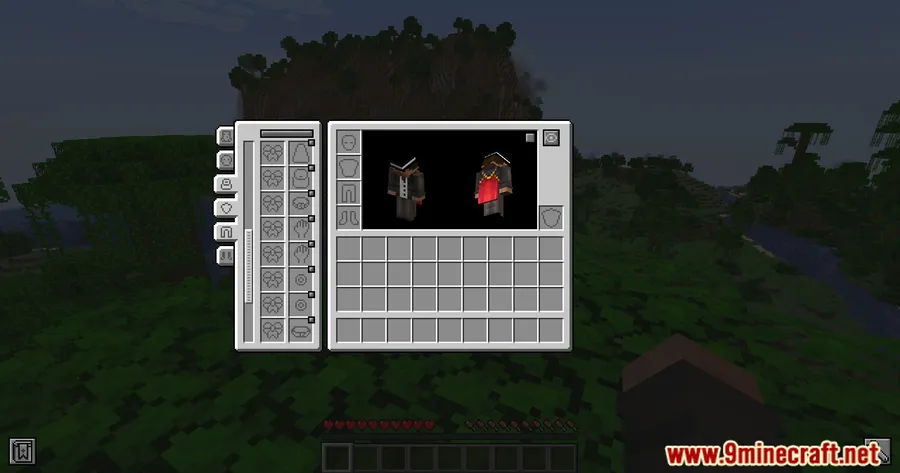
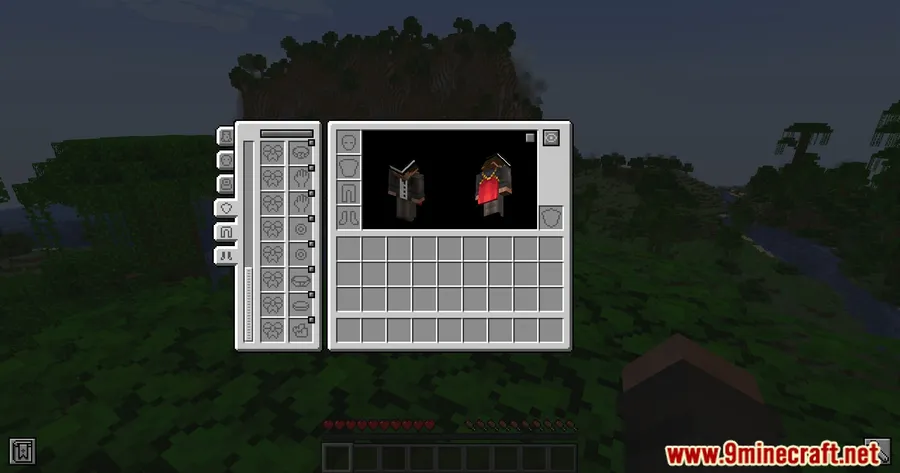
How to Install Accessories Mod
- Install your preferred mod loader: Fabric, Minecraft Forge, or NeoForge. For Minecraft 1.21.10, Fabric and NeoForge are supported; Forge is available for 1.20.1.
- Download the correct version of Accessories for your Minecraft version and mod loader from the download section below.
- Place the downloaded
.jarfile into your.minecraft/modsfolder. If the folder does not exist, launch the game once with your mod loader to generate it. - If you want compatibility with existing Curios or Trinkets mods, also download and install the Accessories Compatibility Layer.
- Launch Minecraft and verify the mod appears in your mod list. Open your inventory to see the new accessory slots in action.
Requirements & Compatibility
| Requirement | Details |
|---|---|
| Mod Loaders | Fabric, Forge (1.20.1 only), NeoForge |
| Minecraft Versions | 1.21.10, 1.21.8, 1.21.5, 1.21.4, 1.21.1, 1.20.1 |
| License | MIT (open source) |
| API Type | Library — required by other mods that add accessories |
| Optional | Accessories Compatibility Layer (for Curios/Trinkets support) |
What's New
- Removed use of Stream API in performance-critical code paths to improve runtime performance.
- Continued support for the latest Minecraft 1.21.10 on both Fabric and NeoForge.
- Ongoing maintenance and bug fixes since the last update in February 2026.
Pros and Cons
Pros
- Works across Fabric, Forge, and NeoForge with a single unified API
- Data-driven design lets modpack creators customize slots without code
- Compatibility layer supports legacy Curios and Trinkets mods
- Proper rendering API works with custom model packs like Fresh Animations
- Open source under MIT license with active development
- Built-in entity accessory management for pets and mounts
Cons
- Primarily a library mod — requires other mods to add actual accessory content
- Elytra and totem slot support is disabled by default and requires config changes
- Forge support is limited to Minecraft 1.20.1 only; newer versions require NeoForge
- Compatibility layer is a separate download, not bundled with the main mod
Alternatives to Accessories Mod
- Curios API — The original Forge-side accessory framework that inspired Accessories. If you only play on Forge and do not need cross-loader support, Curios remains a solid and well-established choice with a large library of compatible mods.
- Trinkets — The Fabric-side counterpart to Curios, Trinkets has been the default accessory mod for Fabric players for years. Consider it if you are on an older Fabric modpack that has not yet migrated to Accessories.
- Artifacts — Unlike the API-focused mods above, Artifacts is a content mod that adds dozens of unique wearable items with special abilities. It pairs well with Accessories or Curios to give you actual items to fill those accessory slots.
Download Accessories Mod
| Minecraft Version | Fabric | Forge | NeoForge |
|---|---|---|---|
| For Minecraft 1.21.10 | Download | — | Download |
| For Minecraft 1.21.8 | Download | — | Download |
| For Minecraft 1.21.5 | Download | — | Download |
| For Minecraft 1.21.4 | Download | — | Download |
| For Minecraft 1.21.1 | Download | — | Download |
| For Minecraft 1.20.1 | Download | Download | Download |
Always download mods from official sources to stay safe.
Frequently Asked Questions
Is Accessories compatible with Curios and Trinkets mods?
Yes — you can install the optional Accessories Compatibility Layer to make existing Curios and Trinkets mods work seamlessly under the Accessories framework. This means you do not need to choose between accessory systems; the compatibility layer translates the older APIs so all your mods function together in a unified system.
Does Accessories work on both Fabric and Forge?
Yes, but with a caveat. Accessories supports Fabric and NeoForge for Minecraft 1.21.1 and newer. Traditional Forge support is only available for Minecraft 1.20.1. If you are on Minecraft 1.21+ and currently use Forge, you will need to switch to NeoForge to use this mod.
Does Accessories add any items by itself?
No — Accessories is primarily a library and API mod. It provides the slot system, rendering framework, and developer tools, but the actual wearable items come from other mods that use the Accessories API. You can, however, use the built-in support to equip banners, elytra, and totems in accessory slots by enabling those options in the config.
Will Accessories affect my game performance?
The mod appears to be lightweight, and recent updates have specifically targeted performance improvements by removing Stream API usage in frequently executed code. As a library mod, it runs minimal logic on its own and primarily activates when other mods interact with its API.
Can I use Accessories to put items on my pets or mounts?
Yes — Accessories includes an entity accessory management system that lets you equip accessories on tamed animals and mounts. Hold shift and interact with any entity you own to open its accessory screen, or use the /accessories edit <target> command if you have operator permissions on the server.


![[Let's Do] Meadow Mod (1.21.1) - thumbnail](http://mcinside.com/wp-content/uploads/2026/04/thumbnail-64-52x52.webp)


![Not Enough Recipe Book [NERB] Mod (1.21.11) - thumbnail](http://mcinside.com/wp-content/uploads/2026/04/thumbnail-63-52x52.webp)
