
Ageing Spawners is a game-mechanics mod that makes mob spawners break after a configurable number of spawns, available for Minecraft Forge and NeoForge across versions 1.12.2 through 1.21.11.
Mob spawners in vanilla Minecraft are permanent. Once a player finds a dungeon, they can build a grinder around it and generate infinite mobs — and infinite loot — forever. For server admins and survival purists, this completely breaks game balance. Ageing Spawners solves this by letting you set a hard limit on how many mobs a spawner can produce before it self-destructs. With over 5.7 million downloads and active development since late 2022, this mod by Mrbysco has become one of the go-to solutions for spawner economy management across both Forge and NeoForge communities.
Key Features of Ageing Spawners
- Configurable Spawn Limit Per Spawner — You set exactly how many mobs a spawner can produce before it breaks. This means you can fine-tune difficulty for your server or personal world without removing spawners entirely. Players still get value from finding spawners, but they can no longer exploit them indefinitely.
- Whitelist Mode — In whitelist mode, only the mob types you specify will have their spawners age and break. You can even set individual spawn limits per mob using syntax like
minecraft:zombie;50. This gives you surgical control — perhaps you want zombie spawners to expire after 50 spawns while leaving blaze spawners untouched. - Blacklist Mode — Blacklist mode works in reverse: every spawner will break except the ones you explicitly protect. This is ideal for server admins who want spawner degradation as the default behavior, with only a handful of exceptions for specific mob types that should remain permanent.
- Per-Mob Spawn Count Override — Each whitelisted mob can have its own custom spawn limit, or fall back to a global
maxSpawnCountdefault. This layered configuration lets you create nuanced spawner economies — common mobs like zombies and skeletons might get a low cap, while rarer spawner types get more generous limits. - Simple Configuration File — The config lives in the standard config folder (for versions 1.16.5 and above), making it easy to edit without digging through obscure directories. Earlier versions store the config in the world's serverconfig folder. Either way, changes are straightforward and well-documented.
- Server-Side Friendly — Because spawner behavior is controlled server-side through configuration, admins can deploy this mod on a server without requiring players to install anything special on their client. This makes it practical for large multiplayer communities where you cannot control every player's mod setup.
- Massive Version Support — The mod covers Minecraft versions from 1.12.2 all the way up to the latest 1.21.11, which means you can use it on legacy servers and cutting-edge modpacks alike. Very few spawner management mods maintain this breadth of compatibility.
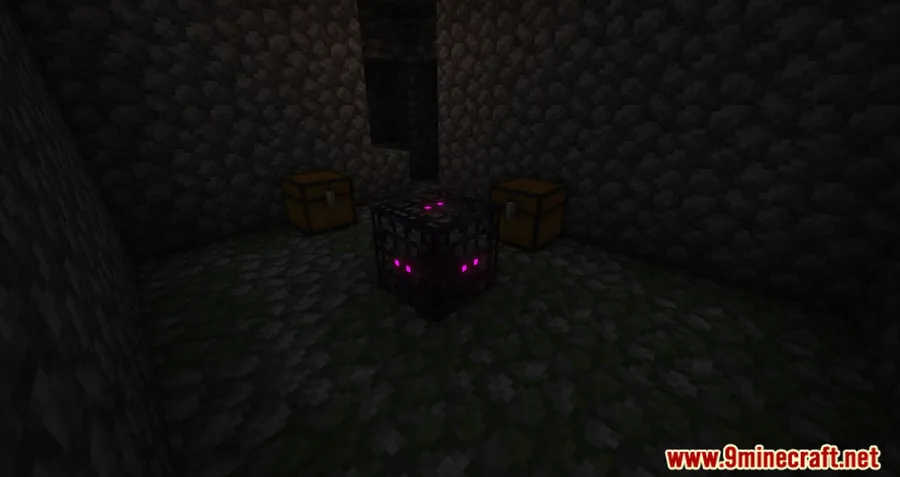
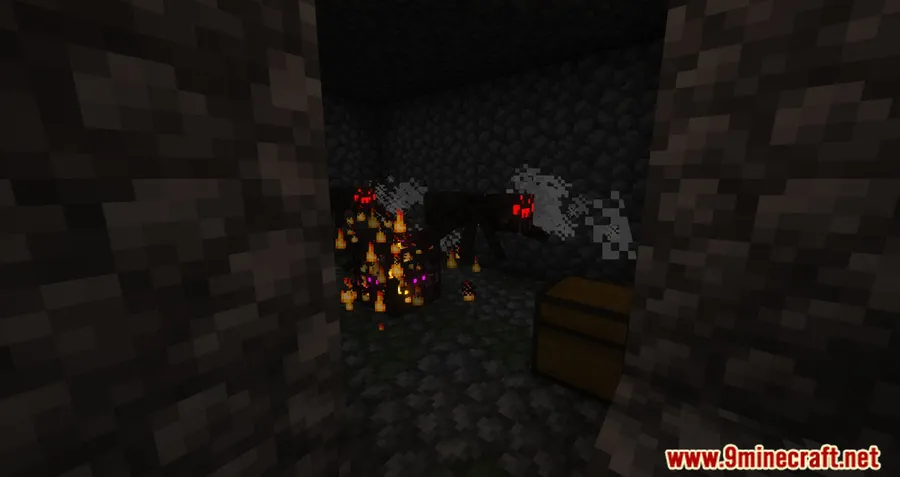
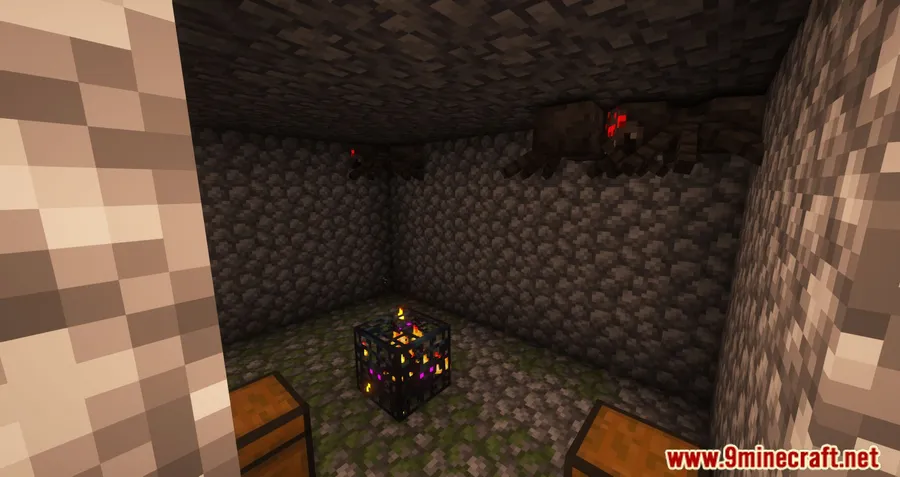
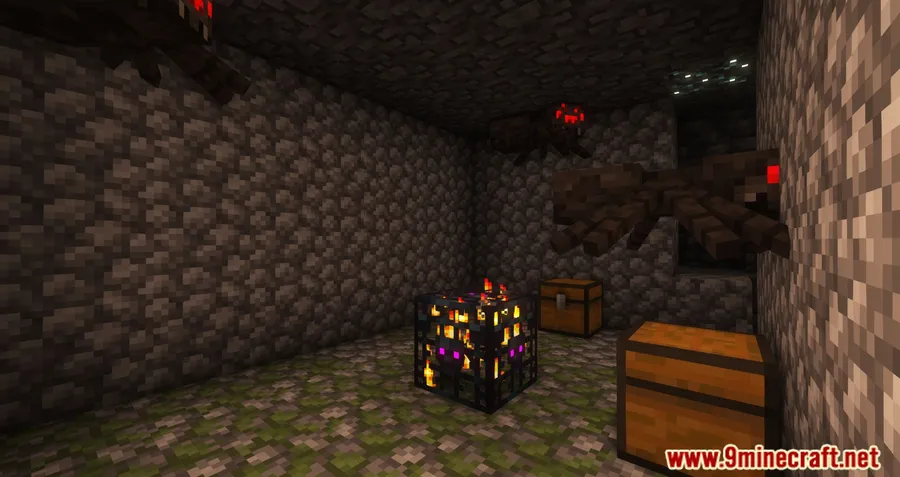
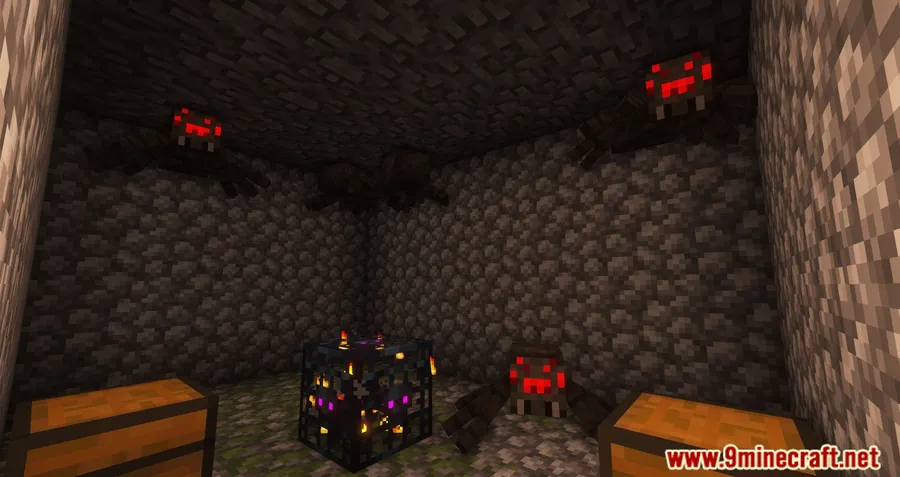
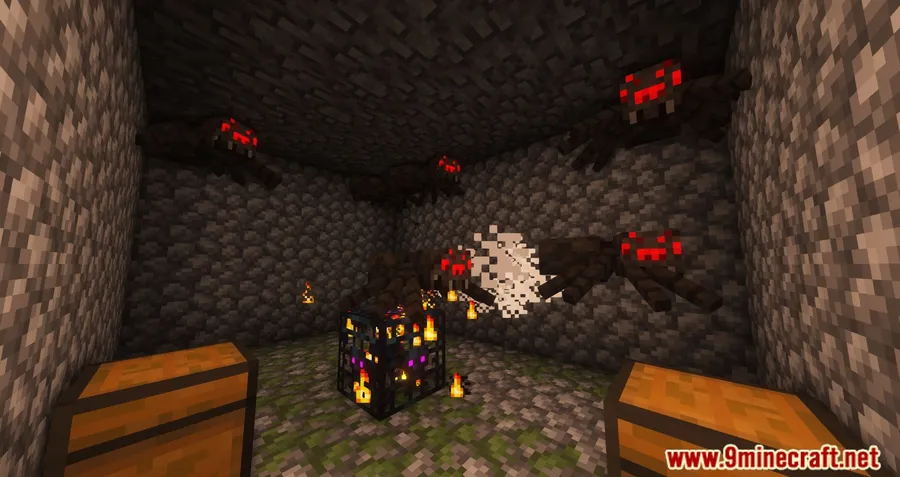
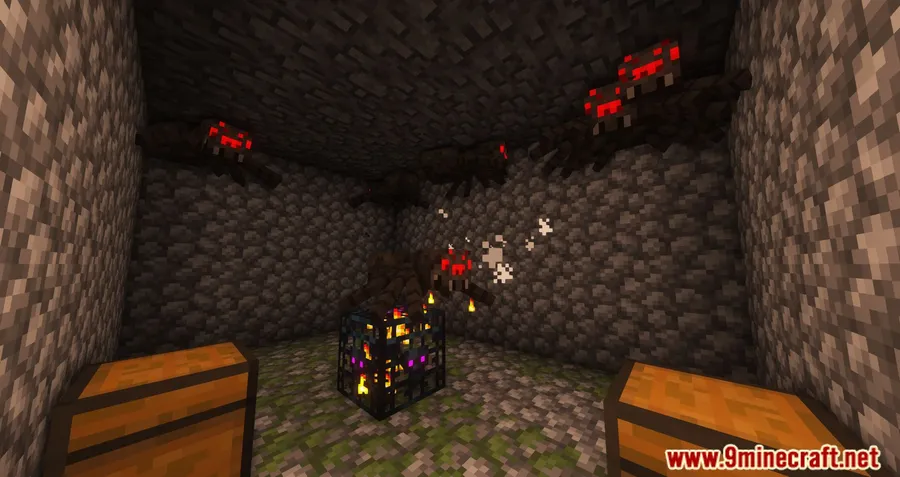
Screenshots


How to Install Ageing Spawners
- Make sure you have the correct mod loader installed. For Minecraft 1.20.4 and older, install Minecraft Forge. For 1.20.5 and newer, install NeoForge.
- Download the Ageing Spawners file that matches your Minecraft version from the official download sources below.
- Place the downloaded
.jarfile into your.minecraft/modsfolder. If the folder does not exist, launch Minecraft once with your mod loader to generate it. - Start Minecraft and load into a world. The mod will generate its config file automatically — on 1.16.5+ you will find it in the
configfolder, on older versions check the world'sserverconfigfolder. - Open the config file and set your preferred mode (whitelist or blacklist), add your mob entries, and adjust the global
maxSpawnCountto your liking.
Requirements & Compatibility
| Requirement | Details |
|---|---|
| Mod Loader | Minecraft Forge (1.12.2–1.20.4) / NeoForge (1.20.5–1.21.11) |
| Minecraft Versions | 1.12.2, 1.14.4, 1.15.2, 1.16.5, 1.17.1, 1.18.2, 1.19–1.19.4, 1.20–1.20.6, 1.21–1.21.11 |
| Side | Server-side (config-driven) |
| License | MIT (open source) |
| Performance | Appears to be lightweight — only activates logic when a spawner fires |
What's New
- Updated to Minecraft 1.21.11 with full NeoForge support.
- Continued maintenance across the 1.21.x release cycle, including builds for 1.21.4, 1.21.5, and 1.21.8.
- The mod remains under active development by Mrbysco with consistent updates as new Minecraft versions drop.
Pros and Cons
Pros
- Highly configurable with both whitelist and blacklist modes
- Per-mob spawn limits give fine-grained control
- Supports a huge range of Minecraft versions (1.12.2–1.21.11)
- Open source under MIT license
- Actively maintained with quick updates for new Minecraft releases
- Server-side configuration — no client-side setup needed for players
Cons
- No Fabric or Quilt support — Forge and NeoForge only
- No in-game GUI for configuration — requires manual config file editing
- No visual indicator on spawners showing remaining spawns
- Players on your server may not realize spawners are limited unless informed
Alternatives to Ageing Spawners
- Spawner Config — A broader spawner customization mod that lets you tweak spawn rates, ranges, and conditions beyond just limiting total spawns.
- Mob Grinding Utils — Instead of limiting spawners, this mod gives players dedicated tools and blocks for building mob farms, offering a different approach to balancing the spawner economy.
- Easy Spawner — Focuses on making spawners more accessible and configurable, letting players pick which mobs spawn while giving admins control over spawner behavior.
Download Ageing Spawners
| Minecraft Version | Forge | NeoForge |
|---|---|---|
| For Minecraft 1.21.11 | — | Download |
| For Minecraft 1.21.8 | — | Download |
| For Minecraft 1.21.5 | — | Download |
| For Minecraft 1.21.4 | — | Download |
| For Minecraft 1.21.1 | — | Download |
| For Minecraft 1.21 | — | Download |
| For Minecraft 1.20.6 | — | Download |
| For Minecraft 1.20.5 | — | Download |
| For Minecraft 1.20.4 | — | Download |
| For Minecraft 1.20.2 | — | Download |
| For Minecraft 1.20.1 | Download | — |
| For Minecraft 1.20 | Download | — |
Always download mods from official sources to stay safe.
Frequently Asked Questions
Does Ageing Spawners work on servers?
Yes — Ageing Spawners is designed primarily for server use. The configuration is handled server-side, so players connecting to your server do not need to install the mod on their client. Simply drop the mod into your server's mods folder, configure the whitelist or blacklist, and it applies to all players automatically.
Can I set different spawn limits for different mobs?
Yes, you can set individual limits per mob type. In whitelist mode, use the syntax minecraft:zombie;100 to allow zombie spawners to produce exactly 100 zombies before breaking. Any whitelisted mob without a specific number will fall back to the global maxSpawnCount value defined in the config.
Does the spawner drop anything when it breaks?
No — based on the mod's default behavior, the spawner simply disappears after reaching its spawn limit. The block is removed from the world without dropping an item. This is intentional to prevent players from collecting and relocating spent spawners.
Is Ageing Spawners available for Fabric?
No, Ageing Spawners currently supports only Forge and NeoForge. There is no official Fabric or Quilt port available. If you play on Fabric, you would need to look for alternative spawner management mods that support that loader.
Where is the config file located?
On Minecraft 1.16.5 and newer, the config file is in the standard config folder in your game or server directory. On older versions (1.15.2 and below), the config is stored inside the world's serverconfig folder. The file is generated automatically the first time you load a world with the mod installed.


![[Let's Do] Meadow Mod (1.21.1) - thumbnail](http://mcinside.com/wp-content/uploads/2026/04/thumbnail-64-52x52.webp)


![Not Enough Recipe Book [NERB] Mod (1.21.11) - thumbnail](http://mcinside.com/wp-content/uploads/2026/04/thumbnail-63-52x52.webp)

