

Ambient Environment is a visual enhancement mod that adds subtle color variation to biome elements like grass, water, and leaves in Minecraft, available for Fabric, Forge, and NeoForge mod loaders.
Vanilla Minecraft has a well-known visual quirk: biome colors are applied in flat, uniform blocks. Walk through a plains biome and every single grass block shares the exact same shade of green. Cross into a forest and the color shifts — but again, every block within that forest is identical. The result is a world that can feel oddly artificial despite its blocky charm. Ambient Environment, created by jaredlll08, tackles this problem by introducing per-block color noise to grass, water, foliage, and leaves. With over 6.4 million downloads since its initial release, it has become one of the most popular ambient visual mods in the Minecraft community — and for good reason. The effect is subtle enough that you might not immediately notice it, but once you toggle the mod off, the flat uniformity of vanilla colors becomes impossible to unsee.
Key Features of Ambient Environment
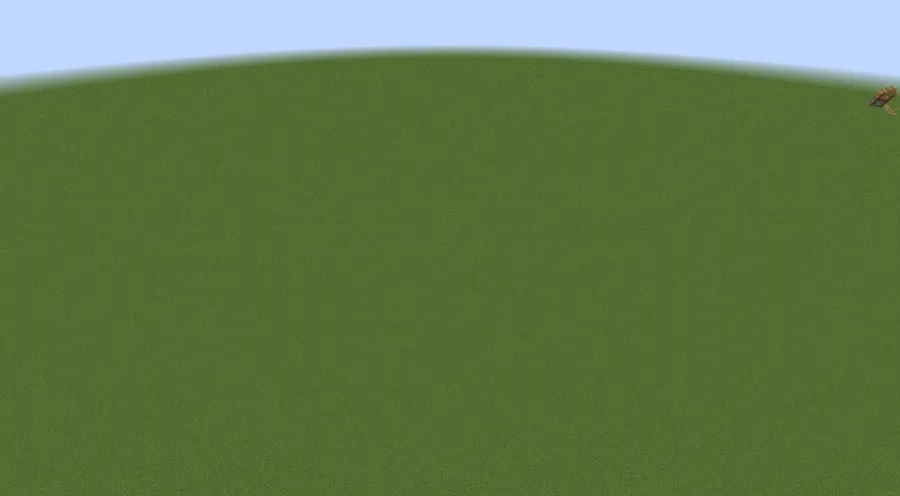
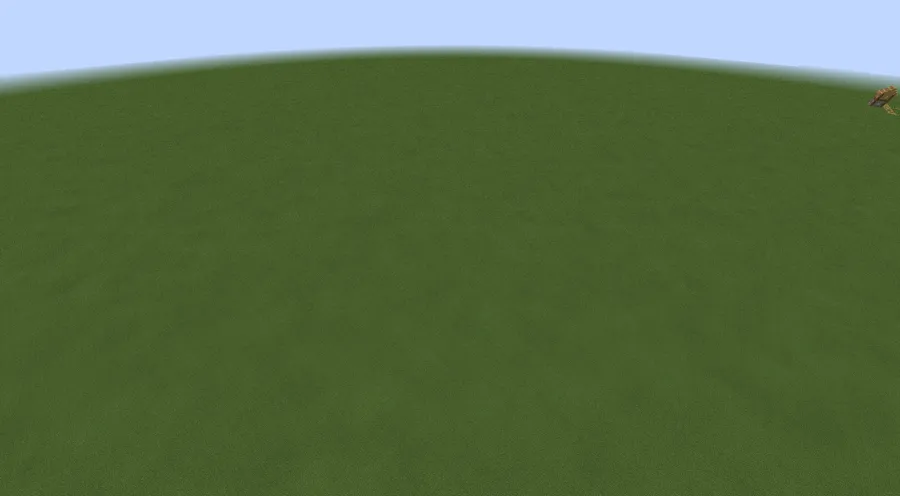
- Biome Color Noise for Grass — Instead of every grass block in a biome sharing a single flat color, Ambient Environment applies slight per-block variations. This means fields and meadows actually look like natural landscapes with organic color transitions, making plains and flower forests feel significantly more immersive.
- Water Color Variation — Rivers, lakes, and ocean surfaces gain subtle tonal shifts across their surface area. This breaks up the monotonous single-shade look of vanilla water and gives bodies of water a more realistic, dynamic appearance that responds visually to their surroundings.
- Leaf and Foliage Diversity — Tree canopies benefit from slight color differences between individual leaf blocks. Rather than a uniform blob of green, forests display a natural-looking mix of lighter and darker tones, making dense woodland areas feel genuinely lush and varied.
- Bedrock Edition Parity — This feature is directly inspired by a visual system already present in Minecraft Bedrock Edition. If you have ever noticed that Bedrock worlds look slightly more organic than Java Edition, this mod bridges that gap and brings the same ambient color logic to the Java platform.
- Lightweight and Client-Side — Ambient Environment appears to be lightweight since it only modifies how biome colors render on the client side. It does not add new blocks, entities, or world generation logic, which means it should integrate cleanly into most modpacks without conflicts or noticeable performance overhead.
- Multi-Loader Support — The mod is maintained for Fabric, Forge, and NeoForge simultaneously. Whether you run a lightweight Fabric setup or a heavy NeoForge modpack, you can add Ambient Environment without switching your mod loader or worrying about compatibility.
- Open Source Under MIT License — The full source code is publicly available on GitHub, allowing the community to audit, contribute, and fork the project. This transparency adds a layer of trust and longevity that closed-source mods cannot offer.
Screenshots
How to Install Ambient Environment
- Install your preferred mod loader: Fabric, Minecraft Forge, or NeoForge. Make sure the loader version matches your Minecraft version.
- If using Fabric, also install Fabric API, which is required as a dependency for most Fabric mods including Ambient Environment.
- Download the correct Ambient Environment .jar file for your Minecraft version and mod loader from the official download links below.
- Place the downloaded .jar file into your
.minecraft/modsfolder. If the folder does not exist, launch the game once with your mod loader to generate it automatically. - Launch Minecraft using your mod loader profile. The mod activates immediately — no configuration or in-game setup is needed.
Requirements & Compatibility
| Requirement | Details |
|---|---|
| Mod Loaders | Fabric, Forge, NeoForge |
| Minecraft Versions | 1.18.1 – 26.1 |
| Latest Update | March 27, 2026 (v26.1 port) |
| License | MIT (open source) |
| Dependencies | Fabric API (Fabric only) |
| Side | Client-side |
What's New
- Ported to Minecraft 26.1 with full Fabric and NeoForge support.
- Updated Gradle build system and Fabric Loom for modern toolchain compatibility.
- Updated NeoForge integration to align with latest NeoForge API changes.
- Updated Fabric Loader and Fabric API dependencies to current versions.
- Fixed internal utility import locations contributed by community developer VesMaybeVesper.
Pros and Cons
Pros
- Makes the world feel noticeably more natural and alive with zero effort
- Extremely subtle effect that never looks out of place or overdone
- Supports all three major mod loaders (Fabric, Forge, NeoForge)
- Broad version coverage from 1.18 through 26.1
- Open source with active maintenance and community contributions
- Appears to be lightweight with no gameplay-altering mechanics
Cons
- Effect is so subtle that some players may not notice a difference
- No in-game configuration options to adjust color noise intensity
- Purely visual — does not add sounds, particles, or other ambient elements
- May overlap with shader packs that apply their own biome color modifications
Alternatives to Ambient Environment
- Ambient Sounds — Adds immersive environmental audio based on your surroundings and biome, complementing the visual changes of Ambient Environment with a matching soundscape.
- Better Foliage — Enhances the visual appearance of leaves, grass, and other vegetation with additional geometry and animation for a more detailed natural look.
- Colormatic — Allows full customization of biome colors through resource packs, giving players direct control over how grass, water, and foliage appear across different biomes.
Download Ambient Environment
| Minecraft Version | Fabric | NeoForge |
|---|---|---|
| For Minecraft 26.1 | Download | Download |
| For Minecraft 1.21.11 | Download | Download |
| For Minecraft 1.21.10 | Download | Download |
| For Minecraft 1.21.9 | Download | Download |
| For Minecraft 1.21.8 | Download | Download |
| For Minecraft 1.21.7 | Download | Download |
| For Minecraft 1.21.6 | Download | Download |
| For Minecraft 1.21.5 | Download | Download |
| For Minecraft 1.21.4 | Download | Download |
| For Minecraft 1.21.3 | Download | Download |
| For Minecraft 1.21.2 | Download | Download |
| For Minecraft 1.21.1 | Download | Download |
Always download mods from official sources to stay safe.
Frequently Asked Questions
Does Ambient Environment affect game performance?
No noticeable impact has been widely reported. The mod only applies color noise calculations to biome rendering, which appears to be lightweight. Since it does not add new blocks, entities, or world generation, most players should be able to run it alongside other mods without issues.
Is Ambient Environment compatible with shader packs like Iris or OptiFine?
Generally yes — the mod works at the biome color level, which is separate from shader post-processing. However, some shader packs apply their own biome color overrides that may partially mask or conflict with the color noise effect. Testing with your specific shader setup is recommended.
Do I need Ambient Environment on both client and server?
No — Ambient Environment is a client-side mod only. It modifies how colors are rendered on your screen and does not need to be installed on the server. Other players on the same server do not need the mod for yours to work.
Can I adjust the intensity of the color variation?
No, the mod does not currently include in-game configuration options for adjusting noise intensity. The color variation is designed to be subtle and natural by default. Since the project is open source under the MIT license, advanced users could modify the source code to change the noise parameters.
Does this mod work with Minecraft Bedrock Edition?
No — Ambient Environment is a Java Edition mod only. Bedrock Edition already has a similar built-in color noise system natively, which is actually the feature that inspired this mod. If you play Bedrock, you already have this effect without needing any mods.


![[Let's Do] Candlelight - Farm&Charm compat Mod (1.21.1) - thumbnail](http://mcinside.com/wp-content/uploads/2026/04/thumbnail-81-52x52.webp)


![[Let's Do] Meadow Mod (1.21.1) - thumbnail](http://mcinside.com/wp-content/uploads/2026/04/thumbnail-64-52x52.webp)


![Not Enough Recipe Book [NERB] Mod (1.21.11) - thumbnail](http://mcinside.com/wp-content/uploads/2026/04/thumbnail-63-52x52.webp)