
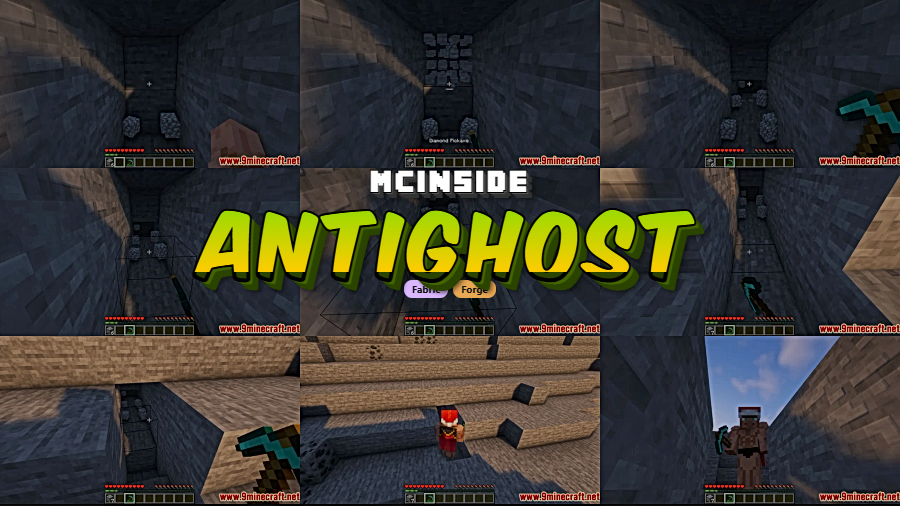
Ghost blocks are one of Minecraft's most persistent annoyances — you break a block, but it snaps back into existence, or worse, you fall through a floor that isn't really there. AntiGhost Mod by Giselbaer solves this with a simple approach: it requests the server to resend the blocks around you, instantly clearing any desynced or invisible blocks from your client. With over 3.7 million downloads and active development since 2020, it's become a staple utility mod for both casual players and server regulars who are tired of reconnecting just to fix a phantom block.
Key Features
- Automatic ghost block removal — Requests the server to resend all blocks surrounding your player, fixing invisible or desynced blocks without needing to relog or break anything manually.
- Smart block refresh — Identifies ghost blocks in your vicinity and refreshes them on the fly, so you can keep building or mining without interruption.
- Dual mod loader support — Available for both Forge and Fabric, covering the two most popular modding ecosystems across a wide range of Minecraft versions.
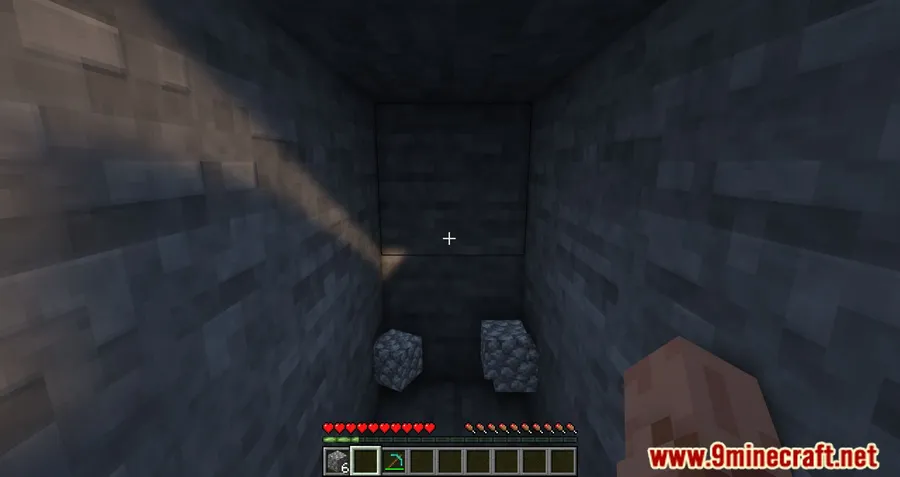
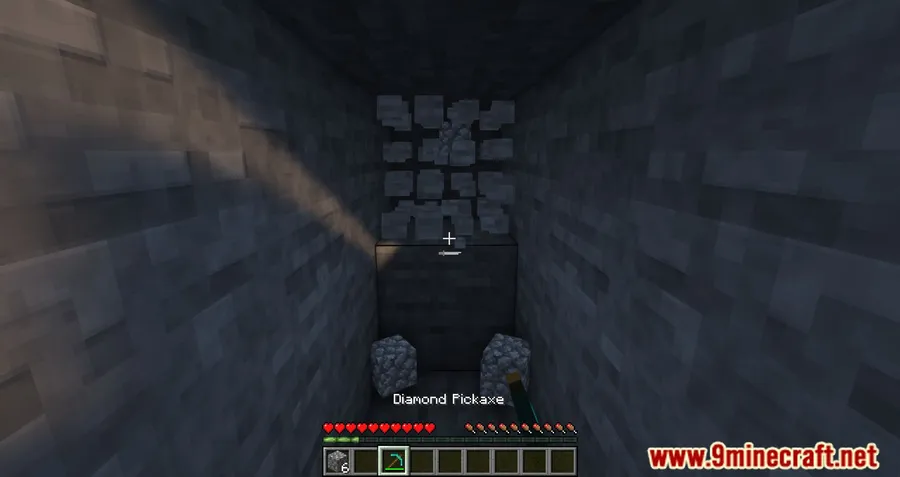
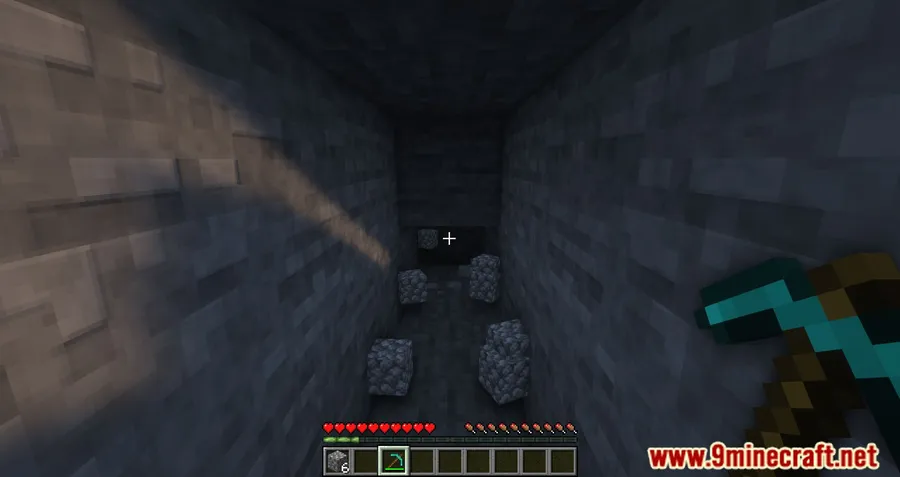
Screenshots
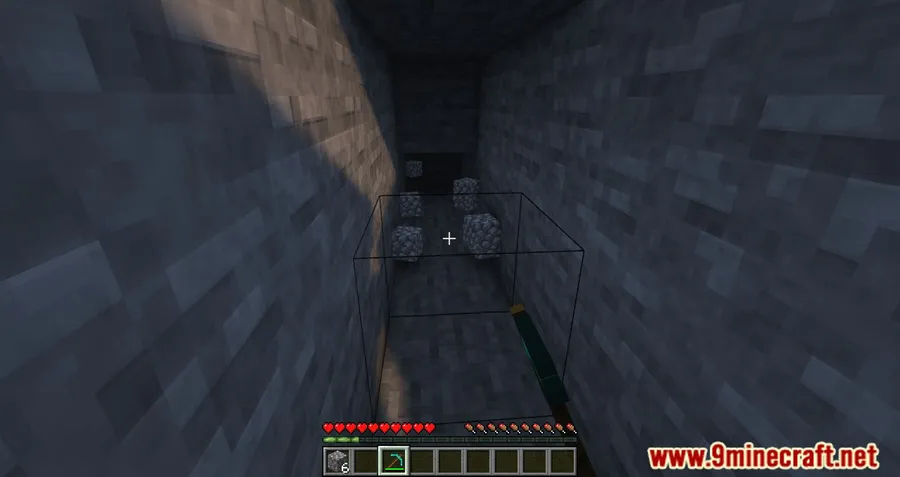
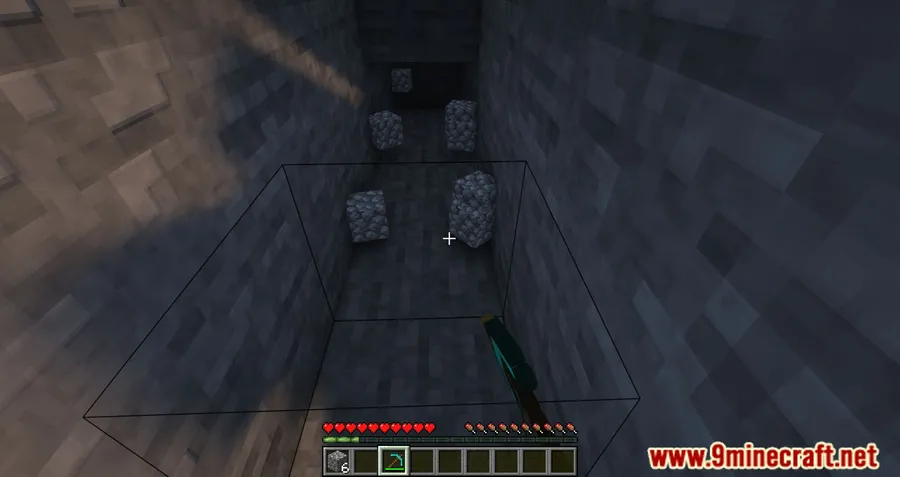
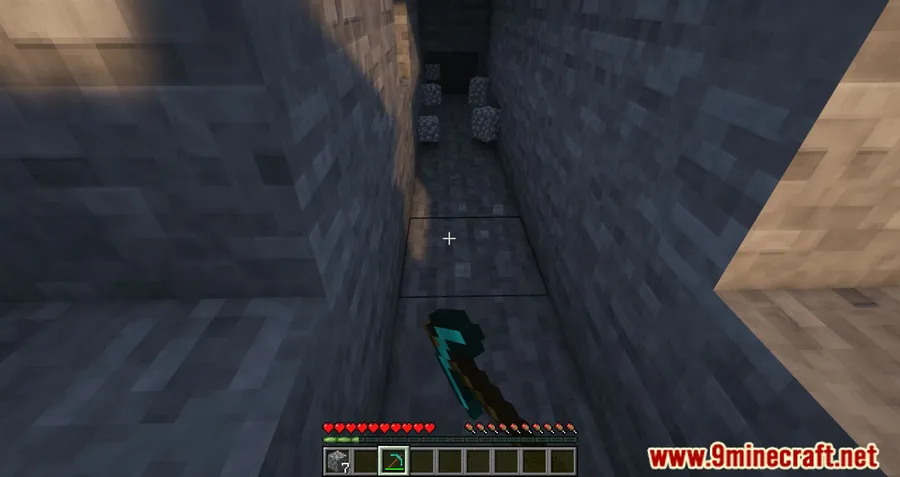
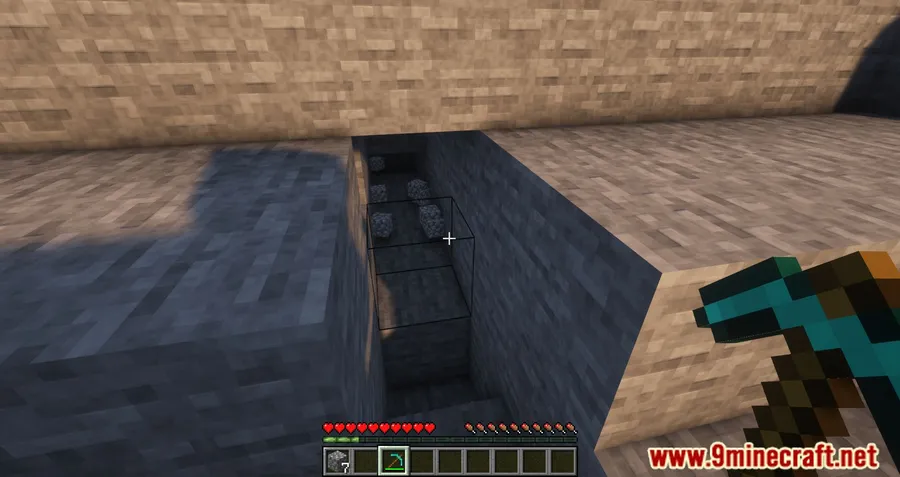
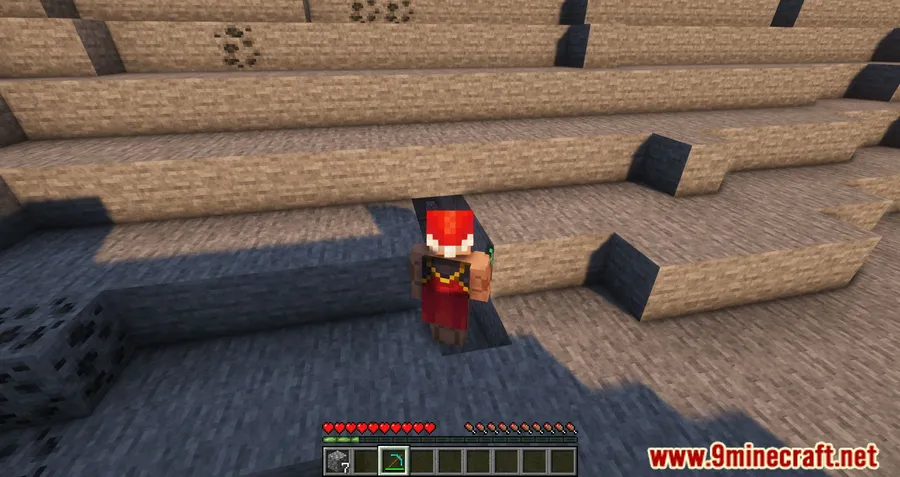
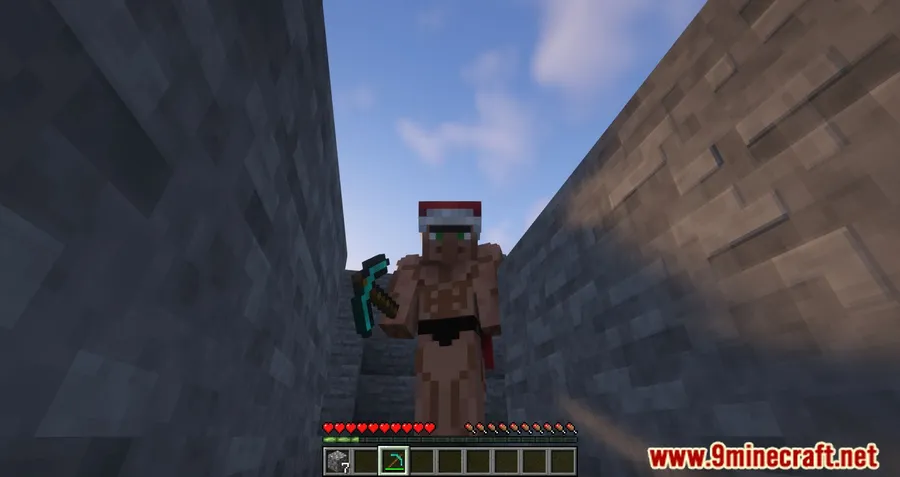
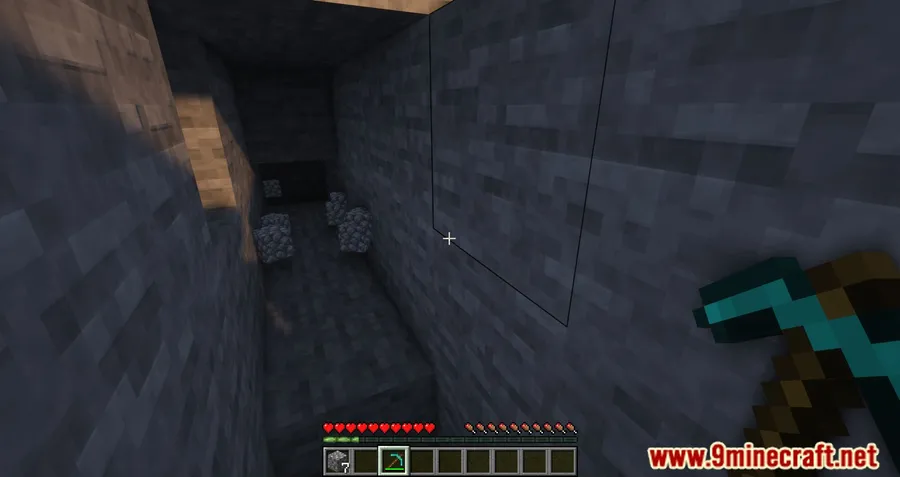
How to Install
- Download and install Minecraft Forge or Fabric Loader (plus Fabric API if using Fabric) for your Minecraft version.
- Download the AntiGhost Mod file matching your loader and game version from the link below.
- Place the downloaded
.jarfile into your.minecraft/modsfolder. - Launch Minecraft using the correct Forge or Fabric profile and the mod will be active automatically.
Requirements
| Mod Loader | Dependencies | Minecraft Versions |
|---|---|---|
| Forge, Fabric | Minecraft Forge or Fabric API | 1.20.4, 1.20.1, 1.20, 1.19.4, 1.19.3, 1.19.2, 1.19.1, 1.19, 1.18.2, 1.18.1, 1.17.1, 1.16.5 |
Pros & Cons
Pros
- Fixes ghost blocks instantly without needing to disconnect and rejoin
- Works on both Forge and Fabric with broad version support from 1.16.5 to 1.20.4
- Open-source under the MIT license — transparent and community-auditable
- Appears to be lightweight since it only sends block refresh requests when triggered
Cons
- Only addresses client-server block desync — does not fix other types of lag or glitches
- Relies on server response, so effectiveness may vary on heavily loaded servers
- No versions available yet for Minecraft 1.20.2 or 1.20.3
Download
Always download mods from official sources to stay safe.
What's New
- The mod has been updated to support Minecraft 1.20.4, the latest supported version.
- Continued compatibility with both Forge and Fabric mod loaders.
- No specific changelog was provided by the developer for the most recent update.
FAQ
What are ghost blocks in Minecraft and why do they appear?
Ghost blocks occur when your client and the server disagree about which blocks exist at a location. This commonly happens during fast mining, lag spikes, or network hiccups — you see a block that the server already removed, or vice versa. AntiGhost Mod fixes this by requesting the server to resend the correct block data around you.
Does AntiGhost Mod work on multiplayer servers?
Yes, it is a client-side mod that communicates with the server to refresh block data. It works on multiplayer servers without requiring the server to have the mod installed, since it uses standard block request packets.
Can I use AntiGhost Mod alongside other utility mods?
AntiGhost is designed as a lightweight, single-purpose utility and is generally compatible with other mods. Since it only handles block refresh requests, it should not conflict with most other Forge or Fabric mods in your setup.


![[Let's Do] Meadow Mod (1.21.1) - thumbnail](http://mcinside.com/wp-content/uploads/2026/04/thumbnail-64-52x52.webp)


![Not Enough Recipe Book [NERB] Mod (1.21.11) - thumbnail](http://mcinside.com/wp-content/uploads/2026/04/thumbnail-63-52x52.webp)


