

Building mega-bases in Minecraft becomes a whole different experience when your construction tool can tap directly into a massive ME storage network. Applied Construction Sticks Mod bridges two beloved mods — Construction Sticks and Applied Energistics 2 — so every block placement pulls seamlessly from your AE2 system instead of cluttering your personal inventory. Link up through a ME Wireless Access Point, and you're free to focus on design rather than restocking hotbars.
Key Features
- AE2 Network Integration — Connects your Construction Stick directly to any Applied Energistics 2 network, letting the stick source blocks from ME storage on demand.
- Wireless Access Point Setup — Configuration is straightforward: link through a ME Wireless Access Point and you're ready to build without touching your inventory.
- Visual AE2 Mode Indicator — A blue line on the stick clearly signals when it's operating in AE2 mode, so you always know where your blocks are coming from.
- Large-Scale Building Support — Eliminates the constant back-and-forth of manual inventory management, making massive builds far more practical.
Screenshots


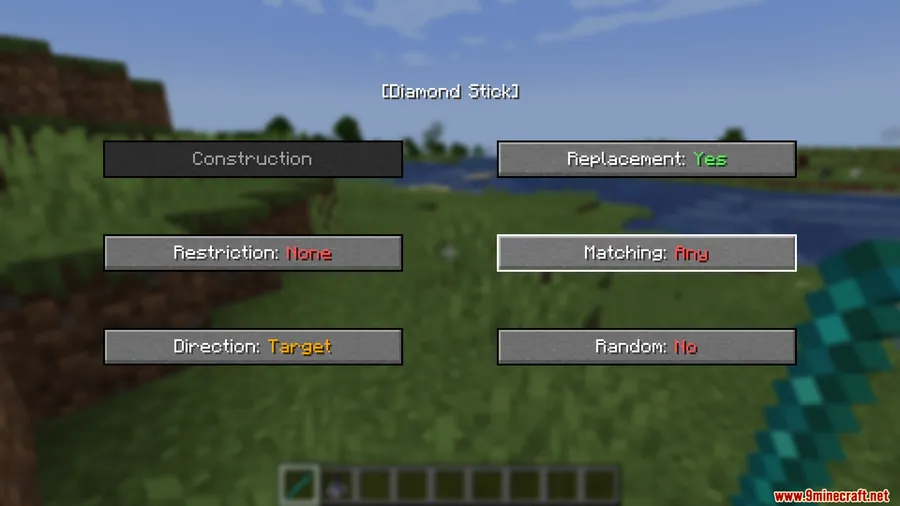
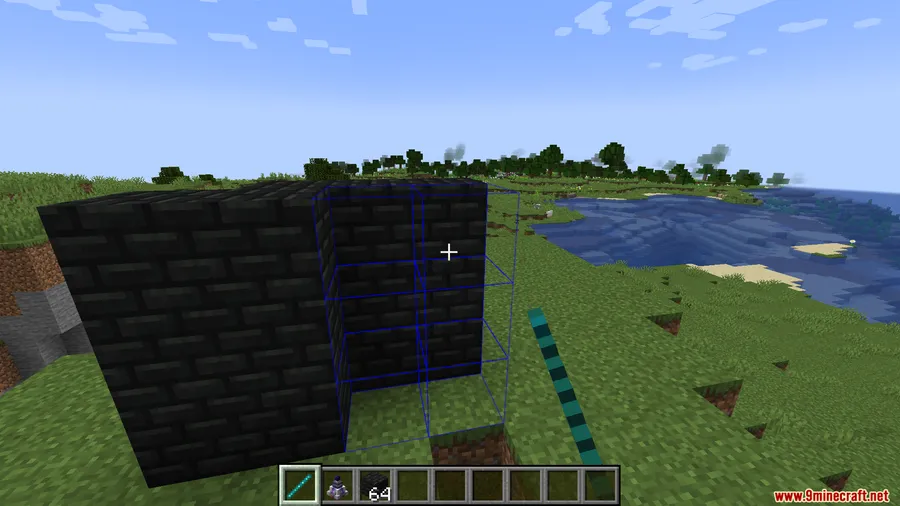
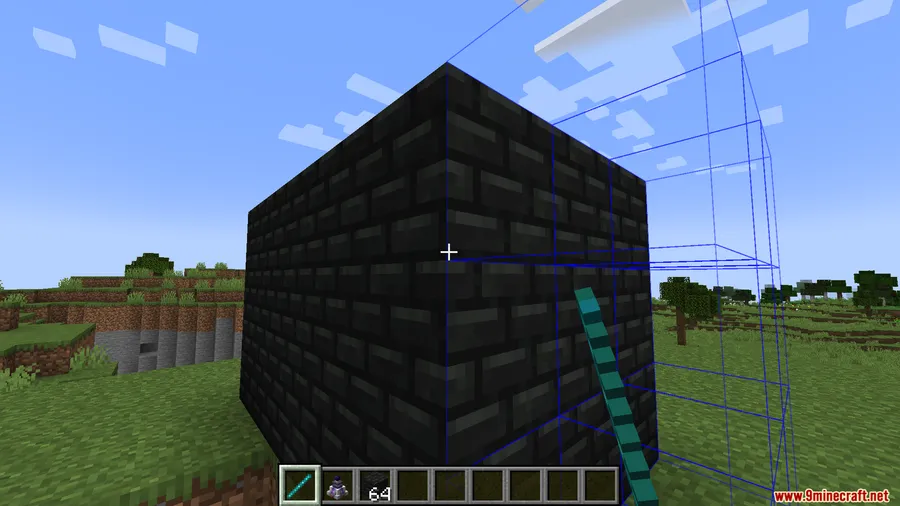
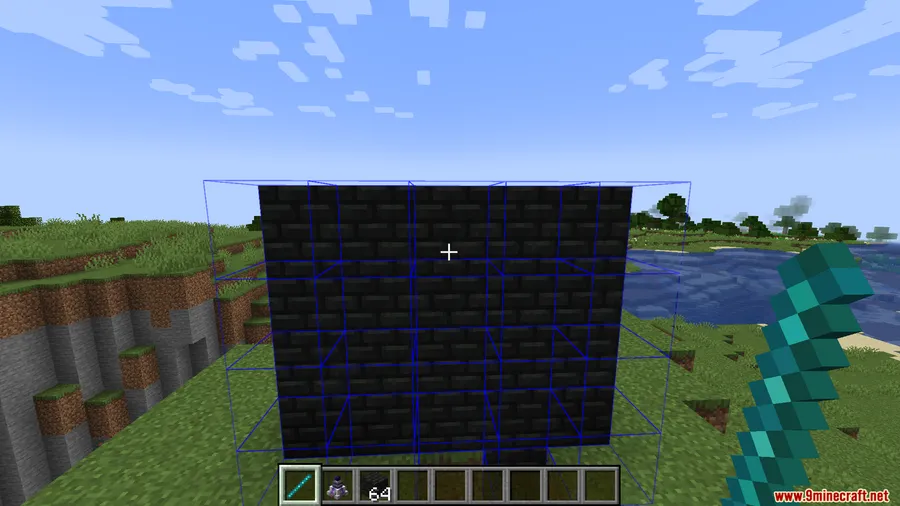
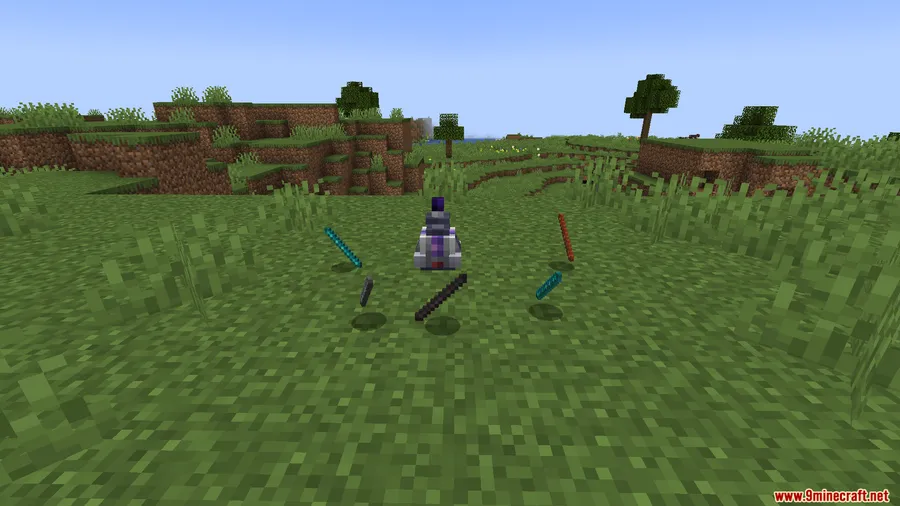
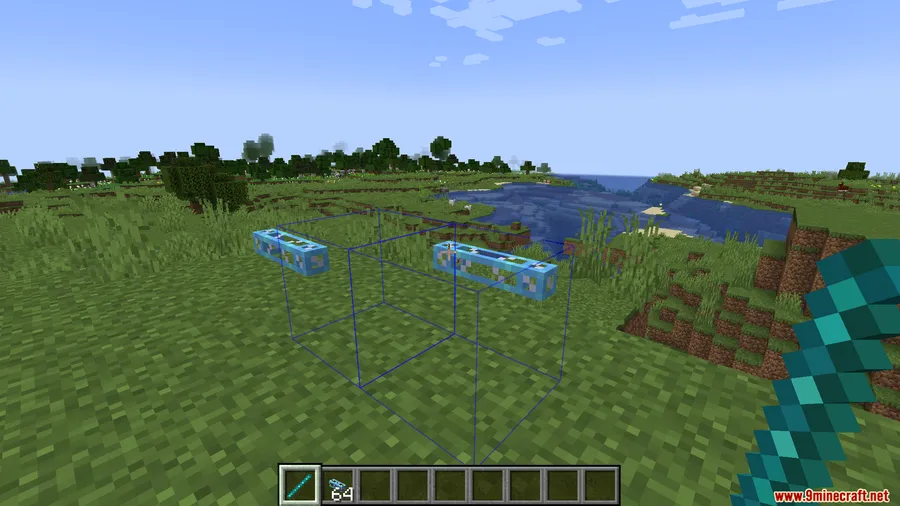
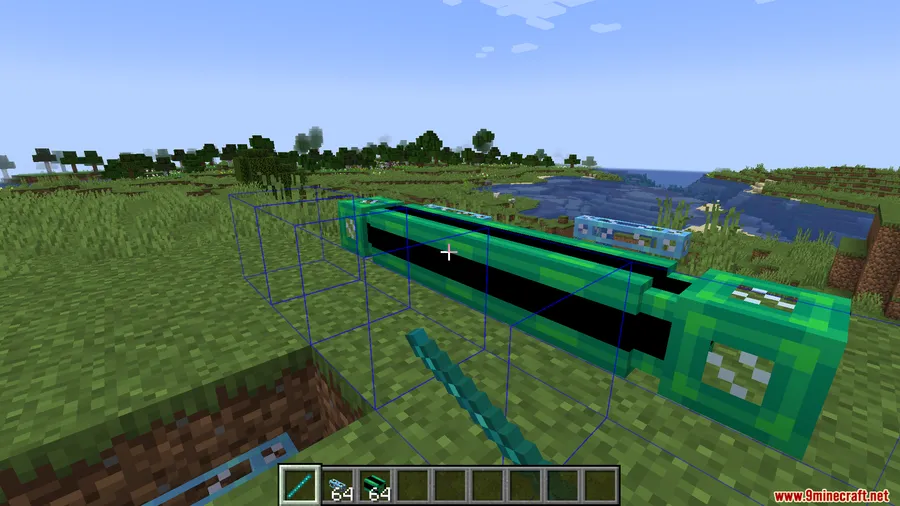
How to Install
- Download and run the NeoForge Installer for Minecraft 1.21.1 or 1.21, then launch the game once to generate the mod profile.
- Install both Construction Sticks and Applied Energistics 2 into your
.minecraft/modsfolder — these are required dependencies. - Download the Applied Construction Sticks Mod file and place it in the same
.minecraft/modsfolder. - Launch Minecraft using the NeoForge profile, enter a world, and link your Construction Stick through a ME Wireless Access Point to start building from your network.
Requirements
| Component | Details |
|---|---|
| Mod Loader | NeoForge |
| Dependencies | Construction Sticks Mod, Applied Energistics 2 Mod |
| Minecraft Version | 1.21.1, 1.21 |
Pros & Cons
Pros
- Removes the tedious inventory management loop during large builds
- Simple one-time wireless setup — no complicated configuration
- Clear visual indicator prevents confusion about block source
- Complements existing AE2 infrastructure that many players already run
Cons
- Requires both Construction Sticks and AE2 installed — not a standalone mod
- Only available for NeoForge, limiting access for Fabric or Forge users
- Depends on a functioning AE2 network with a Wireless Access Point, which is a mid-to-late game setup
Download
Always download mods from official sources to stay safe.
FAQ
Does Applied Construction Sticks work without Applied Energistics 2?
No. This mod is specifically an addon that bridges Construction Sticks with AE2. You need both Construction Sticks and Applied Energistics 2 installed as dependencies for it to function.
How do I connect my Construction Stick to the AE2 network?
You link the stick through a ME Wireless Access Point. Once connected, a blue line indicator appears on the stick confirming it is pulling blocks from your ME storage.
Is Applied Construction Sticks available for Fabric or Forge?
Currently the mod only supports NeoForge for Minecraft 1.21.1 and 1.21. There is no Fabric or legacy Forge version listed at this time.


![[Let's Do] Candlelight - Farm&Charm compat Mod (1.21.1) - thumbnail](http://mcinside.com/wp-content/uploads/2026/04/thumbnail-81-52x52.webp)


![[Let's Do] Meadow Mod (1.21.1) - thumbnail](http://mcinside.com/wp-content/uploads/2026/04/thumbnail-64-52x52.webp)


![Not Enough Recipe Book [NERB] Mod (1.21.11) - thumbnail](http://mcinside.com/wp-content/uploads/2026/04/thumbnail-63-52x52.webp)