

Ares HUD Mod brings a sleek, modern overlay to Minecraft that replaces the default interface with something far more readable and flexible. What sets it apart is native integration with popular combat and survival mods — EpicFight stamina, Iron's Spells mana, and AppleSkin hunger data all display seamlessly. Every element on screen can be repositioned and resized independently, giving players and modpack creators full control over how their HUD looks and feels.
Key Features
- Modern, clean HUD design — All health, hunger, and status information is presented in a visually polished layout that stays easy to read during intense gameplay.
- Full mod compatibility — Natively supports EpicFight's stamina bar, Iron's Spells & Spellbooks' mana bar, and AppleSkin's detailed hunger display without extra configuration.
- Drag-and-drop element positioning — Every UI element can be moved anywhere on your screen and scaled to different sizes, so your layout fits your playstyle perfectly.
- Multiple visual styles — Choose from several HUD themes to match your texture pack or personal aesthetic preferences.
- Selective element toggling — Turn off individual Ares elements to fall back to the vanilla Minecraft HUD for specific parts you prefer unchanged.
- Modpack-ready — Works out of the box with no required setup, making it a great choice for modpack makers who want a consistent visual experience across their pack.
Screenshots


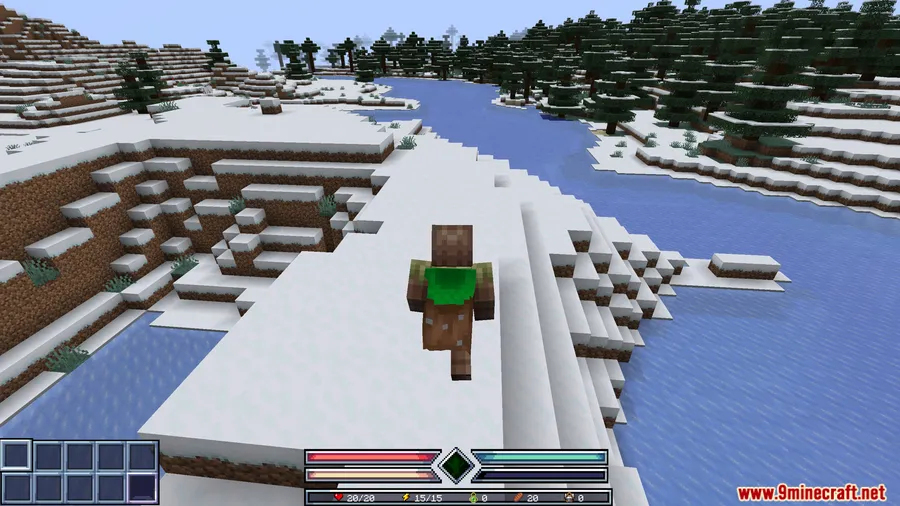
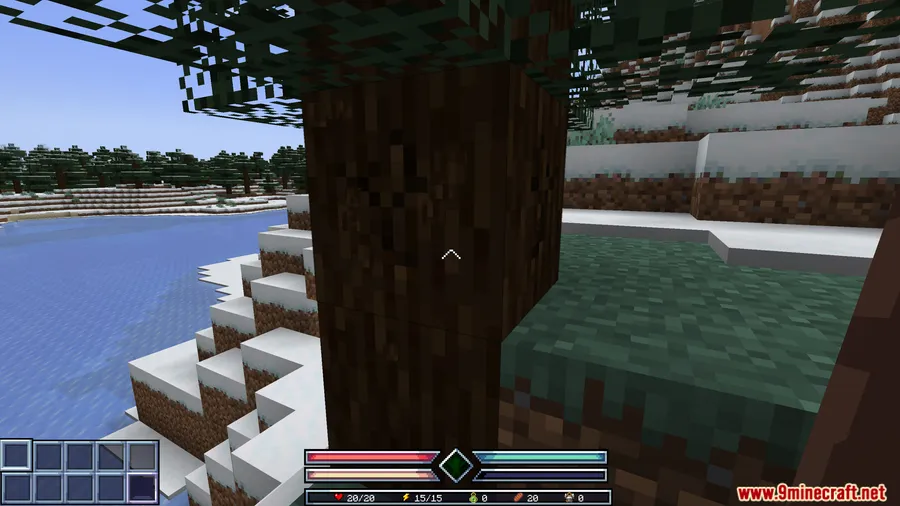
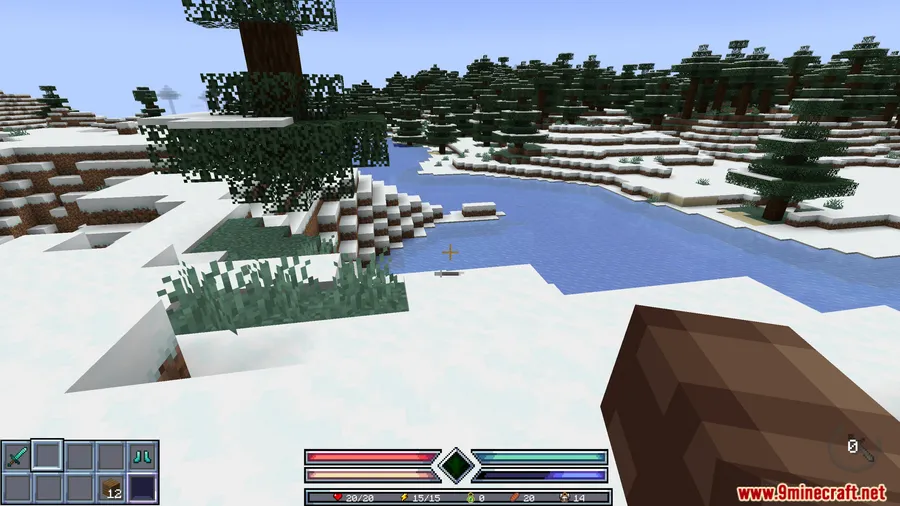
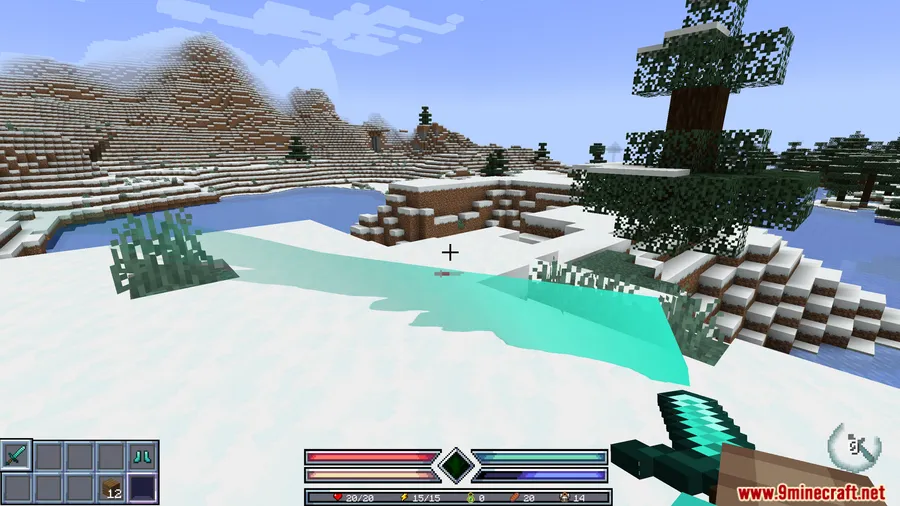
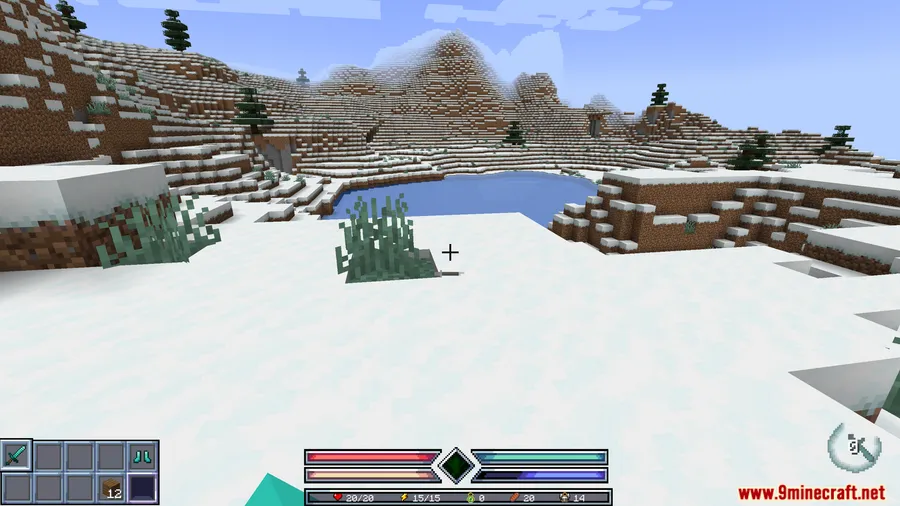
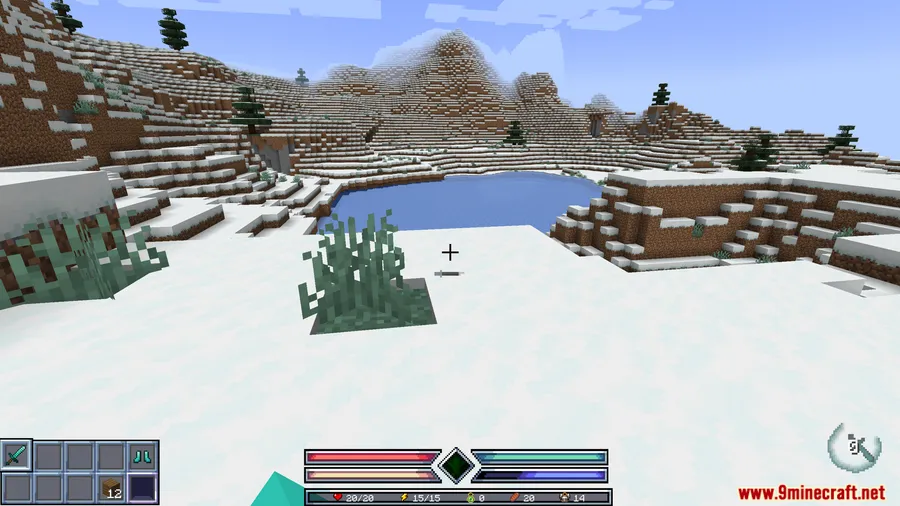
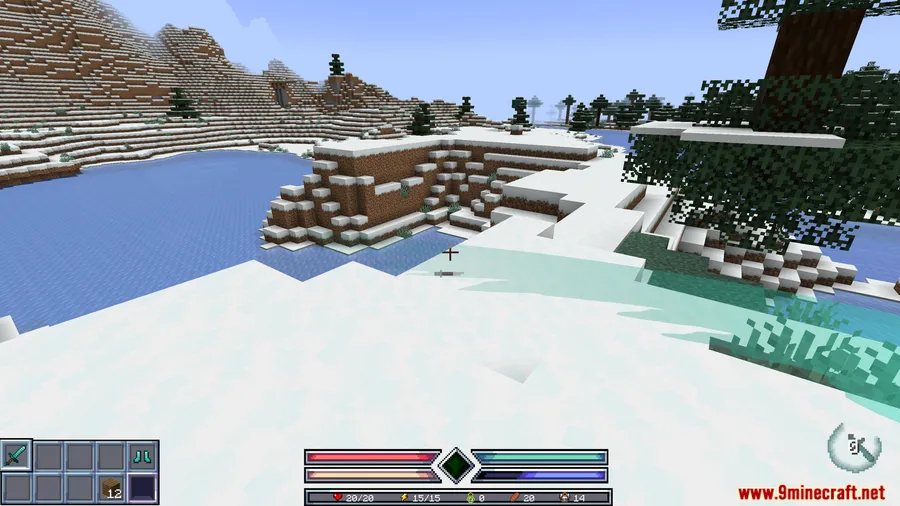
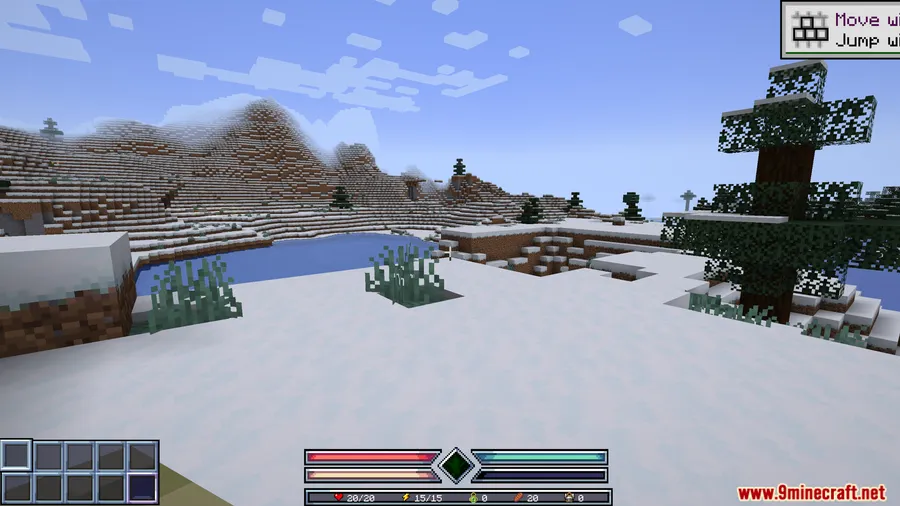
How to Install
- Download and install Minecraft Forge for your Minecraft version (1.20.1 or 1.20).
- Download and install Epic Fight Mod, which is a required dependency.
- Download the Ares HUD Mod file from the link below.
- Place the downloaded
.jarfile into your.minecraft/modsfolder. - Launch Minecraft with the Forge profile and verify the HUD loads in-game.
Requirements
| Requirement | Details |
|---|---|
| Mod Loader | Forge |
| Dependencies | Minecraft Forge, Epic Fight Mod |
| Minecraft Versions | 1.20.1, 1.20 |
Pros & Cons
Pros
- Highly customizable — every element can be moved, scaled, and styled independently
- Native support for EpicFight, Iron's Spells, and AppleSkin saves you from needing separate HUD patches
- Zero configuration needed to get started; works immediately after install
- Option to selectively restore vanilla HUD elements gives you the best of both worlds
Cons
- Forge-only — no Fabric or NeoForge version available
- Requires Epic Fight Mod as a dependency, even if you only want the HUD visuals
- Limited to Minecraft 1.20–1.20.1; no support for newer versions yet
Download
Always download mods from official sources to stay safe.
FAQ
Can I use Ares HUD Mod without Epic Fight Mod?
No. Epic Fight Mod is listed as a required dependency, so you need it installed for Ares HUD to function properly.
Does Ares HUD Mod work with other mods besides the ones listed?
Yes, the mod is described as compatible with many popular gameplay mods. EpicFight, Iron's Spells & Spellbooks, and AppleSkin have dedicated support, but general HUD elements should work alongside most Forge mods.
Can I keep some parts of the vanilla Minecraft HUD?
Absolutely. You can toggle off individual Ares HUD elements so the vanilla Minecraft display shows through for those specific parts, letting you mix and match as you prefer.


![[Let's Do] Candlelight - Farm&Charm compat Mod (1.21.1) - thumbnail](http://mcinside.com/wp-content/uploads/2026/04/thumbnail-81-52x52.webp)


![[Let's Do] Meadow Mod (1.21.1) - thumbnail](http://mcinside.com/wp-content/uploads/2026/04/thumbnail-64-52x52.webp)


![Not Enough Recipe Book [NERB] Mod (1.21.11) - thumbnail](http://mcinside.com/wp-content/uploads/2026/04/thumbnail-63-52x52.webp)