
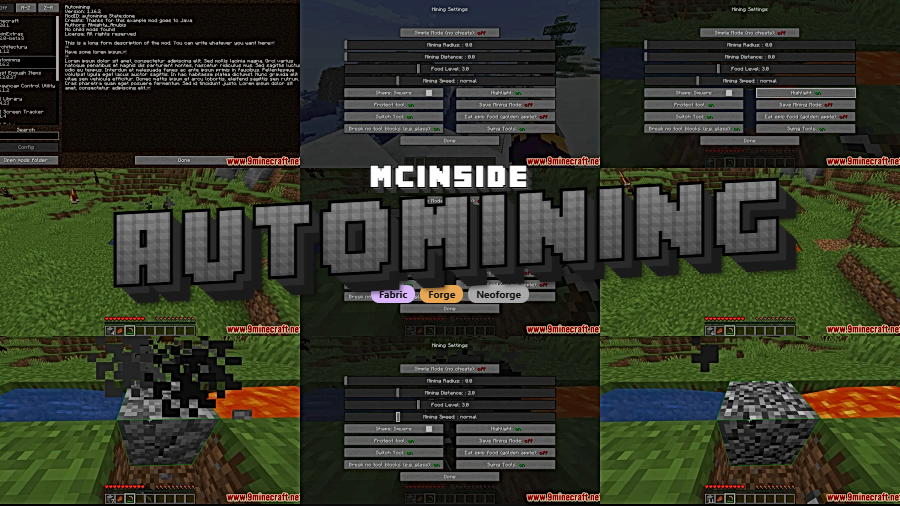
Tired of holding down the mouse button for hours while strip-mining through endless stone? Automining Mod hands that repetitive work off to your client, letting you set up background mining operations that run automatically while you stay in-game. It works with cobblestone generators, tree farms, and other continuous block sources — meaning you can focus on building, exploring, or managing your base while resources pile up on their own.
Key Features
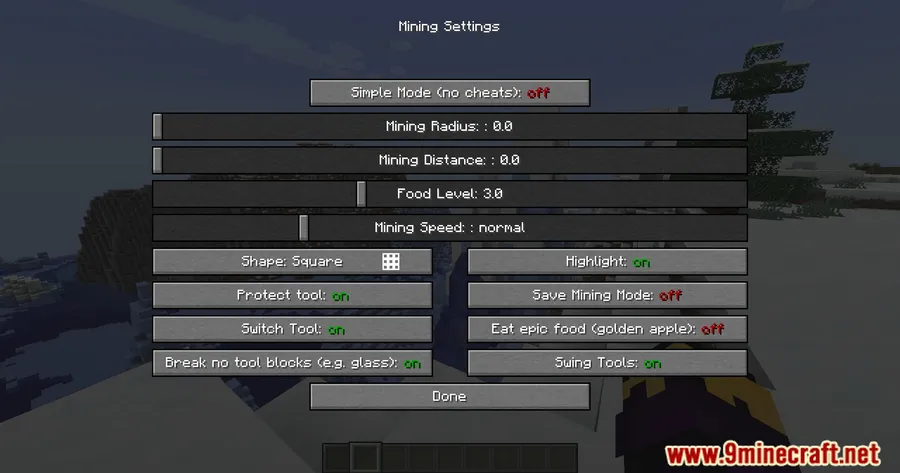
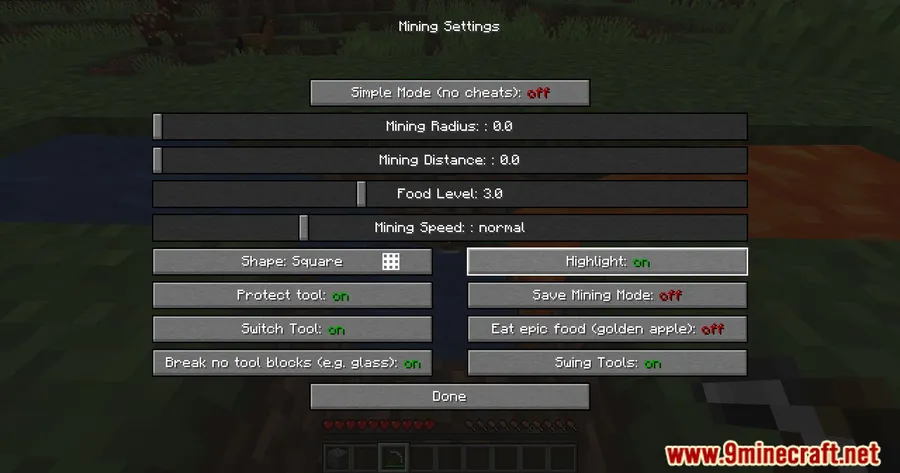
- Client-side background mining — Automates the mining process without requiring you to leave the game or alt-tab. Your character keeps breaking blocks while you handle other tasks.
- Automatic tool swapping — When your current pickaxe or axe breaks, the mod automatically swaps to another tool of the same type in your hotbar, keeping the operation running smoothly.
- Continuous block source support — Designed to work seamlessly with cobblestone generators, tree farms, and similar setups that constantly produce new blocks to mine.
- Optional auto-attack — Enable automatic attacking while mining to deal with mobs that wander into your work area, so hostile creatures don't interrupt your automated setup.
- Singleplayer and multiplayer compatible — Works in both singleplayer worlds and on multiplayer servers, though you should always check individual server rules before using automation mods.
Screenshots
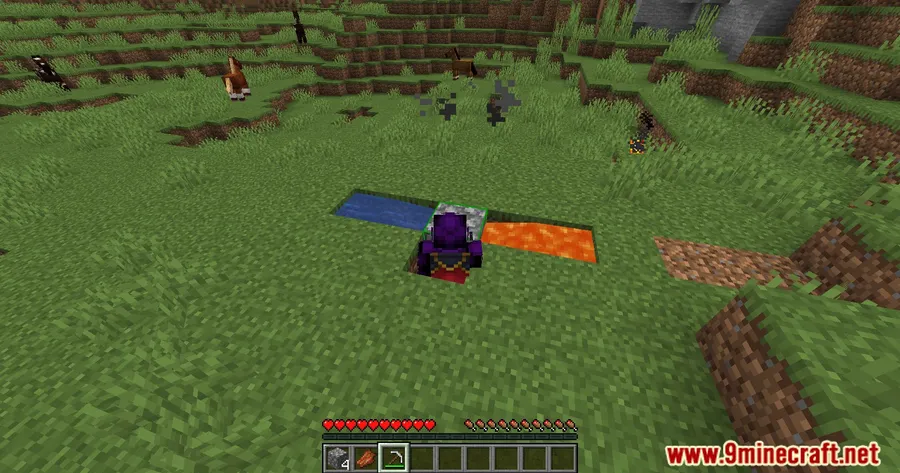
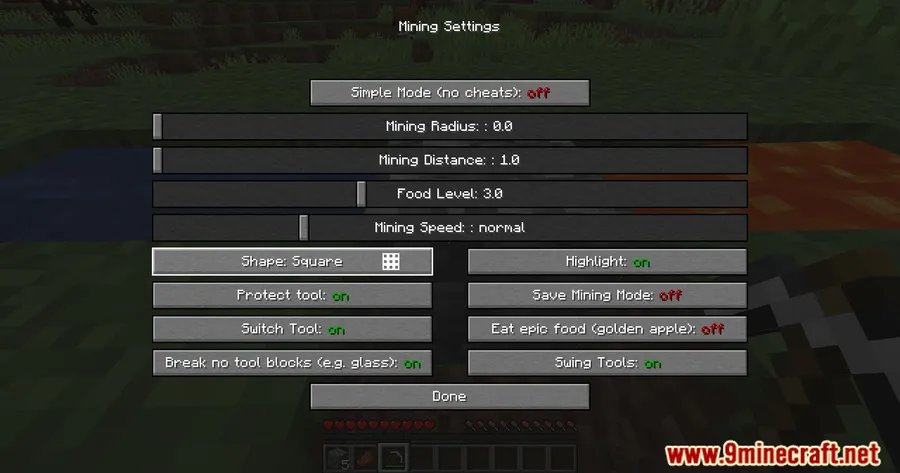
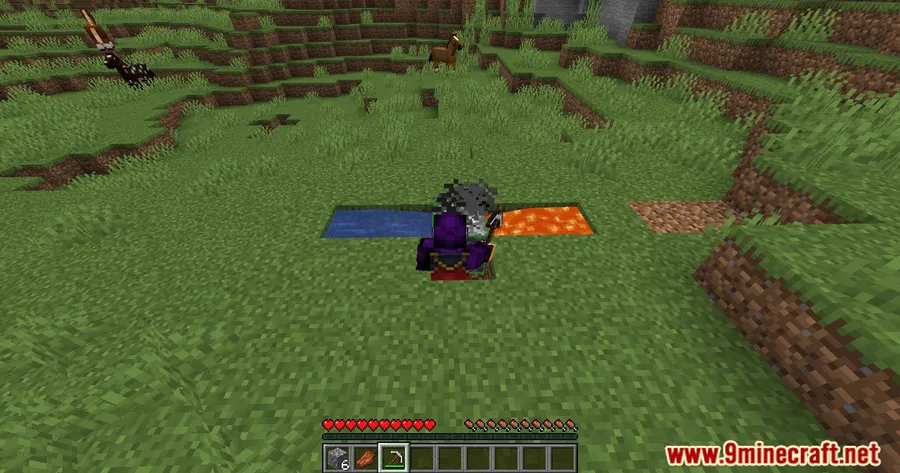
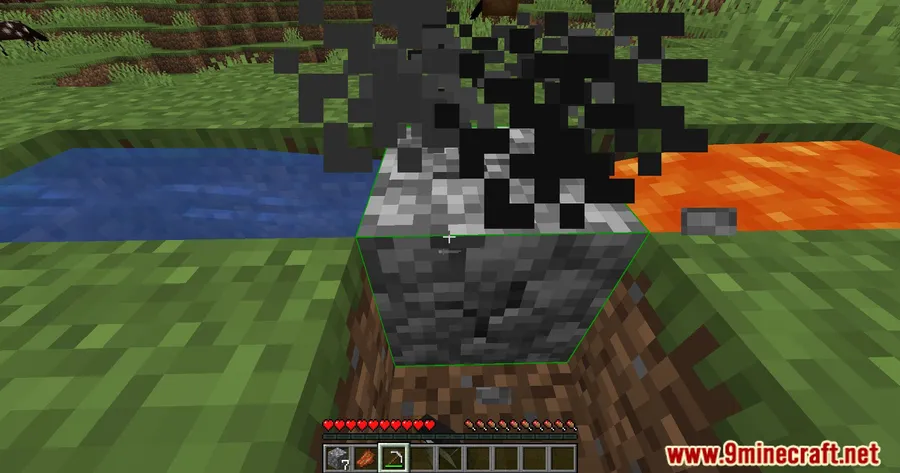
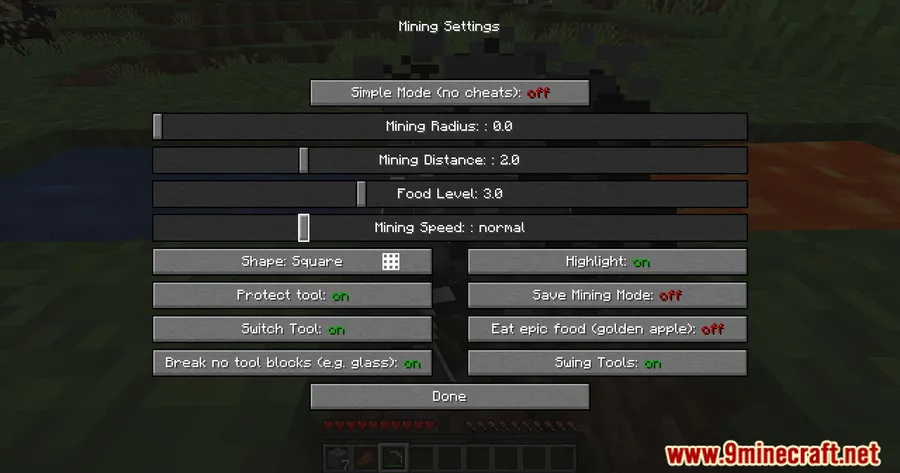
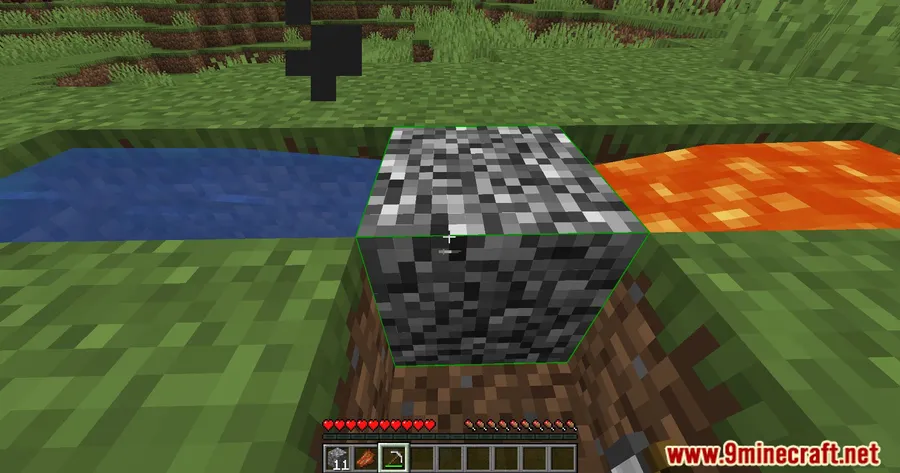
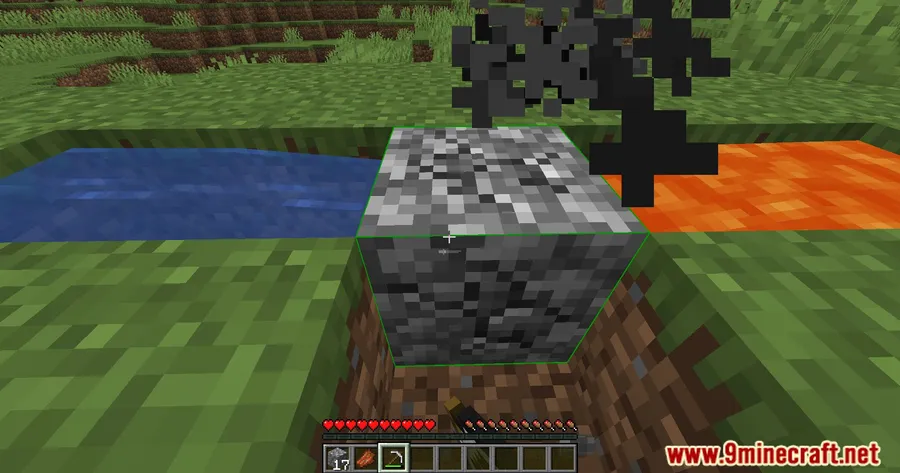
How to Install
- Download and install your preferred mod loader — Forge, Fabric, or NeoForge — for your Minecraft version.
- If using Fabric, make sure you also install the Fabric API and Architectury API as required dependencies.
- Download the correct Automining Mod file matching your Minecraft version and mod loader from the links below.
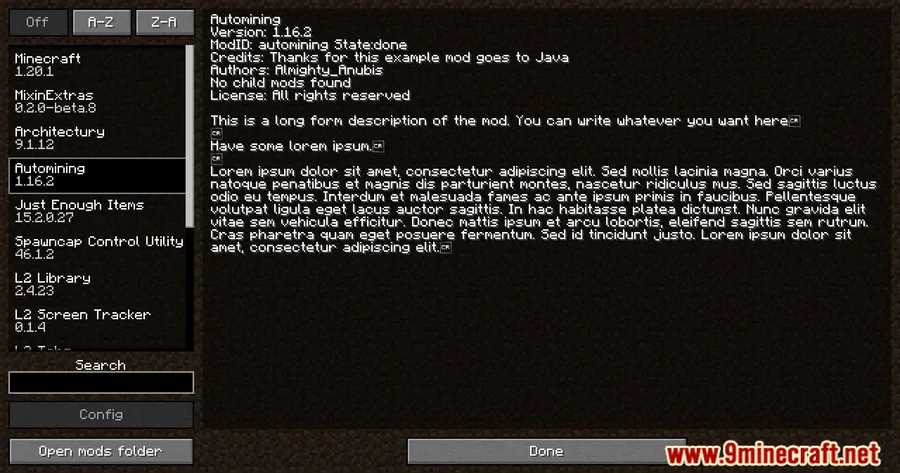
- Place the downloaded
.jarfile into your.minecraft/modsfolder. - Launch Minecraft with your mod loader profile and the mod will be active in-game.
Requirements
| Requirement | Details |
|---|---|
| Mod Loader | Forge, Fabric, or NeoForge |
| Dependencies | Fabric API (for Fabric), Architectury API |
| Minecraft Version | 1.16.5 – 1.21.11 |
Pros & Cons
Pros
- Saves significant time on repetitive mining and farming tasks
- Automatic tool swapping prevents interruptions when tools break
- Works across a wide range of Minecraft versions (1.16.5 through 1.21.11)
- Supports all three major mod loaders — Forge, Fabric, and NeoForge
- Client-side operation keeps things simple with no server-side setup needed
Cons
- May not be allowed on all multiplayer servers — always check server rules first
- Fabric users need to install additional dependencies (Fabric API, Architectury API)
- Older Minecraft versions (1.16.5–1.18.2) only support Forge, limiting loader choice
Download
Always download mods from official sources to stay safe.
FAQ
Does Automining Mod work on multiplayer servers?
Yes, the mod works in both singleplayer and multiplayer environments. However, since it automates mining, some servers may consider it against their rules. Always check the server's mod policy before using it online.
Will the mod automatically switch to a new pickaxe when mine breaks?
Yes, Automining Mod automatically swaps to another tool of the same type in your hotbar when your current one breaks. Keep several pickaxes or axes in your hotbar to maintain uninterrupted mining.
What kind of farms work best with Automining Mod?
The mod is designed for continuous block sources like cobblestone generators and tree farms — any setup that keeps producing blocks for the mod to break automatically. It pairs well with existing redstone-based farm designs.


