
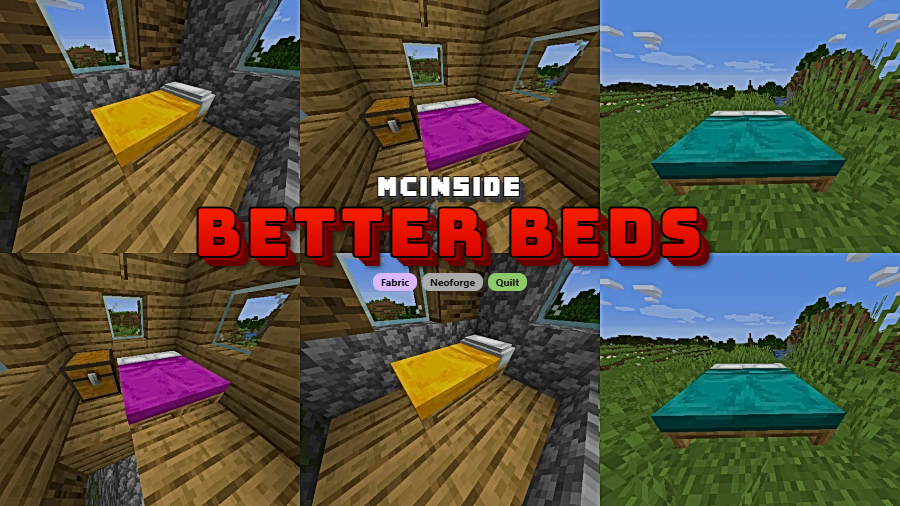
Better Beds is a client-side optimization mod that replaces the bed's outdated block entity renderer with standard JSON models, delivering improved performance and full resource pack support for Minecraft on Fabric, NeoForge, and Quilt.
Here is a question most Minecraft players never think to ask: why does a simple bed — a block you place and sleep in — use a completely different rendering system than every other block in the game? The answer is a technical leftover from 2017. When beds were introduced in Minecraft 1.12, the old block ID system was running out of space, so Mojang used a block entity renderer as a workaround. The Flattening in 1.13 removed that limitation entirely, but the bed's clunky renderer was never updated. Better Beds fixes this oversight by switching beds to standard JSON model rendering, the same system used by virtually every other block. With over 6.5 million downloads, this tiny mod by Motschen has become one of the most popular quality-of-life improvements in the Minecraft modding community — and for good reason.
Key Features of Better Beds
- JSON Model Rendering for Beds — Better Beds removes the legacy block entity renderer and replaces it with the standard Minecraft model renderer. This means beds are now rendered using the same efficient pipeline as regular blocks like furnaces, chests (post-1.15), and crafting tables. Players in heavily built bases with many beds should notice smoother frame rates in those areas.
- Full Resource Pack Support — Because beds now use JSON models, resource pack creators can customize bed appearances just like any other block. In vanilla Minecraft, modifying bed textures requires workarounds due to the block entity renderer. Better Beds eliminates that barrier entirely, letting you install custom bed designs or create your own with standard resource pack techniques.
- Completely Client-Side — This mod runs entirely on the client, meaning you do not need it installed on a server. You can add it to your personal mod folder and join any server — vanilla or modded — without compatibility concerns on the server side. This makes it one of the easiest performance mods to adopt.
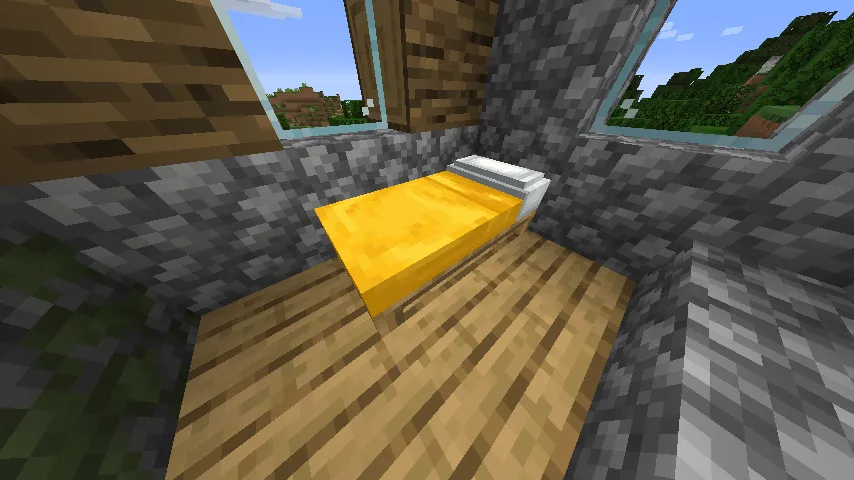
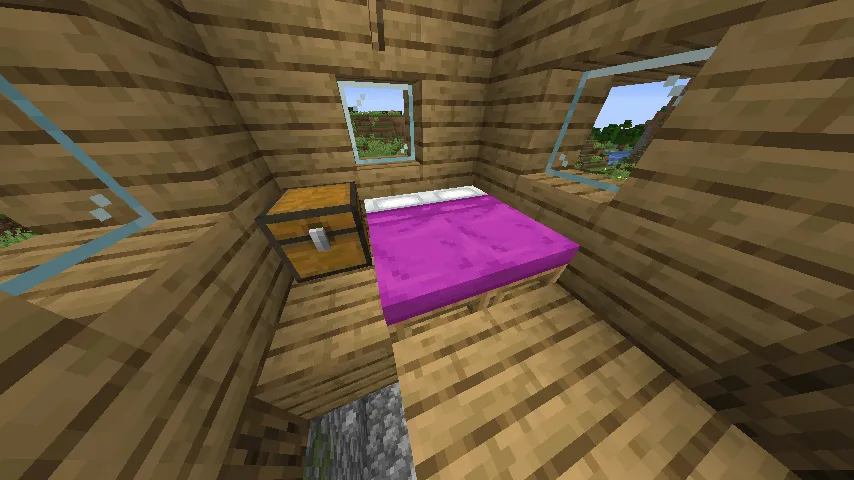
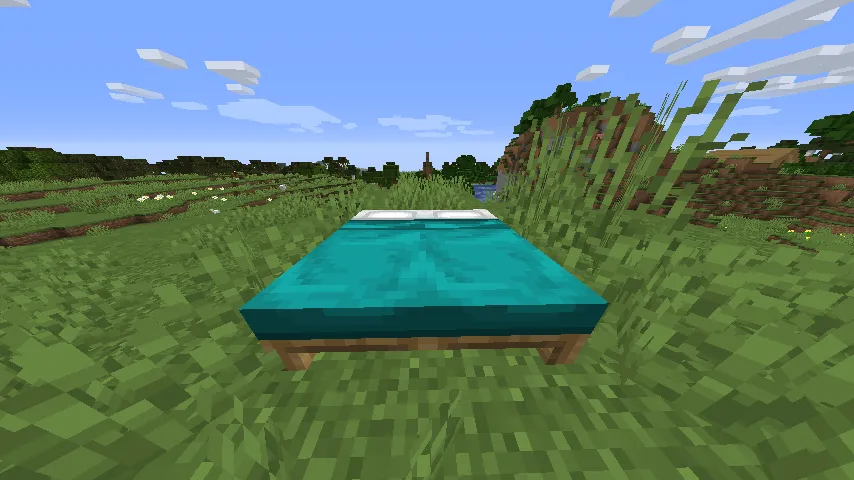
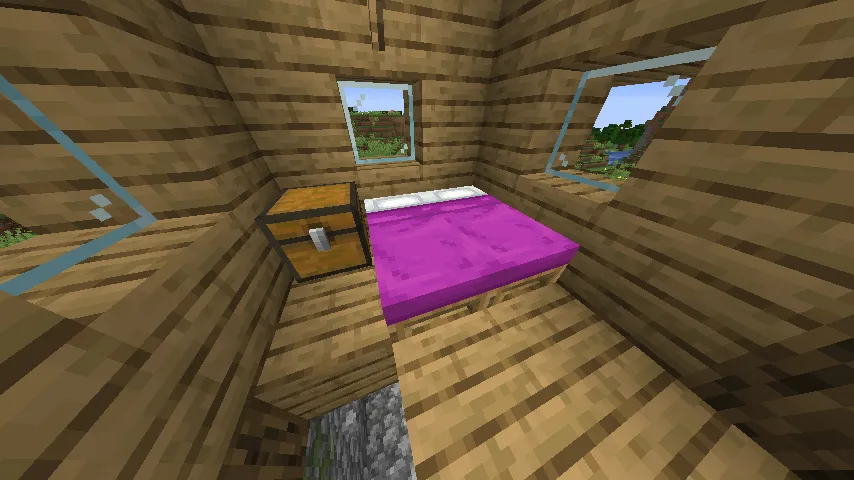
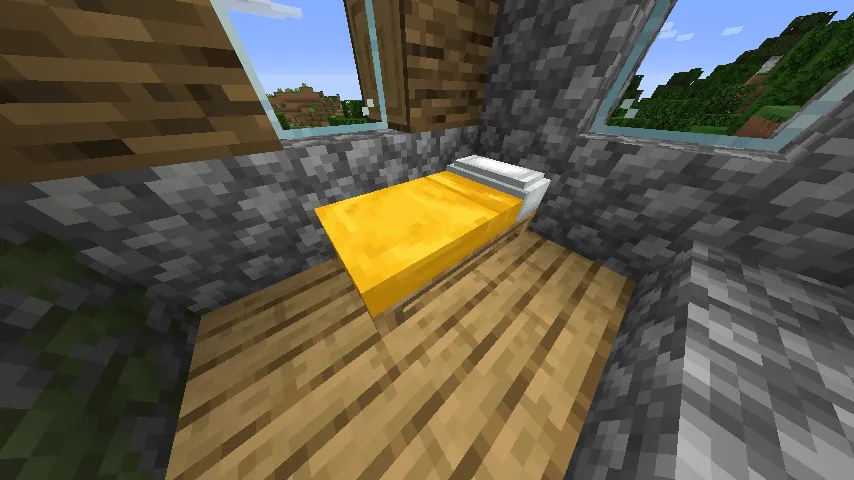
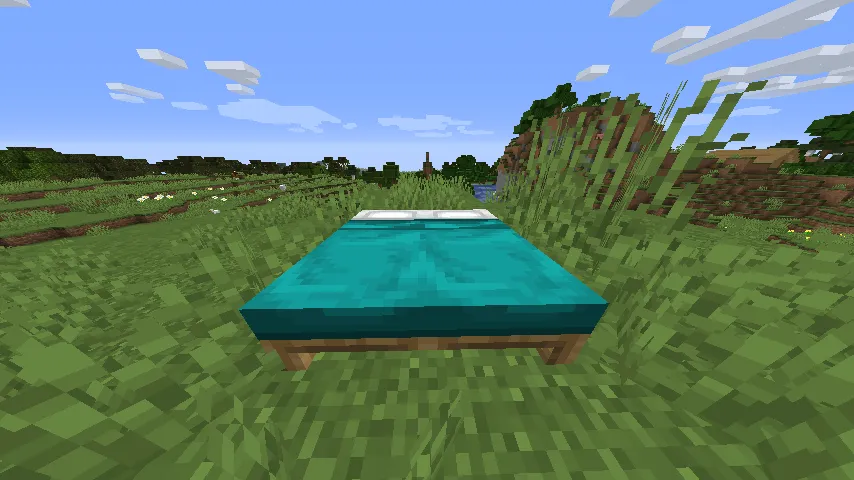
- Vanilla-Identical Appearance by Default — Better Beds ships with model files that perfectly replicate vanilla bed appearance. After installation, your beds will look exactly the same as before. The difference is purely under the hood — unless you choose to install a custom resource pack to change the look.
- Example Resource Packs Available — The mod author provides example resource packs through the project's GitHub repository that demonstrate what custom bed models can look like. These serve as both inspiration and templates for players who want to create their own unique bed designs.
- Broad Mod Loader Support — Better Beds works on Fabric, NeoForge, and Quilt, covering the three most popular mod loaders in the current Minecraft ecosystem. Whether you run a lightweight Fabric setup or a full NeoForge modpack, Better Beds fits right in.
- Wide Version Range — The mod supports Minecraft versions from 1.16 all the way through 1.21.4, spanning over five years of Minecraft releases. Players on older modpacks and those running the latest snapshots alike can benefit from this fix.
Screenshots
How to Install Better Beds
- Install your preferred mod loader. Better Beds supports Fabric, NeoForge, or Quilt — pick whichever matches your existing setup.
- If using Fabric or Quilt, make sure you also have the Fabric API installed, as many Fabric-based mods depend on it for core functionality.
- Download the correct Better Beds file for your Minecraft version and mod loader from the download section below.
- Place the downloaded
.jarfile into your.minecraft/modsfolder. If the folder does not exist, launch Minecraft once with your mod loader profile to generate it. - Launch Minecraft using your mod loader profile. Beds will now use the optimized JSON model renderer — no configuration needed.
Requirements & Compatibility
| Detail | Information |
|---|---|
| Mod Loaders | Fabric, NeoForge, Quilt |
| Minecraft Versions | 1.16 – 1.21.4 |
| Side | Client-side only |
| License | MIT (open source) |
| Author | Motschen (Team Midnight Dust) |
| Known Incompatibility | Bedspreads (uses the bed block entity renderer) |
| Custom Bed Mods | Mods using default renderer need model files; mods with custom block entity renderers are unaffected |
What's New
- Ported to Minecraft 1.21.4 with full support for Fabric, Quilt, and NeoForge
- Continued maintenance by Team Midnight Dust ensuring compatibility with the latest Minecraft release
- The mod remains lightweight and conflict-free with the vast majority of popular mods
Pros and Cons
Pros
- Replaces an inefficient legacy renderer with the standard block model system
- Enables full resource pack customization for beds
- Completely client-side — no server installation required
- Zero visual difference from vanilla by default
- Supports Fabric, NeoForge, and Quilt across a huge range of Minecraft versions
- Open source under MIT license with active maintenance
Cons
- Incompatible with the Bedspreads mod due to conflicting renderer changes
- Custom bed mods using the default renderer require additional model files to work properly
- Visual improvements only appear if you install a custom resource pack — the mod alone looks identical to vanilla
Alternatives to Better Beds
- Sodium — A comprehensive rendering optimization mod that dramatically improves Minecraft frame rates. While it does not specifically target bed rendering, it pairs well with Better Beds for maximum performance gains.
- Enhanced Block Entities — Takes the same JSON model approach as Better Beds but applies it to additional block entities like chests, signs, and bells. An excellent companion mod for players who want optimized rendering across all block types.
- Entity Culling — Prevents Minecraft from rendering entities and block entities that are not visible to the player. Works alongside Better Beds to further reduce unnecessary rendering work in crowded builds.
Download Better Beds
| Minecraft Version | Fabric | NeoForge | Quilt |
|---|---|---|---|
| For Minecraft 1.21.4 | Download | Download | Download |
| For Minecraft 1.21.3 | Download | Download | Download |
| For Minecraft 1.21.2 | Download | Download | Download |
| For Minecraft 1.21.1 | Download | Download | Download |
| For Minecraft 1.21 | Download | Download | Download |
| For Minecraft 1.20.4 | Download | — | Download |
| For Minecraft 1.20.3 | Download | — | Download |
| For Minecraft 1.20.2 | Download | — | Download |
| For Minecraft 1.20.1 | Download | — | Download |
| For Minecraft 1.20 | Download | — | Download |
| For Minecraft 1.19.4 | Download | — | Download |
| For Minecraft 1.19.3 | Download | — | Download |
Always download mods from official sources to stay safe.
Frequently Asked Questions
Does Better Beds actually improve FPS?
Yes — by replacing the block entity renderer with standard JSON models, Better Beds reduces the rendering overhead associated with beds. The improvement is most noticeable in areas where many beds are placed, such as villager trading halls or large dormitory builds. The exact FPS gain varies depending on your hardware and how many beds are in the loaded chunks.
Do I need Better Beds on the server to use it?
No — Better Beds is a completely client-side mod. You only need to install it in your own mods folder, and it will work on any server regardless of whether the server has the mod installed. This makes it safe to use on vanilla servers and public multiplayer servers.
Will my beds look different after installing Better Beds?
No — the mod ships with model files that perfectly replicate vanilla bed appearance. Your beds will look identical to unmodded Minecraft. To actually change the visual style of beds, you need to install a custom resource pack designed for Better Beds, such as the example packs available on the mod's GitHub page.
Is Better Beds compatible with Fabric, NeoForge, and Quilt?
Yes — Better Beds supports all three major mod loaders. Fabric and Quilt versions are available from 1.16 onward, while NeoForge support is available for 1.21 and newer versions. Simply download the correct file that matches both your Minecraft version and your mod loader.
Can I use Better Beds alongside other optimization mods like Sodium?
Yes — Better Beds is designed to work alongside other optimization mods without conflicts. It pairs well with Sodium, Lithium, Entity Culling, and most other popular performance mods. The only known incompatibility is with the Bedspreads mod, which relies on the bed's block entity renderer that Better Beds removes.


![[Let's Do] Meadow Mod (1.21.1) - thumbnail](http://mcinside.com/wp-content/uploads/2026/04/thumbnail-64-52x52.webp)


![Not Enough Recipe Book [NERB] Mod (1.21.11) - thumbnail](http://mcinside.com/wp-content/uploads/2026/04/thumbnail-63-52x52.webp)
