

Tired of the all-or-nothing approach Minecraft takes when you press F1? Better F1 Reborn Mod fixes that by adding a middle ground — hide the HUD clutter while keeping your held items visible on screen. Created by MovTery, this quality-of-life tweak has been downloaded over 2.3 million times and supports both Fabric and NeoForge across a wide range of Minecraft versions. It's a small change that makes a surprising difference for screenshots, cinematic play, and general immersion.
Key Features
- Three-state HUD toggle: Instead of a simple on/off, the F1 key now cycles through three modes — full HUD visible, HUD hidden with held items still showing, and everything hidden. This gives you far more flexibility than vanilla Minecraft offers.
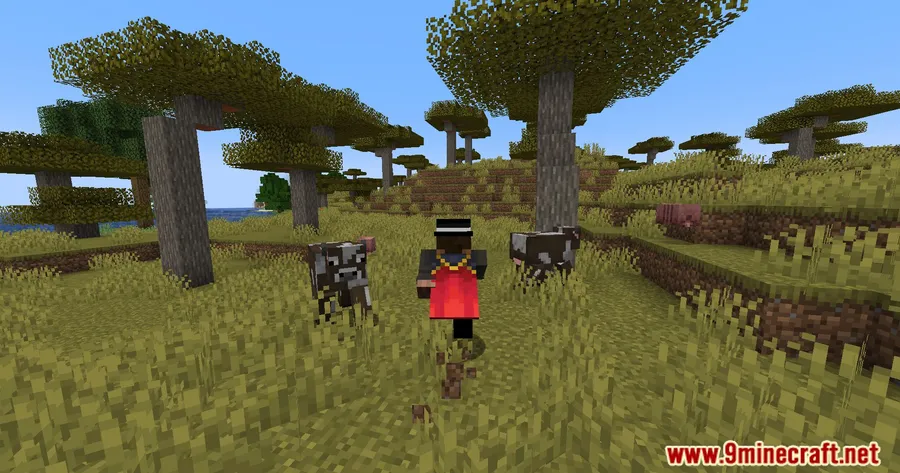
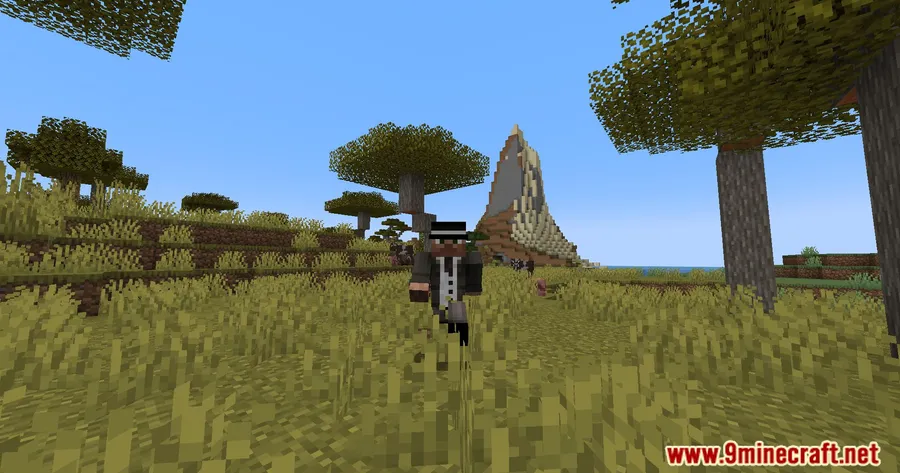
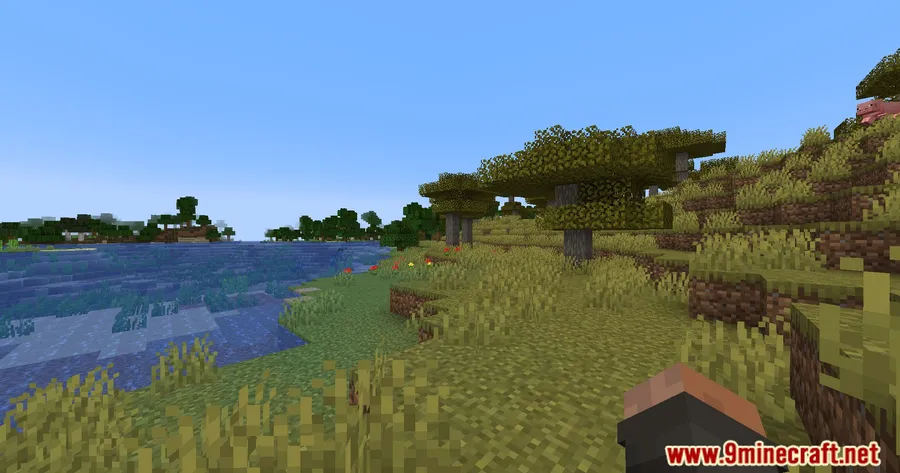
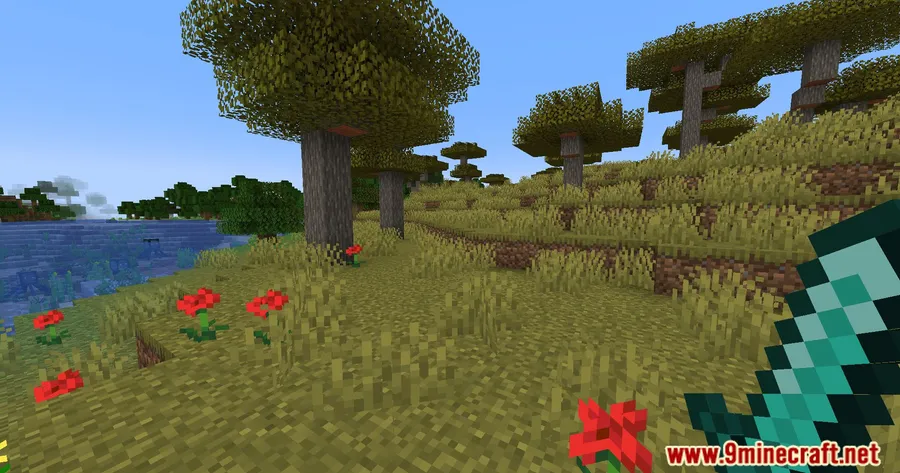
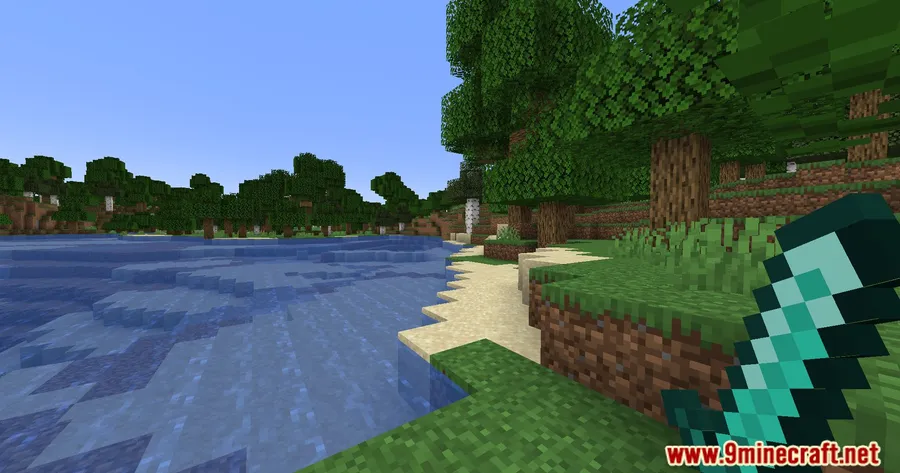
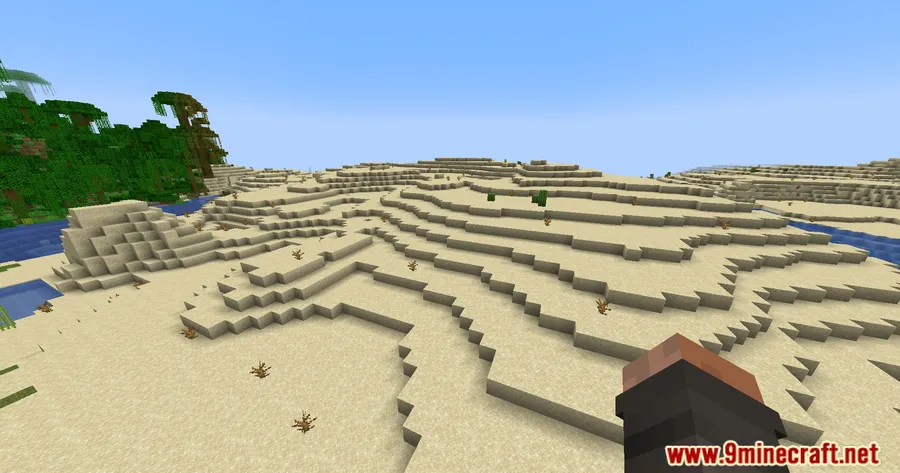
- Held item visibility in hidden mode: The intermediate state keeps your equipped items rendered on screen, so you still know what you're holding without the distraction of health bars, hotbar slots, and chat overlays.
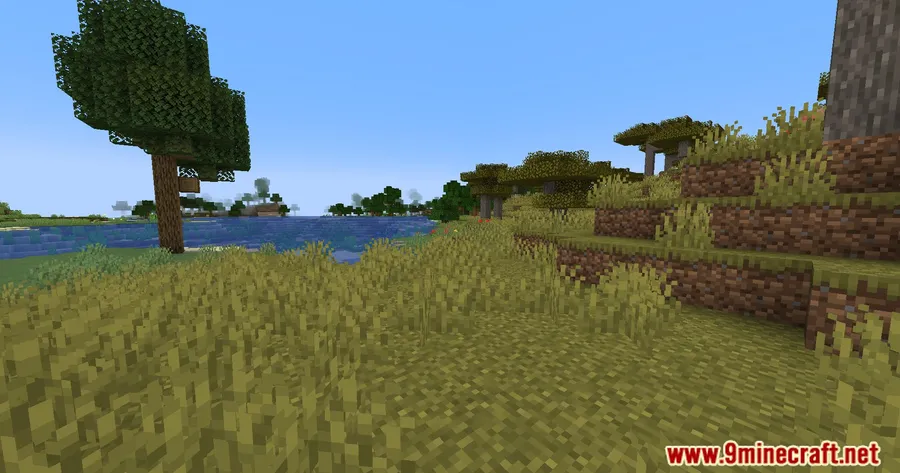
- Cleaner screen without losing context: Perfect for recording footage, taking screenshots, or simply enjoying the scenery while maintaining important visual cues about your current equipment.
Screenshots


How to Install
- Download and install Fabric Loader or NeoForge for your Minecraft version.
- If using Fabric, make sure Fabric API is installed in your mods folder.
- Download the Better F1 Reborn Mod file matching your Minecraft version from the links below.
- Place the downloaded
.jarfile into your.minecraft/modsfolder. - Launch Minecraft and press F1 to cycle through the new HUD display modes.
Requirements
| Mod Loader | Dependencies | Minecraft Versions |
|---|---|---|
| Fabric, NeoForge | Fabric API, NeoForge Installer | 1.21.11, 1.21.10, 1.21.9, 1.21.8, 1.21.7, 1.21.6, 1.21.5, 1.21.4, 1.21.3, 1.21.1, 1.21, 1.20.6, 1.20.4, 1.17.1 |
Pros & Cons
Pros
- Simple concept that genuinely improves the vanilla F1 experience
- Supports both Fabric and NeoForge on modern versions
- Wide version range from 1.17.1 all the way to 1.21.11
- Open-source under the MIT license, actively maintained
- Appears to be lightweight — no complex systems or heavy dependencies
Cons
- Older versions (1.17.1–1.20.4) only support Fabric, not NeoForge
- Limited to HUD visibility control — no per-element customization
- Requires Fabric API as an extra dependency when using the Fabric loader
Download
Always download mods from official sources to stay safe.
FAQ
What does Better F1 Reborn do differently from pressing F1 in vanilla Minecraft?
Vanilla F1 simply hides everything on your screen at once. Better F1 Reborn adds a third state in between — your HUD elements disappear, but the items you're holding stay visible. Press F1 again to cycle to fully hidden, and once more to return to normal.
Does Better F1 Reborn work with both Fabric and NeoForge?
Yes, for Minecraft 1.20.6 and newer it supports both Fabric and NeoForge. Older versions from 1.17.1 to 1.20.4 are Fabric-only.
Can I choose exactly which HUD elements to hide?
The mod cycles through three preset display modes rather than offering per-element toggles. You get full HUD, hidden HUD with held items visible, or everything hidden — but you cannot individually pick which elements to show or hide.


![[Let's Do] Meadow Mod (1.21.1) - thumbnail](http://mcinside.com/wp-content/uploads/2026/04/thumbnail-64-52x52.webp)


![Not Enough Recipe Book [NERB] Mod (1.21.11) - thumbnail](http://mcinside.com/wp-content/uploads/2026/04/thumbnail-63-52x52.webp)


