

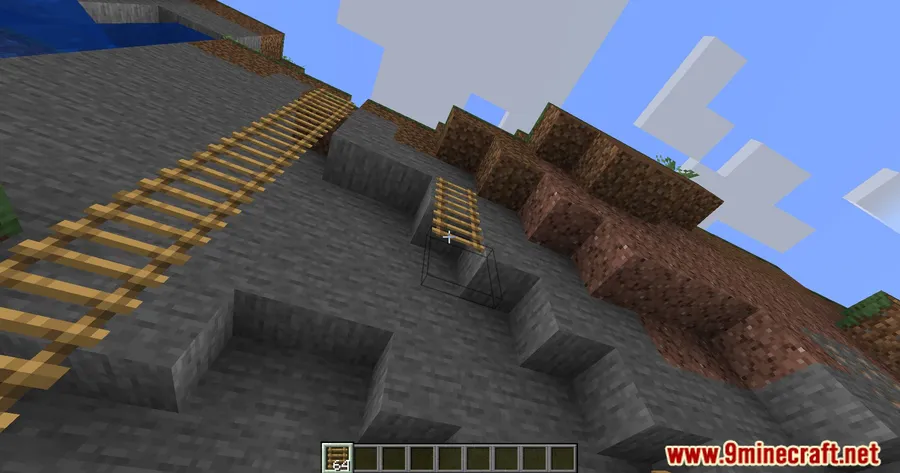
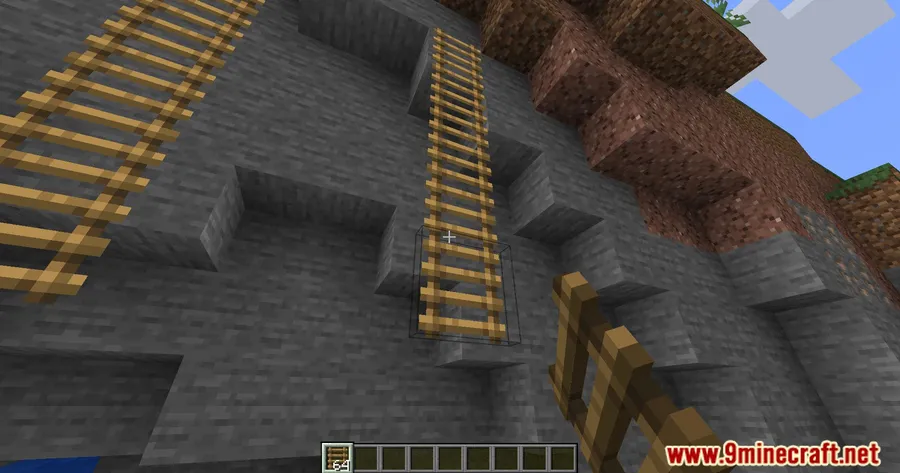
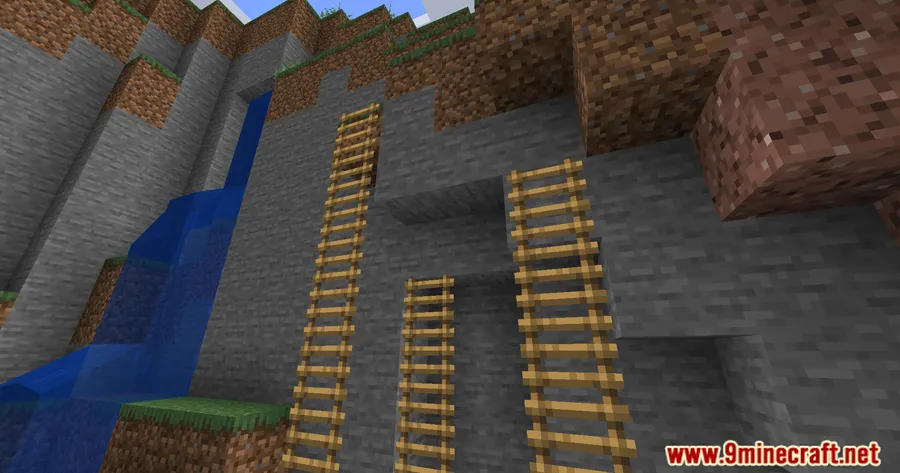
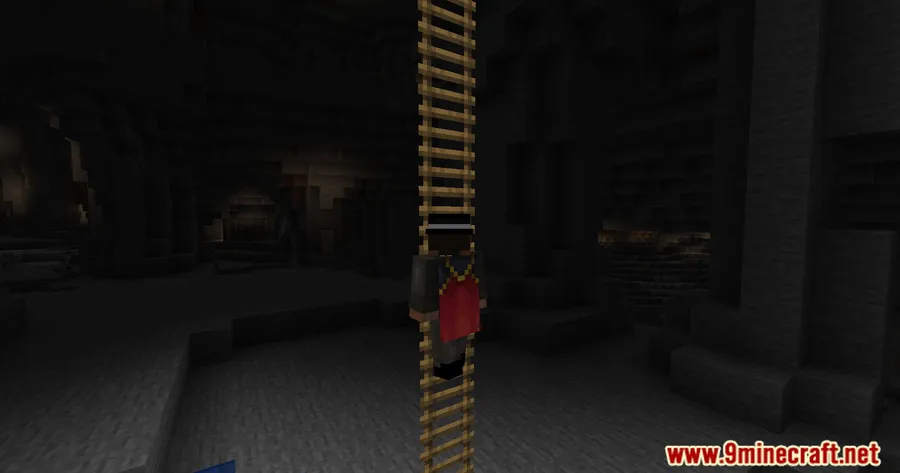
Vanilla Minecraft ladders come with an annoying limitation — they need a solid block behind them to stay in place. Better Ladders Mod removes that restriction entirely, letting you place ladders anywhere without a supporting block. Whether you're building a floating tower, a hidden entrance, or just want cleaner vertical movement in your builds, this small quality-of-life tweak makes a surprisingly big difference. With over 1.6 million downloads on Modrinth, it's clearly struck a chord with builders and survival players alike.
Key Features
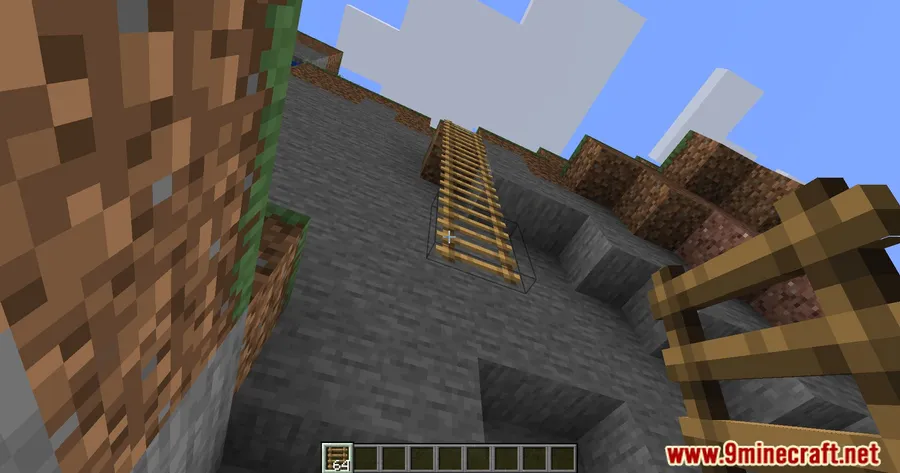
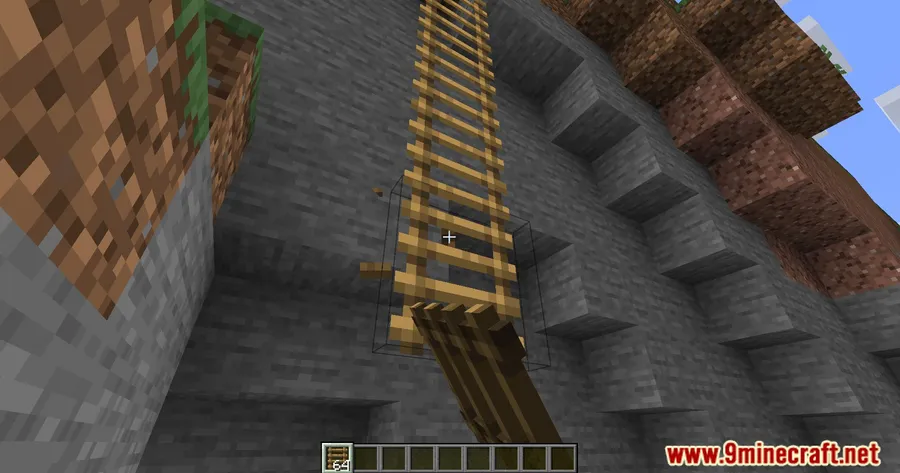
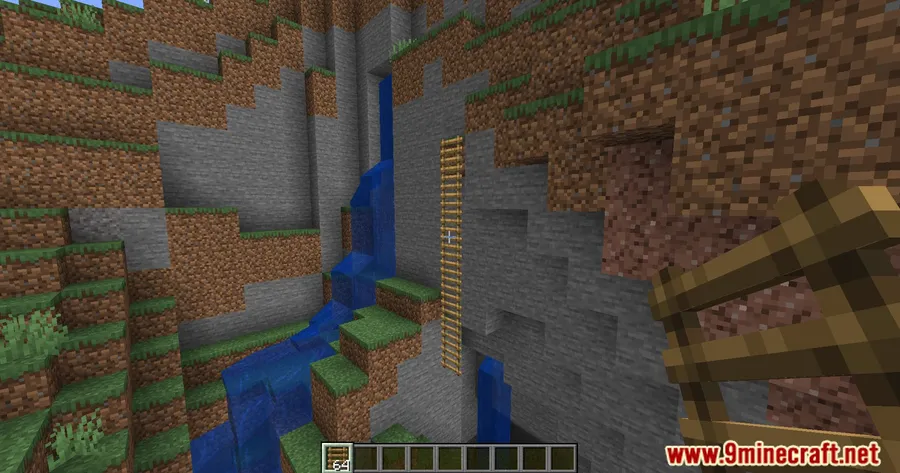
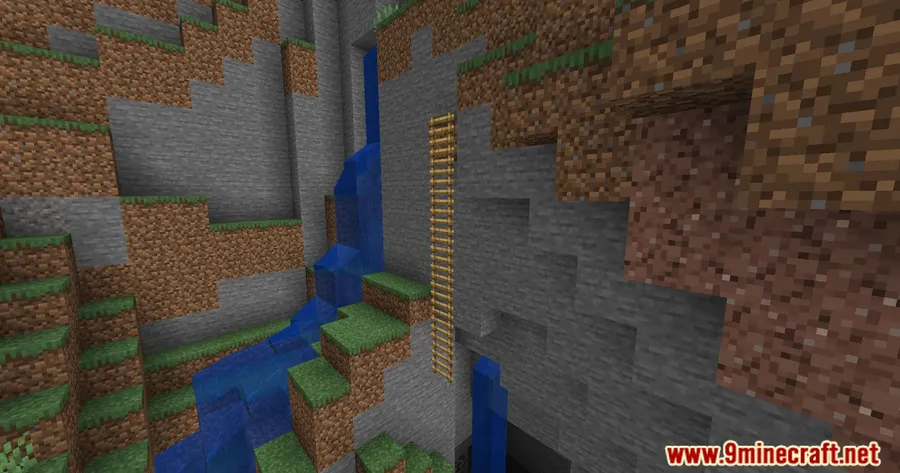
- Freestanding ladder placement — Place ladders anywhere in the world without needing a supporting block behind them. No more filling walls with placeholder blocks just to get a ladder where you want it.
- Vanilla behavior preserved — When placed against a solid block, the ladder still rotates and attaches to the surface exactly like it does in unmodded Minecraft. Your existing builds won't look any different.
- Non-destructive block removal — Destroying a supporting block no longer breaks the attached ladder. You can freely modify structures around your ladders without worrying about them popping off.
- Safe to remove — Uninstalling the mod keeps any floating ladders in your world. They only break if triggered by a block update, so your builds stay intact even if you decide to stop using the mod.
- Lightweight and compatible — Uses the standard vanilla ladder model. For 3D ladder visuals, the author recommends pairing it with a 3D ladder resource pack of your choice.
Screenshots


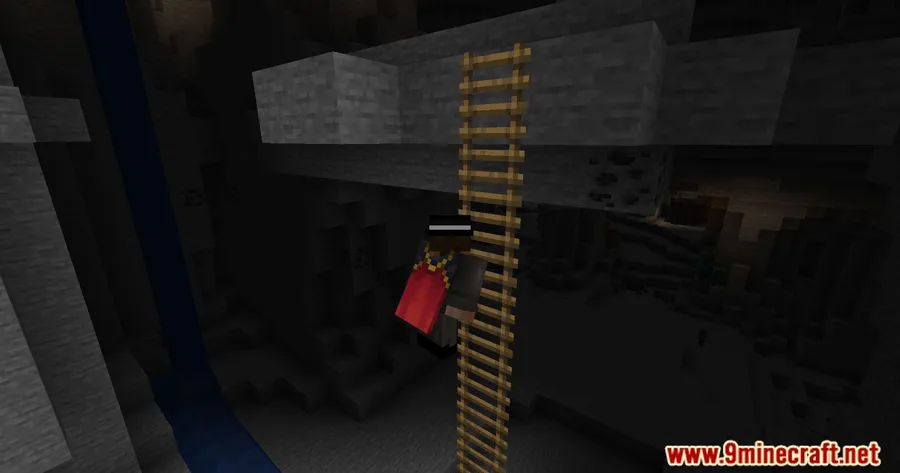
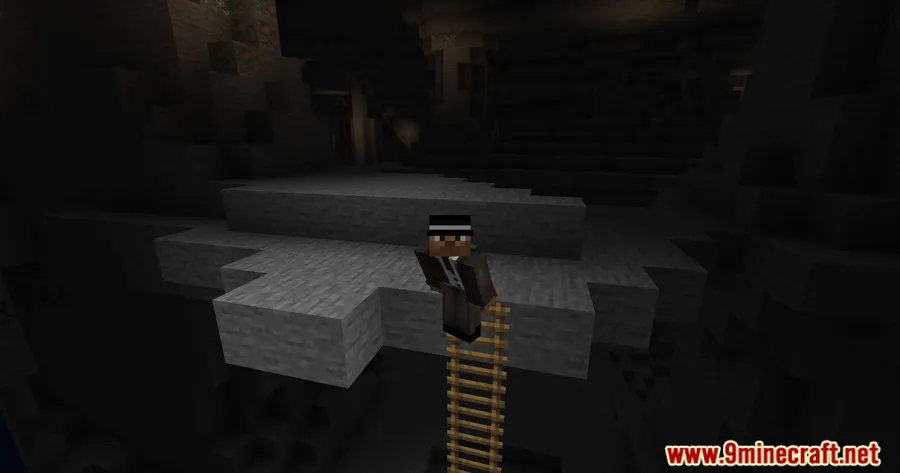
How to Install
- Download and install Fabric Loader for your Minecraft version.
- Download Fabric API and place it in your
modsfolder. - Download the Better Ladders Mod file matching your Minecraft version from the link below.
- Drop the mod
.jarfile into your.minecraft/modsfolder. - Launch Minecraft with the Fabric profile and start placing ladders freely.
Requirements
| Category | Details |
|---|---|
| Mod Loader | Fabric |
| Dependencies | Fabric Modloader, Fabric API |
| Minecraft Versions | 26.1, 1.21.11, 1.21.10, 1.21.9, 1.21.8, 1.21.7, 1.21.6, 1.21.5, 1.21.4, 1.21.3, 1.21.1, 1.21, 1.20.6, 1.20.5, 1.20.4, 1.20.3, 1.20.2, 1.20.1, 1.20, 1.19.4, 1.19.3, 1.19.2, 1.19.1, 1.19 |
Pros & Cons
Pros
- Eliminates the most frustrating limitation of vanilla ladders
- Maintains vanilla look and feel — no jarring visual changes
- Safe to remove without destroying existing builds
- Supports a wide range of Minecraft versions from 1.19 to 26.1
- Open-source (MIT license) and actively maintained
Cons
- Fabric-only — no Forge or NeoForge support available
- Does not include a 3D ladder model; requires a separate resource pack for that
- Floating ladders left behind after uninstalling will break on block updates
Download
Always download mods from official sources to stay safe.
What's New
- Updated to support Minecraft 1.21.
- Removed the built-in 3D ladder model due to compatibility issues with other mods.
- The 3D ladder visual will be moved to a separate texture pack in the future.
- Improved overall mod stability for newer Minecraft versions.
FAQ
Can I place Better Ladders in mid-air without any blocks nearby?
Yes, that's the main feature of this mod. You can place ladders anywhere in the world without needing a supporting block behind them. If you do place one against a block, it will align to the surface just like in vanilla Minecraft.
Will my floating ladders disappear if I uninstall the mod?
No, floating ladders remain in your world after uninstalling. They will only break if they receive a block update, such as placing or breaking an adjacent block. Otherwise, they stay right where you left them.
Does Better Ladders work with Forge or NeoForge?
Currently, Better Ladders is only available for Fabric and requires Fabric API as a dependency. There is no Forge or NeoForge version at this time.


![[Let's Do] Meadow Mod (1.21.1) - thumbnail](http://mcinside.com/wp-content/uploads/2026/04/thumbnail-64-52x52.webp)


![Not Enough Recipe Book [NERB] Mod (1.21.11) - thumbnail](http://mcinside.com/wp-content/uploads/2026/04/thumbnail-63-52x52.webp)

