

Managing a heavy modpack can quickly turn into a scrolling nightmare — and that's exactly the problem Better Modlist Mod sets out to solve. This utility mod replaces the default mod list screen with a cleaner, more organized interface that lets you sort, search, and filter your installed mods in seconds. With over 2.2 million downloads on Modrinth and active updates through March 2026, it has clearly become a go-to quality-of-life tool for modded Minecraft players running Forge or NeoForge.
Key Features
- Smart Mod Organization — Sort, search, and filter your entire mod list instead of scrolling endlessly. Particularly useful for large modpacks with 100+ mods where finding a specific entry by hand is impractical.
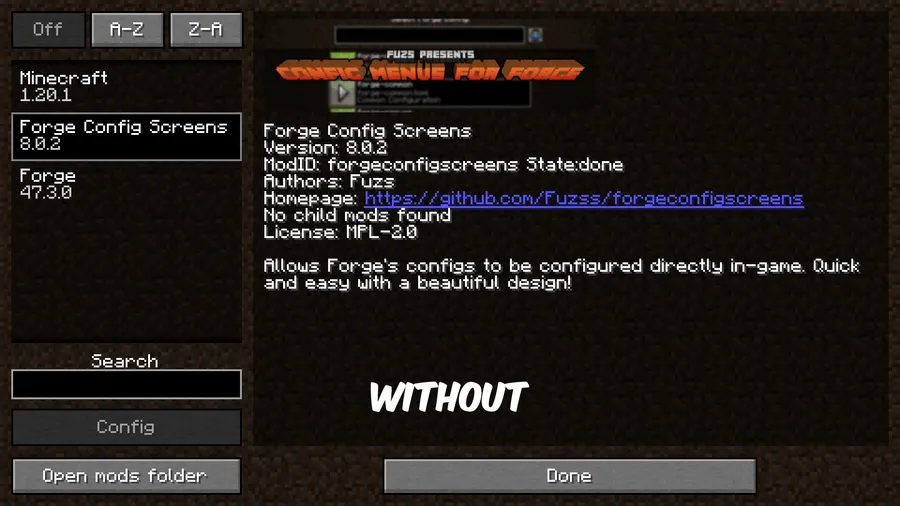
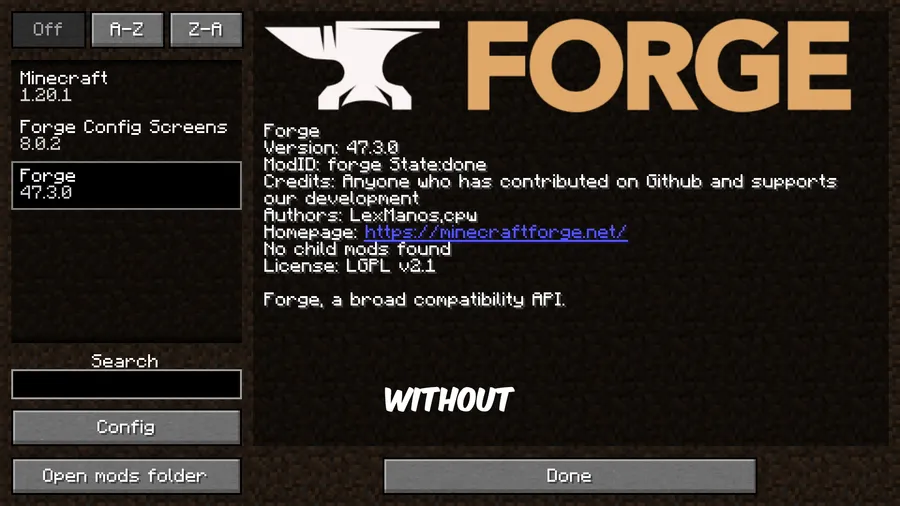
- Clean, Intuitive Interface — The redesigned mod list screen keeps things simple and readable. Information is laid out in a way that lets you scan through mods quickly without visual clutter.
- Quick Mod Details at a Glance — View key information about each mod directly from the list view, so you don't need to open separate config screens just to check version numbers or descriptions.
Screenshots
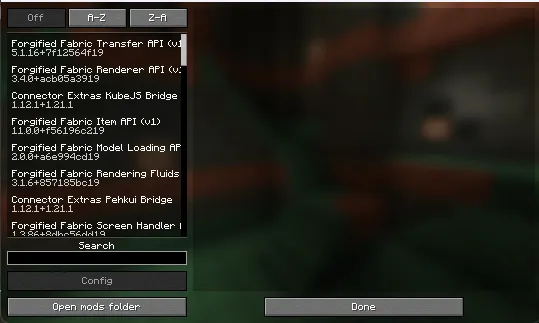
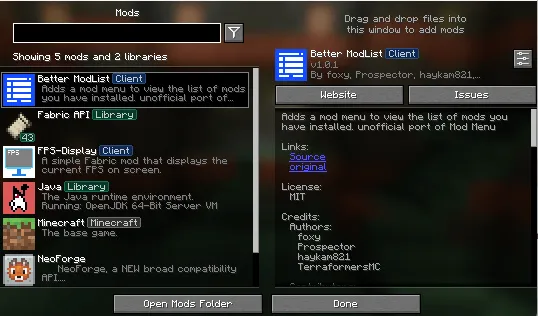
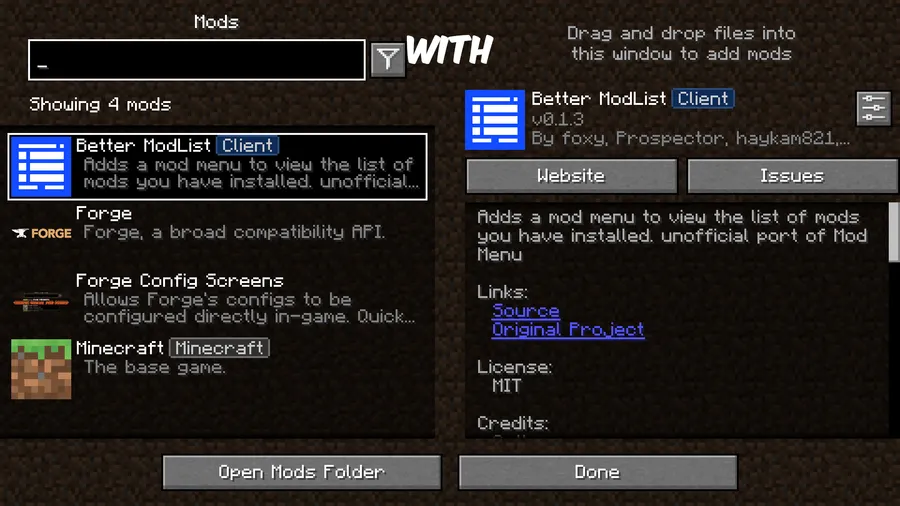
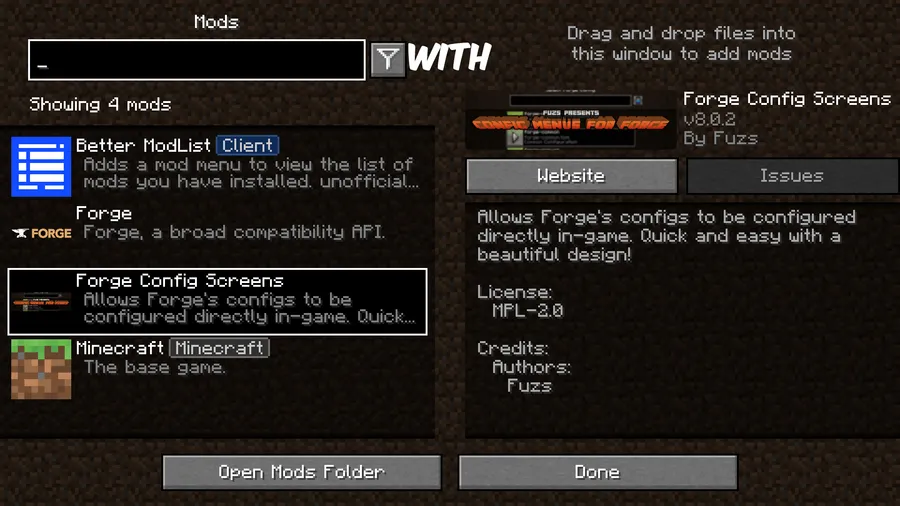
How to Install
- Download and install Minecraft Forge (for 1.20.x) or NeoForge (for 1.21.x) if you haven't already.
- Install Forge Config Screens, which is a required dependency for this mod.
- Download the Better Modlist Mod file matching your Minecraft version from the link below.
- Place the downloaded
.jarfile into your.minecraft/modsfolder. - Launch Minecraft and open the Mods screen to see the improved interface.
Requirements
| Requirement | Details |
|---|---|
| Mod Loader | Forge, NeoForge |
| Dependencies | Minecraft Forge, NeoForge Installer, Forge Config Screens |
| Minecraft Versions | 1.21.11, 1.21.10, 1.21.9, 1.21.8, 1.21.7, 1.21.6, 1.21.5, 1.21.4, 1.21.3, 1.21.2, 1.21.1, 1.21, 1.20.1, 1.20 |
Pros
- Search and filter functionality saves significant time in large modpacks
- Actively maintained with support spanning from 1.20 through 1.21.11
- Open-source (MIT license) — transparent and community-auditable
- The mod appears to be lightweight, replacing only the mod list UI without adding heavy overhead
Cons
- Requires Forge Config Screens as an additional dependency
- Forge support is limited to 1.20.x — newer versions require NeoForge
- Fabric and Quilt loaders are not supported
Download
Always download mods from official sources to stay safe.
What's New
- Ported to NeoForge 26.1.0, ensuring compatibility with the latest loader updates.
- Continued version coverage now extends up to Minecraft 1.21.11.
- The mod was last updated on March 25, 2026, confirming active maintenance.
FAQ
Does Better Modlist Mod work with Fabric?
No. Better Modlist Mod currently supports Forge (for Minecraft 1.20–1.20.1) and NeoForge (for Minecraft 1.21 and above). There is no Fabric or Quilt version available at this time.
Do I need any other mods installed for it to work?
Yes, you need Forge Config Screens as a required dependency. Make sure to download the version that matches your Minecraft and loader version.
Will this mod conflict with other UI mods?
Since Better Modlist Mod specifically replaces the mod list screen, it could potentially conflict with other mods that modify the same screen. However, it does not alter general gameplay UI elements, so most HUD and menu mods should work fine alongside it.


![[Let's Do] Candlelight - Farm&Charm compat Mod (1.21.1) - thumbnail](http://mcinside.com/wp-content/uploads/2026/04/thumbnail-81-52x52.webp)


![[Let's Do] Meadow Mod (1.21.1) - thumbnail](http://mcinside.com/wp-content/uploads/2026/04/thumbnail-64-52x52.webp)


![Not Enough Recipe Book [NERB] Mod (1.21.11) - thumbnail](http://mcinside.com/wp-content/uploads/2026/04/thumbnail-63-52x52.webp)