

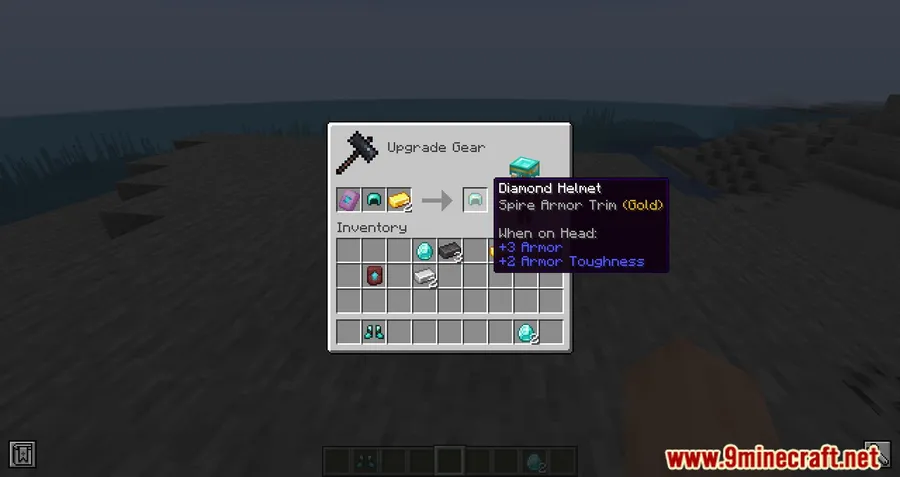
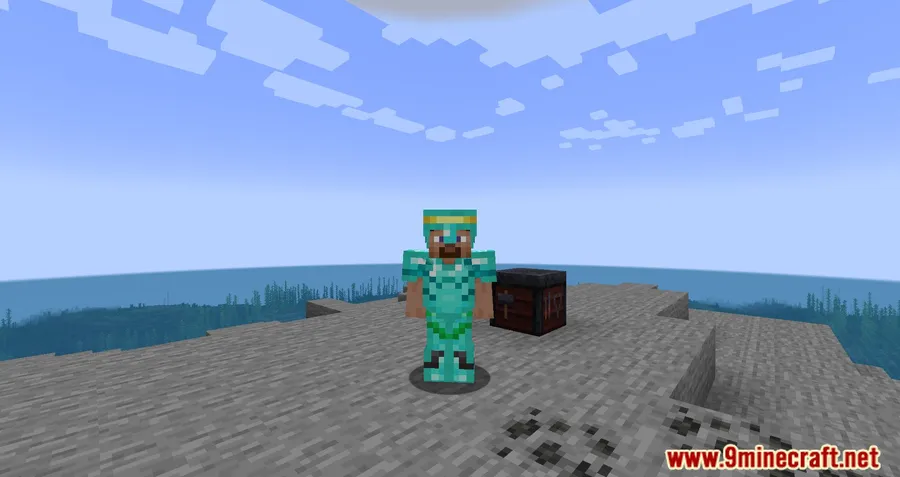
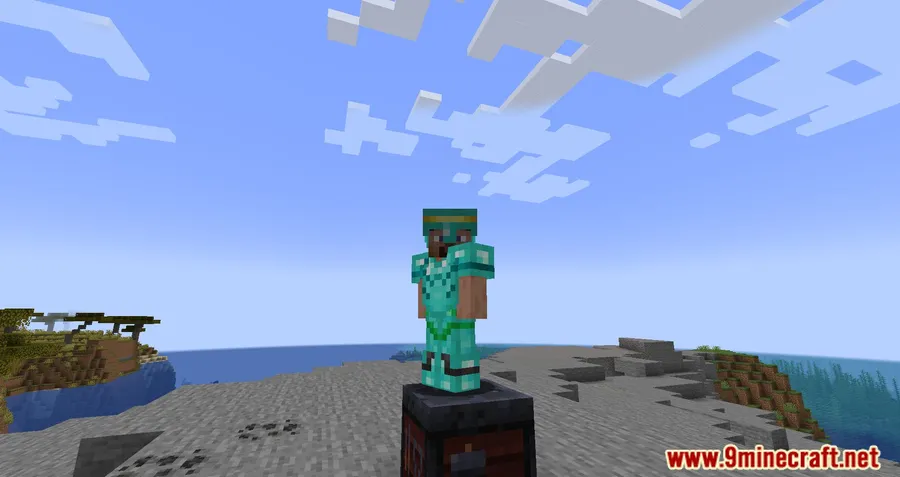
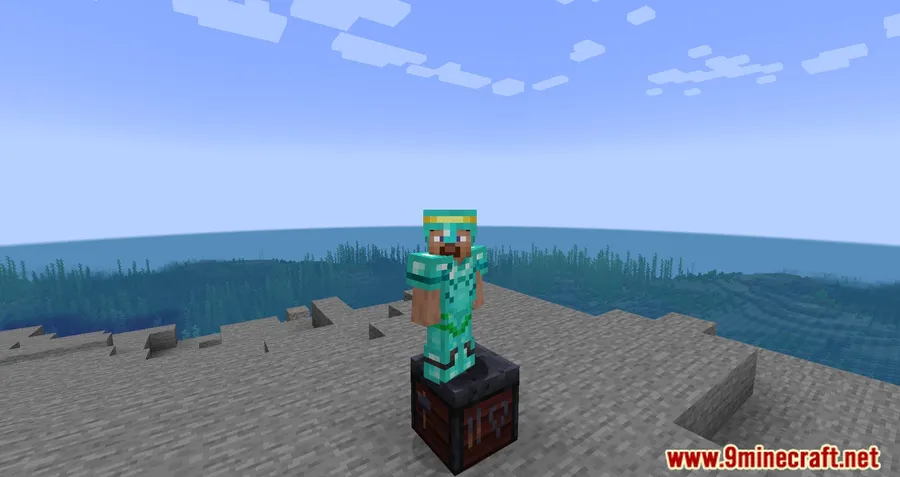
Armor trims were one of the most exciting additions in recent Minecraft updates, but the vanilla tooltips leave a lot to be desired — you can see which trim pattern and material you applied, yet there is no clear explanation of what each material actually does. Better Trim Tooltips Mod fixes this by adding detailed, informative tooltips directly in the Smithing Table and inventory, so you always know exactly how trims affect your armor without alt-tabbing to a wiki. Downloaded over 2.6 million times on Modrinth, this small quality-of-life mod has quickly become a staple for players who care about armor customization.
Key Features
- Detailed trim material tooltips — Each trim material now displays a clear description of its effects directly in the Smithing Table interface, replacing the vague vanilla text with something actually useful.
- Cleaner inventory readability — Simplifies and improves how armor trim descriptions appear in your inventory, making it easier to compare trimmed armor pieces at a glance.
- No external references needed — Eliminates the need to check wikis or guides to understand what each trim material does to your armor.
Screenshots


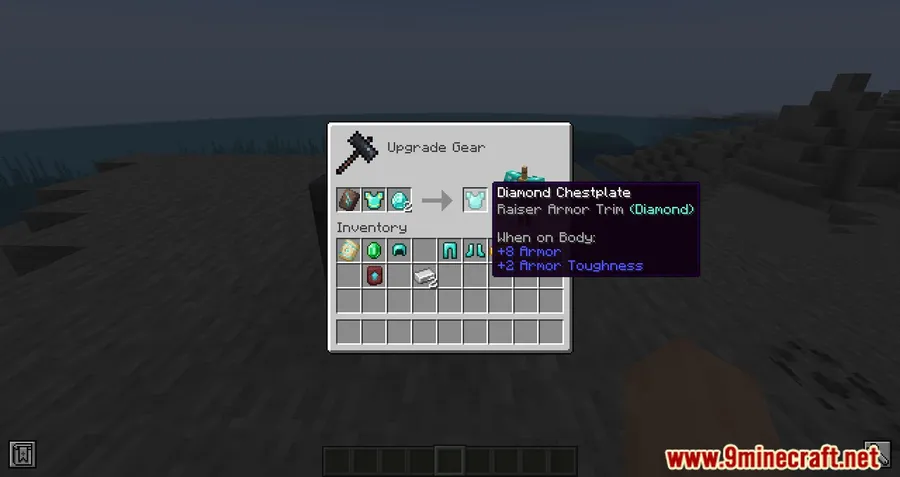
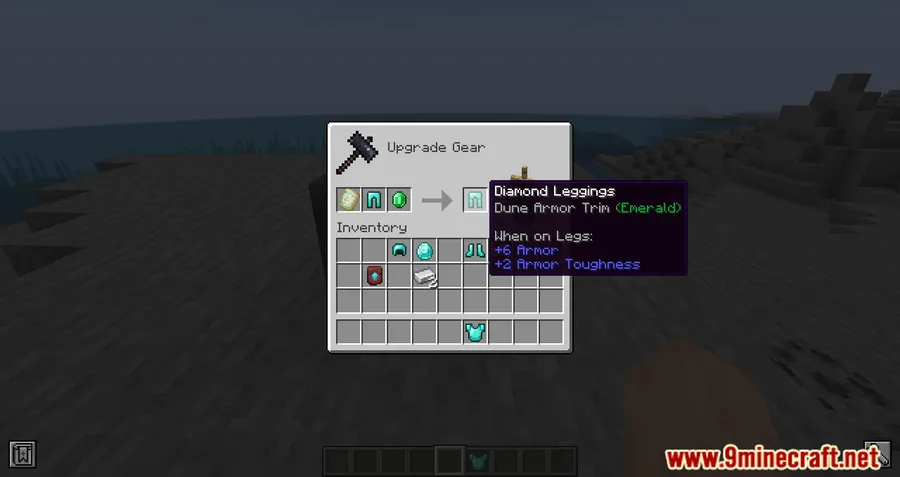
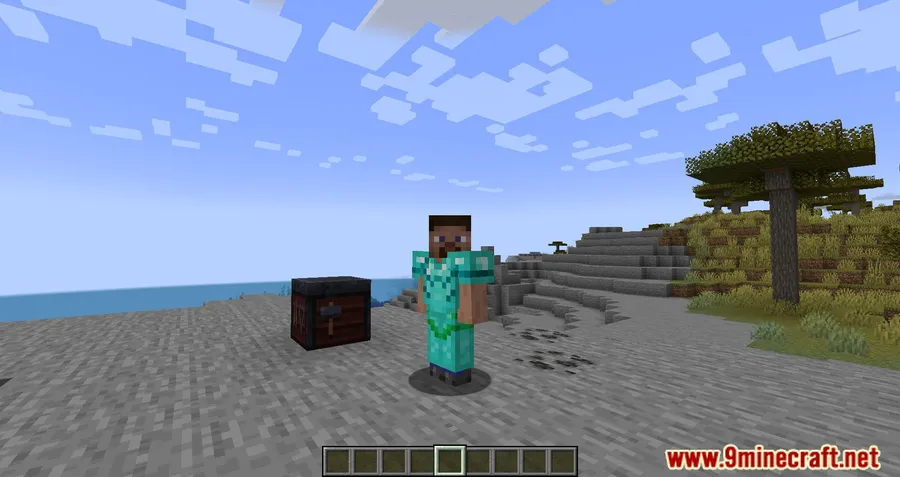
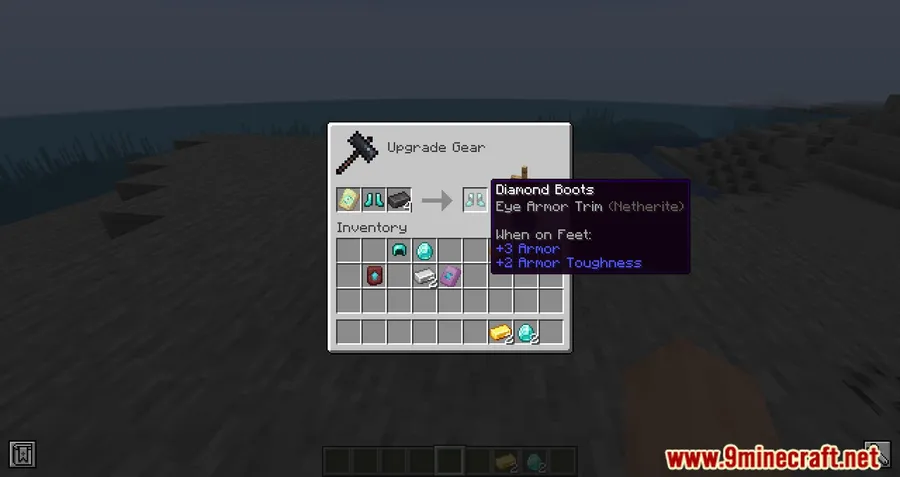
How to Install
- Download and install Fabric Loader for your Minecraft version (1.20.1 or 1.19.4).
- Download the Fabric API and place it in your
modsfolder. - Download Better Trim Tooltips Mod from the link below.
- Drop the mod
.jarfile into your.minecraft/modsfolder. - Launch Minecraft with the Fabric profile and the mod will be active automatically.
Requirements
| Component | Details |
|---|---|
| Mod Loader | Fabric |
| Dependencies | Fabric Modloader, Fabric API |
| Minecraft Versions | 1.20.1, 1.19.4 |
Pros & Cons
Pros
- Makes trim materials easy to understand without leaving the game
- Lightweight client-side mod — appears to be lightweight with minimal overhead
- Open source under MIT license, so the community can contribute or fork
- Over 2.6 million downloads, indicating strong community trust
Cons
- Fabric-only — no Forge or NeoForge support available
- Limited version range (1.19.4 to 1.20.1) with no updates since June 2023
- Only addresses trim tooltips — does not add new trim functionality or visuals
Download
Always download mods from official sources to stay safe.
What’s New
- Updated mod compatibility to support Minecraft 1.20 and 1.20.1.
- The mod.json now declares support for 1.20.1 for forward compatibility.
- No tooltip changes are expected between release candidates, so the update should remain stable.
- Re-uploaded package using mc-publish v3.3 for improved distribution.
FAQ
Does Better Trim Tooltips work with Forge?
No, this mod is built exclusively for the Fabric mod loader. You will need Fabric Loader and Fabric API installed to use it. There is currently no Forge or NeoForge port available.
Is Better Trim Tooltips compatible with Minecraft 1.20.1?
Yes, the mod supports both Minecraft 1.19.4 and 1.20.1. These are the only two versions currently available, as the mod has not been updated since June 2023.
Do I need any other mods for Better Trim Tooltips to work?
You only need Fabric API as a dependency. Once both Fabric API and the mod are in your mods folder, the enhanced tooltips will appear automatically in the Smithing Table and inventory.



![[Let's Do] Candlelight - Farm&Charm compat Mod (1.21.1) - thumbnail](http://mcinside.com/wp-content/uploads/2026/04/thumbnail-81-52x52.webp)


![[Let's Do] Meadow Mod (1.21.1) - thumbnail](http://mcinside.com/wp-content/uploads/2026/04/thumbnail-64-52x52.webp)


![Not Enough Recipe Book [NERB] Mod (1.21.11) - thumbnail](http://mcinside.com/wp-content/uploads/2026/04/thumbnail-63-52x52.webp)