
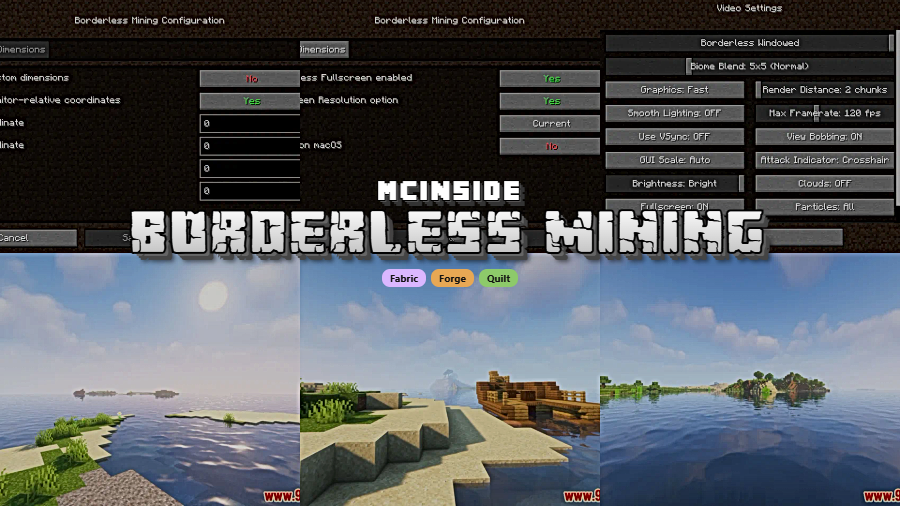
Borderless Mining is a utility mod that replaces Minecraft's default fullscreen mode with a borderless windowed display, allowing seamless multitasking across multiple monitors on Fabric, Forge, and Quilt mod loaders.
Anyone who has tried to watch a YouTube tutorial, chat on Discord, or check a wiki page on a second monitor while playing Minecraft fullscreen knows the frustration: the moment you click away, the game minimizes to the taskbar. You lose your view, your flow, and sometimes a few hearts of health if you forget to pause. Borderless Mining by comp500 solves this long-standing annoyance by converting Minecraft's fullscreen into a borderless window that fills your entire screen — visually identical to true fullscreen but without the aggressive focus-locking behavior. With over 7.9 million downloads on Modrinth, this is one of the most popular quality-of-life mods in the Minecraft ecosystem, and for good reason: it addresses a problem nearly every multi-monitor player encounters.
Key Features of Borderless Mining
- Borderless Fullscreen Mode — Instead of using the operating system's exclusive fullscreen, the mod creates a borderless window that spans your entire display. This means you can click on your second monitor without Minecraft collapsing to the taskbar, which is a game-changer for players who reference guides, stream, or manage voice chat while playing.
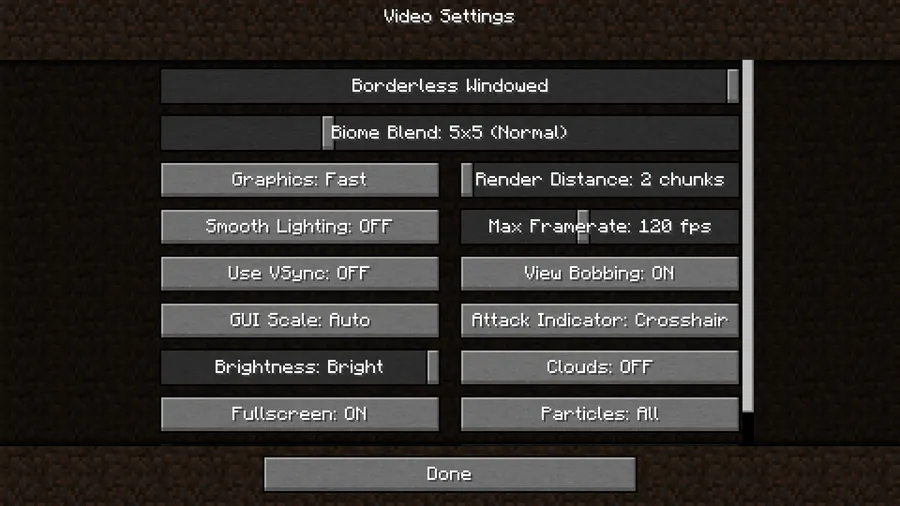
- In-Game Toggle via Video Settings — Borderless Mining adds a "Borderless Windowed" option directly to Minecraft's Video Settings screen. You do not need to restart the game or dig through config files to switch between standard fullscreen and borderless mode, making it easy to toggle on the fly depending on your situation.
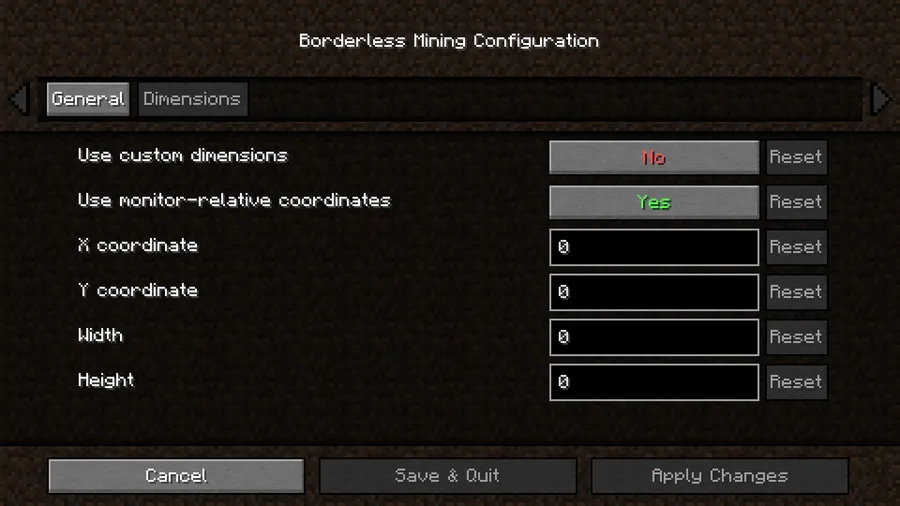
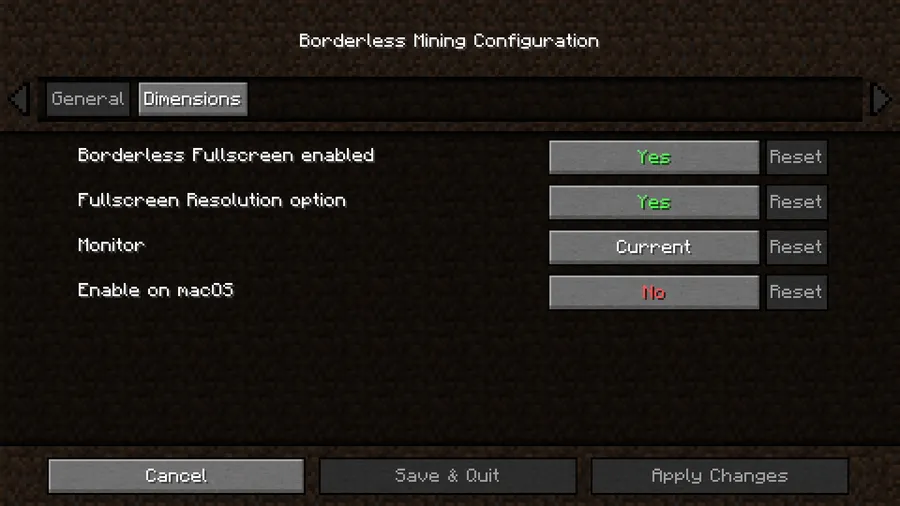
- Mod Menu Integration — For players who use Mod Menu, Borderless Mining provides a dedicated configuration screen. This gives you quick access to tweak the mod's behavior without manually editing configuration files, keeping everything accessible within the game's interface.
- Server Compatible Without Installation — The mod works on both vanilla and modded servers without requiring the server to have it installed. This is purely a client-side display tweak, so you can use it on any server you join — no coordination with server admins needed.
- Multi-Loader Support (Fabric, Forge, Quilt) — Whether you run a Fabric modpack, a Forge setup, or prefer Quilt, Borderless Mining has you covered. The Fabric and Quilt versions are actively maintained for modern Minecraft versions, while Forge support covers legacy versions like 1.12.x through the original Fullscreen Windowed (Borderless) codebase.
- macOS-Aware Behavior — On macOS, the mod disables itself by default because macOS already handles fullscreen windows differently and it is impossible to position the window above the system menu bar. This prevents visual glitches and respects the platform's native fullscreen implementation, showing thoughtful cross-platform design.
- Lightweight and Focused — Borderless Mining does one thing and does it well. It appears to be lightweight with minimal overhead since it only modifies how the window is displayed, not how the game renders frames. This makes it safe to include in performance-focused modpacks alongside optimization mods.
Screenshots
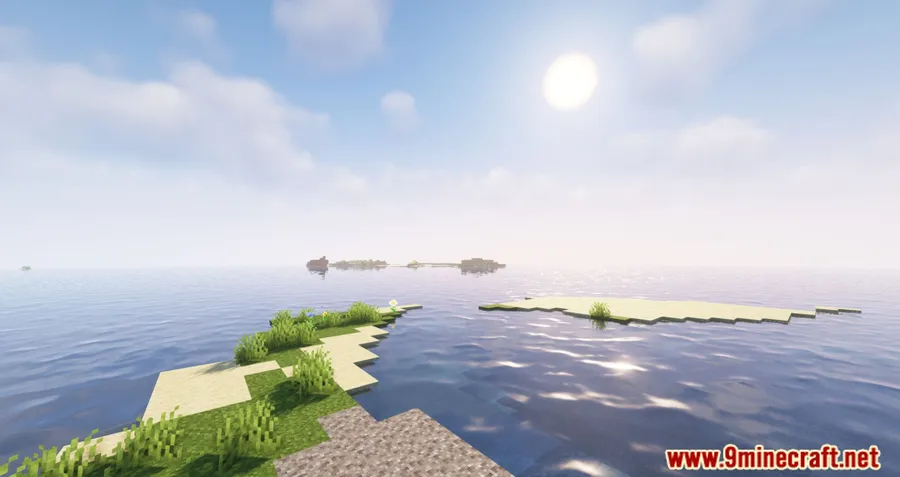
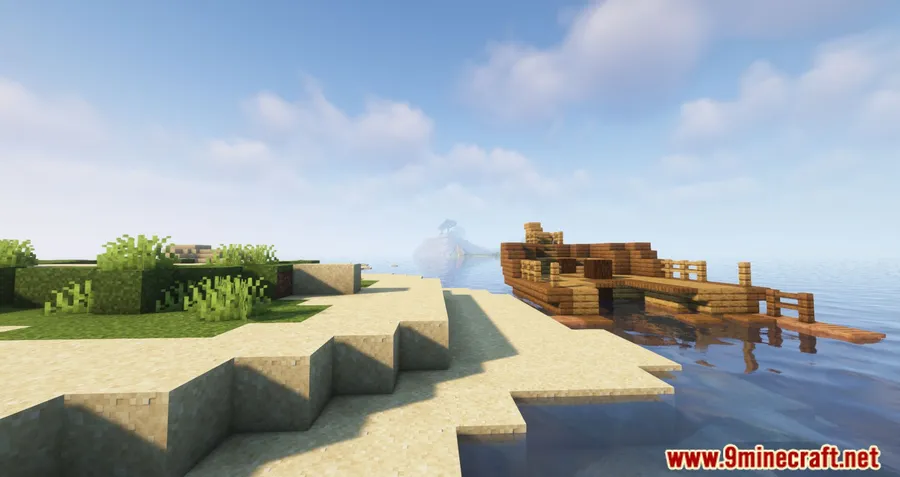
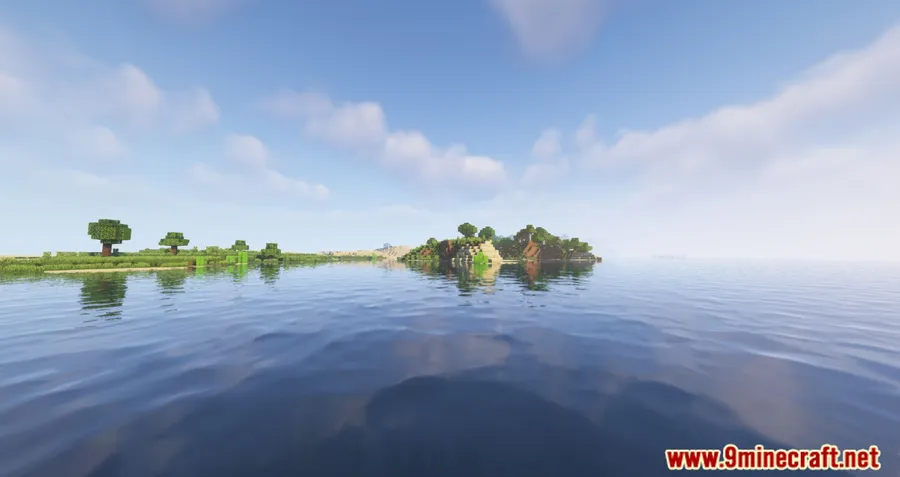
How to Install Borderless Mining
- Install your preferred mod loader: Fabric Mod Loader, Minecraft Forge, or Quilt Loader. Make sure the loader version matches your Minecraft version.
- If using Fabric or Quilt, download and install the Fabric API (required by most Fabric mods). Drop the Fabric API .jar into your
modsfolder. - Download the correct Borderless Mining version for your Minecraft version and mod loader from the download section below.
- Place the downloaded
.jarfile into your Minecraftmodsfolder. On Windows, this is typically located at%appdata%.minecraftmods. - Launch Minecraft with your mod loader profile. Once in-game, go to Options → Video Settings and look for the Borderless Windowed toggle to confirm the mod is active.
Requirements & Compatibility
| Detail | Info |
|---|---|
| Mod Loaders | Fabric, Forge, Quilt |
| Minecraft Versions | 1.20.2, 1.20.1, 1.20, 1.19.x, 1.18.x, 1.17.x, 1.16.x, 1.15.2, 1.12.x |
| Client/Server | Client-side only — no server installation required |
| License | MIT |
| Author | comp500 |
| Total Downloads | 7,900,000+ |
What's New
- Updated to support Minecraft 1.20.2
- Added Brazilian Portuguese (pt_br) language translation contributed by FITFC
- Continued maintenance and compatibility improvements for the latest Minecraft releases
Pros and Cons
Pros
- Eliminates the alt-tab minimizing problem on multi-monitor setups
- Works on any server without server-side installation
- Easy in-game toggle — no config file editing needed
- Supports all three major mod loaders
- Appears to be lightweight with minimal impact on game performance
- Massive community trust with nearly 8 million downloads
Cons
- Disabled by default on macOS due to platform limitations
- Forge support limited to legacy 1.12.x versions; modern Forge users need alternatives
- May behave unexpectedly with certain custom resolution or scaling configurations
- Does not add additional window management features beyond borderless fullscreen
Alternatives to Borderless Mining
- Borderless Window — A similar borderless fullscreen mod by nekeras built specifically for Forge 1.14 and later, making it the go-to choice if you run a modern Forge setup.
- Custom Window Title — A utility mod that lets you customize the Minecraft window title bar text, useful alongside Borderless Mining for players who want full control over their windowed experience.
- Sodium — While not a windowing mod, Sodium dramatically improves rendering performance and pairs well with Borderless Mining for an optimized multi-monitor gaming setup.
Download Borderless Mining
| Minecraft Version | Fabric | Quilt |
|---|---|---|
| For Minecraft 1.20.2 | Download | Download |
| For Minecraft 1.20.1 | Download | Download |
| For Minecraft 1.20 | Download | Download |
| For Minecraft 1.19.4 | Download | Download |
| For Minecraft 1.19.3 | Download | Download |
| For Minecraft 1.19.2 | Download | Download |
| For Minecraft 1.19.1 | Download | Download |
| For Minecraft 1.19 | Download | Download |
| For Minecraft 1.18.2 | Download | Download |
| For Minecraft 1.18.1 | Download | — |
| For Minecraft 1.18 | Download | — |
| For Minecraft 1.17.1 | Download | — |
Always download mods from official sources to stay safe.
Frequently Asked Questions
Does Borderless Mining work on servers?
Yes — Borderless Mining is entirely client-side and works on any vanilla or modded server without the server needing to install it. The mod only changes how your game window is displayed on your computer, so it has no interaction with server-side code.
Is Borderless Mining compatible with Sodium and other performance mods?
Yes — Borderless Mining is compatible with popular optimization mods like Sodium, Lithium, and Iris. Since it only modifies the window display mode and does not alter rendering, it can safely coexist with performance-focused mods in the same modpack.
Does Borderless Mining work on macOS?
No — the mod is disabled by default on macOS because the operating system prevents positioning a window above the menu bar. Since macOS already has solid native fullscreen support with swipe-based desktop switching, the mod's functionality is less needed on that platform.
Can I use Borderless Mining with Forge on Minecraft 1.20?
No — the Forge version of Borderless Mining only covers legacy Minecraft 1.12.x. For modern Minecraft versions (1.14+), the mod is available for Fabric and Quilt. Forge users on 1.14 or newer should consider the Borderless Window mod by nekeras as an alternative.
Will Borderless Mining affect my FPS or game performance?
It appears to be lightweight and should not noticeably impact FPS. The mod changes the window display mode from exclusive fullscreen to a borderless window, which is a minor system-level adjustment. Some players may notice a marginal difference depending on their GPU driver's handling of borderless versus exclusive fullscreen, but for most setups the difference is negligible.




![Not Enough Recipe Book [NERB] Mod (1.21.11) - thumbnail](http://mcinside.com/wp-content/uploads/2026/04/thumbnail-63-52x52.webp)


