

Multi-monitor setups and Minecraft's default fullscreen have never played well together — alt-tabbing minimizes the game, blocking quick access to Discord, browsers, or streaming software. Borderless Window Mod by nekeras solves this by replacing the standard fullscreen with a borderless windowed mode that keeps Minecraft visible even when you switch focus to another application. With over 95,000 downloads and active development through early 2026, it has become a trusted quality-of-life pick for players who multitask while gaming.
Key Features
- Borderless fullscreen replacement — Swaps out the default Minecraft fullscreen for a custom borderless window that fills your entire screen without the usual drawbacks of exclusive fullscreen mode.
- Seamless application switching — Move between Minecraft and other programs freely without the game minimizing, which is especially valuable on multi-monitor setups where you need quick access to other windows.
- Window layering support — Other applications can be placed on top of the Minecraft window, making it easy to overlay tools like chat apps, wikis, or streaming dashboards while you play.
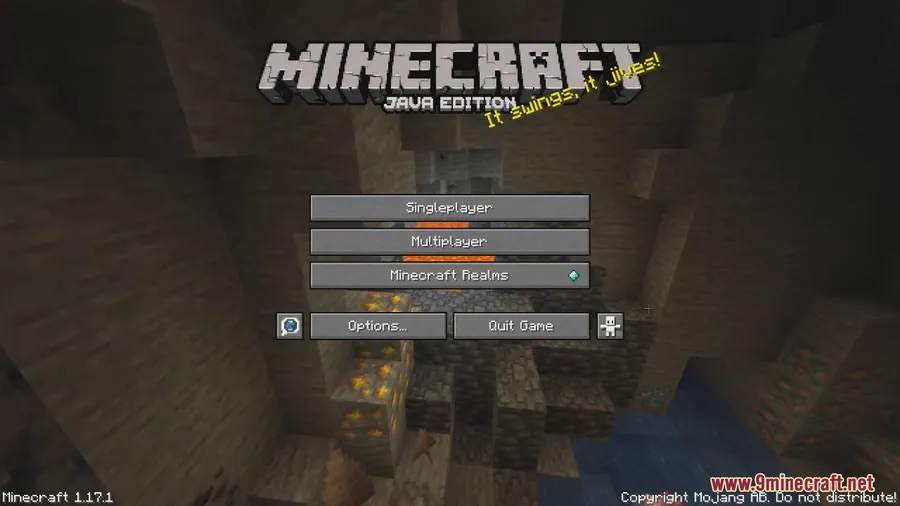
Screenshots


How to Install
- Download and install Minecraft Forge or NeoForge for your Minecraft version.
- Download the Borderless Window Mod file for your version from the link below.
- Place the downloaded
.jarfile into your.minecraft/modsfolder. - Launch Minecraft using your Forge or NeoForge profile — the mod activates automatically when you toggle fullscreen.
Requirements
| Mod Loader | Dependencies | Minecraft Versions |
|---|---|---|
| Forge, NeoForge | Minecraft Forge or NeoForge Installer | 1.21.1, 1.21, 1.20.6, 1.20.5, 1.20.4, 1.20.2, 1.19.4, 1.17.1, 1.16.5, 1.15.2, 1.14.4 |
Pros & Cons
Pros
- Eliminates the annoying minimize-on-focus-loss behavior in multi-monitor setups
- Allows overlaying other windows on top of Minecraft for easy multitasking
- Open source (MIT license) with active updates through 2026
- Supports a wide range of Minecraft versions from 1.14.4 to 1.21.1
Cons
- Borderless fullscreen may result in lower FPS compared to standard exclusive fullscreen
- The game window may appear unresponsive during startup when running many mods — this is a Forge-level issue, not specific to this mod
- No Fabric support — limited to Forge and NeoForge loaders only
Download
Always download mods from official sources to stay safe.
FAQ
Does Borderless Window Mod reduce FPS?
Borderless fullscreen mode generally delivers fewer frames per second than standard exclusive fullscreen. This is a known trade-off with borderless windowed modes in general, not a bug specific to this mod.
Why does Minecraft freeze on startup with this mod installed?
If you run many mods, the game window may hang and appear unresponsive while loading. This is a Minecraft/Forge behavior — just wait until the main menu fully loads and it will resolve on its own.
Can I use Borderless Window Mod with a multi-monitor setup?
Yes, that is the primary use case. The mod lets you switch to programs on other monitors without Minecraft minimizing, making multi-monitor workflows significantly smoother.


![[Let's Do] Candlelight - Farm&Charm compat Mod (1.21.1) - thumbnail](http://mcinside.com/wp-content/uploads/2026/04/thumbnail-81-52x52.webp)


![[Let's Do] Meadow Mod (1.21.1) - thumbnail](http://mcinside.com/wp-content/uploads/2026/04/thumbnail-64-52x52.webp)


![Not Enough Recipe Book [NERB] Mod (1.21.11) - thumbnail](http://mcinside.com/wp-content/uploads/2026/04/thumbnail-63-52x52.webp)