
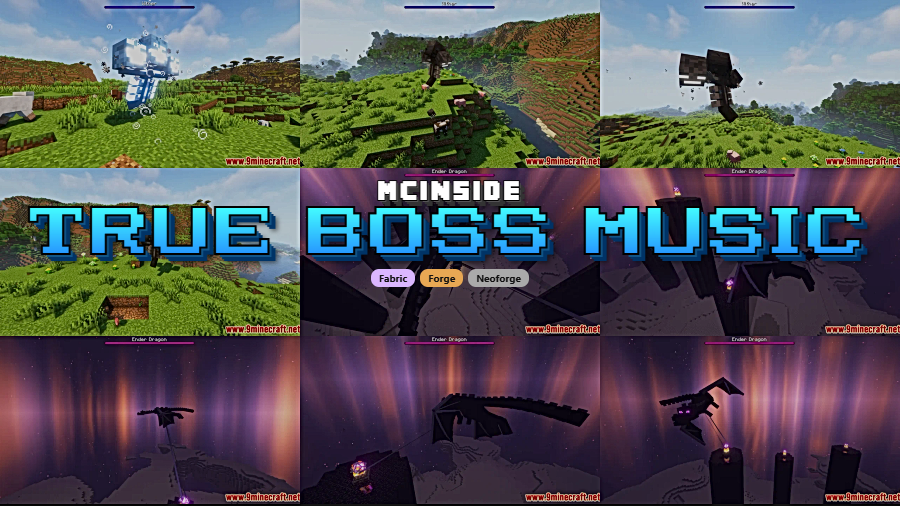
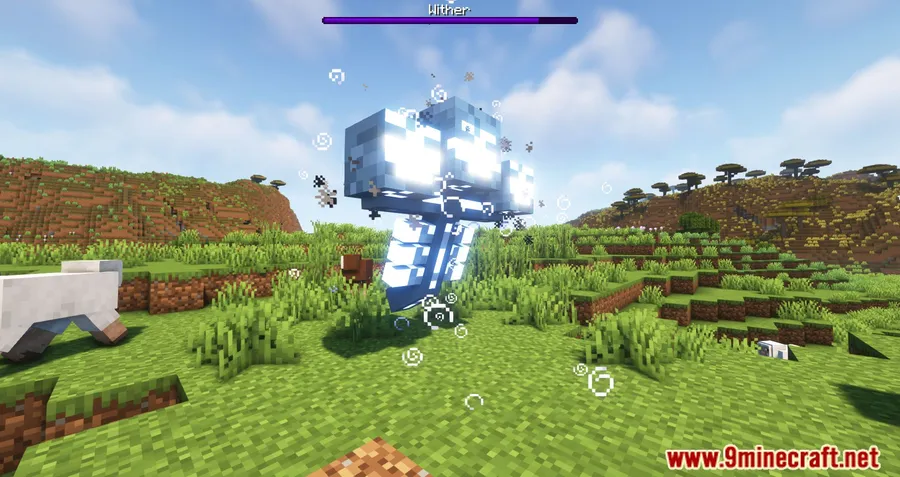
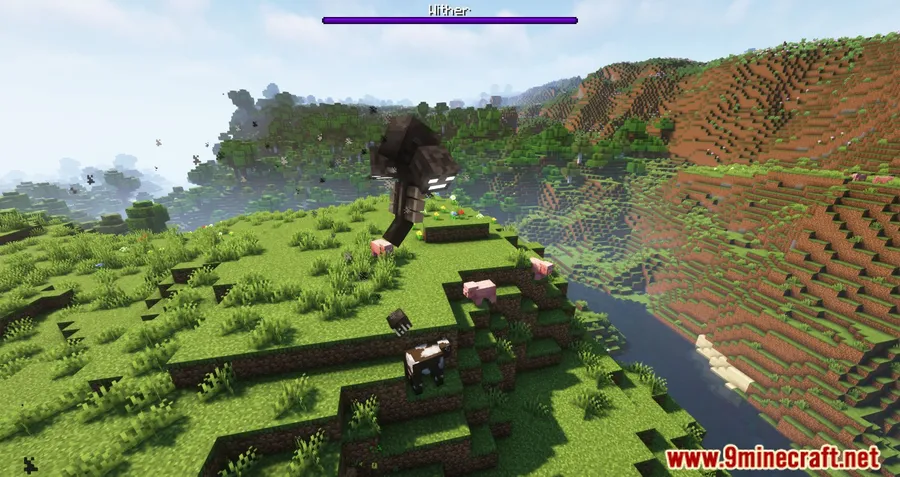
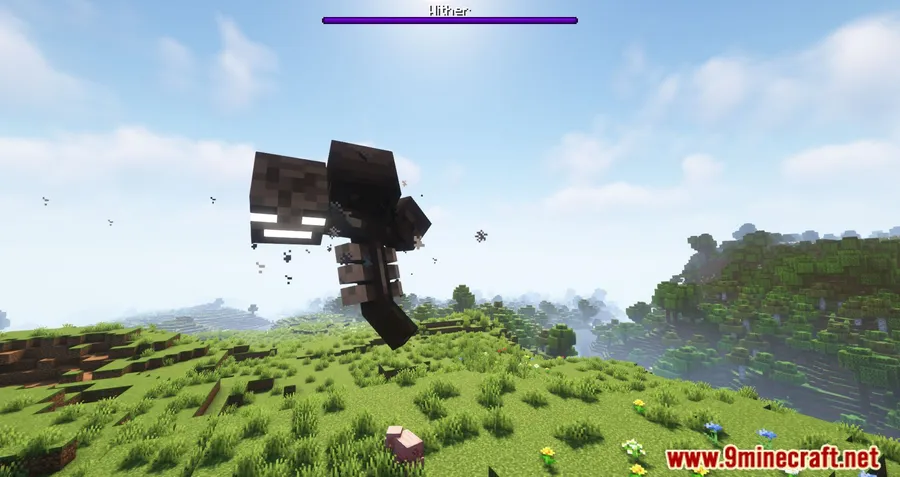
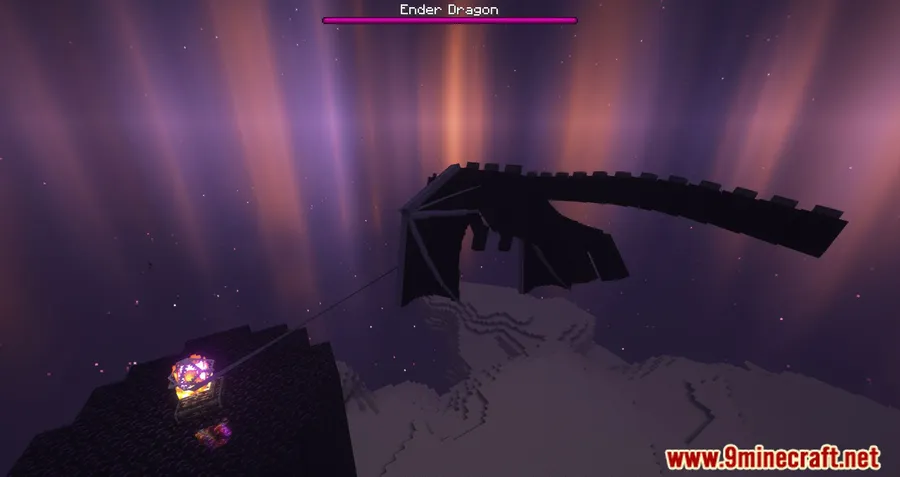
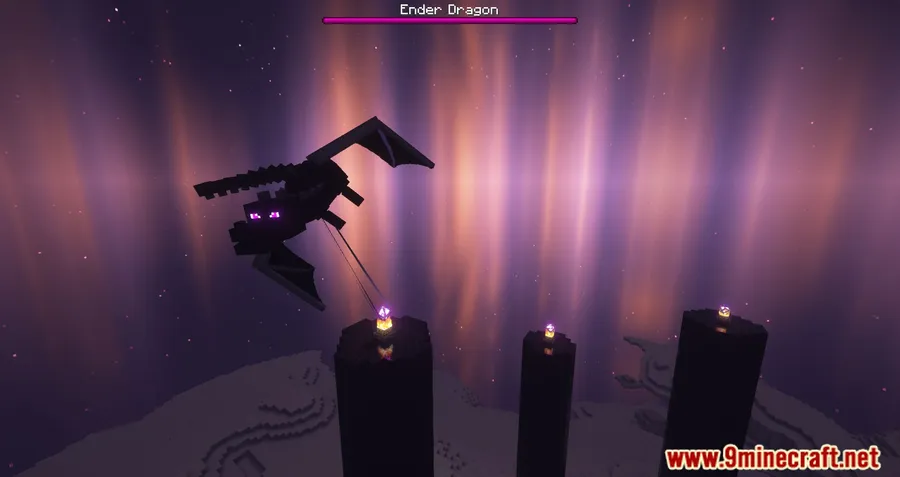
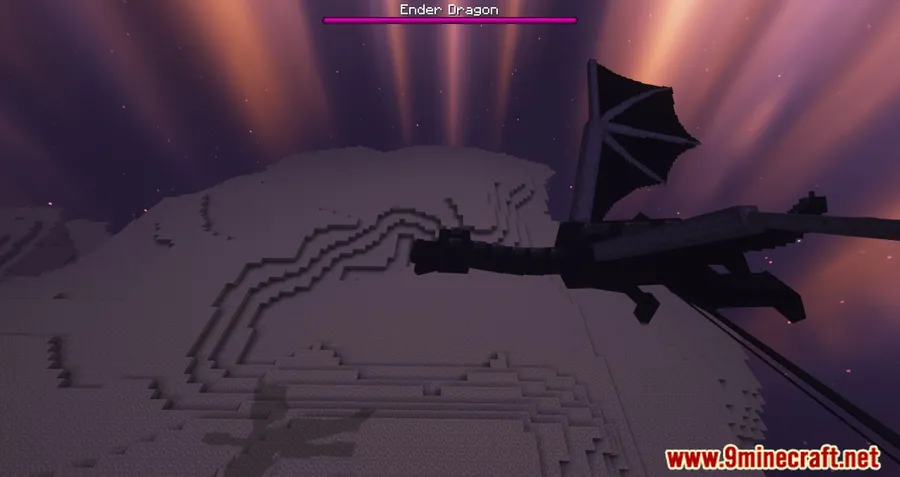
Fighting the Ender Dragon or the Wither in vanilla Minecraft feels oddly quiet — no dramatic score, no rising tension, just ambient cave noises. Boss Music Mod fixes that by assigning dedicated battle themes to each major boss: "The End at Hand" kicks in when you face the Ender Dragon, while "Theme of the Wither" accompanies every Wither encounter. With over 166,000 downloads on Modrinth, it's become a popular pick for players who want their toughest fights to actually sound the part.
Key Features
- Unique boss themes — Each boss gets its own original soundtrack: "The End at Hand" plays exclusively during the Ender Dragon fight, while "Theme of the Wither" is reserved for Wither battles.
- Automatic music triggers — Tracks start seamlessly when a boss fight begins and fade out naturally once the fight ends, so you never have to manage anything manually.
- Per-boss toggle commands — Use
/trigger bmm.wither_theme.toggleor/trigger bmm.ender_dragon_theme.toggleto enable or disable individual themes without affecting the other. - Volume control via vanilla settings — Adjust boss music volume through the "Jukebox/Note Blocks" slider in Minecraft's sound settings, giving you fine control without extra config files.
- Mod compatibility — Works alongside mods like Dynamic Surroundings, though you may need to follow specific setup steps to prevent music from triggering at spawn.
Screenshots
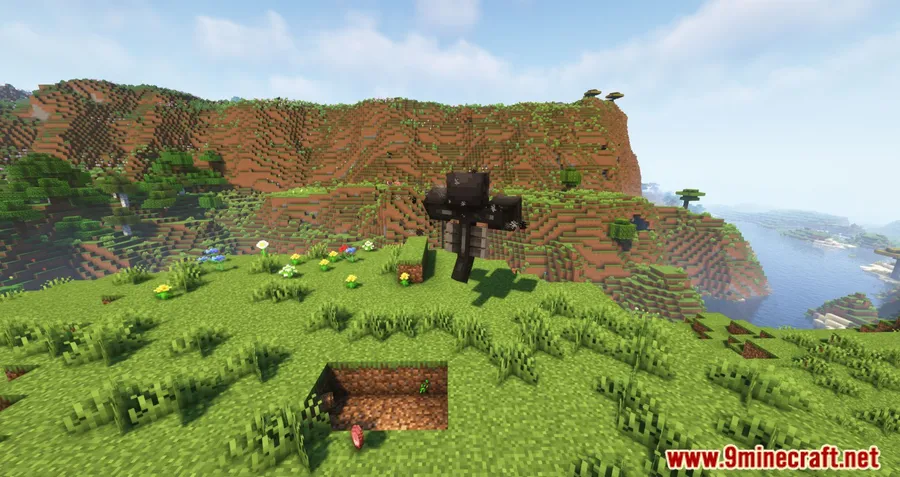
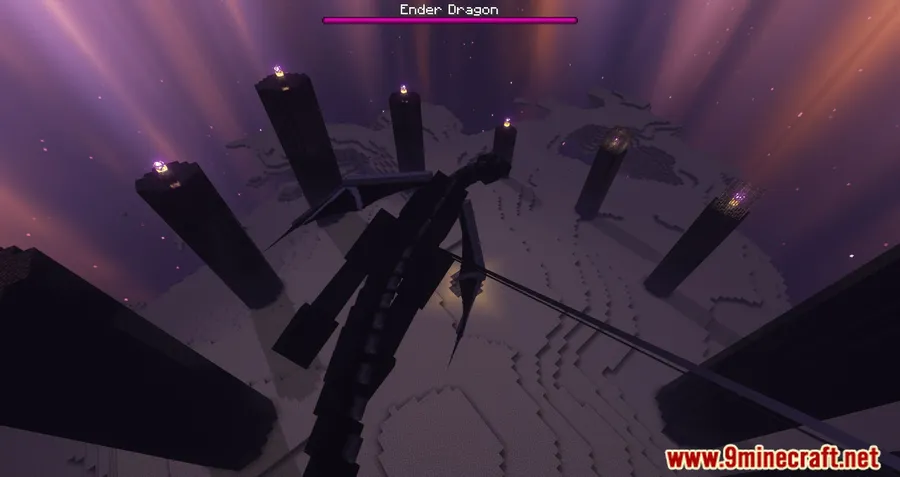
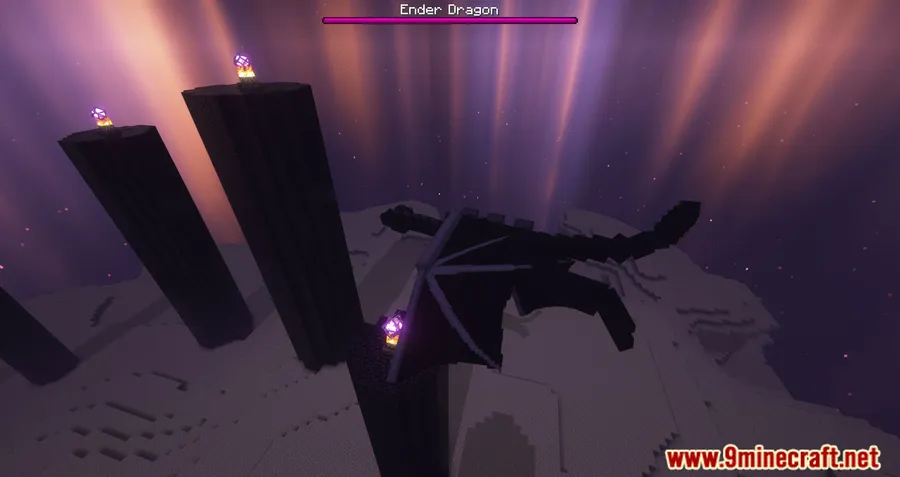
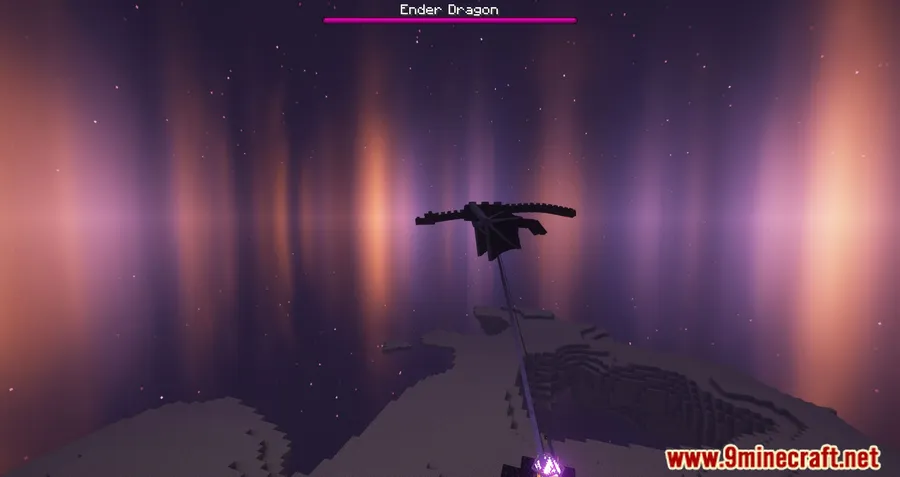
How to Install
- Download and install your preferred mod loader (Forge, Fabric, NeoForge, or Quilt) for your Minecraft version.
- If using Fabric, make sure Fabric API is also installed.
- Download the Boss Music Mod file matching your Minecraft version and loader.
- Place the downloaded
.jarfile into your.minecraft/modsfolder. - Launch Minecraft and start a boss fight to hear the new themes.
Requirements
| Category | Details |
|---|---|
| Mod Loader | Forge, Fabric, NeoForge, Quilt |
| Dependencies | Minecraft Forge, Fabric API, Quilt Loader, NeoForge Installer |
| Minecraft Versions | 26.1, 1.21.11, 1.21.10, 1.21.9, 1.21.8, 1.21.7, 1.21.6, 1.21.5, 1.21.4, 1.21.3, 1.21.1, 1.21, 1.20.6, 1.20.4, 1.20.2, 1.20.1, 1.20, 1.19.4, 1.19.3, 1.19.2, 1.19.1, 1.19, 1.18.2, 1.18.1, 1.17.1, 1.16.5 |
Pros & Cons
Pros
- Makes boss fights feel genuinely epic with dedicated original music
- Supports all four major mod loaders — Forge, Fabric, NeoForge, and Quilt
- Wide version support spanning from 1.16.5 all the way to 26.1
- Easy to customize — toggle individual themes on or off with simple commands
- Uses the vanilla volume slider, so no extra configuration needed
Cons
- Only covers two bosses (Ender Dragon and Wither) — no music for the Elder Guardian or Warden
- May require additional setup when used alongside Dynamic Surroundings to avoid music playing at spawn
- All rights reserved license limits community modifications or redistribution
Download
Always download mods from official sources to stay safe.
What's New
- The mod now has an official Fabric port, expanding availability beyond Forge and NeoForge.
- Fabric players can enjoy the same boss fight soundtracks previously limited to Forge-based loaders.
- The latest update was released on November 1, 2024.
FAQ
Can I disable the boss music for just one boss?
Yes. Use /trigger bmm.wither_theme.toggle to toggle the Wither theme or /trigger bmm.ender_dragon_theme.toggle for the Ender Dragon theme. Each boss can be controlled independently.
How do I change the volume of the boss fight music?
Go to Minecraft's sound settings and adjust the "Jukebox/Note Blocks" slider. Boss Music Mod uses this channel for its playback, so you can turn it up or down without affecting other game sounds.
Does Boss Music Mod work with Dynamic Surroundings?
It is compatible with Dynamic Surroundings, but you may need to follow specific setup steps to prevent the boss music from triggering at spawn. Check the mod's configuration page for details on resolving any conflicts.





![[Let's Do] Meadow Mod (1.21.1) - thumbnail](http://mcinside.com/wp-content/uploads/2026/04/thumbnail-64-52x52.webp)


![Not Enough Recipe Book [NERB] Mod (1.21.11) - thumbnail](http://mcinside.com/wp-content/uploads/2026/04/thumbnail-63-52x52.webp)
