
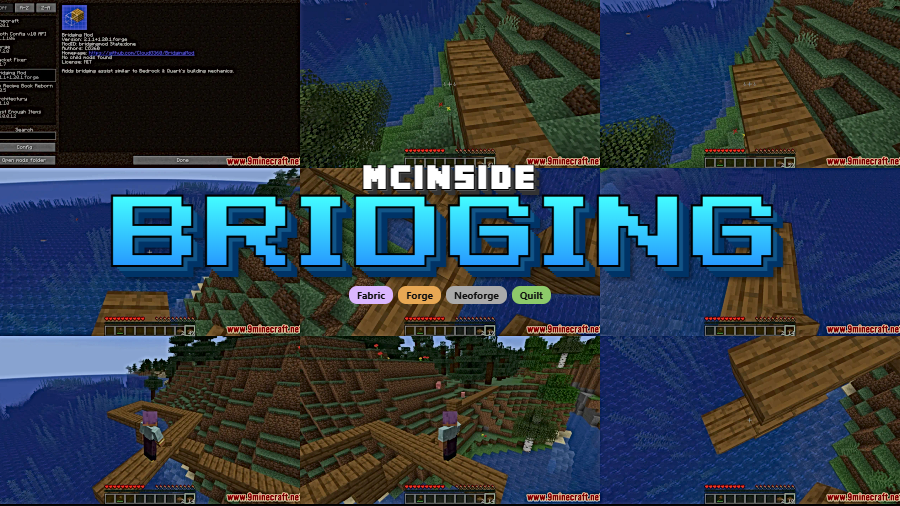
Ever wished you could place blocks in front of you while bridging, just like Bedrock Edition players do? Bridging Mod brings that exact functionality to Java Edition — along with downward and upward block placement that makes building feel remarkably smoother. Originally inspired by placement features from Quark, this standalone mod by CloudG360 has been downloaded over 4 million times on Modrinth and supports Forge, Fabric, NeoForge, and Quilt across a wide range of Minecraft versions.
Key Features
- Intuitive gap-filling placement — Place blocks in gaps in front, above, or below other blocks, even when the necessary surface isn't directly visible. This mimics the fluid bridging experience Bedrock players enjoy.
- Visual crosshair indicator — A dedicated crosshair appears to show exactly which direction block placement will occur, so you always know where your next block is going before you click.
- Debug bounding box — When the F3 menu is open, a bounding box displays the precise position for block placement, giving builders pixel-perfect control during complex projects.
- Multi-loader support — Works across Forge, Fabric, NeoForge, and Quilt, so you can use it alongside most popular modpacks without compatibility headaches.
Screenshots
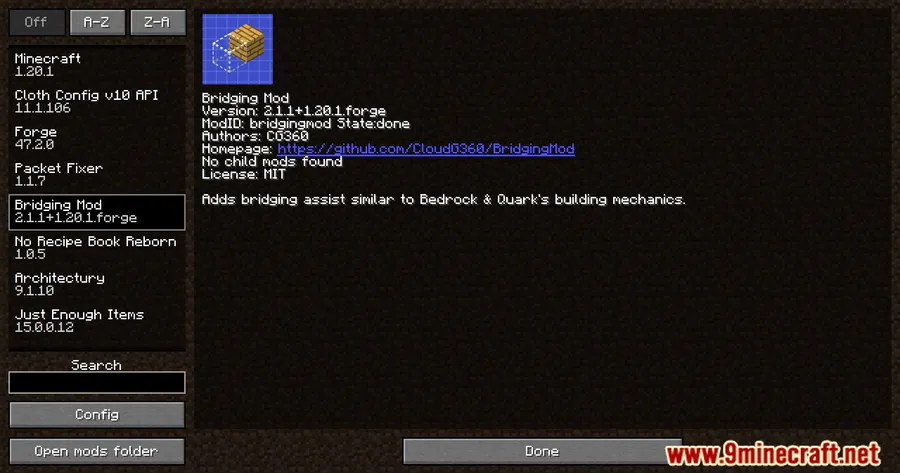
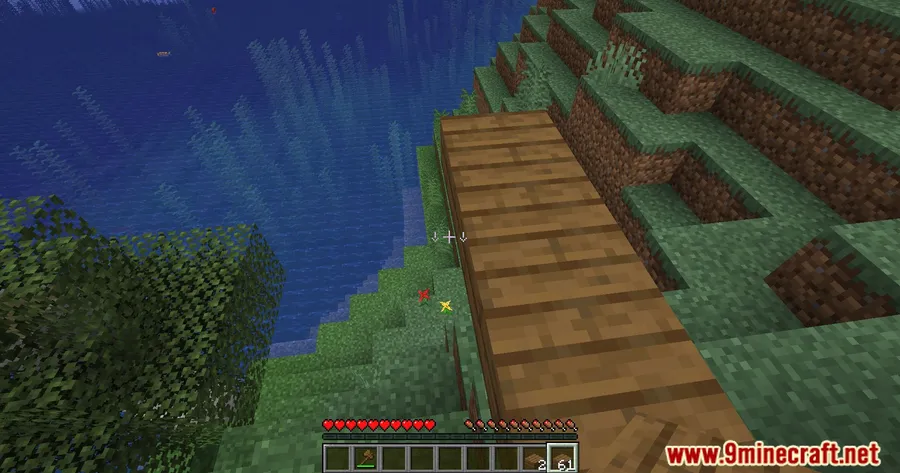
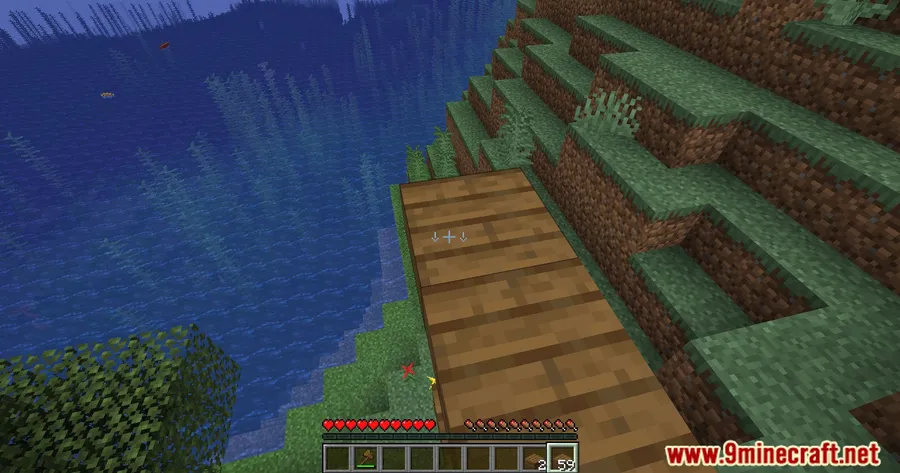
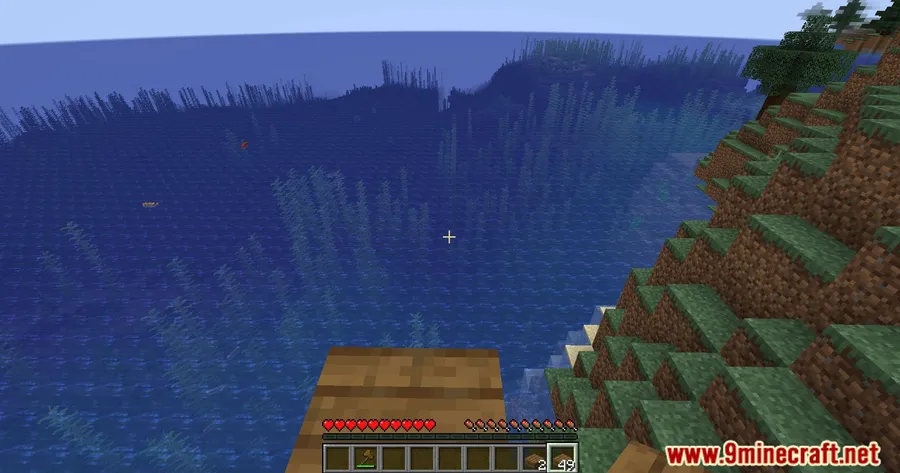
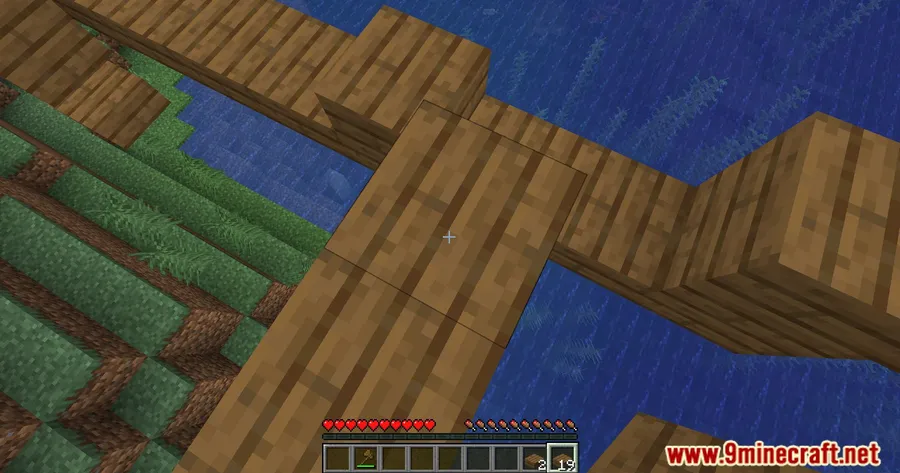
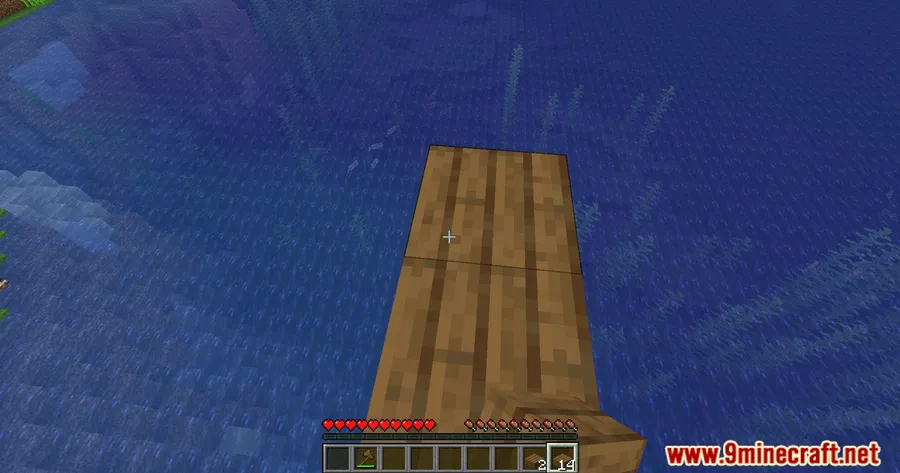
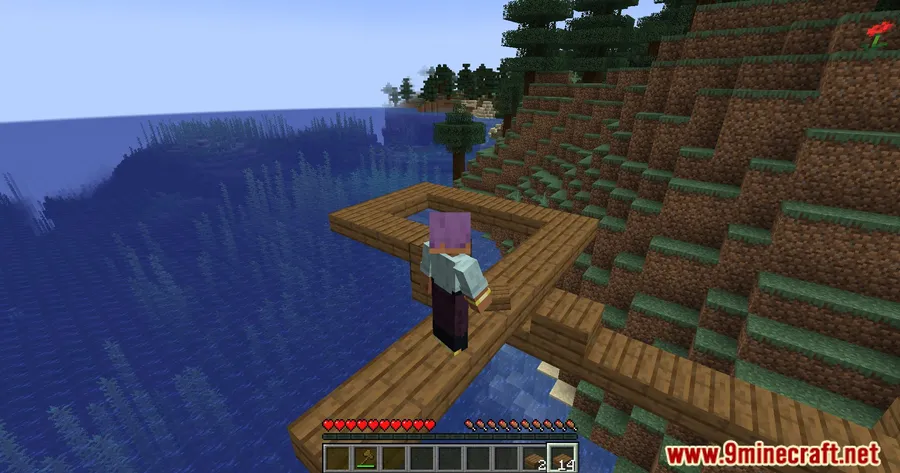
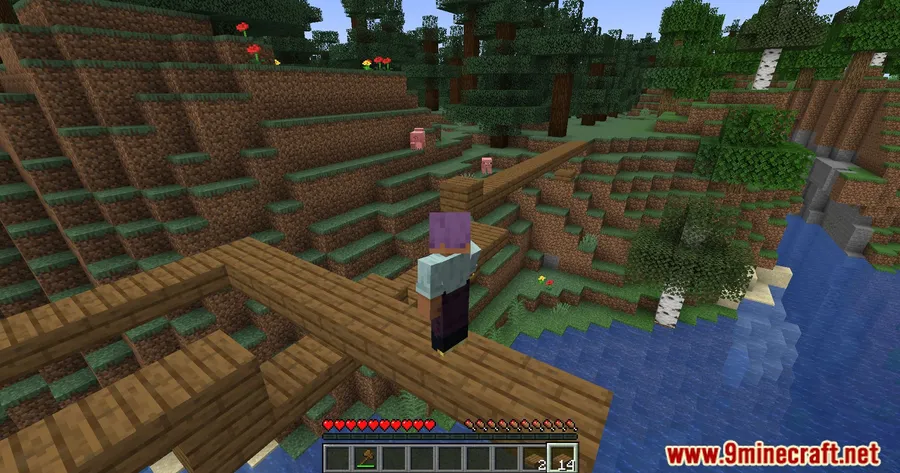
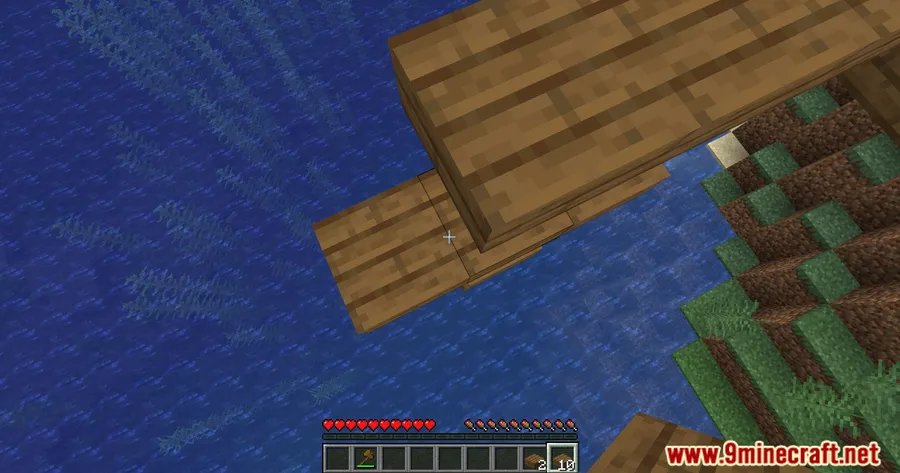
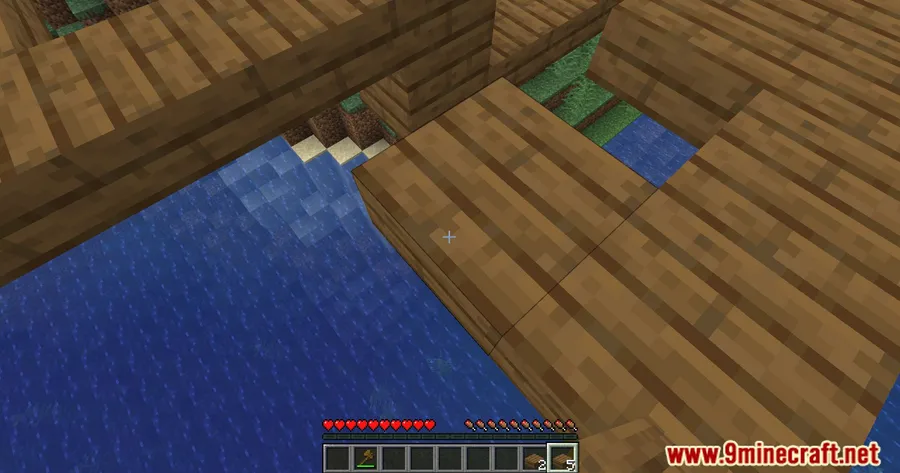
How to Install
- Download and install your preferred mod loader (Forge, Fabric, NeoForge, or Quilt) for your Minecraft version.
- If using Fabric, make sure Fabric API is installed in your mods folder.
- Download the correct Bridging Mod file matching your Minecraft version and mod loader.
- Place the downloaded
.jarfile into your.minecraft/modsfolder. - Launch Minecraft and start bridging — no additional configuration needed.
Requirements
| Category | Details |
|---|---|
| Mod Loaders | NeoForge, Forge, Fabric, Quilt |
| Dependencies | Minecraft Forge, Fabric API, Quilt Loader, NeoForge Installer |
| Minecraft Versions | 1.21.11, 1.21.10, 1.21.9, 1.21.8, 1.21.7, 1.21.6, 1.21.5, 1.21.4, 1.20.2, 1.20.1, 1.20, 1.19.4, 1.19.3, 1.19.2, 1.19.1, 1.19, 1.18.2, 1.18.1, 1.17.1 |
Pros
- Brings Bedrock-style block placement to Java Edition without replacing the entire control scheme
- Visual crosshair and bounding box indicators make placement predictable and precise
- Supports all four major mod loaders — Forge, Fabric, NeoForge, and Quilt
- Actively maintained with frequent updates covering the latest Minecraft versions
- Open-source under MIT license with community-contributed translations
Cons
- Should not be used on servers with anti-cheat systems, as the modified placement may trigger detection
- May conflict with other mods that alter block placement behavior
- Older Minecraft versions (1.17.1–1.19.3) only have Fabric builds available
Download
Always download mods from official sources to stay safe.
What's New
- 1.21.11 support — The mod has been updated to work with the latest Minecraft 1.21.11 release.
- Italian translations — New Italian language support contributed by the community.
- Crosshair crash fix — A hotfix resolved a crash related to crosshair rendering on 1.21.5+.
- Simplified bridging distance setting — The minBridgeDistance options have been combined into a single slider for all directions, making configuration easier.
- Off-hand priority fix — Off-hand bridging no longer overrides main-hand usable items like bows, tridents, and food.
FAQ
Is Bridging Mod safe to use on multiplayer servers?
You should avoid using Bridging Mod on servers with anti-cheat systems. The modified block placement behavior may be flagged as cheating, which could result in bans. It works best in singleplayer or on servers where players agree to allow client-side mods.
Does Bridging Mod work with Forge and Fabric at the same time?
No — you need to download the version that matches your specific mod loader. Bridging Mod offers separate builds for Forge, Fabric, NeoForge, and Quilt, so pick the one that corresponds to your setup.
What Minecraft versions does Bridging Mod support?
Bridging Mod supports a wide range from 1.17.1 all the way up to 1.21.11. Earlier versions (1.17.1–1.19.3) primarily have Fabric builds, while newer versions from 1.19.4 onward offer both Forge and Fabric options, with NeoForge and Quilt support on the latest releases.


![[Let's Do] Meadow Mod (1.21.1) - thumbnail](http://mcinside.com/wp-content/uploads/2026/04/thumbnail-64-52x52.webp)


![Not Enough Recipe Book [NERB] Mod (1.21.11) - thumbnail](http://mcinside.com/wp-content/uploads/2026/04/thumbnail-63-52x52.webp)
