

Modded Minecraft can chew through gigabytes of RAM without warning, and tracking down the culprit is rarely straightforward. Calm The Leaks Mod works alongside All The Leaks (ATL) to cut through the noise — filtering false positives, ranking leak reports by confidence level, and pointing you toward the mods most likely responsible. If you run heavy modpacks and dread the slow creep of memory usage, this is the diagnostic companion worth adding to your toolkit.
Key Features
- Smart False-Positive Filtering — Intercepts ATL leak reports and automatically suppresses startup noise and stable chunk retention alerts that would otherwise clutter your results.
- Confidence-Based Leak Reports — Instead of dumping raw data, the mod provides explanations and confidence levels so you can prioritize real leaks over harmless fluctuations.
- Trend Tracking & Culprit Identification — Monitors leak growth over time and identifies the mods most likely causing memory issues, saving you hours of manual profiling.
- Automatic Spark Integration — Auto-triggers Spark profiling sessions when a significant leak is detected, giving you deeper analysis without extra steps.
- In-Game Commands — Use
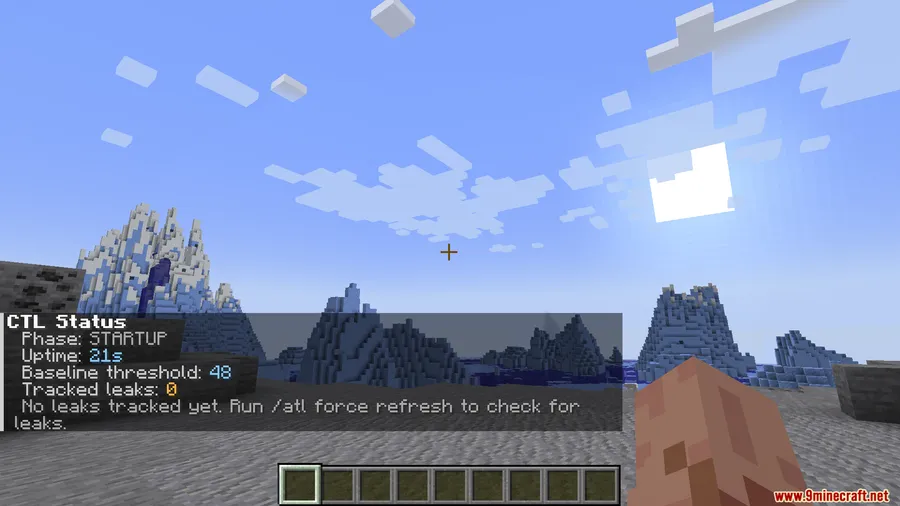
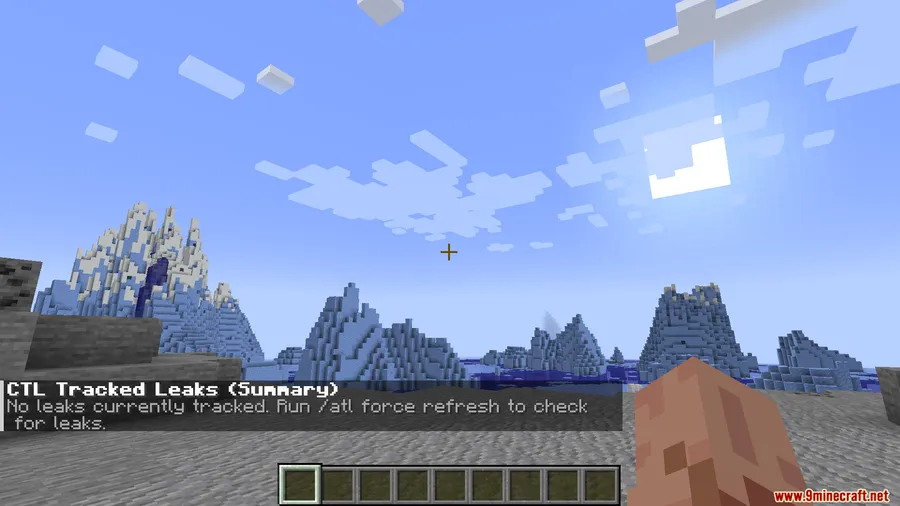
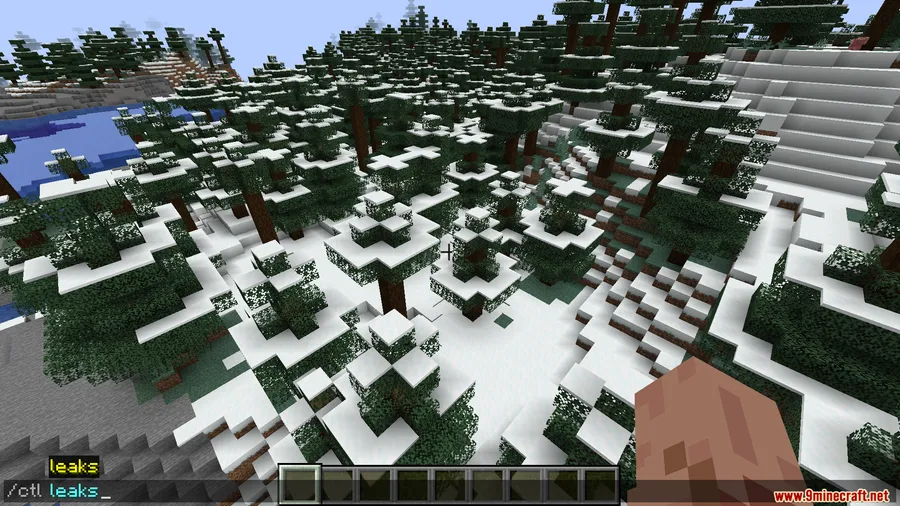
/ctl statusto check current memory health,/ctl leaksto view active leak reports, and/ctl explainfor detailed breakdowns of flagged issues.
Screenshots



How to Install
- Download and install Minecraft Forge for your Minecraft version (1.20 or 1.20.1).
- Download and install the All The Leaks (ATL) mod, which is a required dependency.
- Download Calm The Leaks from the link below.
- Place the downloaded
.jarfile into your.minecraft/modsfolder. - Launch Minecraft with your Forge profile and confirm the mod appears in the mod list.
Requirements
| Requirement | Details |
|---|---|
| Mod Loader | Forge |
| Dependencies | All The Leaks (ATL) |
| Minecraft Version | 1.20.1, 1.20 |
Pros & Cons
Pros
- Dramatically reduces false-positive leak alerts from ATL
- Confidence-level system makes it easy to prioritize real issues
- Automatic Spark profiling removes the need for manual setup
- Handy in-game commands for quick memory diagnostics
- Tracks leak trends over time, useful for long play sessions
Cons
- Requires All The Leaks as a dependency — cannot run standalone
- Only available for Forge; no Fabric or NeoForge support
- Limited to Minecraft 1.20–1.20.1 at the time of writing
Download
Always download mods from official sources to stay safe.
FAQ
Do I need All The Leaks installed for Calm The Leaks to work?
Yes. Calm The Leaks is a companion mod that intercepts and filters reports generated by All The Leaks (ATL). It will not function without ATL installed.
How do I check for active memory leaks in-game?
Use the command /ctl leaks to view all currently flagged leak reports, or /ctl status for a quick overview of your memory health. For detailed explanations of specific leaks, run /ctl explain.
Will this mod affect my game performance?
Calm The Leaks is a diagnostic and filtering tool that appears to be lightweight in normal use. Its primary job is analyzing existing ATL data rather than adding new monitoring overhead.


![[Let's Do] Meadow Mod (1.21.1) - thumbnail](http://mcinside.com/wp-content/uploads/2026/04/thumbnail-64-52x52.webp)


![Not Enough Recipe Book [NERB] Mod (1.21.11) - thumbnail](http://mcinside.com/wp-content/uploads/2026/04/thumbnail-63-52x52.webp)


