
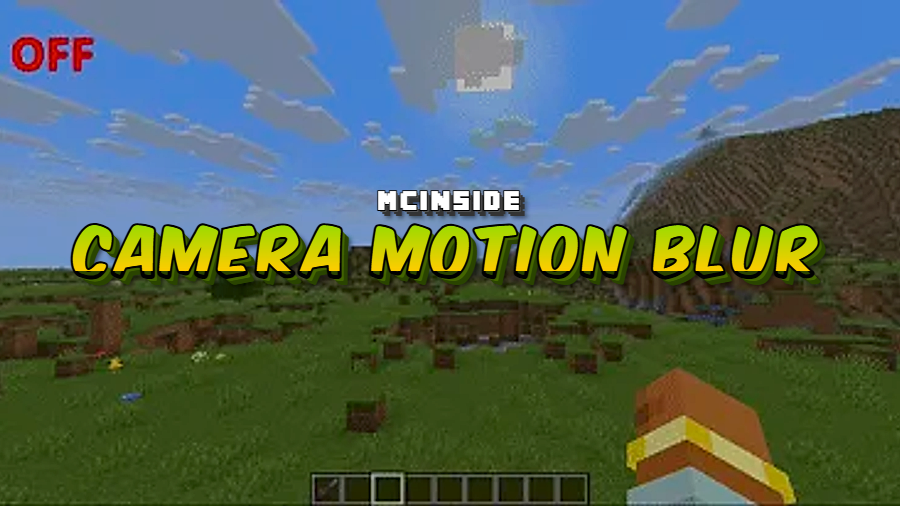
Minecraft's default camera can feel a bit stiff, especially during fast-paced movement or cinematic recordings. Camera Motion Blur Mod solves this by layering a configurable motion blur effect over your camera, giving every head turn and sprint a smoother, more polished look. Whether you're a content creator chasing that cinematic feel or a casual player who simply enjoys visual refinements, this lightweight client-side mod delivers noticeable results with almost no setup required.
Key Features
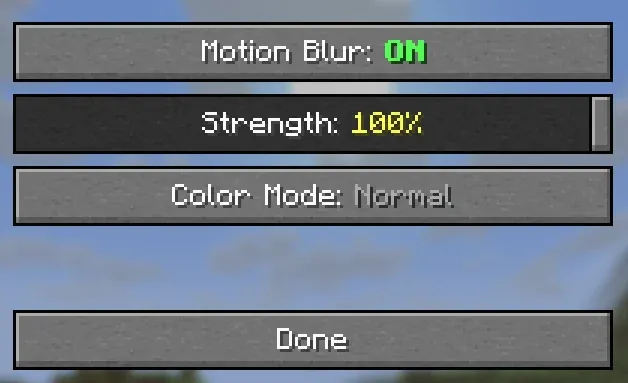
- Adjustable Blur Strength — Fine-tune how intense the motion blur appears on screen. Keep it subtle for everyday survival gameplay or crank it up when recording cinematic sequences.
- Color Overlay Effects — Apply custom color tints to the blur trail, including a rainbow mode that automatically cycles through colors for a stylized visual effect.
- In-Game Settings Menu — All options are accessible through a built-in configuration menu. You can also use chat commands with
/for quick on-the-fly adjustments without pausing gameplay. - Auto-Save Configuration — Your preferred settings persist between sessions automatically, so there is no need to reconfigure anything after restarting Minecraft.
Screenshots
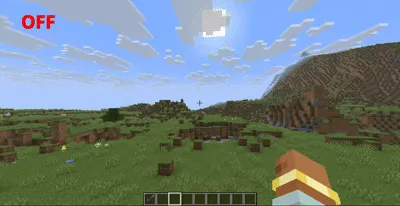
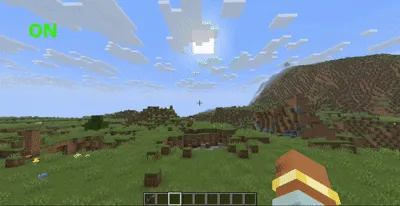
How to Install
- Download and install your preferred mod loader — Forge, Fabric, or NeoForge — for your Minecraft version.
- If using Fabric, make sure you also have the Fabric API installed.
- Download the Camera Motion Blur Mod file matching your loader and Minecraft version from the links below.
- Place the downloaded
.jarfile into your.minecraft/modsfolder. - Launch Minecraft and adjust blur settings through the in-game menu or chat commands.
Requirements
| Component | Details |
|---|---|
| Mod Loader | Forge, Fabric, or NeoForge |
| Dependencies | Fabric API (Fabric only) |
| Minecraft Version | 1.21.9, 1.21.10, 1.21.11 |
Pros & Cons
Pros
- Simple to install with no config file editing required
- Supports all three major mod loaders (Forge, Fabric, NeoForge)
- Fully adjustable blur intensity suits both gameplay and cinematic use
- Settings auto-save between sessions
- Creative color overlay and rainbow mode add unique visual flair
Cons
- Motion blur is not for everyone — some players find it disorienting
- Color overlay effects may clash with certain shader packs or resource packs
- Limited to client-side visuals with no server-side integration
Download
Always download mods from official sources to stay safe.
FAQ
Can I turn off the motion blur without removing the mod?
Yes. You can set the blur strength to zero through the in-game settings menu or by using chat commands, effectively disabling the effect while keeping the mod installed.
Does Camera Motion Blur Mod work with shaders?
The mod applies its own post-processing blur effect. While it appears to be lightweight and generally compatible, results may vary depending on the shader pack you use — some shaders include their own motion blur that could overlap.
Is this mod available for Bedrock Edition?
No. Camera Motion Blur Mod requires Forge, Fabric, or NeoForge, which are Java Edition mod loaders only. There is no Bedrock Edition version available based on current information.




![[Let's Do] Candlelight - Farm&Charm compat Mod (1.21.1) - thumbnail](http://mcinside.com/wp-content/uploads/2026/04/thumbnail-81-52x52.webp)


![[Let's Do] Meadow Mod (1.21.1) - thumbnail](http://mcinside.com/wp-content/uploads/2026/04/thumbnail-64-52x52.webp)


![Not Enough Recipe Book [NERB] Mod (1.21.11) - thumbnail](http://mcinside.com/wp-content/uploads/2026/04/thumbnail-63-52x52.webp)