

Vanilla Minecraft's camera feels static — it locks rigidly to your character's head and never reacts to what's happening around you. Camera Overhaul Mod changes that by tying camera movement directly to player actions: strafing tilts your view, falling shifts your pitch, and nearby explosions shake the screen with convincing decay effects. Downloaded over 3.8 million times and actively maintained by Mirsario, this client-side mod is one of the most popular ways to make Minecraft's first-person perspective feel alive and cinematic.
Key Features
- Directional camera tilt — Strafing and turning cause the camera to lean sideways, giving lateral movement a natural weight that vanilla Minecraft lacks.
- Vertical pitch response — Jumping, falling, and moving forward or backward subtly shift the camera's pitch, so every vertical change feels more grounded.
- Environmental screen shake — Nearby explosions, lightning strikes, and other impactful events trigger screen shake powered by advanced noise algorithms and smooth decay, rather than a jarring random jolt.
- Idle camera sway — When standing still, the camera gently drifts to simulate natural breathing-like movement, eliminating the "frozen statue" feel of vanilla idle.
- Smooth mouse-based roll — Camera roll follows your mouse input with configurable intensity, accumulation speed, and decay rate for full control over the effect.
- Vehicle and mount support — All camera effects carry over when riding horses, boats, minecarts, and other entities, keeping the immersion consistent no matter how you travel.
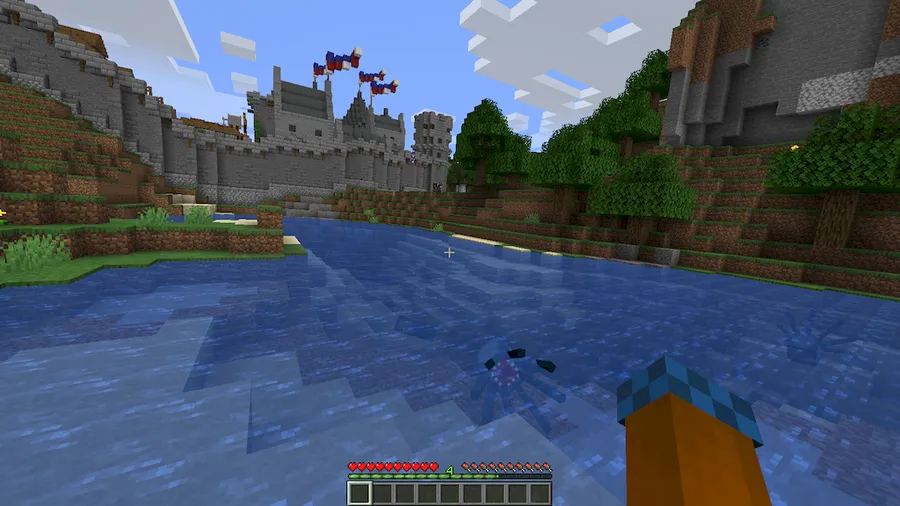
Screenshots


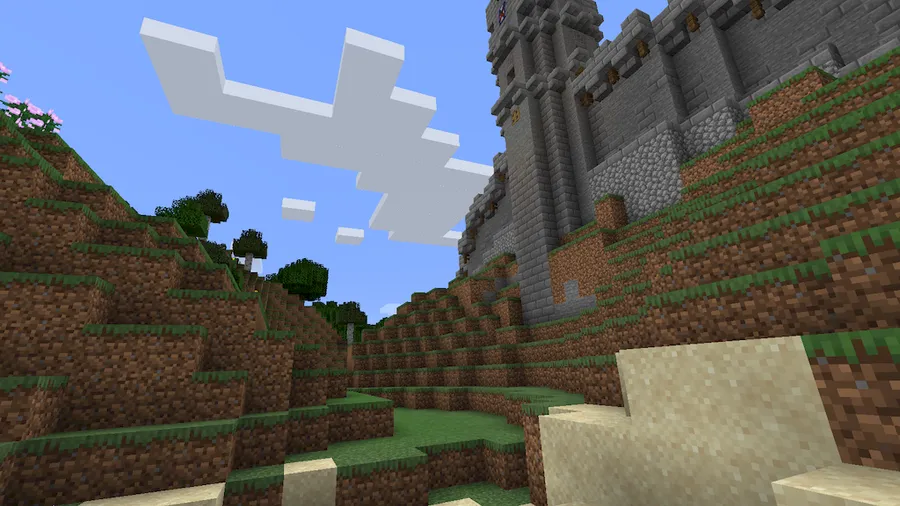
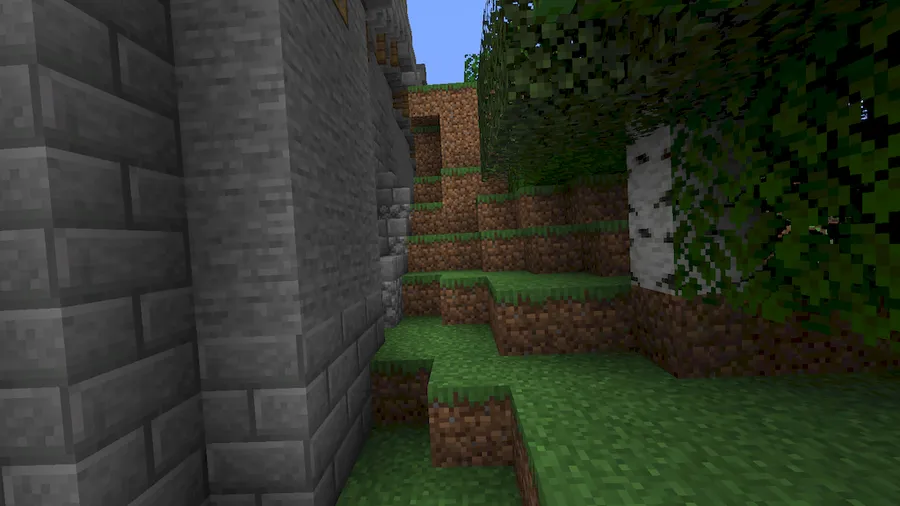
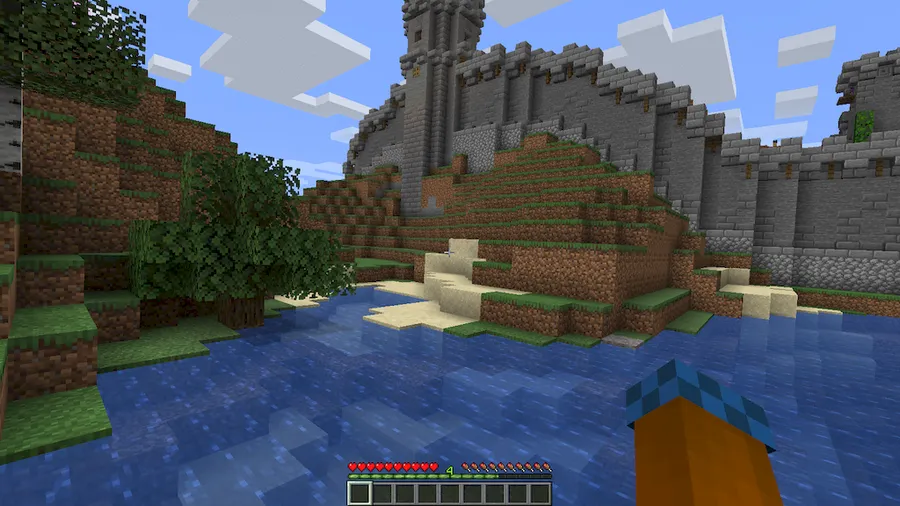
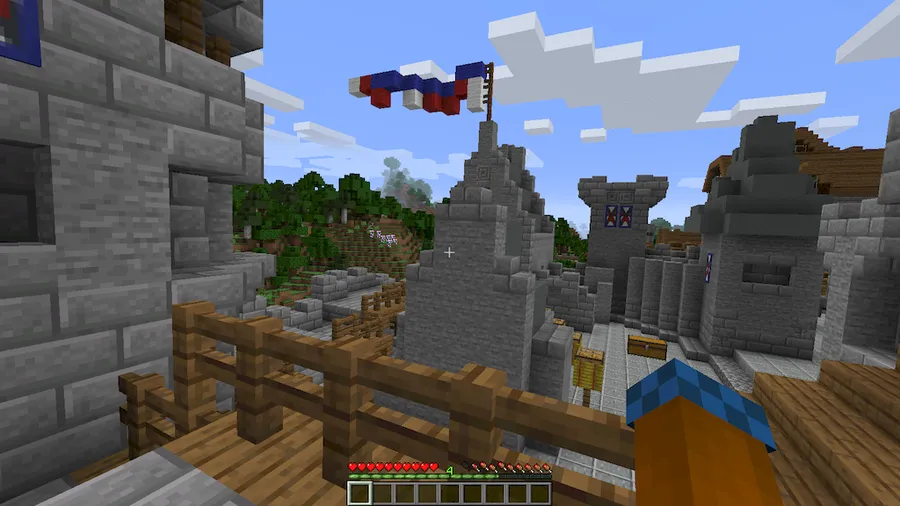
How to Install
- Download and install Fabric Loader (or Forge/Quilt, depending on your version) for your Minecraft version.
- Place the Fabric API and Cloth Config API mod files into your
.minecraft/modsfolder — both are required dependencies. - Download the Camera Overhaul Mod file matching your Minecraft version and drop it into the same
modsfolder. - Launch Minecraft with your modded profile and adjust camera settings in-game through the Cloth Config menu.
Requirements
| Mod Loader | Dependencies | Minecraft Versions |
|---|---|---|
| Forge, Fabric, Quilt | Fabric API, Cloth Config API | 1.21.1, 1.21, 1.20.6, 1.20.5, 1.19.3, 1.19.2, 1.18.2, 1.18.1, 1.16.5, 1.14.4 |
Pros & Cons
Pros
- Highly configurable — every effect can be tuned or disabled individually
- Client-side only, so no server installation is needed
- Broad version support from 1.14.4 through 1.21.1
- Available for Forge, Fabric, and Quilt mod loaders
- Actively maintained with regular updates
Cons
- Requires two additional dependency mods (Fabric API and Cloth Config API)
- Camera shake and tilt effects may cause motion discomfort for some players
- Forge support is limited to fewer Minecraft versions compared to Fabric
Download
Always download mods from official sources to stay safe.
What's New
- Added support for Minecraft 1.21.1 and newer snapshots.
- Continued compatibility maintenance for the latest Fabric and Forge loader versions.
- The mod remains under active development with its most recent update in December 2025.
FAQ
Can I disable specific camera effects like screen shake?
Yes. Camera Overhaul is highly configurable through the Cloth Config settings menu. You can individually adjust or completely disable tilt, pitch, screen shake, idle sway, and mouse roll effects.
Do I need to install Camera Overhaul on the server?
No. Camera Overhaul is a client-side mod, which means it only needs to be installed on your own game client. You can join any server — vanilla or modded — without the server needing the mod.
Is Camera Overhaul available for Forge?
Forge versions are available for Minecraft 1.16.5, 1.18.2, and 1.19.2. For other versions, the mod primarily supports Fabric and Quilt loaders.


![Not Enough Recipe Book [NERB] Mod (1.21.11) - thumbnail](http://mcinside.com/wp-content/uploads/2026/04/thumbnail-63-52x52.webp)


