

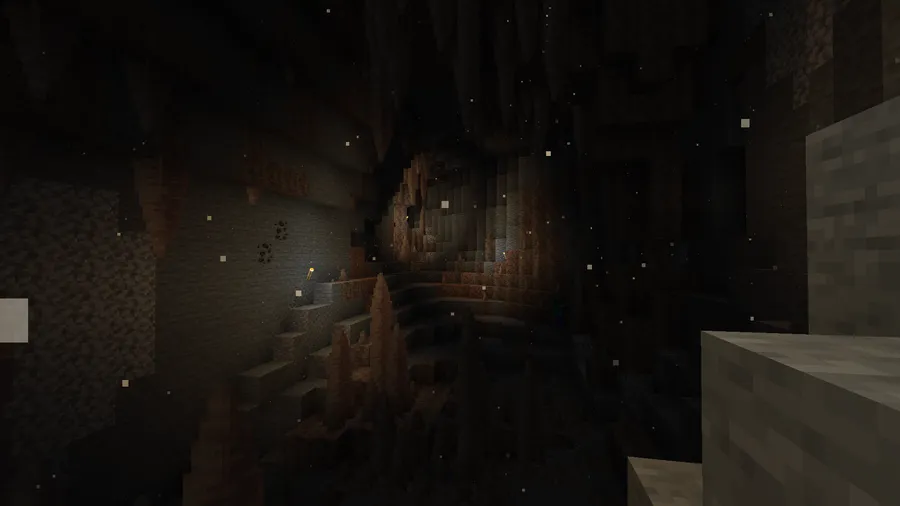
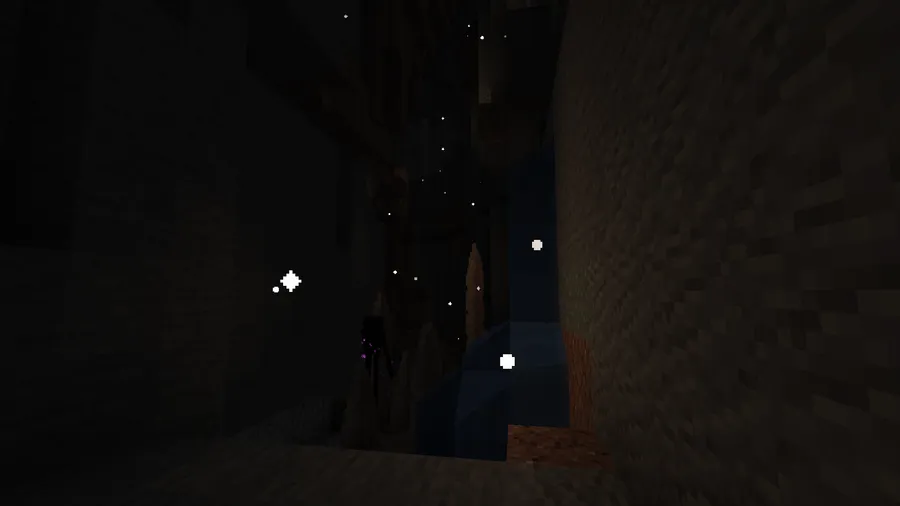
Cave Dust is a decoration mod that adds realistic floating dust particles to underground caves for Minecraft, available on both Fabric and Forge mod loaders. It repurposes the white ash particle effect from the Basalt Deltas biome and places it throughout the Overworld's cave systems, scaling particle density based on how deep underground you are.
Vanilla Minecraft caves have a problem: the air is perfectly clean. Whether you're digging through stone at Y=0 or exploring a massive cavern after the Caves & Cliffs update, the underground atmosphere feels sterile and empty. That's not how real caves or mineshafts work — dust, particulates, and fine debris hang in the air constantly. Cave Dust solves this by filling underground spaces with gentle, drifting particles that immediately make every cave feel lived-in and realistic. With over 6 million downloads since its 2022 release, it has become one of the go-to ambient mods for players who care about visual immersion. Developed by LizIsTired, this lightweight mod pairs perfectly with shader packs and other visual overhauls to transform Minecraft's underground into something truly atmospheric.
Key Features of Cave Dust
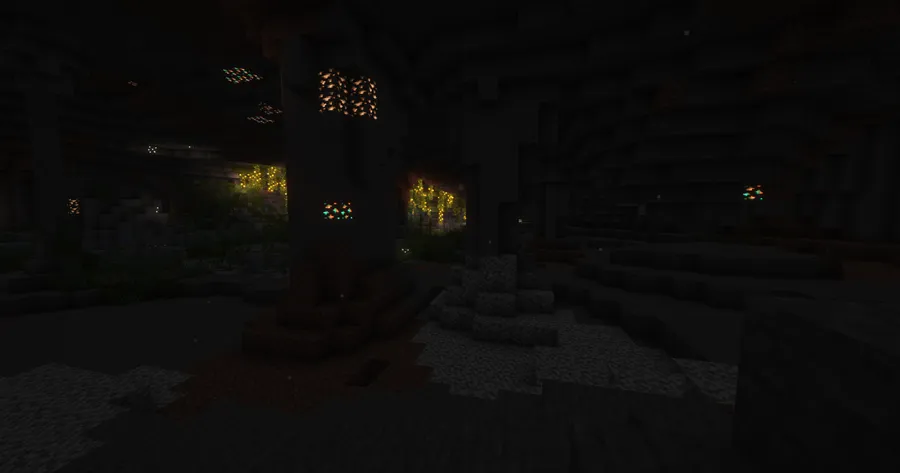
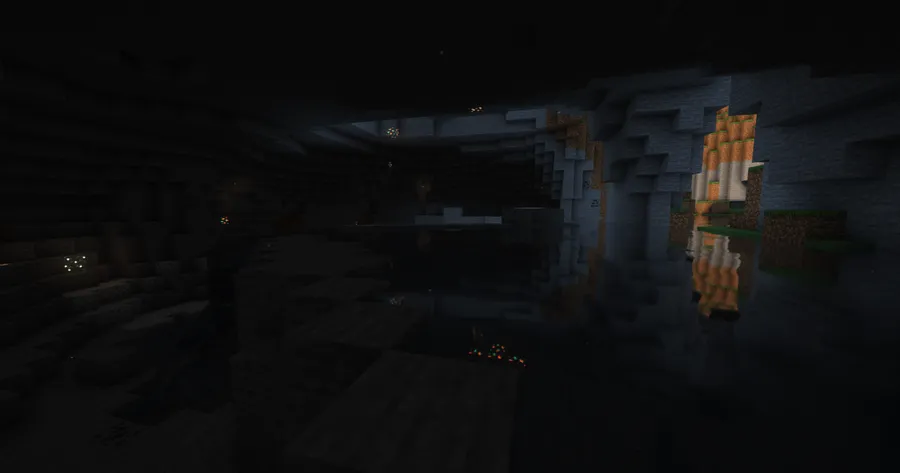
- Depth-Based Particle Scaling — The mod checks whether you're below sea level and without sky access, then increases the density of dust particles the deeper you go. This means shallow caves get a light haze while deep underground areas feel thick and atmospheric, just like you'd expect in a real cave system.
- Basalt Deltas Particle Effect — Rather than creating a brand-new particle, Cave Dust reuses the white ash particle already present in the Basalt Deltas biome. This keeps the visual style consistent with vanilla Minecraft's art direction, so the effect looks natural rather than modded.
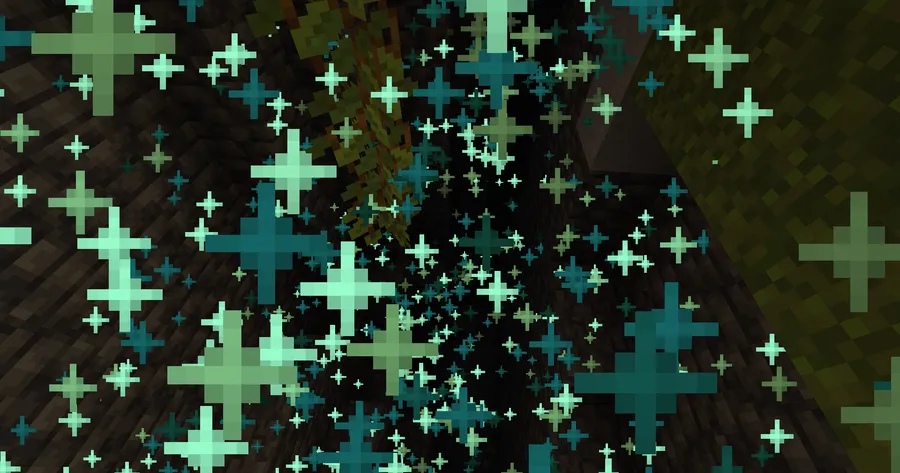
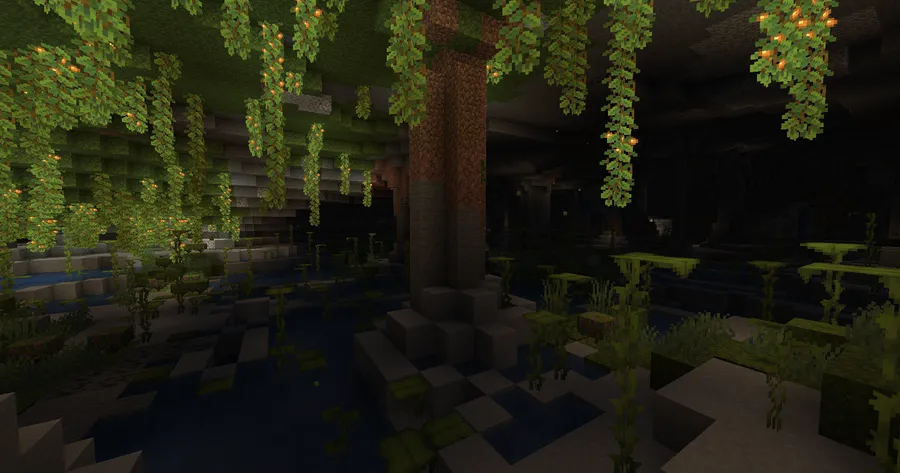
- Lush Caves Exclusion — The mod intelligently skips the Lush Caves biome, which already has its own spore particles. This prevents visual clutter and shows thoughtful design — the developer considered biome-specific aesthetics rather than applying a blanket effect everywhere.
- In-Game Configuration via Mod Menu — Most settings can be tweaked directly in-game through the Mod Menu config screen. You can adjust particle density, behavior, and other visual parameters without restarting Minecraft, making it easy to dial in the exact look you want for your setup.
- Custom Particle Support — For advanced users, the config file allows you to change which particle is used entirely. While this requires editing the config file manually rather than using the in-game menu, it opens up creative possibilities for resource pack creators and modpack developers.
- Lightweight Design — Cave Dust appears to be lightweight since it only activates when you're underground and below sea level. The mod performs simple sky-access and depth checks before spawning any particles, so it stays out of the way when you're building on the surface or exploring above ground.
- Broad Version Support — With builds spanning from Minecraft 1.18.2 all the way to the latest 1.21.8, Cave Dust supports a huge range of Minecraft versions. Whether you're running a modern modpack or maintaining an older server, there's likely a compatible release available.
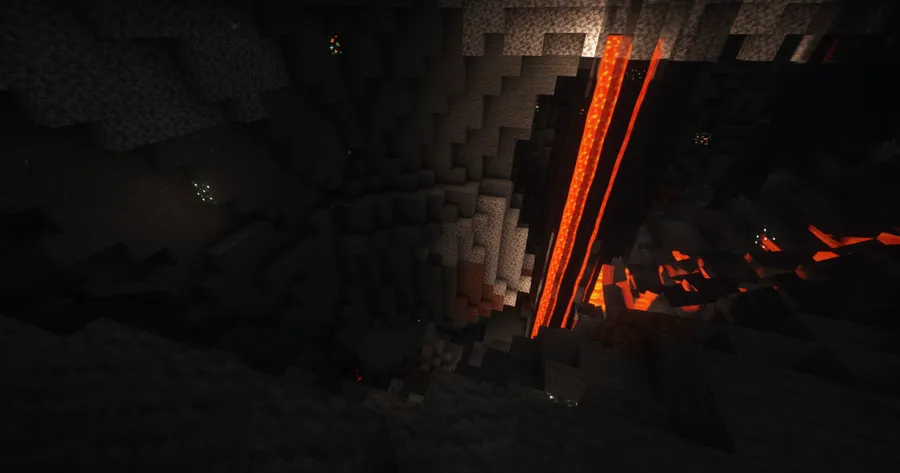
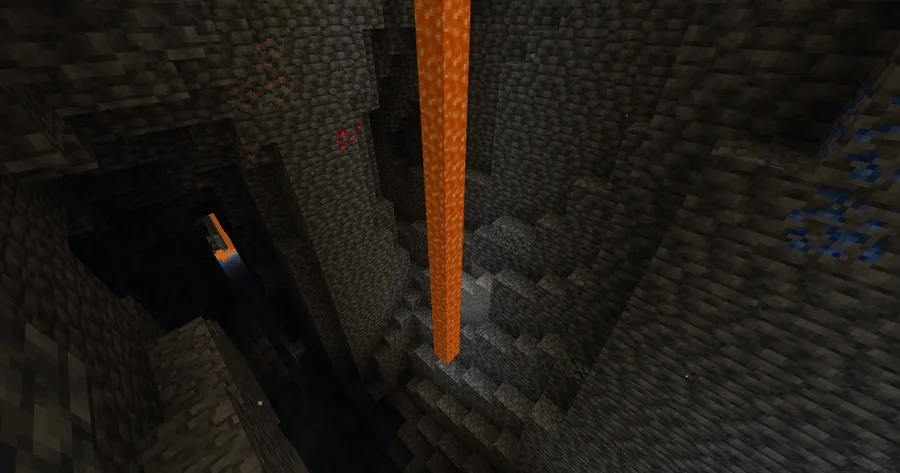
Screenshots


How to Install Cave Dust
- Download and install Fabric Loader for your Minecraft version (1.21.8, 1.21.5, or whichever version you play). A Forge version is also available for older releases.
- Download Fabric API, which is required for Cave Dust to function. Drop the Fabric API .jar file into your
modsfolder. - Download the Cave Dust .jar file that matches your Minecraft version from the download section below.
- Place the Cave Dust .jar into your
.minecraft/mods/folder (or your modpack's mods directory). - Optionally, install Mod Menu to access Cave Dust's in-game configuration screen where you can adjust particle density and behavior.
Requirements & Compatibility
| Requirement | Details |
|---|---|
| Mod Loaders | Fabric, Forge |
| Required Dependencies | Fabric API (for Fabric versions) |
| Recommended | Mod Menu (for in-game config) |
| Minecraft Versions | 1.21.8, 1.21.5, 1.21.4, 1.21.3, 1.21.1, 1.21, 1.20.6, 1.20.5, 1.20.4, 1.20.2, 1.20.1, 1.20, 1.19.4, 1.19.3, 1.19.2, 1.18.2 |
| License | MPL-2.0 (open source) |
| Source Code | GitHub |
What's New
- Updated Cave Dust to support Minecraft 1.21.8, the latest release
- Continued Fabric compatibility with the newest mod loader builds
- Ongoing maintenance since the original 2022 release, with the most recent update in September 2025
Pros and Cons
Pros
- Dramatically improves cave atmosphere with minimal effort
- Depth-based scaling feels natural and immersive
- Highly configurable through Mod Menu integration
- Supports a wide range of Minecraft versions (1.18.2–1.21.8)
- Open-source under MPL-2.0, actively maintained since 2022
- Over 6 million downloads — well-tested by the community
Cons
- Changing the particle type requires manual config file editing
- Fabric-only for the newest Minecraft versions; Forge support is limited to older releases
- No per-biome customization beyond the Lush Caves exclusion
- Purely visual — adds no new blocks, items, or gameplay mechanics
Alternatives to Cave Dust
- Particle Rain — Adds realistic rain, snow, and dust particles to the Overworld surface, complementing Cave Dust's underground effects with above-ground weather ambiance.
- Effective — Enhances water splashes, waterfall mist, and other environmental particle effects, pairing well with Cave Dust for a fully immersive visual overhaul.
- Ambient Sounds — While focused on audio rather than visuals, this mod adds biome-specific sound effects to caves and other environments, stacking perfectly with Cave Dust's particle effects for total atmospheric immersion.
Download Cave Dust
| Minecraft Version | Fabric | Forge |
|---|---|---|
| For Minecraft 1.21.8 | Download | — |
| For Minecraft 1.21.5 | Download | — |
| For Minecraft 1.21.4 | Download | — |
| For Minecraft 1.21.3 | Download | — |
| For Minecraft 1.21.1 | Download | — |
| For Minecraft 1.21 | Download | — |
| For Minecraft 1.20.6 | Download | — |
| For Minecraft 1.20.5 | Download | — |
| For Minecraft 1.20.4 | — | Download |
| For Minecraft 1.20.2 | Download | — |
| For Minecraft 1.20.1 | Download | Download |
| For Minecraft 1.20 | Download | — |
Always download mods from official sources to stay safe.
Frequently Asked Questions
Does Cave Dust affect game performance?
Cave Dust appears to be lightweight and should not cause noticeable performance drops for most players. The mod only activates when you are underground and below sea level, and it uses an existing vanilla particle effect rather than introducing new rendering. Players with lower-end hardware can reduce particle density through the Mod Menu config screen.
Is Cave Dust compatible with shader packs like Iris or OptiFine?
Yes — Cave Dust uses vanilla Minecraft particle rendering, so it works with shader packs that support standard particles. Since the white ash effect is already a base-game particle from the Basalt Deltas, shaders like Complementary or BSL will light and shade the dust particles just as they do in the Nether.
Can I use Cave Dust on a multiplayer server?
Yes, Cave Dust is a client-side mod. It only affects particle rendering on your screen, so you can install it without the server needing the mod. Other players won't see your dust particles unless they also have Cave Dust installed on their client.
Does Cave Dust work with Forge?
Yes — Cave Dust supports both Fabric and Forge mod loaders. However, the most recent builds primarily target Fabric. Check the download table below to confirm Forge availability for your specific Minecraft version.
Can I customize which particles Cave Dust uses?
Yes, but you need to edit the config file manually. The in-game Mod Menu screen lets you change most settings like particle density and depth scaling, but swapping the particle type itself requires opening the Cave Dust config file in your .minecraft/config/ folder and changing the particle ID to any valid Minecraft particle.


![[Let's Do] Meadow Mod (1.21.1) - thumbnail](http://mcinside.com/wp-content/uploads/2026/04/thumbnail-64-52x52.webp)


![Not Enough Recipe Book [NERB] Mod (1.21.11) - thumbnail](http://mcinside.com/wp-content/uploads/2026/04/thumbnail-63-52x52.webp)
