

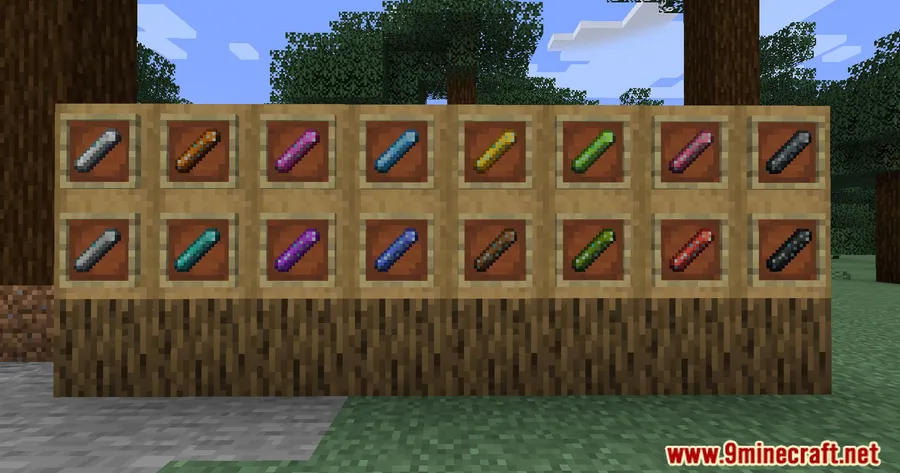
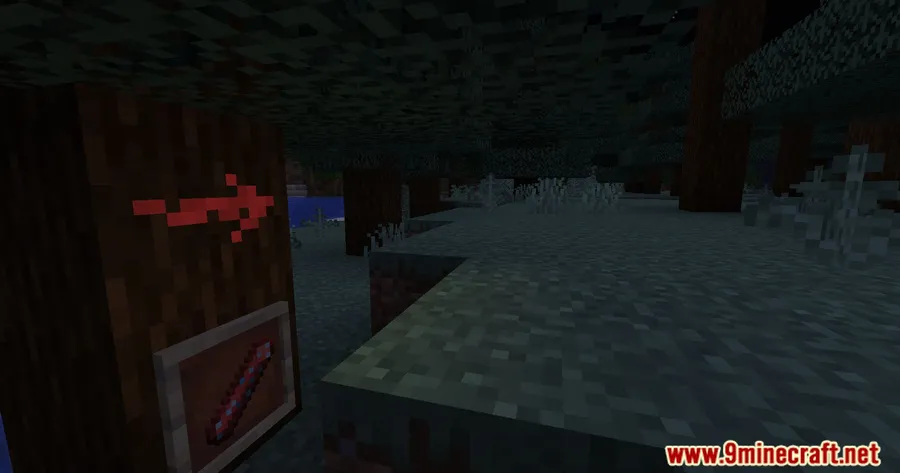
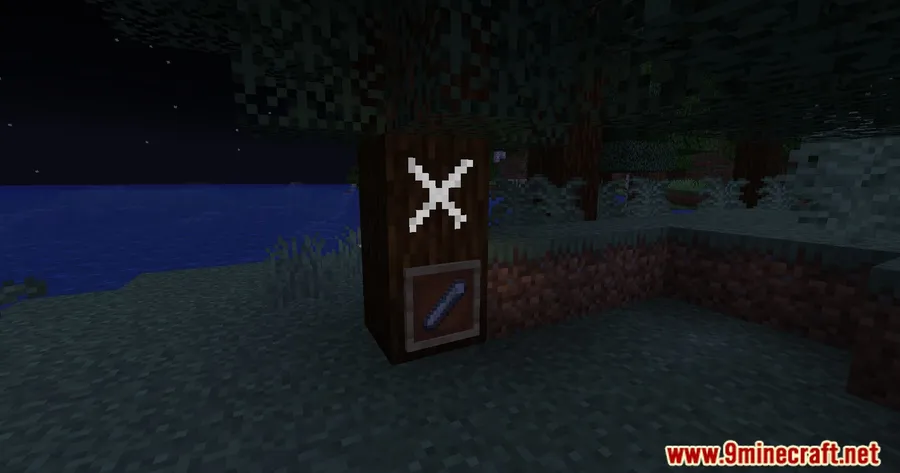
Navigating sprawling cave systems and massive builds becomes much easier when you can leave colored markers behind. Chalk Colorful Addon Mod extends the popular Chalk mod by introducing 15 different colored chalks that match the standard Minecraft color palette, plus a default white option for neutral markings. With over 865,000 downloads on Modrinth, this lightweight addon has become a go-to choice for players who want more expressive waypoint marking in their worlds.
Key Features
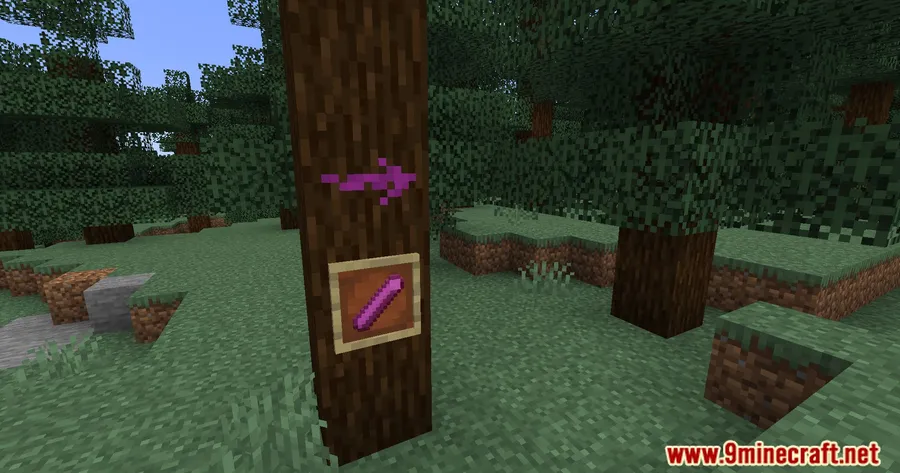
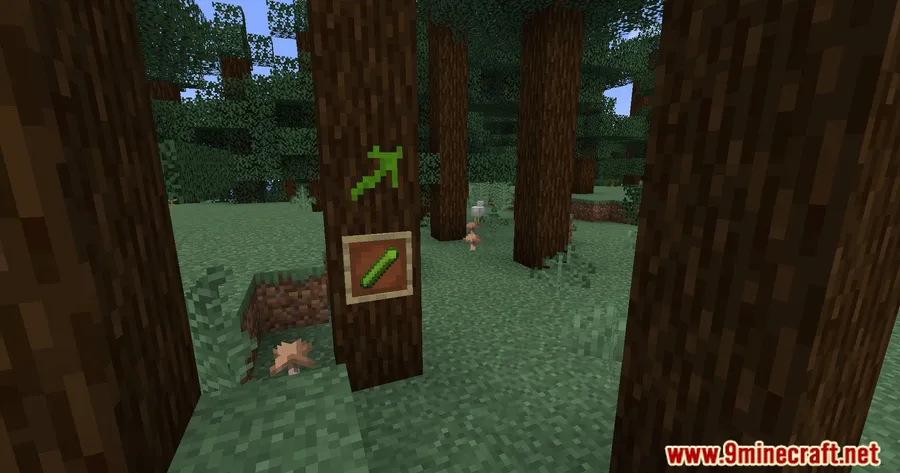
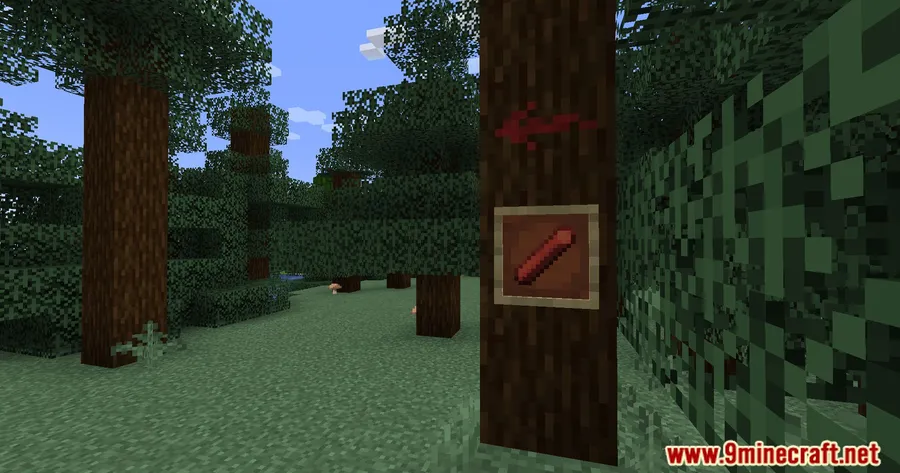
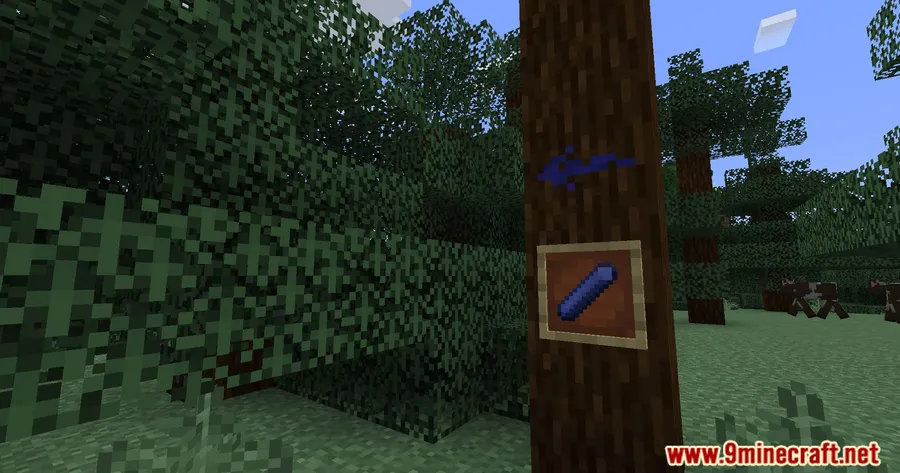
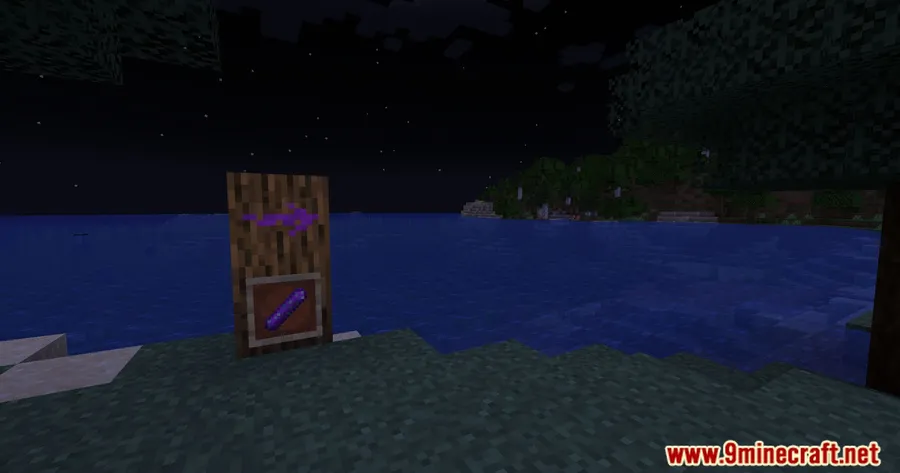
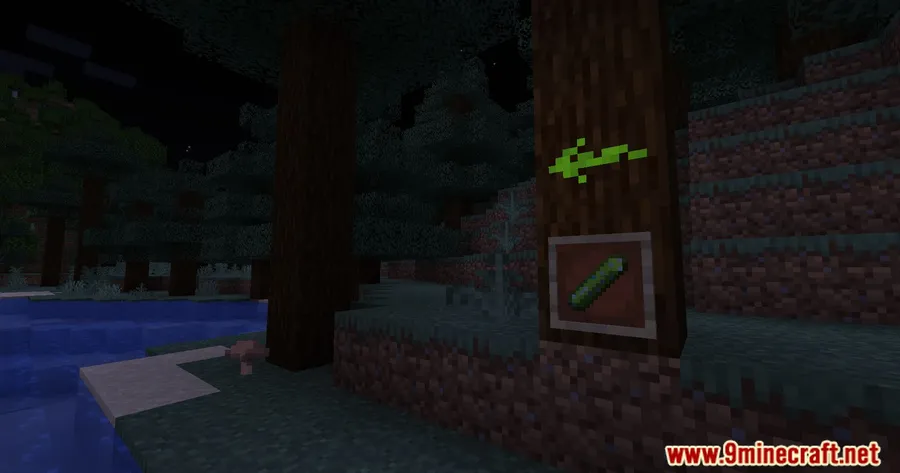
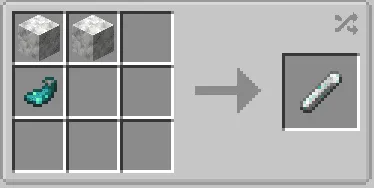
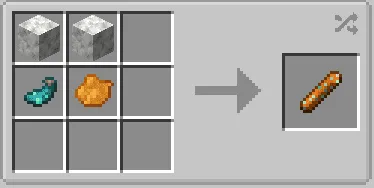
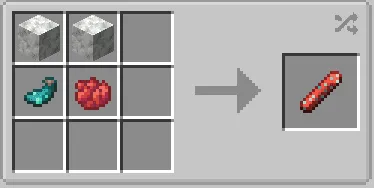
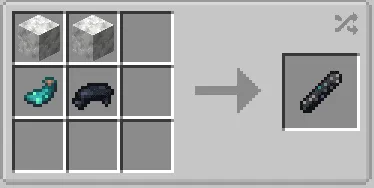
- 15 colored chalks — Every standard Minecraft dye color is represented, letting you create a personal color-coding system for cave exploration, base navigation, or multiplayer communication.
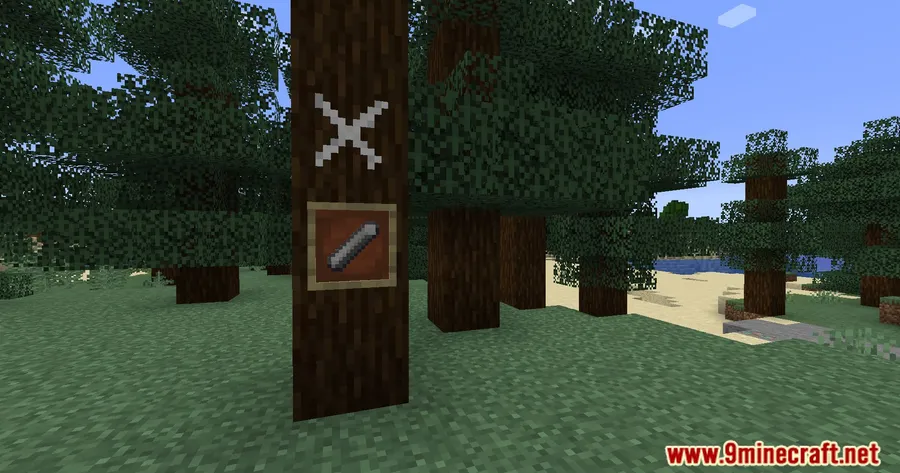
- Default white chalk — A neutral option that stands out on most block surfaces without clashing with colored builds or terrain.
- Seamless Chalk mod integration — Works as a direct addon to the base Chalk mod, so all existing chalk mechanics apply to the new colors.
Screenshots


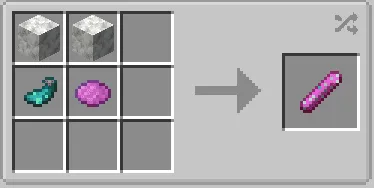
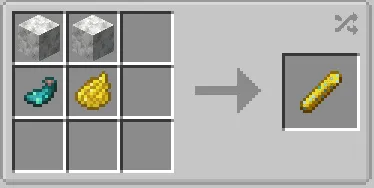
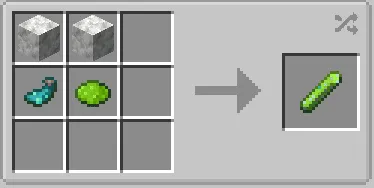
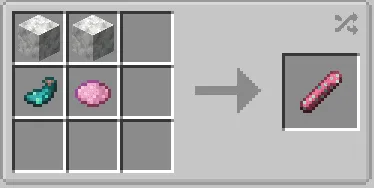
How to Install
- Download and install Fabric Loader or Quilt Loader for your Minecraft version.
- Download and place the Fabric API into your
modsfolder. - Install the base Chalk Mod — this addon requires it to function.
- Drop the Chalk Colorful Addon .jar file into the same
modsfolder. - Launch Minecraft and all 15 colored chalks will be available in the creative inventory or through crafting.
Requirements
| Component | Details |
|---|---|
| Mod Loader | Fabric, Quilt |
| Dependencies | Fabric API, Quilt Loader, Chalk Mod |
| Minecraft Versions | 26.1, 1.21.11, 1.21.10, 1.21.1, 1.18.2 |
Pros & Cons
Pros
- Covers the full Minecraft color palette with 15 distinct chalk colors
- Open-source under the MIT license — transparent and community-friendly
- Supports a wide range of Minecraft versions from 1.18.2 to 26.1
- Appears to be lightweight since it only adds colored variants of existing chalk items
Cons
- Requires the base Chalk mod as a dependency — cannot be used standalone
- Limited to Fabric and Quilt loaders — no Forge or NeoForge support
- Last updated in December 2022, though it still supports recent Minecraft versions
Download
Always download mods from official sources to stay safe.
What's New
- Added support for all Minecraft 1.19+ versions.
- Maintained backward compatibility with Minecraft 1.18.2.
- Continued Fabric loader support across all new version builds.
FAQ
Can I use Chalk Colorful Addon without the base Chalk mod?
No, the Chalk Colorful Addon is an extension that requires the base Chalk Mod to be installed. Without it, the addon will not load.
Does Chalk Colorful Addon work with Forge?
Currently, this addon only supports Fabric and Quilt mod loaders. There is no Forge or NeoForge version available based on the published releases.
How many chalk colors does this addon add?
The addon adds 15 colored chalks matching every standard Minecraft dye color, along with a default white chalk for a total of 16 options.


