

For players who want more control over in-game conversations, Chat Tools Mod adds practical chat upgrades such as message timestamps, translation, chat navigation, and customizable notifications. The available project data also shows wide Fabric version support, and its Modrinth listing reports 2,720,604 downloads with an update on 2026-02-14.
Key Features
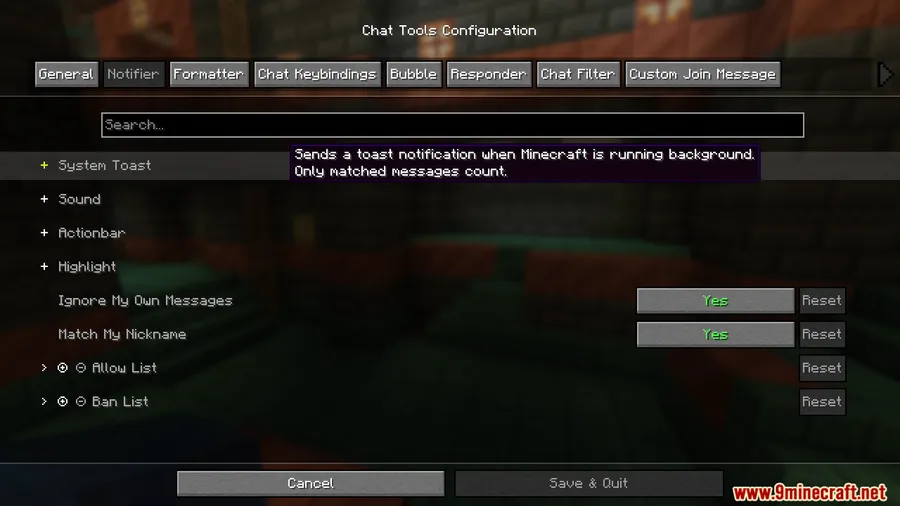
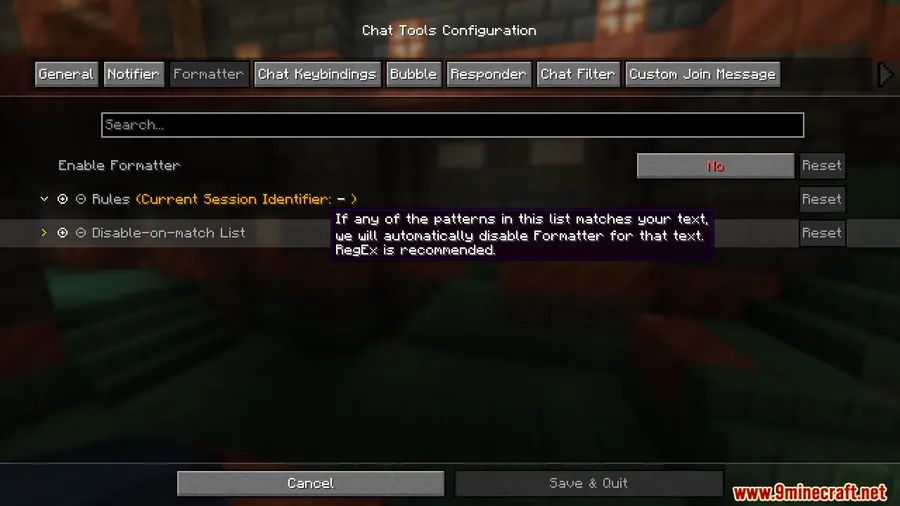
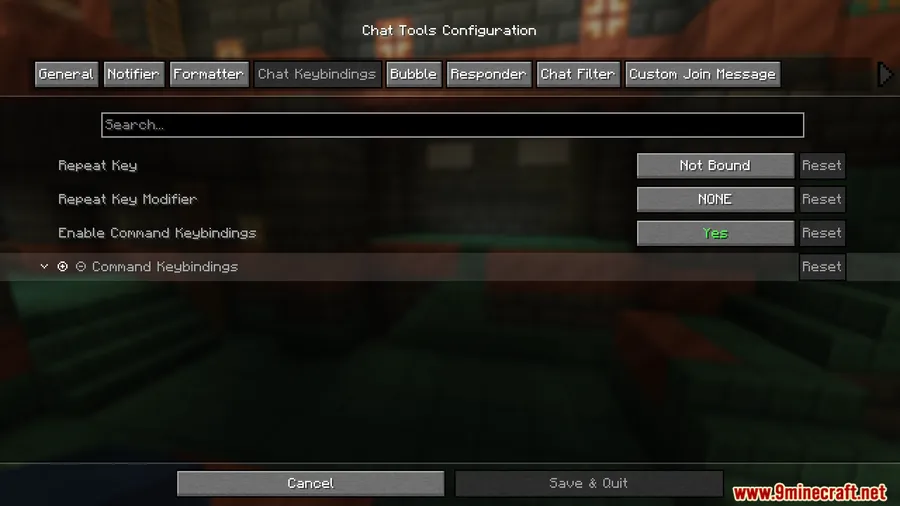
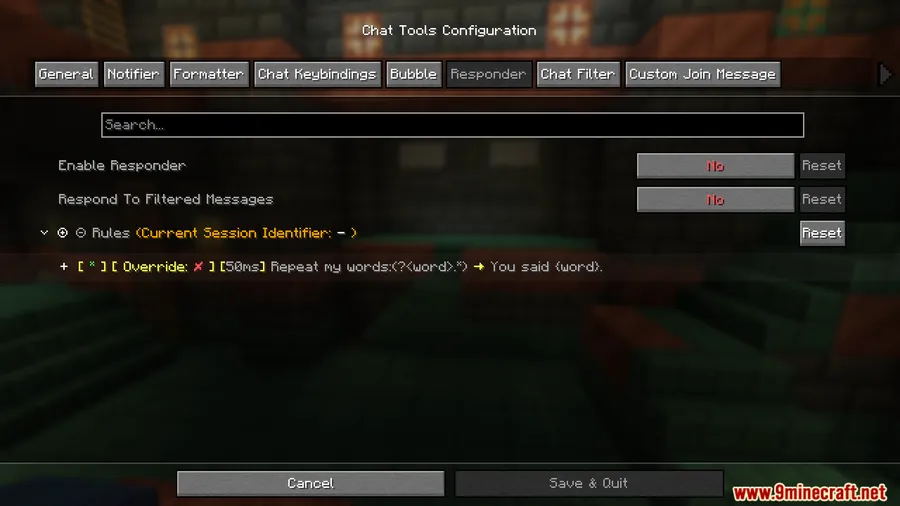
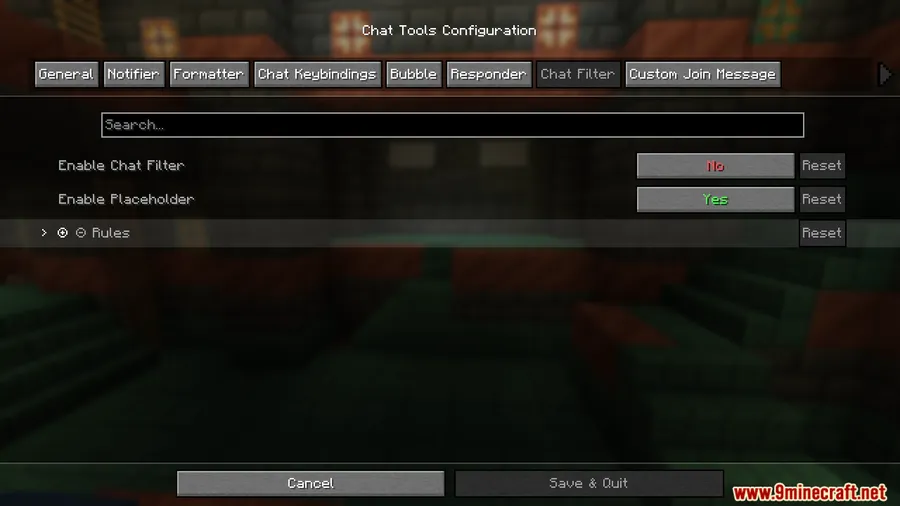
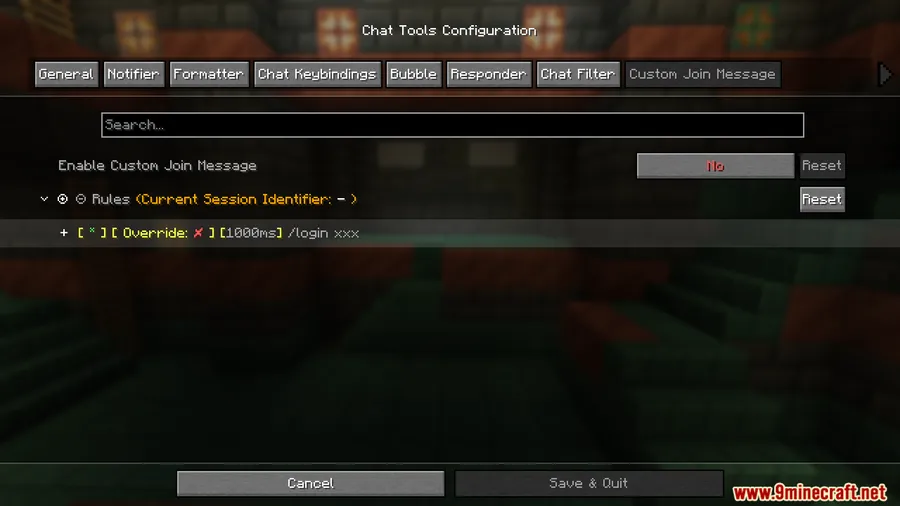
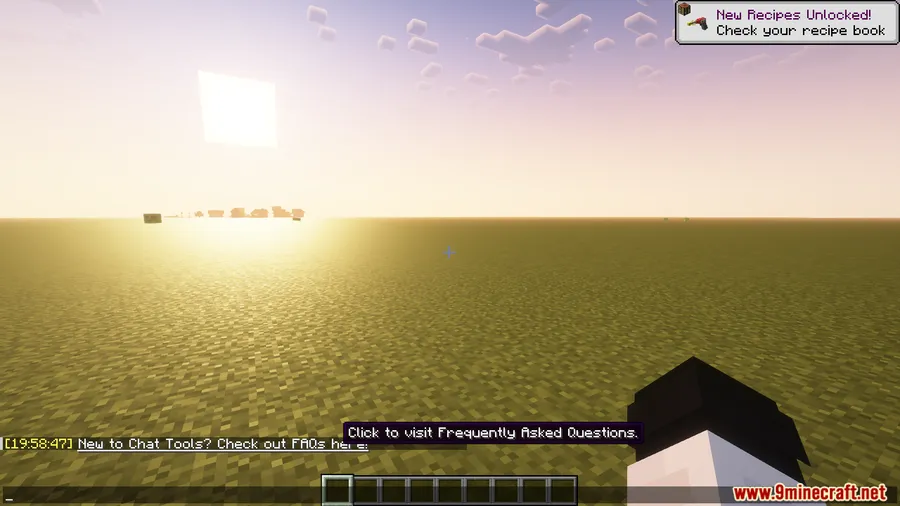
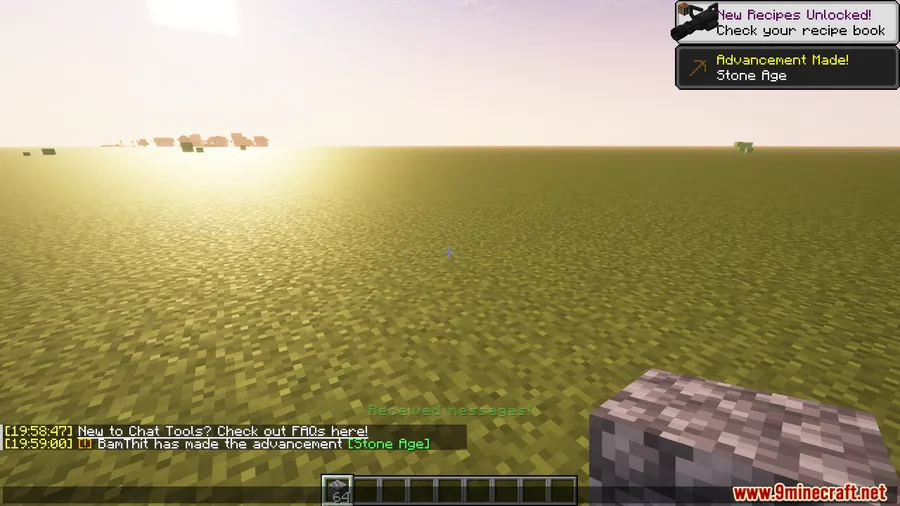
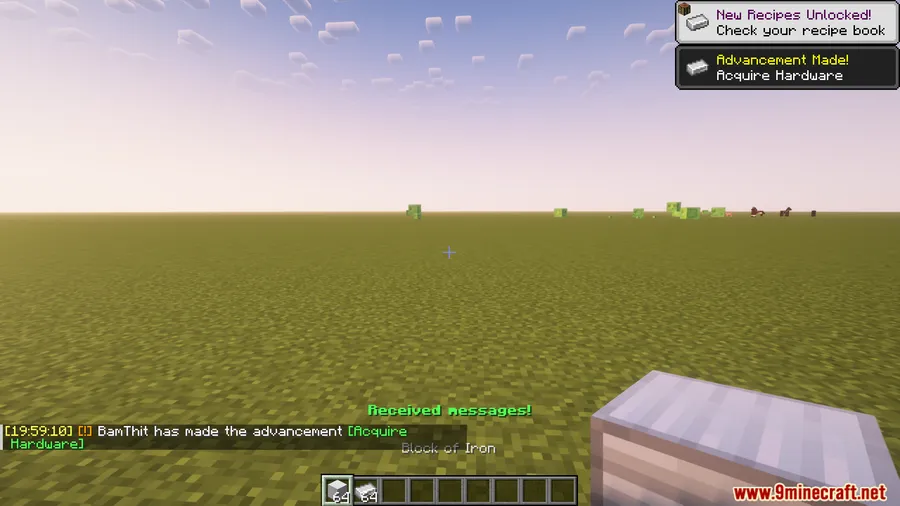
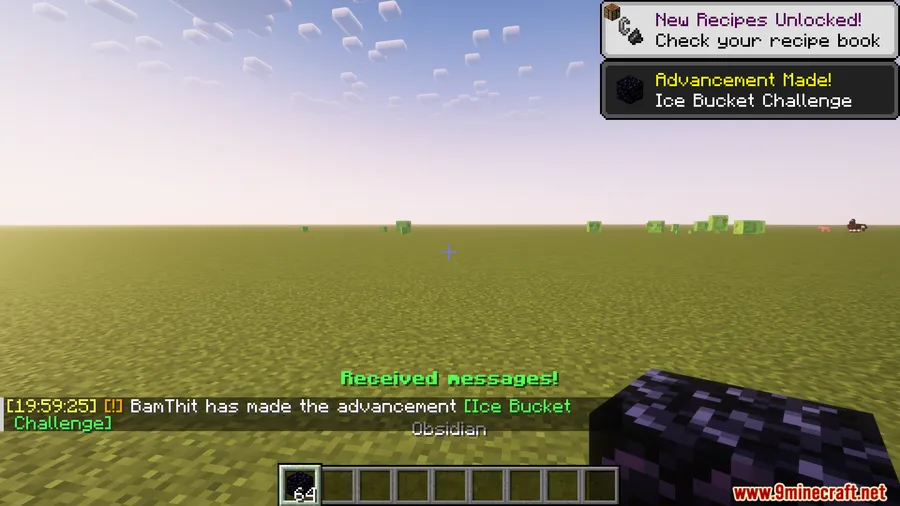
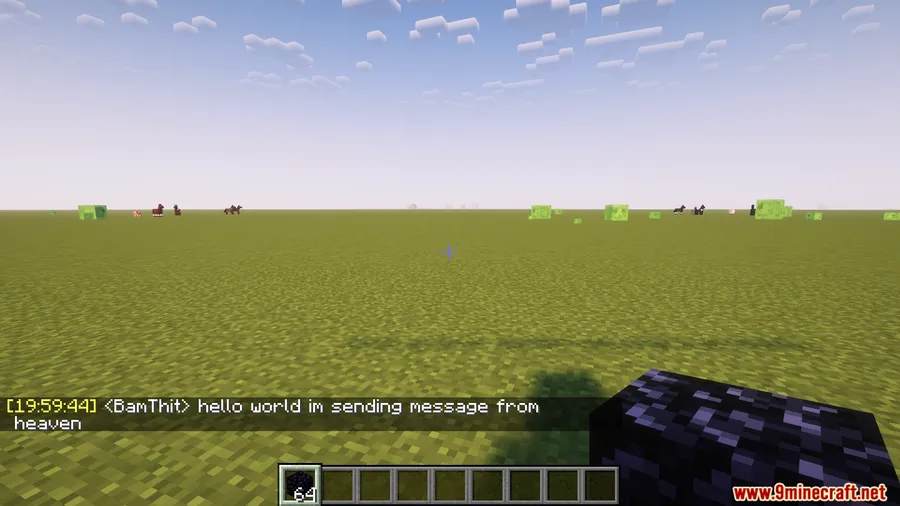
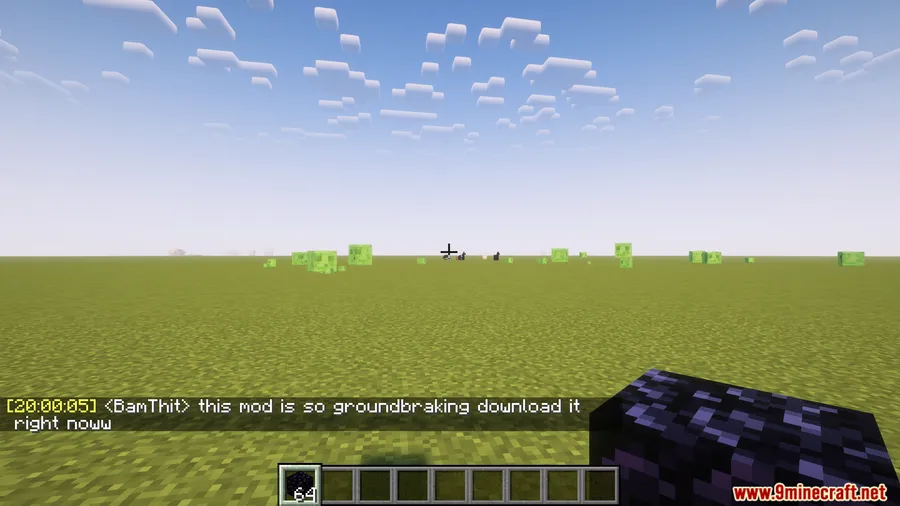
- Adds useful chat quality-of-life tools including message timestamps, translation, chat navigation, and customizable notifications.
- Uses a session identifier that matches the current save name in single-player and the server address in multiplayer.
- Includes regex-based matching options: related regular expressions use
matches(), while patterns usefind()inMULTILINEmode. - Processes player messages by removing color codes.
- Supports multiple Minecraft versions through macro replacement, with behavior that may differ slightly between versions.
Screenshots


How to Install
- Install the Fabric loader for your Minecraft version.
- Install both Fabric API and Cloth Config API Mod.
- Add Chat Tools Mod to your
modsfolder and launch the game with a supported Fabric version.
Requirements
| Requirement | Details |
|---|---|
| Mod Loader | Fabric |
| Dependencies | Fabric API, Cloth Config API Mod |
| Minecraft Version | 1.16.5, 1.17.1, 1.18.2, 1.19.2, 1.19.3, 1.19.4, 1.20.1, 1.20.2, 1.20.4, 1.20.6, 1.21, 1.21.1, 1.21.3, 1.21.4, 1.21.5, 1.21.6, 1.21.7, 1.21.8, 1.21.9, 1.21.10, 1.21.11 |
Pros & Cons
Pros
- Adds several concrete chat tools instead of a single narrow feature.
- Supports a wide range of Minecraft versions on Fabric.
- Includes advanced message matching and processing options for more customized chat behavior.
Cons
- Fabric-only in the provided version and download data.
- Requires both Fabric API and Cloth Config API Mod.
- Some options are technical, especially the regex-based configuration and pattern handling.
Download
Always download mods from official sources to stay safe.
What's New
- Optimized cache handling for high-frequency configuration item reading.
- Expanded Notifier Allowlist support to more configuration items.
- Added macro command support for delays and sending multiple commands.
- Fixed an HTTPS download failure issue.
- Optimized notifier handling before Nick Hider.
FAQ
What does Chat Tools Mod add to Minecraft chat?
It adds message timestamps, translation, chat navigation, customizable notifications, session-based handling, and player message processing that removes color codes.
Is Chat Tools Mod for Fabric or Forge?
Available information lists Chat Tools Mod as a Fabric mod. It also requires Fabric API and Cloth Config API Mod.
What Minecraft versions does Chat Tools Mod support?
The supplied compatibility list includes 1.16.5, 1.17.1, 1.18.2, 1.19.2, 1.19.3, 1.19.4, 1.20.1, 1.20.2, 1.20.4, 1.20.6, 1.21, 1.21.1, 1.21.3, 1.21.4, 1.21.5, 1.21.6, 1.21.7, 1.21.8, 1.21.9, 1.21.10, and 1.21.11.


![[Let's Do] Candlelight - Farm&Charm compat Mod (1.21.1) - thumbnail](http://mcinside.com/wp-content/uploads/2026/04/thumbnail-81-52x52.webp)


![[Let's Do] Meadow Mod (1.21.1) - thumbnail](http://mcinside.com/wp-content/uploads/2026/04/thumbnail-64-52x52.webp)


![Not Enough Recipe Book [NERB] Mod (1.21.11) - thumbnail](http://mcinside.com/wp-content/uploads/2026/04/thumbnail-63-52x52.webp)