
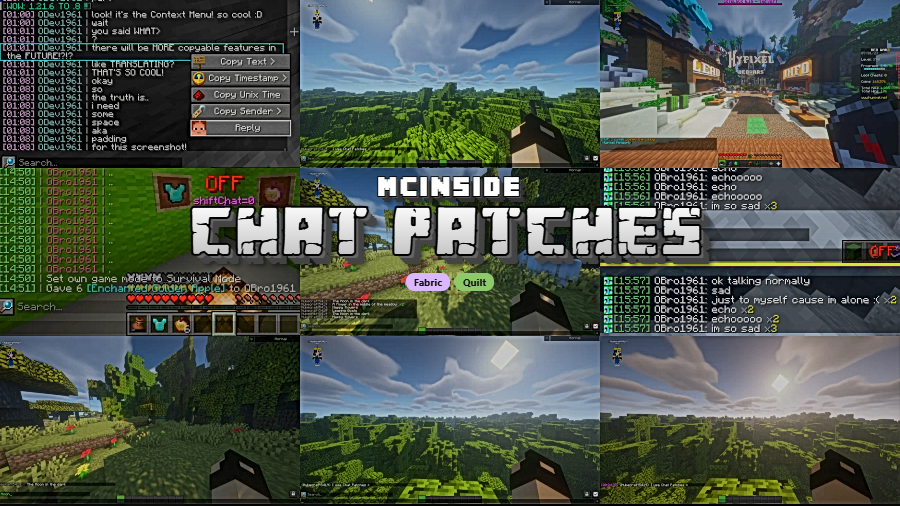
Chat Patches is a client-side utility mod that overhauls Minecraft's default chat system with extensive customization options, available for Fabric and Quilt mod loaders. Developed by OBro1961, it enhances how players interact with the in-game chat by adding timestamps, search functionality, copy options, and dozens of configurable tweaks to make communication more practical and visually appealing.
Minecraft's built-in chat is notoriously bare-bones. Messages vanish after a few seconds, there is no way to search through chat history, and you cannot copy individual messages or see when they were sent. For players on multiplayer servers — especially those managing communities, coordinating builds, or simply chatting with friends — these limitations quickly become frustrating. Chat Patches solves all of this and more, which is exactly why it has surpassed 5.3 million downloads since its initial release in 2022. It remains one of the most popular quality-of-life mods in the Fabric ecosystem, with consistent updates that have kept pace with every major Minecraft release through 1.21.11.
Key Features of Chat Patches
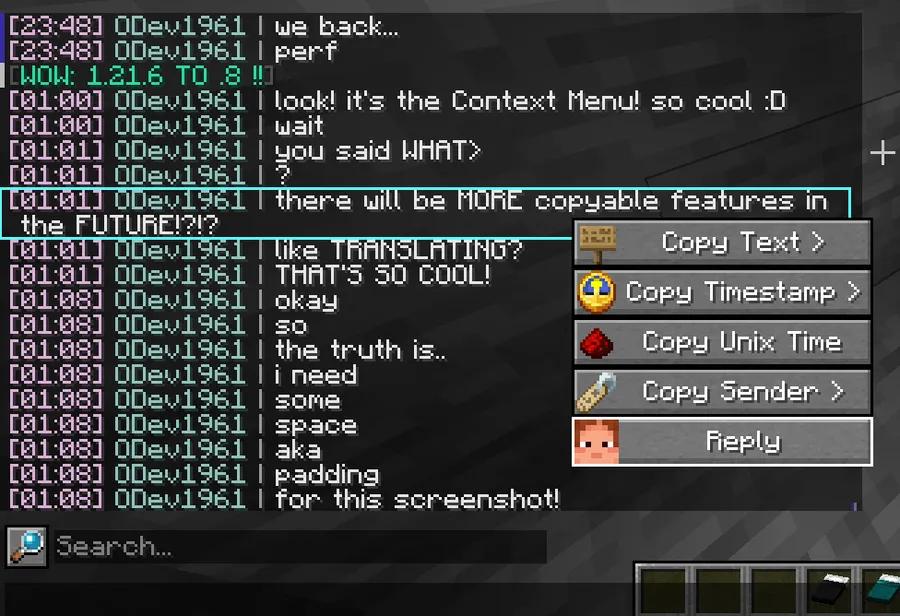
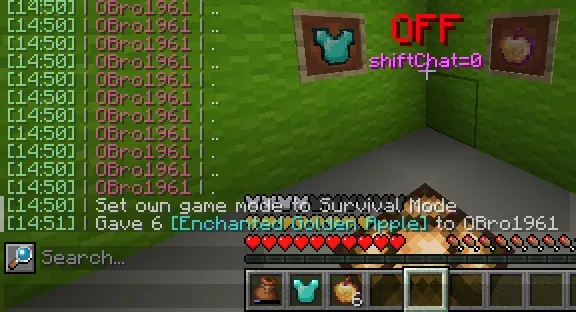
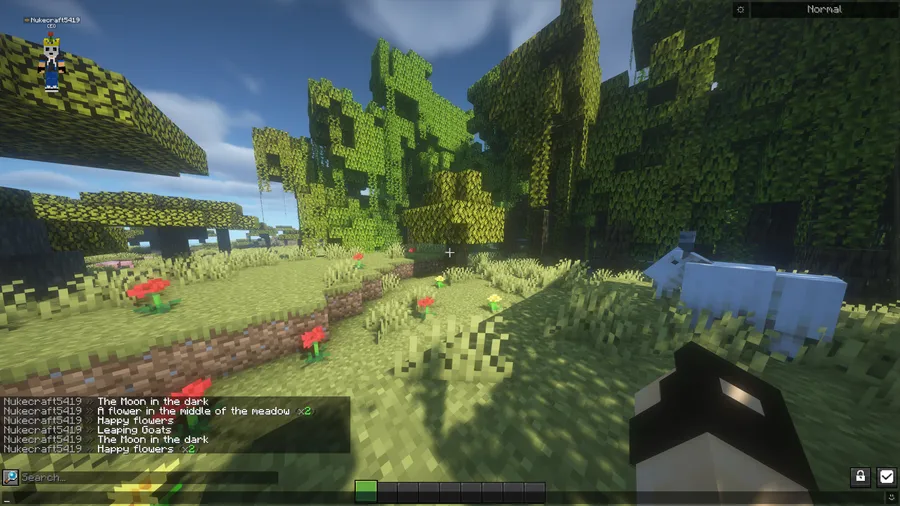
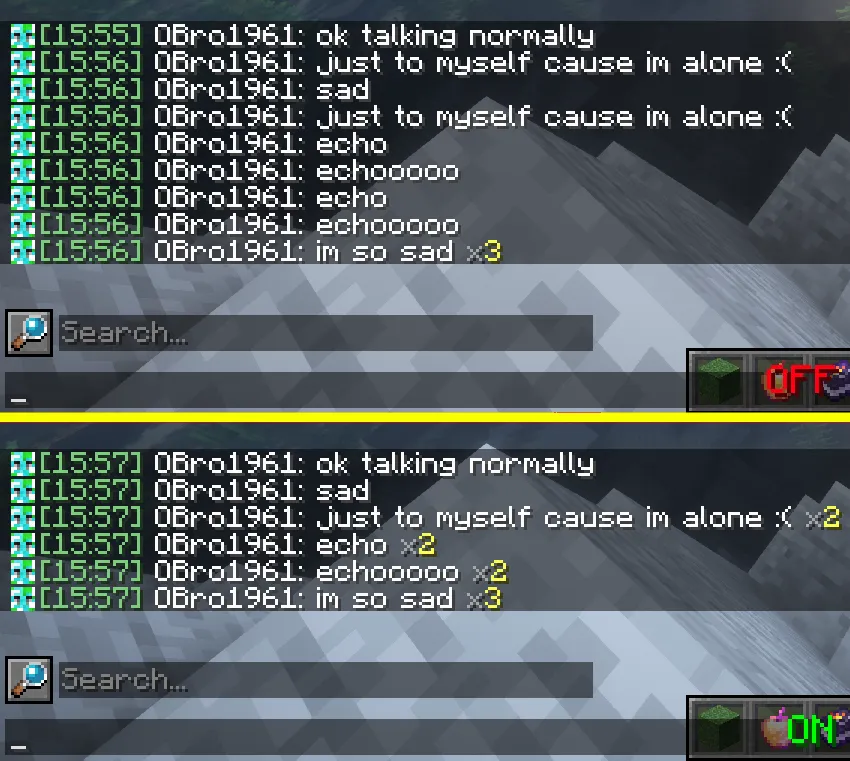
- Chat Timestamps — Every message in your chat can display a configurable timestamp showing exactly when it was sent. This is invaluable on busy multiplayer servers where conversations move fast and you need to track when something was said, whether it was a trade offer, a coordinate share, or a server announcement.
- Message Copy & Context Menu — Right-clicking a chat message opens a context menu that lets you copy the message text, the sender's name, or even delete messages from your local chat history. The delete feature includes a confirmation prompt to prevent accidental removal, making it safe to use without worry.
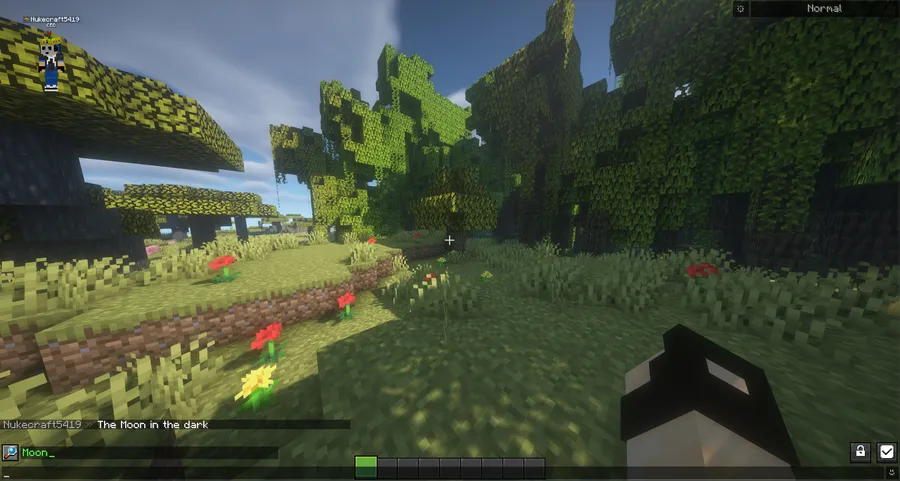
- Chat Search — A built-in search function lets you filter through your entire chat history to find specific messages. Instead of scrolling endlessly through hundreds of lines, you can type a keyword and instantly locate the conversation you need — a feature that vanilla Minecraft has never offered.
- Extensive Visual Customization — Nearly every aspect of the chat's appearance can be tweaked, from text colors and background opacity to message spacing and hover effects. Players who run resource packs or custom UI themes can fine-tune the chat to match their overall aesthetic without editing game files.
- Chat History Persistence — Chat Patches can retain your message history beyond vanilla limits, so messages do not disappear when you scroll up or when too many new messages come in. For server moderators and active players, this means important information stays accessible throughout your session.
- Boundary Lines & Separators — The mod can insert visual separators between chat sessions or between different types of messages. This helps you visually distinguish between system messages, player chat, and command output at a glance, reducing clutter on busy servers.
- Full Configurability — Every feature in Chat Patches can be toggled on or off individually through an in-game configuration screen. This "opt-in" design philosophy means you only enable the improvements you actually want, keeping the experience as lightweight or as feature-rich as you prefer.
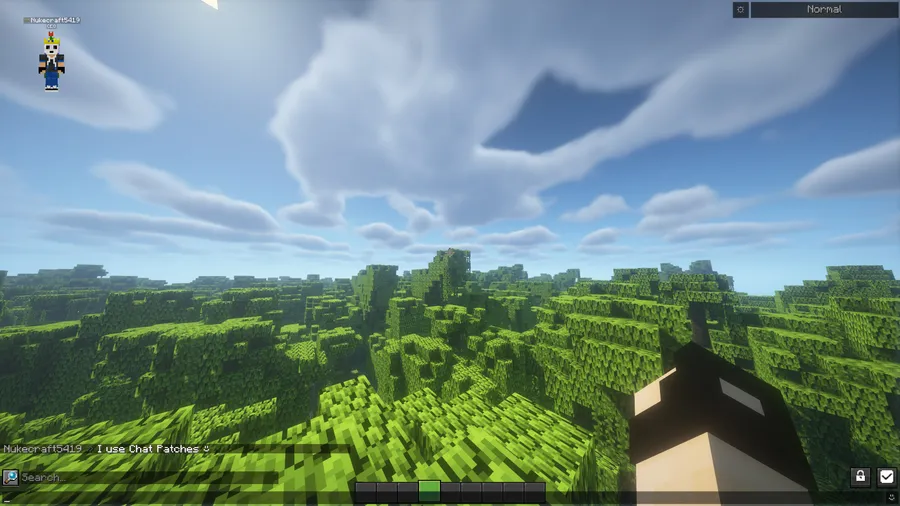
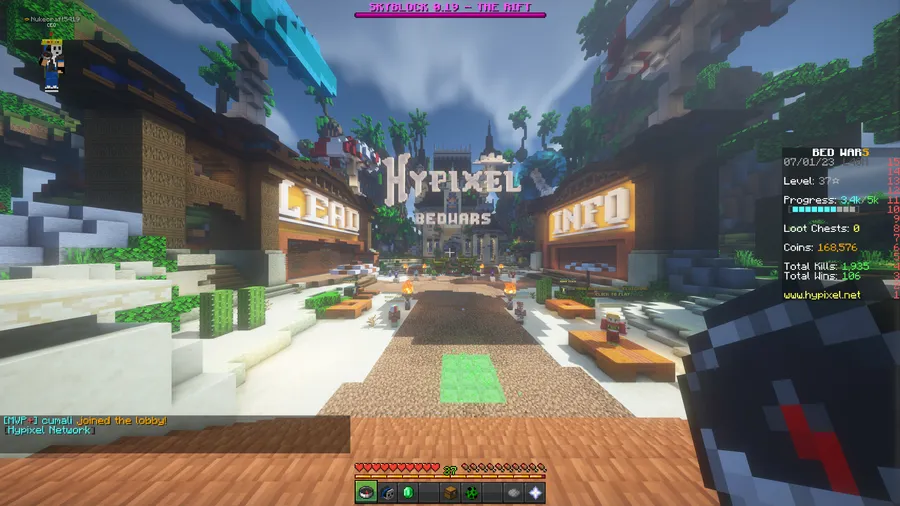
Screenshots
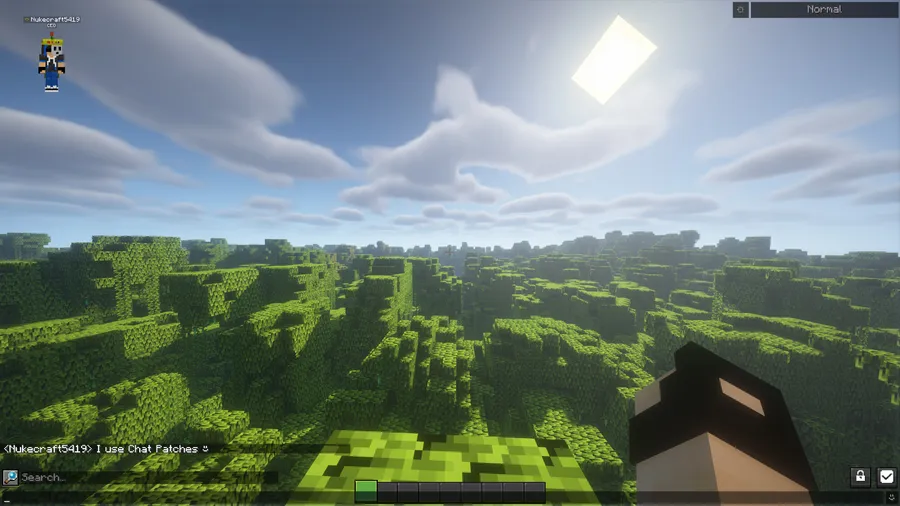
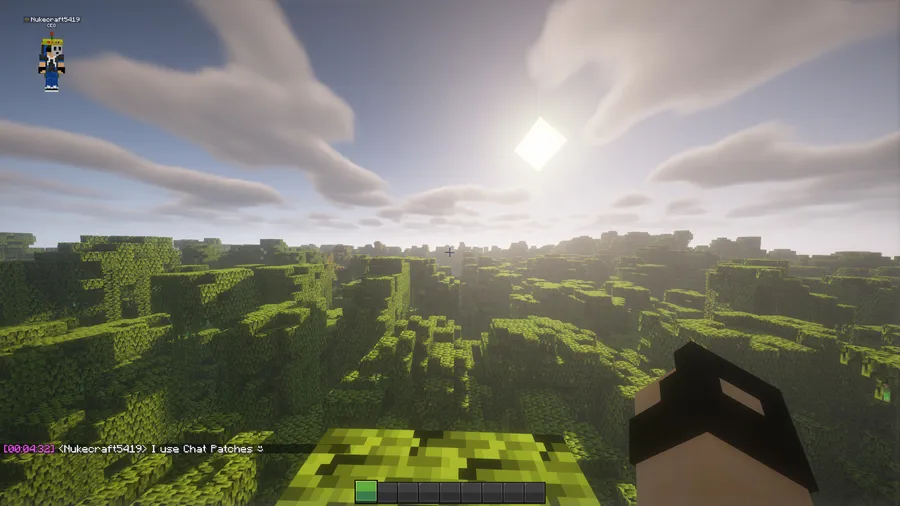
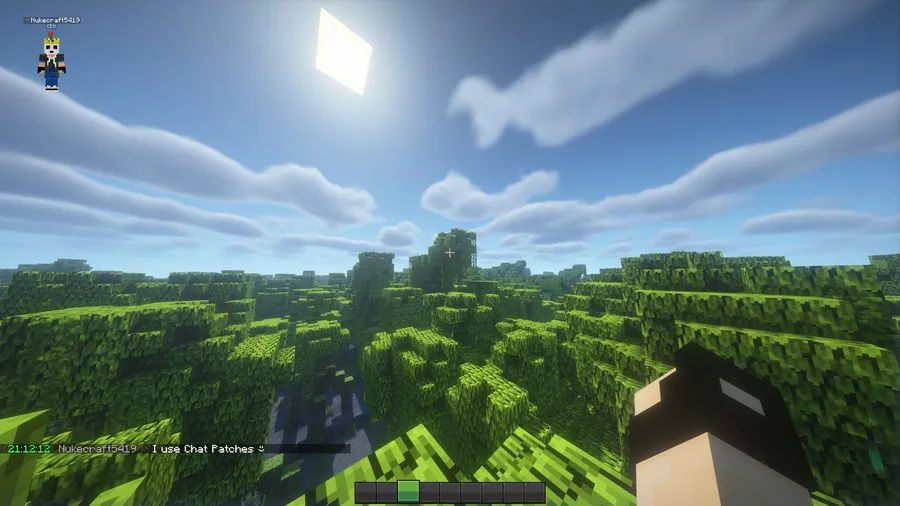
How to Install Chat Patches
- Download and install Fabric Loader or Quilt Loader for your Minecraft version. Chat Patches requires Fabric Loader 0.18.0 or newer for the latest releases.
- Download Fabric API (if using Fabric) and place the JAR file into your
.minecraft/modsfolder. - Download the correct Chat Patches version for your Minecraft version from the official Modrinth page or the download section below.
- Place the Chat Patches JAR file into your
.minecraft/modsfolder alongside Fabric API. - Launch Minecraft using your Fabric or Quilt profile. Open the mod settings menu in-game to customize Chat Patches to your preferences.
Requirements & Compatibility
| Requirement | Details |
|---|---|
| Mod Loaders | Fabric, Quilt |
| Minecraft Versions | 1.20 – 1.21.11 |
| Side | Client-side only |
| Fabric Loader Version | 0.18.0+ (for latest builds) |
| License | LGPL-3.0-only (open source) |
What's New
- Updated to support Minecraft 26.1 with significant under-the-hood changes to match the new game version.
- Now requires Fabric Loader 0.18.0 or newer going forward.
- Added a Delete button to the chat context menu with a confirmation prompt to prevent accidental message deletion.
- Applied additional stability patches for known message rendering issues reported by the community.
- The mod plays a subtle burn sound effect when a message is successfully deleted as an audio confirmation.
Pros and Cons
Pros
- Client-side only — no server installation needed, works on any server
- Highly configurable with per-feature toggle switches
- Actively maintained with rapid updates for new Minecraft versions
- Open-source under LGPL-3.0, with community translations supported
- Appears to be lightweight with minimal impact on game performance
Cons
- No Forge or NeoForge support — limited to Fabric and Quilt loaders only
- Current latest version (8.0) is still in alpha, which may introduce occasional bugs
- Some advanced features require time to configure through the settings menu
Alternatives to Chat Patches
- Chat Heads — Adds player head avatars next to chat messages, making it easier to identify who is speaking in crowded multiplayer conversations.
- No Chat Reports — Removes cryptographic chat signatures and reporting functionality from Minecraft's chat system for players concerned about the chat reporting feature.
- Stendhal — Enhances Minecraft's text rendering with formatting support, custom fonts, and improved book editing for players who want richer text capabilities.
Download Chat Patches
| Minecraft Version | Fabric | Quilt |
|---|---|---|
| For Minecraft 1.21.7 | Download | Download |
| For Minecraft 1.21.6 | Download | Download |
| For Minecraft 1.21.5 | Download | Download |
| For Minecraft 1.21.4 | Download | Download |
| For Minecraft 1.21.3 | Download | Download |
| For Minecraft 1.21.2 | Download | Download |
| For Minecraft 1.21.1 | Download | Download |
| For Minecraft 1.21 | Download | Download |
| For Minecraft 1.20.6 | Download | Download |
| For Minecraft 1.20.5 | Download | Download |
| For Minecraft 1.20.4 | Download | Download |
| For Minecraft 1.20.1 | Download | Download |
Always download mods from official sources to stay safe.
Frequently Asked Questions
Is Chat Patches client-side only?
Yes — Chat Patches is entirely client-side and does not need to be installed on the server. You can use it on any multiplayer server or in singleplayer without any server-side configuration. Other players and server administrators will not know you are using it.
Does Chat Patches work with Quilt Loader?
Yes — Chat Patches officially supports both Fabric and Quilt mod loaders. All versions listed on the download page include Quilt compatibility, so you can use whichever loader you prefer without needing a separate build.
Can I use Chat Patches alongside other chat mods?
Generally yes, Chat Patches is compatible with most other client-side mods. It pairs well with mods like Chat Heads that add visual enhancements to chat. However, mods that heavily modify the same chat rendering code may occasionally conflict, so test combinations in a singleplayer world first.
Does Chat Patches support Forge or NeoForge?
No — Chat Patches is built exclusively for Fabric and Quilt mod loaders. There is no Forge or NeoForge port available. If you are on Forge, you would need to switch to Fabric or Quilt to use this mod.
Is Chat Patches safe to use on multiplayer servers?
Yes — since Chat Patches only modifies how chat is displayed on your client, it does not alter any data sent to the server. It does not give you any unfair advantages and is not considered a cheat mod. Most servers that allow Fabric mods will have no issue with Chat Patches installed.




![[Let's Do] Meadow Mod (1.21.1) - thumbnail](http://mcinside.com/wp-content/uploads/2026/04/thumbnail-64-52x52.webp)


![Not Enough Recipe Book [NERB] Mod (1.21.11) - thumbnail](http://mcinside.com/wp-content/uploads/2026/04/thumbnail-63-52x52.webp)
