

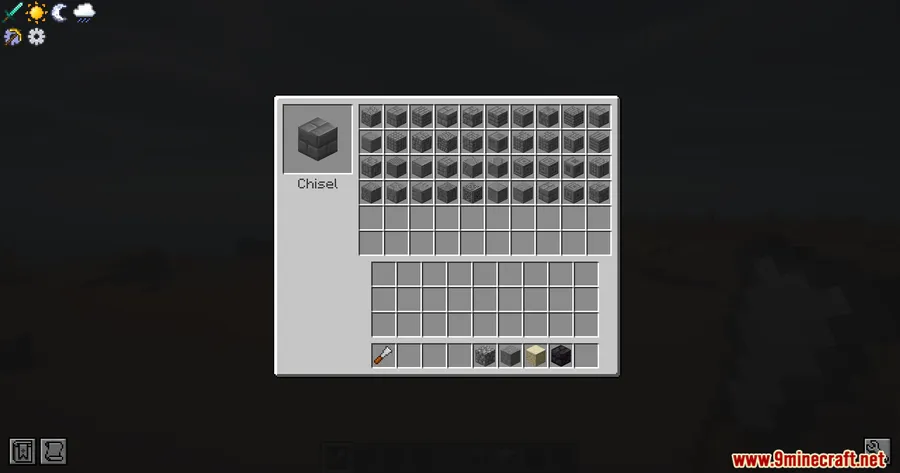
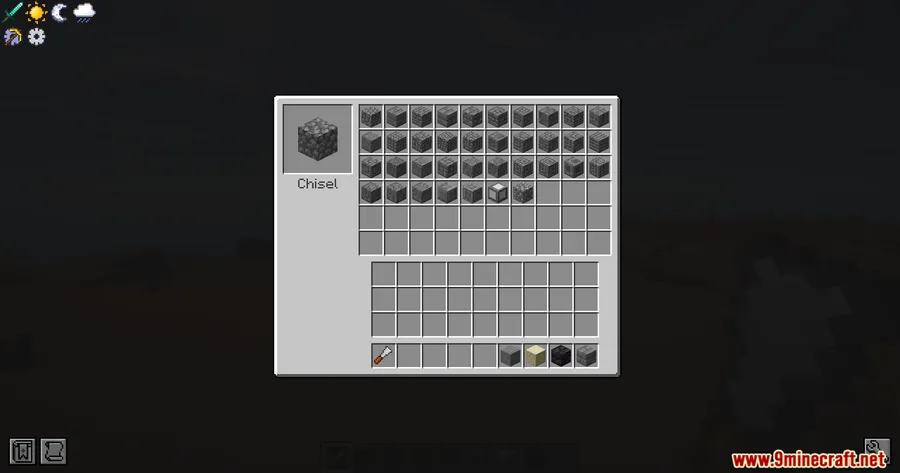
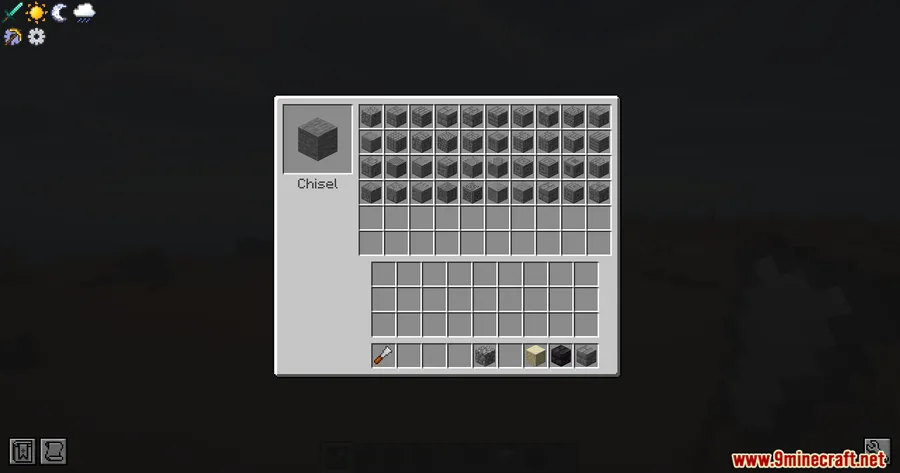
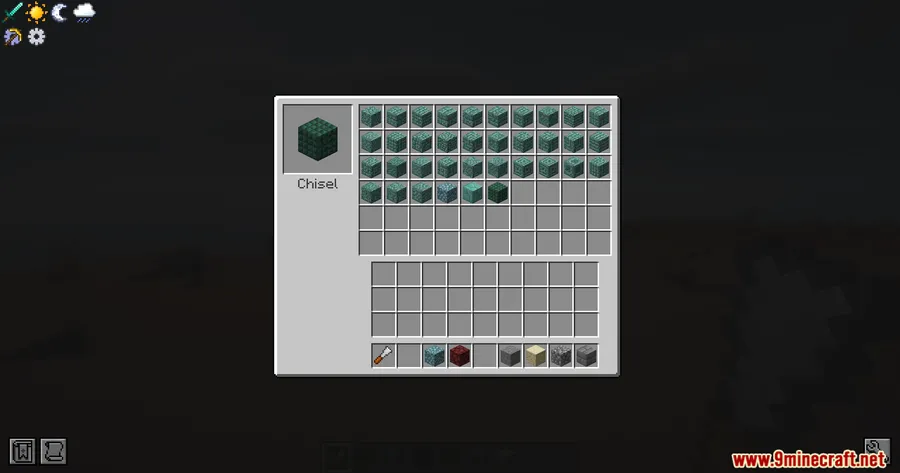
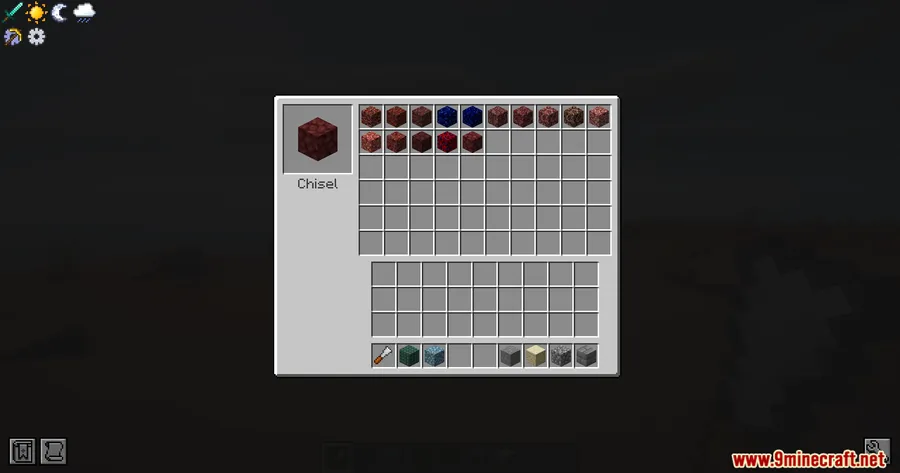
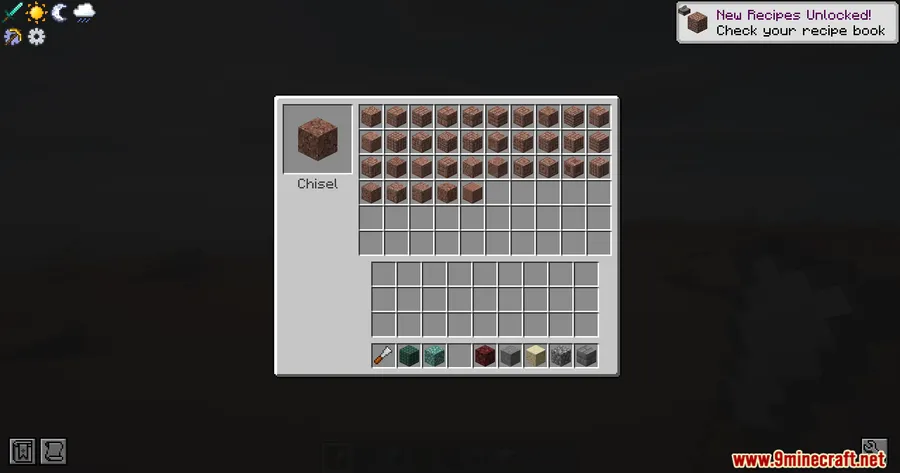
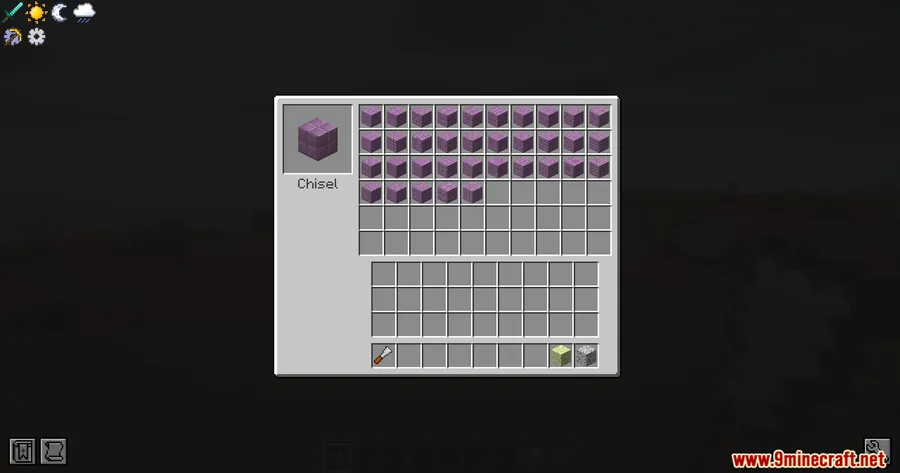
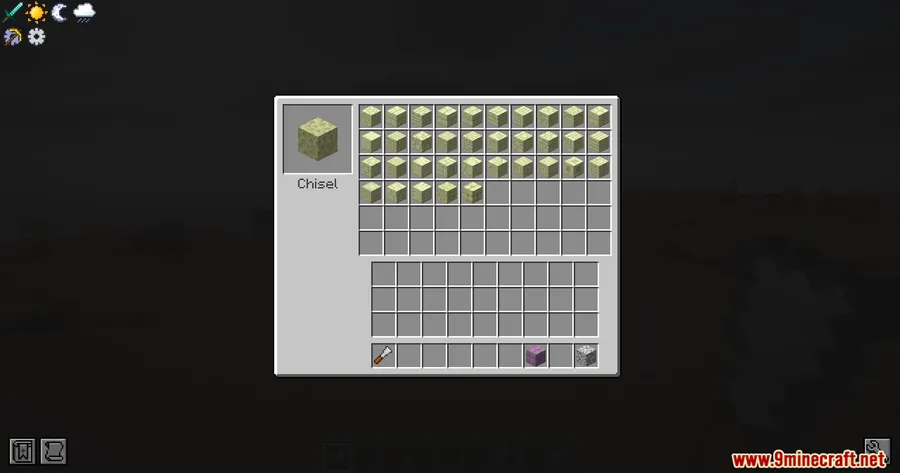
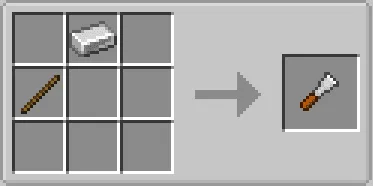
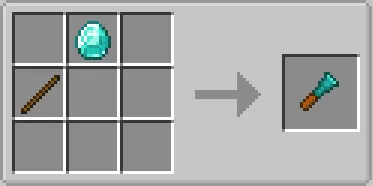
Decorative building in Minecraft often means juggling dozens of crafting recipes just to get a few block variants. Chisel Modern Mod takes a smarter approach — it consolidates a massive library of decorative blocks behind a single tool, the iron chisel. Craft it from an iron ingot and a stick placed diagonally, right-click to open the chiseling interface, and instantly browse every available variant for the block in your hand.
Key Features
- Extensive decorative block library — Adds a large variety of new block styles covering stone, metal, wood, and more, giving builders far more creative options without cluttering the crafting menu.
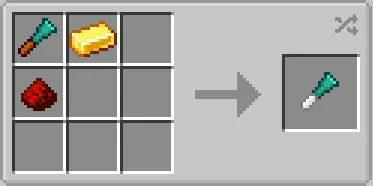
- Unified chisel tool — Instead of memorizing separate recipes for each variant, one iron chisel grants access to most new blocks through a dedicated interface opened with a right-click.
- Simple crafting recipe — The iron chisel requires only an iron ingot and a stick arranged diagonally, making it accessible early in any survival playthrough.
Screenshots


How to Install
- Download and install the correct mod loader — Forge for 1.20.x or NeoForge for 1.21.x.
- Install the required dependencies: Connected Textures Mod and BaguetteLib Mod.
- Download the Chisel Modern Mod file matching your Minecraft version.
- Place all mod
.jarfiles into your.minecraft/modsfolder. - Launch Minecraft through the modded profile and confirm the mod loads on the title screen.
Requirements
| Category | Details |
|---|---|
| Mod Loader | Forge (1.20 – 1.20.1) or NeoForge (1.21 – 1.21.1) |
| Dependencies | Connected Textures Mod, BaguetteLib Mod |
| Minecraft Version | 1.20, 1.20.1, 1.21, 1.21.1 |
Pros & Cons
Pros
- Huge selection of decorative blocks from a single mod
- Chisel-based workflow keeps the crafting table clean
- Easy-to-craft tool — no rare materials needed
- Supports both Forge and NeoForge across recent versions
Cons
- Requires two additional dependency mods to function
- Forge and NeoForge versions cover different Minecraft releases, so switching versions means changing your mod loader
- The mod appears to be lightweight, but players with large mod lists should test for compatibility
Download
Always download mods from official sources to stay safe.
FAQ
How do you craft the iron chisel in Chisel Modern Mod?
Place an iron ingot and a stick in a diagonal pattern on the crafting grid. Once crafted, right-click with the chisel in hand to open the block variant interface.
Does Chisel Modern Mod work with NeoForge?
Yes. The 1.21 and 1.21.1 versions use NeoForge as their mod loader, while the 1.20 and 1.20.1 versions run on Forge.
What dependencies are needed for Chisel Modern Mod?
You need both Connected Textures Mod and BaguetteLib Mod installed alongside the correct loader for your Minecraft version.


![[Let's Do] Meadow Mod (1.21.1) - thumbnail](http://mcinside.com/wp-content/uploads/2026/04/thumbnail-64-52x52.webp)


![Not Enough Recipe Book [NERB] Mod (1.21.11) - thumbnail](http://mcinside.com/wp-content/uploads/2026/04/thumbnail-63-52x52.webp)
