
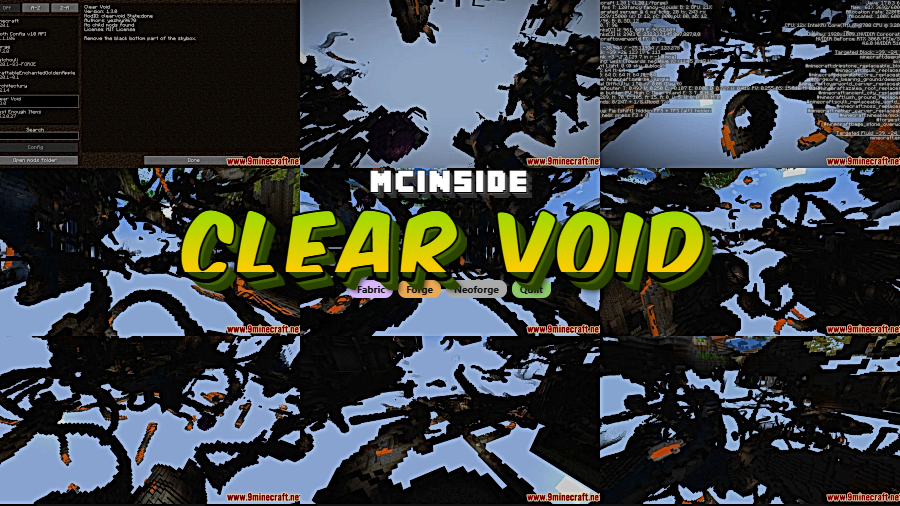
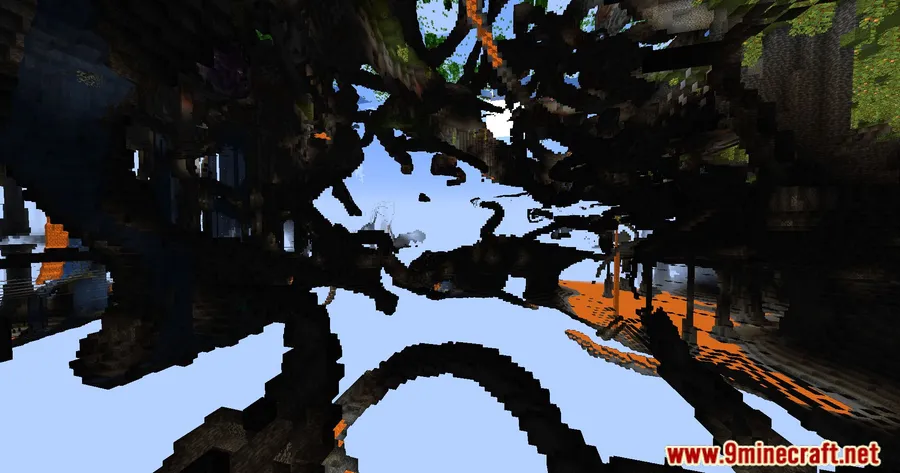
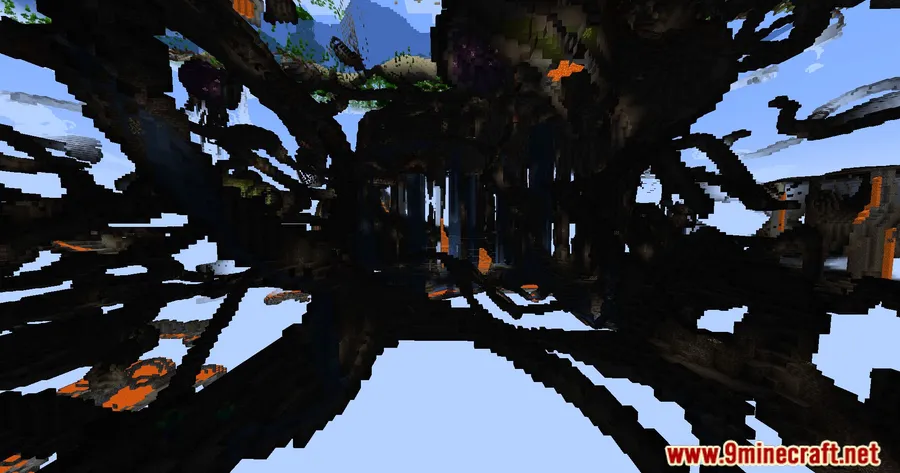
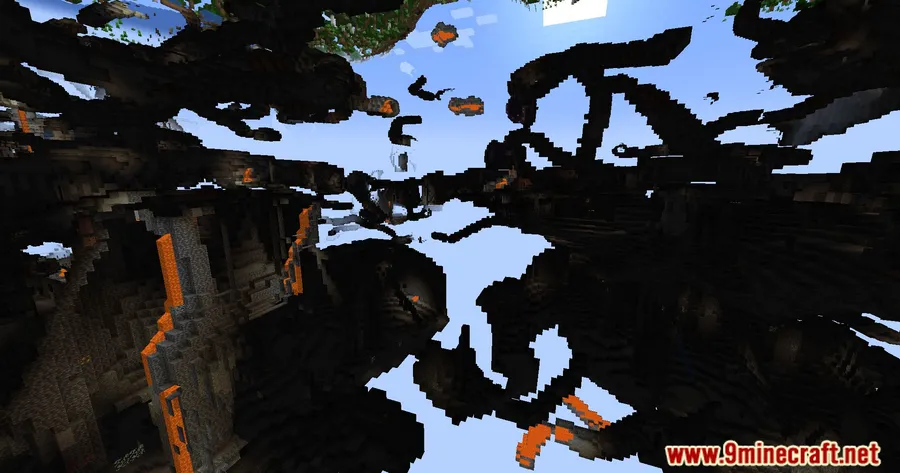
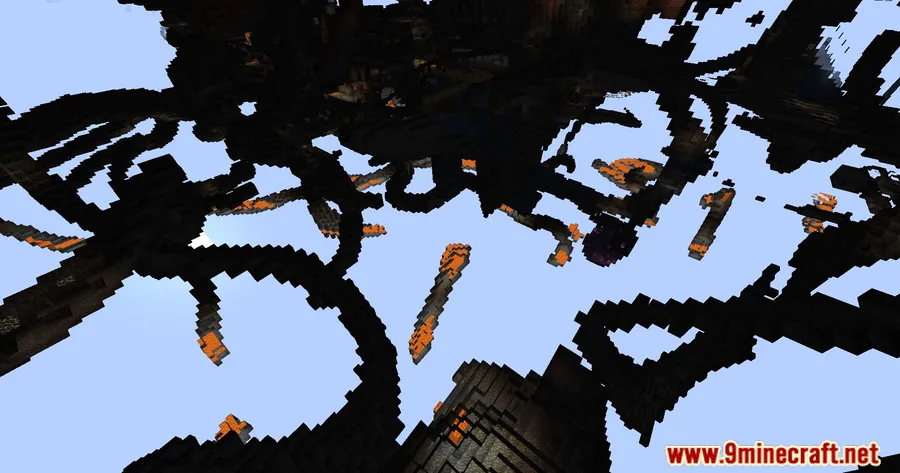
Floating-island and skyblock worlds in Minecraft share one annoying visual quirk: drop below Y-level 58 and the bottom half of the skybox snaps to pitch black with no warning. Clear Void Mod fixes that jarring transition by gradually darkening the void as you descend below Y=-32, giving the sky a smooth, natural fade instead of an abrupt cutoff. With over 338,000 downloads and active updates since 2023, it has become a staple quality-of-life pick for skyblock players and custom-world builders alike.
Key Features
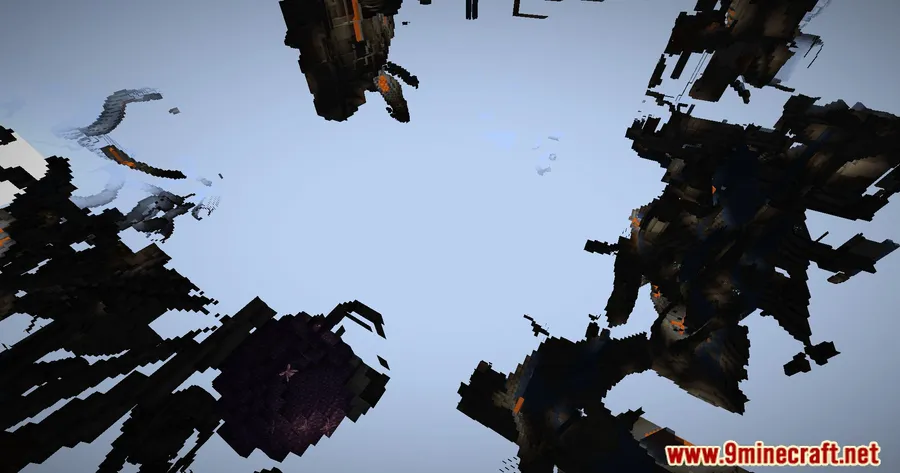
- Seamless Skybox — Removes the hard black cutoff on the lower half of the skybox, so the sky looks continuous no matter where you stand on a floating island.
- Gradual Void Darkening — Instead of flipping to black at Y=58, the void smoothly darkens as you move below Y=-32, keeping the atmosphere immersive without sudden visual shifts.
- Lightweight & Easy Setup — The mod appears to be lightweight with minimal configuration needed — drop it into your mods folder and it works out of the box on both Forge and Fabric.
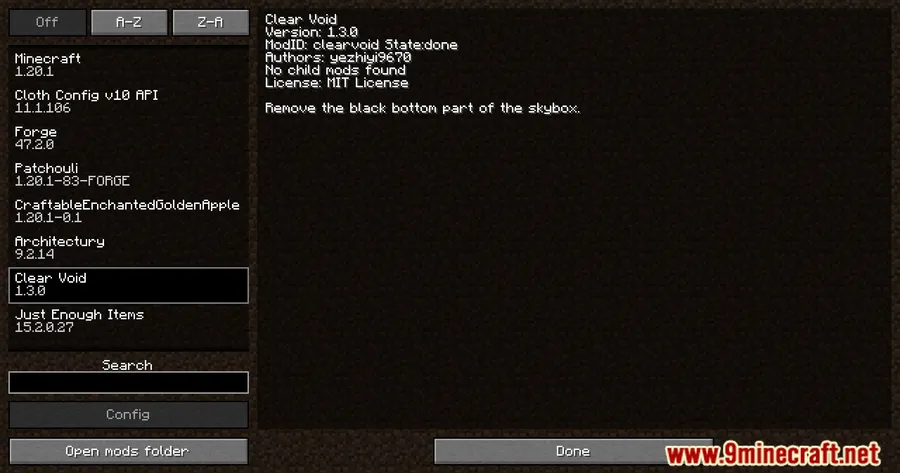
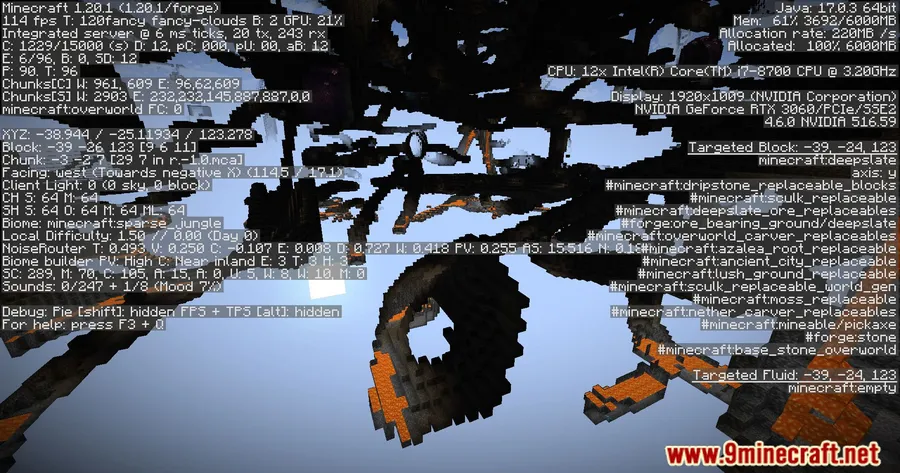
Screenshots
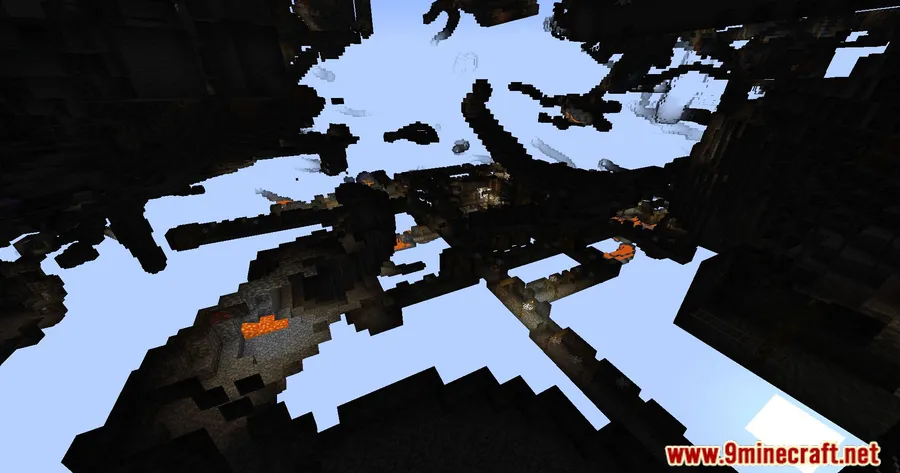
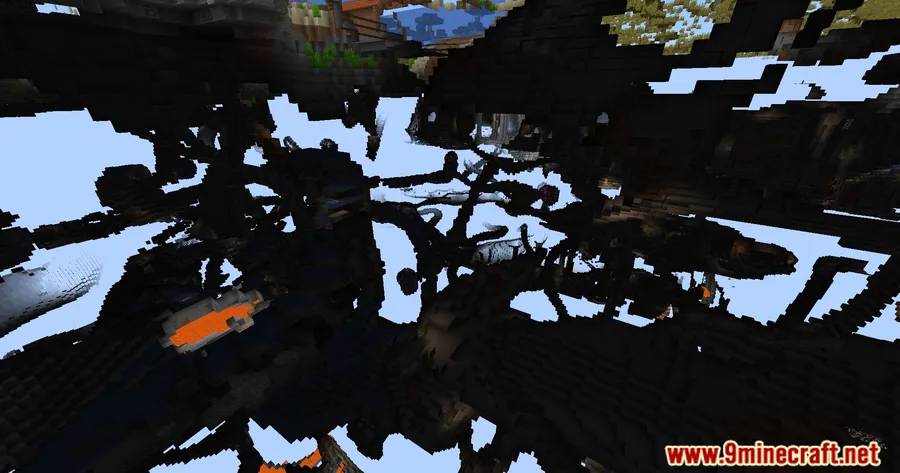
How to Install
- Download and install Minecraft Forge or Fabric Loader (plus Fabric API if using Fabric) for your Minecraft version.
- Download the Clear Void Mod file that matches your loader and game version.
- Place the downloaded
.jarfile into your.minecraft/modsfolder. - Launch Minecraft using your Forge or Fabric profile and load into a world — the void fix applies automatically.
Requirements
| Mod Loader | Dependencies | Minecraft Versions |
|---|---|---|
| Forge, Fabric | Minecraft Forge or Fabric API | 26.1, 1.21.11, 1.21.10, 1.21.9, 1.21.8, 1.21.4, 1.21.1, 1.21, 1.20.6, 1.20.4, 1.18.1 |
Pros & Cons
Pros
- Solves a long-standing vanilla visual issue that Mojang has never addressed
- Works on both Forge and Fabric, covering the two largest mod-loader communities
- Supports a wide range of Minecraft versions from 1.18.1 all the way to 26.1
- Open-source under the MIT license, so the community can inspect and contribute
Cons
- Primarily benefits skyblock and floating-island maps — players on standard terrain may not notice much difference
- No in-game configuration options for adjusting the darkening threshold or fade curve
Download
Always download mods from official sources to stay safe.
FAQ
Does Clear Void Mod work with skyblock modpacks?
Yes. Since it only changes how the void portion of the skybox renders, it should work alongside most skyblock modpacks on either Forge or Fabric without conflicts.
What exactly does this mod change below the world?
In vanilla Minecraft, the skybox below Y=58 turns solid black instantly. Clear Void removes that hard cutoff and instead gradually darkens the sky as you descend below Y=-32, creating a smooth fade effect.
Do I need both Forge and Fabric API installed?
No — you only need the loader you plan to use. Install either Minecraft Forge or Fabric Loader with Fabric API, then use the matching version of the mod file.


![Not Enough Recipe Book [NERB] Mod (1.21.11) - thumbnail](http://mcinside.com/wp-content/uploads/2026/04/thumbnail-63-52x52.webp)


