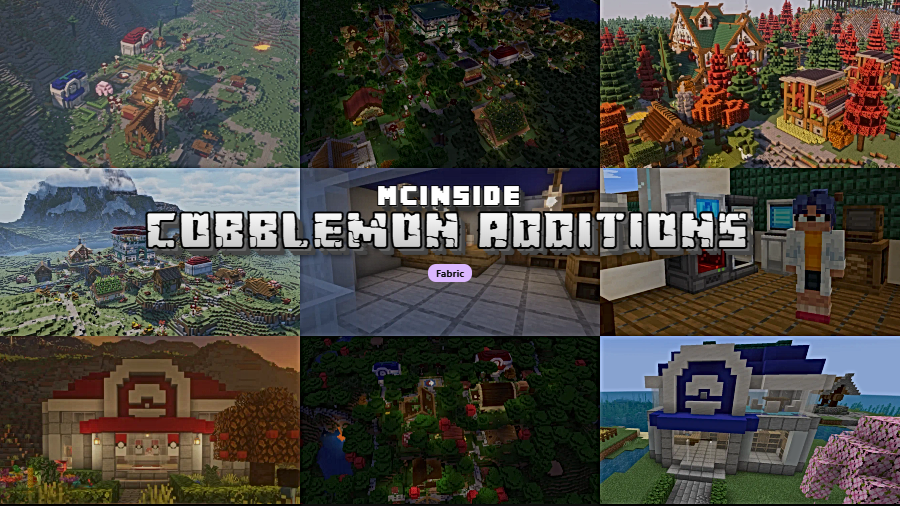
Cobblemon Additions is a worldgen and adventure mod that replaces vanilla Minecraft villages with custom Pokémon-themed settlements, complete with unique structures, town centers, and dynamic villager interactions, for Minecraft Fabric.
Vanilla Minecraft villages are functional but bland — a handful of identical houses clustered around a well. When you are running a Cobblemon playthrough, that disconnect between your Pokémon-filled world and generic villager settlements breaks immersion fast. Cobblemon Additions solves this by completely overhauling village generation with Pokémon-inspired architecture, themed districts, and structures that actually tie into Cobblemon gameplay mechanics. Originally developed for the Brocraft community server by strikebyte, the mod has since attracted over 5 million downloads on Modrinth, proving there is massive demand for a more cohesive Cobblemon world experience. Whether you are exploring fairy-type biomes or trekking through icy tundras, each village now feels like a proper Pokémon town you would find in the mainline games.
Key Features of Cobblemon Additions
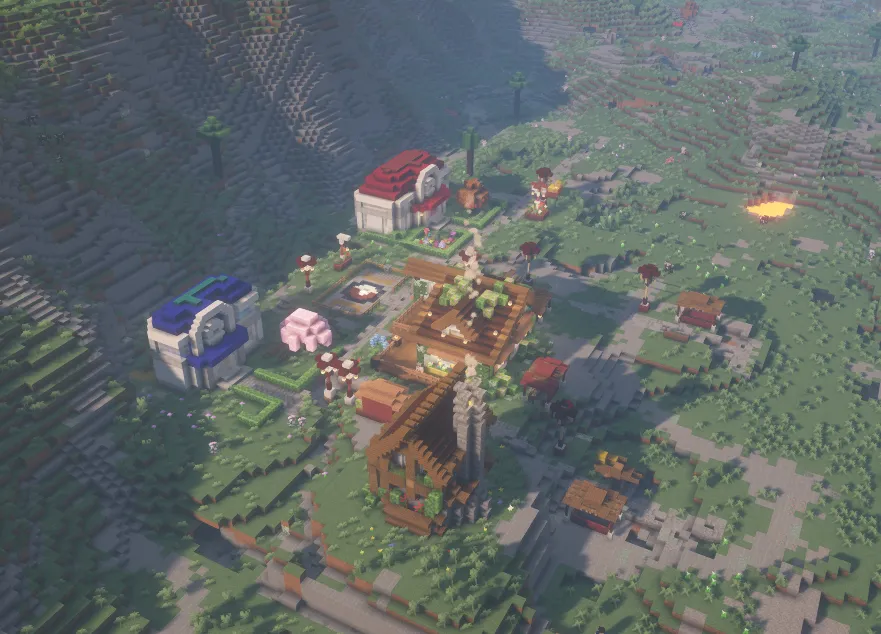
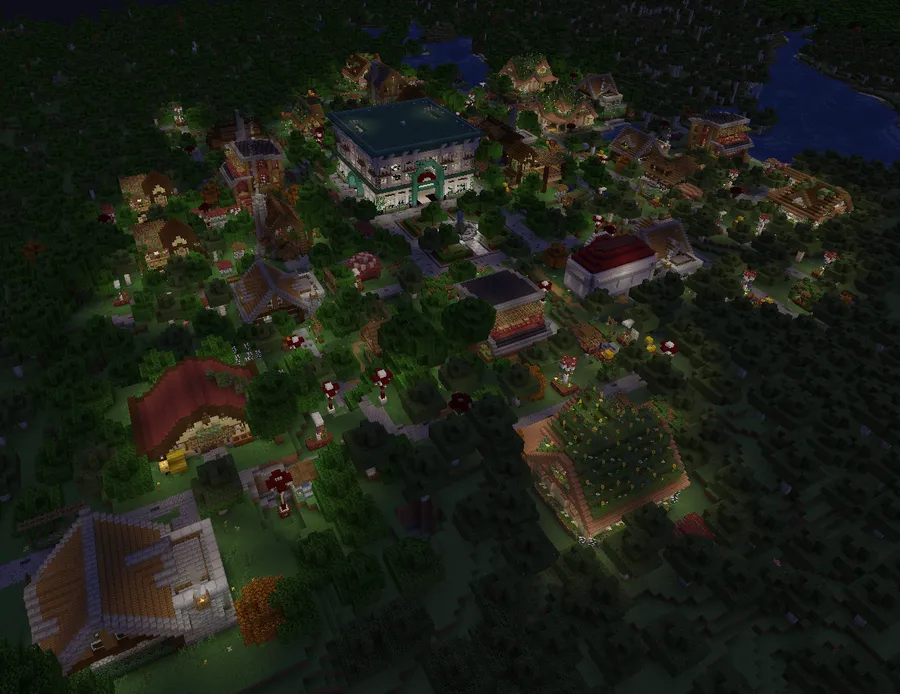
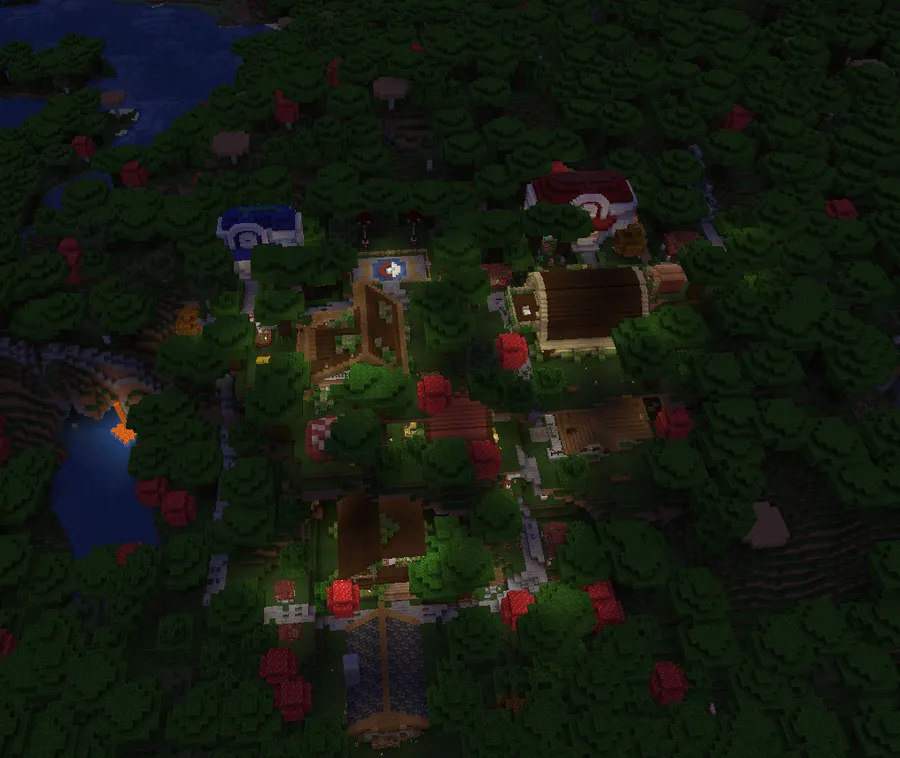
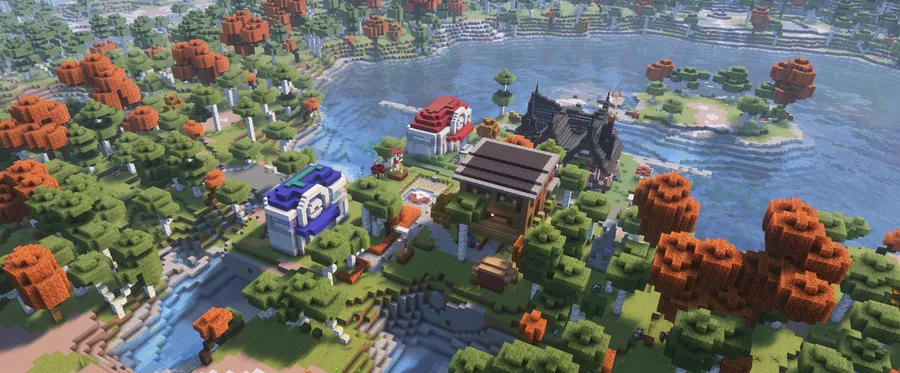
- Custom Village Structures — Instead of the same handful of vanilla buildings, villages now generate with dozens of unique, hand-built structures that fit the Cobblemon aesthetic. This means every village you discover feels distinct, giving you a genuine reason to explore rather than skip past yet another cookie-cutter settlement. The variety ranges from small residential cottages to larger community buildings.
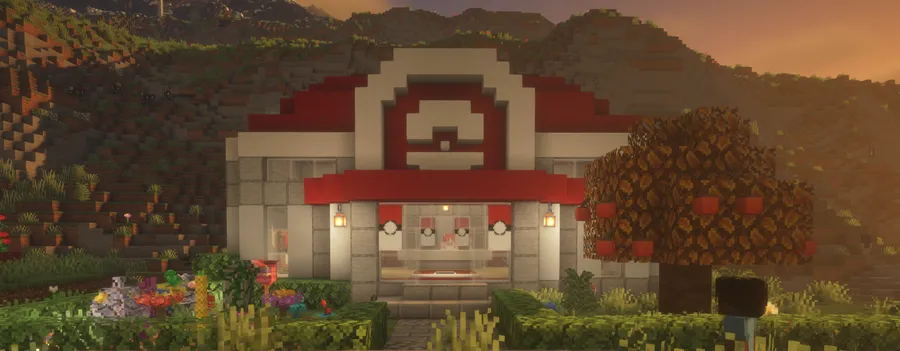
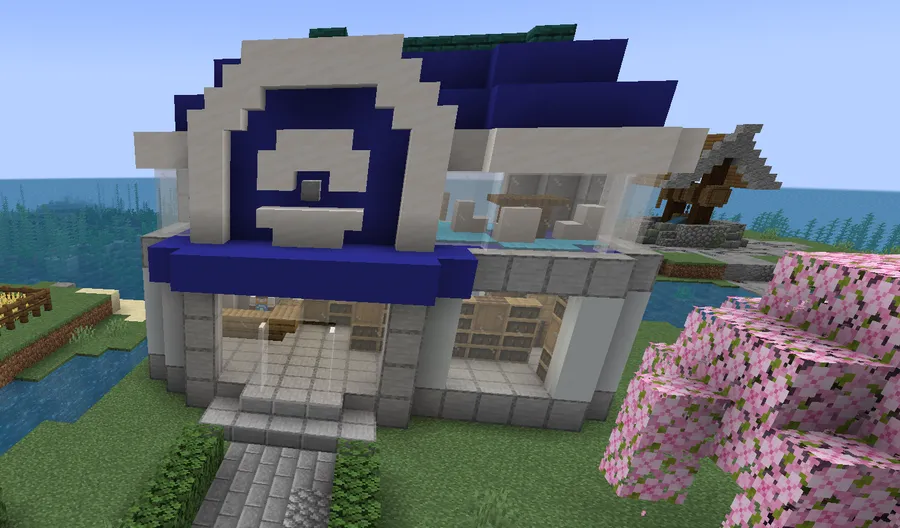
- Unique Town Centers (Battlepad & Department Store) — Each village features a specially designed focal point such as the Battlepad arena or a fully realized Department Store. The Battlepad gives you a dedicated spot for Cobblemon battles right inside the village, while the Department Store serves as a central hub for trading and services. These landmarks make villages feel like real Pokémon towns with purpose beyond just housing villagers.
- Themed Village Types (Including New Fairy Village) — The mod introduces multiple village variants based on Pokémon types, including a complete Fairy-type village and an overhauled Ice village. Each type comes with its own unique building set, road styles, and biome placement rules. This type-based theming means the villages you encounter actually match the surrounding environment and local Pokémon population.
- Diverse Themed Buildings — Explore cozy cottages, bustling PokéMarts, serene retreats, bakeries, and manor houses spread across your world. Each building is designed with interior detail and fits naturally into the Cobblemon universe. For players who enjoy base-building or roleplay, these structures also serve as excellent inspiration or ready-made homes.
- Custom Pathways and Roads — Villages generate with themed road networks including straight paths, curved sections, T-joints, and crossroads that match the village type. This is a small detail that makes a huge difference — villages no longer look like random building clusters but actual planned settlements with logical layouts and visual flow.
- Dynamic Villager Integration — Cobblemon mechanics are woven into villager interactions, offering unique services and trades that complement your Pokémon journey. This bridges the gap between vanilla Minecraft's economy system and Cobblemon's creature-catching gameplay, making villagers feel like NPCs from an actual Pokémon game rather than generic traders.
- Biome-Aware Generation — Structures are tagged to spawn in appropriate biomes, so Fairy villages appear in lush, forested areas while Ice villages generate in frozen landscapes. This intelligent placement ensures the world feels cohesive and thematic rather than random, reinforcing the sense that you are traveling through distinct Pokémon regions.
Screenshots
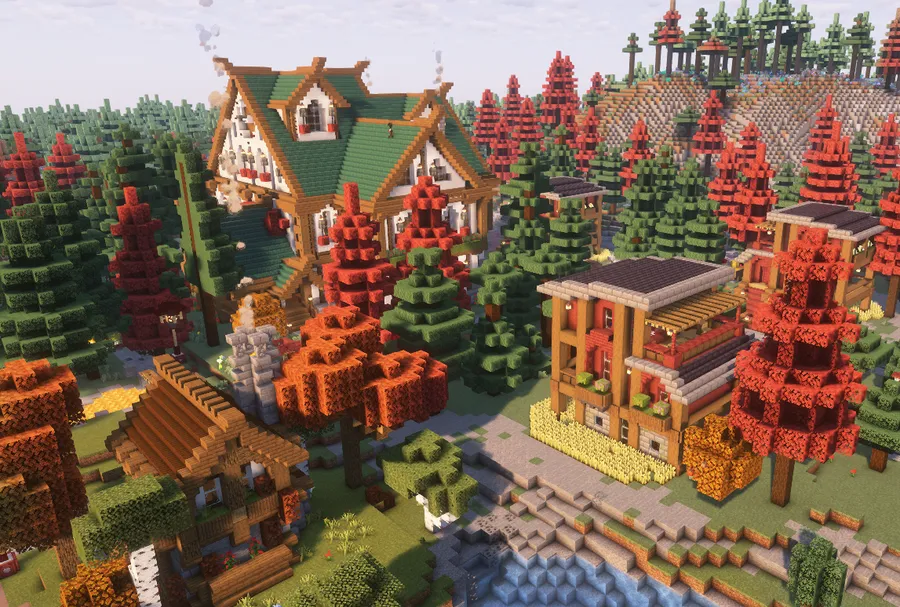
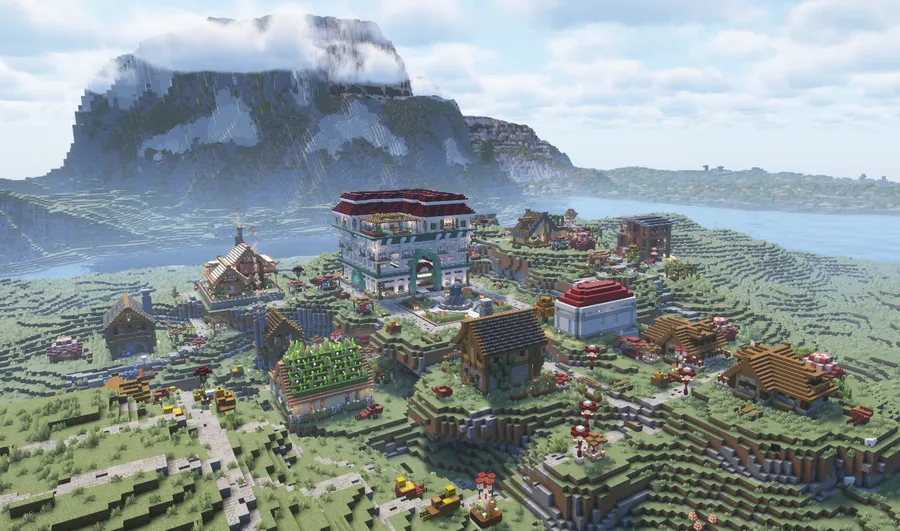
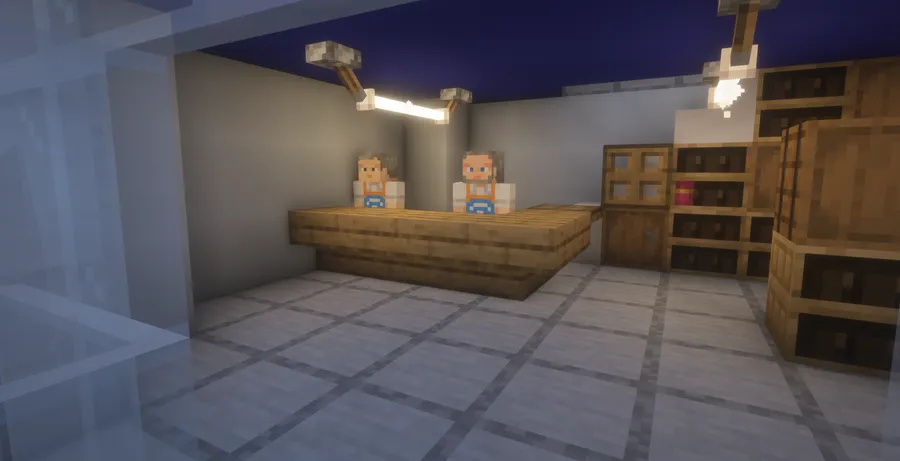
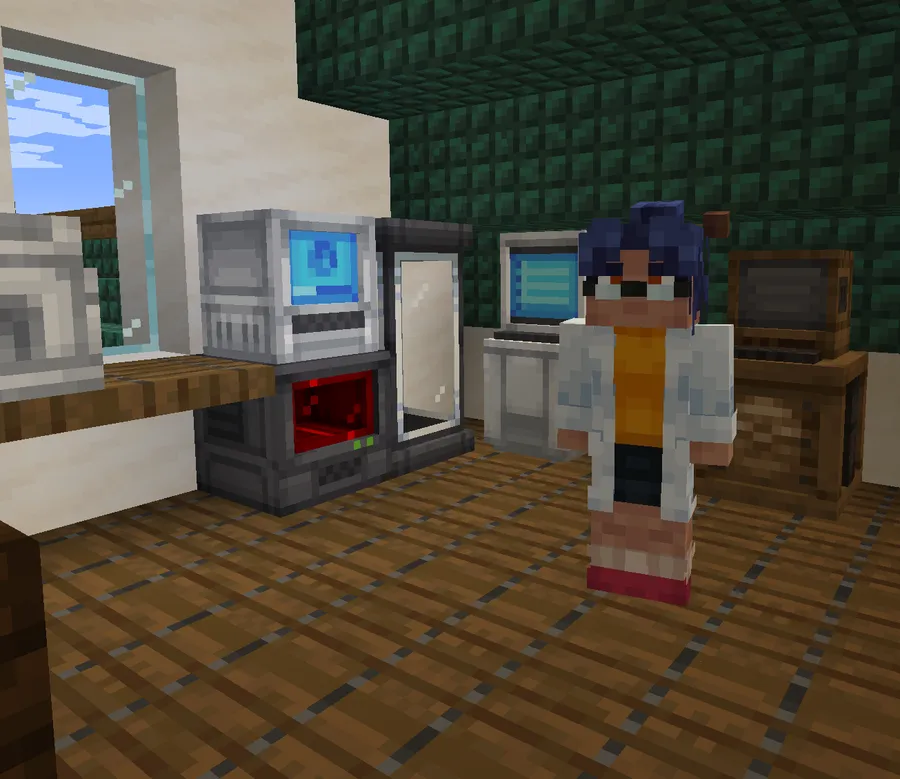
How to Install Cobblemon Additions
- Download and install Fabric Loader for your Minecraft version (1.21.11 or your preferred supported version).
- Make sure you have Cobblemon (version 1.7.3 or newer for the latest features) already installed in your mods folder.
- Download the Cobblemon Additions .jar file matching your Minecraft version from the download section below.
- Place the downloaded .jar file into your
.minecraft/modsfolder. If you are upgrading from an older datapack version, remove the old datapack from your world's Datapacks folder first. - Launch Minecraft with your Fabric profile and create a new world or explore new chunks in an existing world to see the custom villages generate.
Requirements & Compatibility
| Requirement | Details |
|---|---|
| Mod Loader | Fabric |
| Minecraft Versions | 1.21.11, 1.21.10, 1.21.9, 1.21.8, 1.21.7, 1.21.6, 1.21.5, 1.21.4, 1.21.3, 1.21.2, 1.21.1, 1.20.1 |
| Required Dependency | Cobblemon (1.7.3+ for latest version) |
| Recommended | Waystones, Cobblefolk datapack |
| Optional | Sophisticated Backpacks, Traveler's Backpack, Cobblenav, EMF/ETF (for Cobblefolk) |
What's New
- Fairy Village added — A complete new village type featuring 11 unique residential structures like Blossomveil Manor, Moonpetal Cottage, and Sylveon's Ribbon Rest, plus the Petalwake Pavilion as a large center building and the Sugarblossom Bakery.
- Fairy-specific roads — New themed pathways including straight, curved, T-joint, and crossroads variants designed specifically for Fairy villages.
- Ice Village overhaul — The entire Ice village layout and jigsaw connections have been restructured for better generation and visual appeal.
- Biome tag support — Fairy villages now automatically place themselves in Fairy-type biomes for seamless world integration.
- Cobblemon 1.7.3+ required — The mod now requires Cobblemon version 1.7.3 or newer built for 1.21.1, updated from the previous 1.7.0 minimum.
Pros and Cons
Pros
- Dramatically improves world immersion for Cobblemon playthroughs
- Huge variety of hand-built structures prevents repetitive exploration
- Active development with new village types and structures being added regularly
- Broad version support from 1.20.1 through 1.21.11
- Over 5 million downloads with an established community and Discord support
Cons
- Fabric-only — no Forge or NeoForge support currently available
- Requires Cobblemon as a dependency, so it is not a standalone village overhaul
- New villages only generate in unexplored chunks, so existing worlds need fresh exploration
- Some optional features require additional mods like Waystones and EMF/ETF
Alternatives to Cobblemon Additions
- Cobblemon — The core Pokémon mod for Minecraft that Cobblemon Additions builds upon; required as a base dependency for all Cobblemon-related content.
- Towns and Towers — A standalone village and structure overhaul that adds new building types and pillager towers to vanilla generation, suitable for players who want better villages without the Pokémon theme.
- Cobblemon Loot — Another Cobblemon companion mod that enhances world loot tables with Pokémon-themed items and rewards, complementing the village structures from Cobblemon Additions.
Download Cobblemon Additions
| Minecraft Version | Fabric |
|---|---|
| For Minecraft 1.21.11 | Download |
| For Minecraft 1.21.10 | Download |
| For Minecraft 1.21.9 | Download |
| For Minecraft 1.21.8 | Download |
| For Minecraft 1.21.7 | Download |
| For Minecraft 1.21.6 | Download |
| For Minecraft 1.21.5 | Download |
| For Minecraft 1.21.4 | Download |
| For Minecraft 1.21.3 | Download |
| For Minecraft 1.21.2 | Download |
| For Minecraft 1.21.1 | Download |
| For Minecraft 1.20.1 | — |
Always download mods from official sources to stay safe.
Frequently Asked Questions
Is Cobblemon Additions compatible with other village mods?
It depends on the specific mod — since Cobblemon Additions replaces vanilla village generation using jigsaw structures, it may conflict with other mods that modify the same village pools. Mods that add entirely new structure types to the world without touching villages should work fine alongside it. If you experience generation issues, try testing with one village mod at a time to identify conflicts.
Do I need Cobblemon installed to use this mod?
Yes — Cobblemon is a required dependency. Cobblemon Additions is specifically designed to integrate with Cobblemon mechanics and themed content. Without the base Cobblemon mod installed, the structures and villager interactions will not function as intended.
Will the custom villages appear in my existing world?
Yes, but only in newly generated chunks. Villages that have already been generated in explored areas will remain as vanilla structures. To find the new Pokémon-themed villages, you need to travel to areas of the map you have not visited before so that fresh chunks generate with the mod active.
Does Cobblemon Additions work on multiplayer servers?
Yes — the mod works on both singleplayer and multiplayer Fabric servers. It was originally developed for the Brocraft community server, so server compatibility has been a priority from the start. All players connecting to the server will see the custom villages without needing the mod installed client-side, since world generation is handled server-side.
Is Cobblemon Additions available for Forge or NeoForge?
No — the mod currently supports Fabric only. There is no official Forge or NeoForge port available at this time. If you want to use this mod, you will need to set up a Fabric modding environment for your Minecraft installation.