
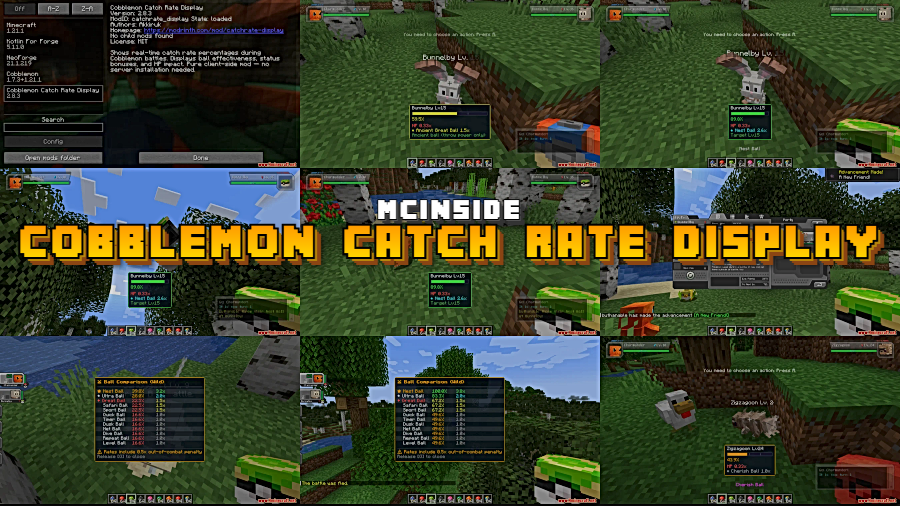
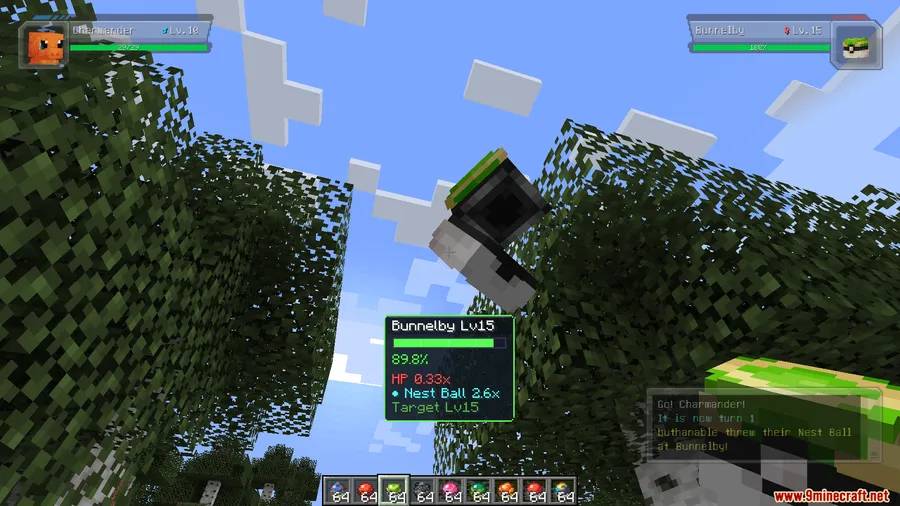
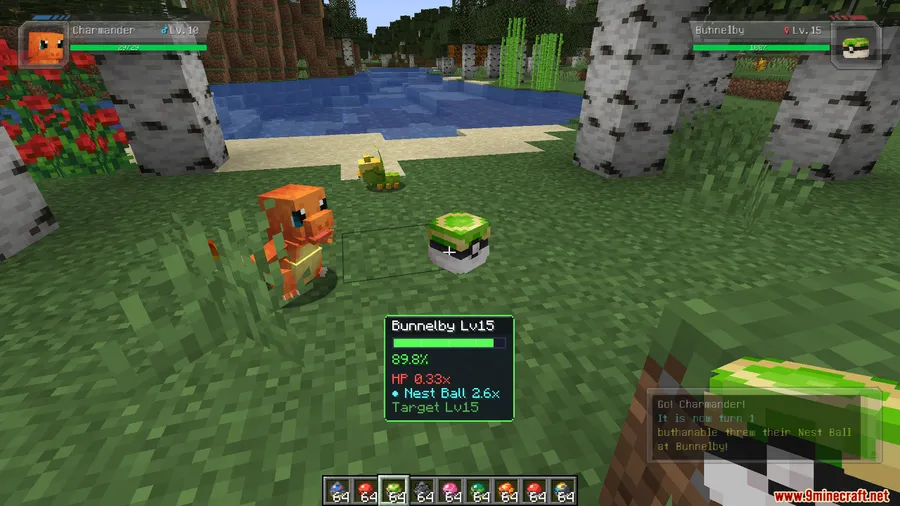
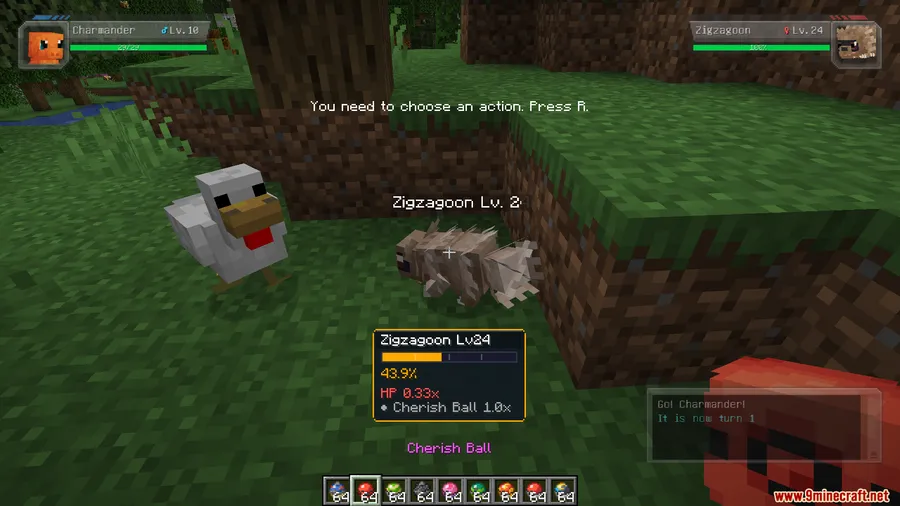
Tired of burning through your best Poké Balls on a wild guess? Cobblemon Catch Rate Display Mod takes the mystery out of catching by showing you the exact probability of a successful capture in real time. As you whittle down HP or inflict status effects, the display updates instantly — complete with color-coded odds and a full comparison of every Poké Ball in your inventory, so you always know which throw gives you the best shot.
Key Features
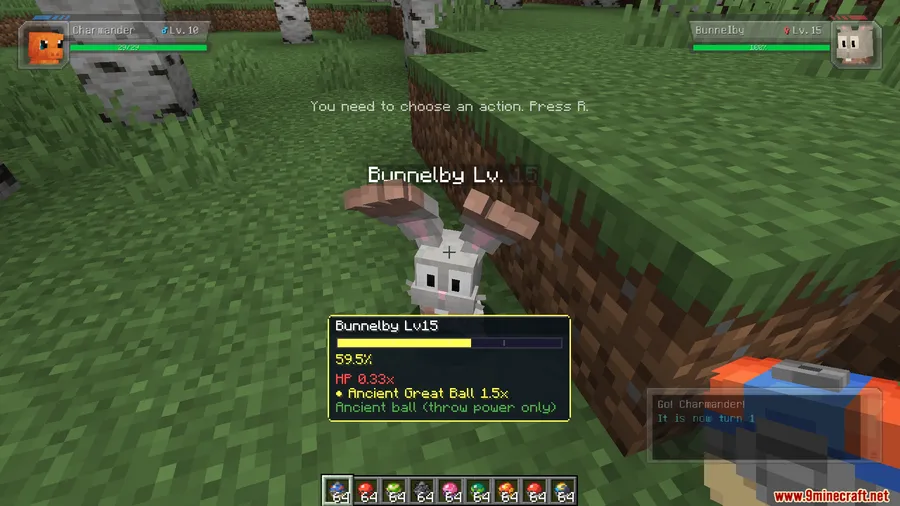
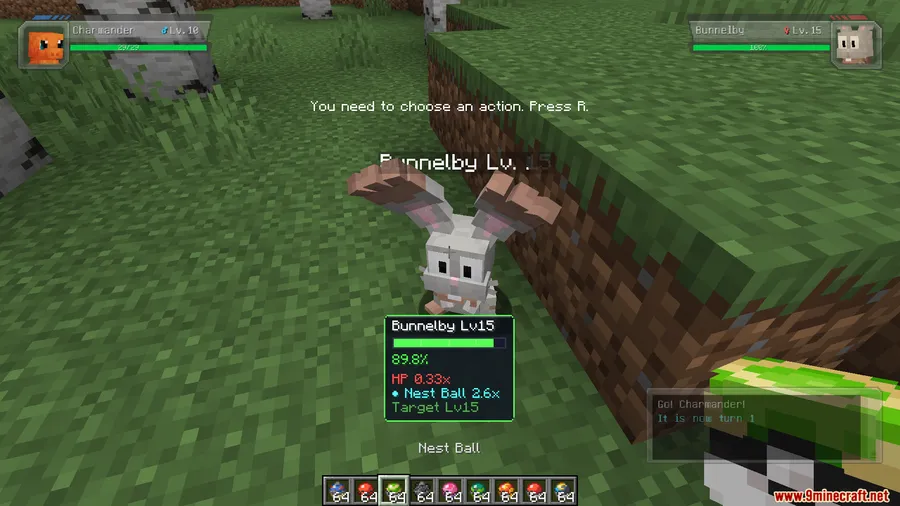
- Live Catch Rate Updates — The probability recalculates instantly every time HP drops or a status effect like sleep or paralysis is applied, so you always see your current odds.
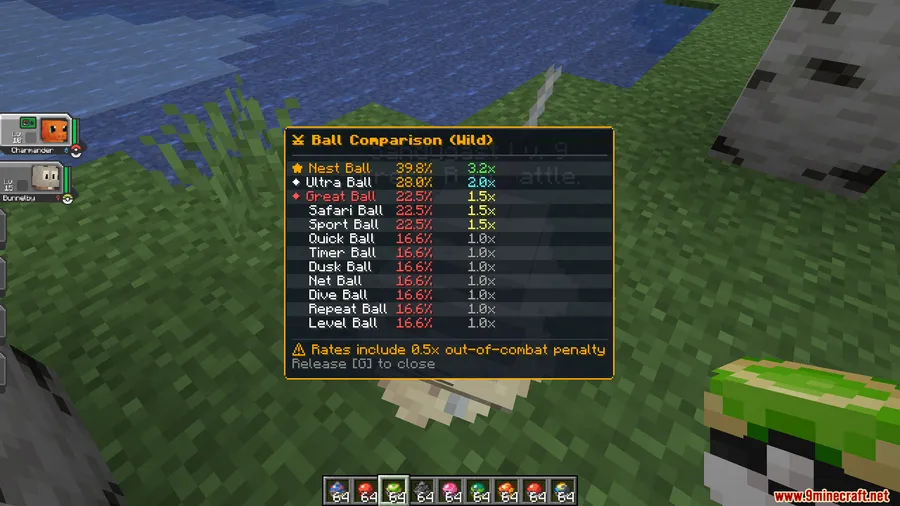
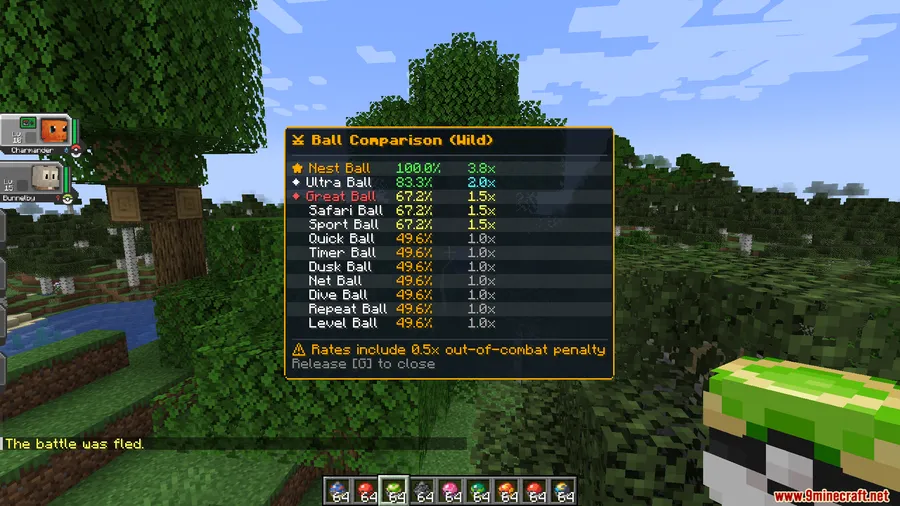
- Full Ball Comparison (Press G) — Hit G during an encounter to pull up a ranked list of every Poké Ball by effectiveness, making it easy to pick the optimal choice without memorizing type charts.
- Status & HP Multipliers Explained — Sleep, paralysis, low HP, and other modifiers are clearly displayed so you understand exactly why your catch rate is high or low.
- Special Ball Mechanics Breakdown — Curious why a Heavy Ball works better on heavier Pokémon or how Timer Ball odds scale with turns? The mod explains the unique mechanics behind each ball type.
- Color-Coded Odds — Green means favorable, red means poor — glance at the color and make split-second decisions without reading every number.
Screenshots
How to Install
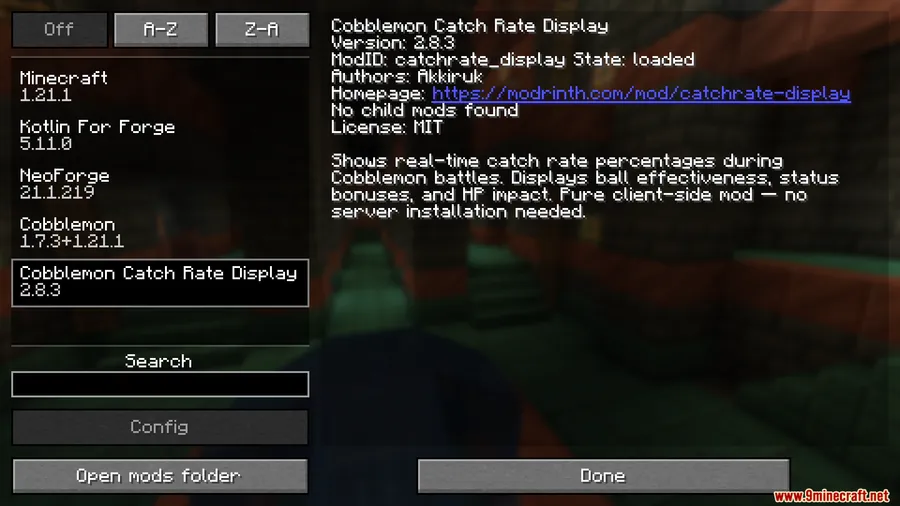
- Download and install Fabric Loader or NeoForge for Minecraft 1.21.1 or 1.21.
- Make sure Fabric API (for Fabric) or Kotlin For Forge (for NeoForge) is in your mods folder, along with Cobblemon.
- Download the Cobblemon Catch Rate Display Mod file for your loader from the link below.
- Place the downloaded
.jarfile into your.minecraft/modsfolder. - Launch Minecraft and press G during a battle to verify the overlay appears.
Requirements
| Mod Loader | Dependencies | Minecraft Versions |
|---|---|---|
| Fabric, NeoForge, Forge | Fabric API, NeoForge Installer, Kotlin For Forge Mod, Cobblemon Mod | 1.21.1, 1.21 |
Pros & Cons
Pros
- Eliminates guesswork — you see exact percentages before every throw
- Ball comparison screen saves time and resources by highlighting the best option
- Color-coded display makes it accessible even during fast-paced encounters
- Explains complex ball mechanics that the base game never surfaces
Cons
- Requires Cobblemon as a base — not usable with other Pokémon mods
- May reduce the surprise and tension of catching for players who enjoy the uncertainty
- Adds an on-screen overlay that could feel cluttered on smaller displays
Download
Always download mods from official sources to stay safe.
FAQ
Does the Cobblemon Catch Rate Display Mod work with both Fabric and NeoForge?
Yes, the mod supports both Fabric and NeoForge for Minecraft 1.21.1 and 1.21. Just make sure you install the correct version for your mod loader along with the required dependencies.
How do I open the ball comparison screen?
Press G during an encounter to see every Poké Ball in your inventory ranked by catch effectiveness against the current Pokémon.
Does this mod affect gameplay or just display information?
It is purely informational. The mod does not change catch rates or game mechanics — it only displays the existing probabilities so you can make better decisions.


![Not Enough Recipe Book [NERB] Mod (1.21.11) - thumbnail](http://mcinside.com/wp-content/uploads/2026/04/thumbnail-63-52x52.webp)


