
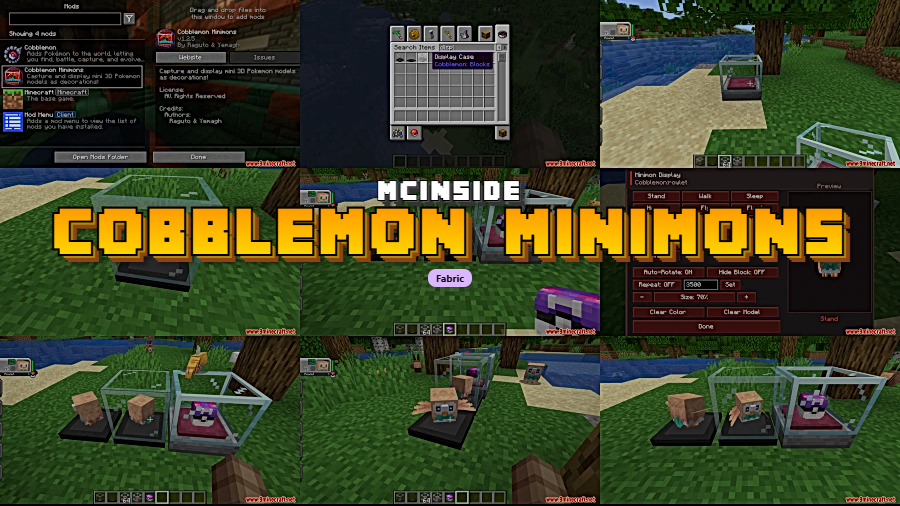
Ever wanted to show off your prized Pokemon catches without keeping them locked in a PC box? Cobblemon Minimons Mod lets you capture miniature 3D models of your Pokemon and place them inside dyeable display cases around your base. Whether you're building a Pokemon museum or just want your favorite shiny sitting on your desk, this addon turns your collection into real decorations with animation controls and size scaling.
Key Features
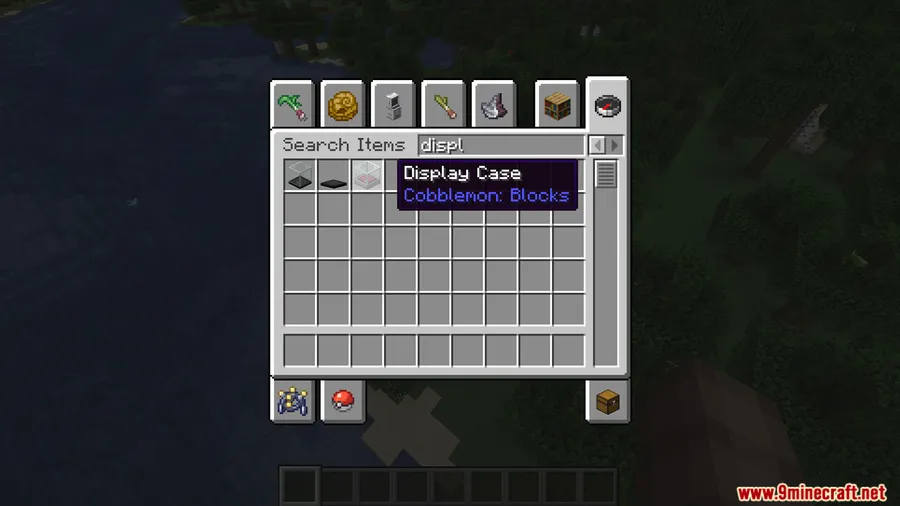
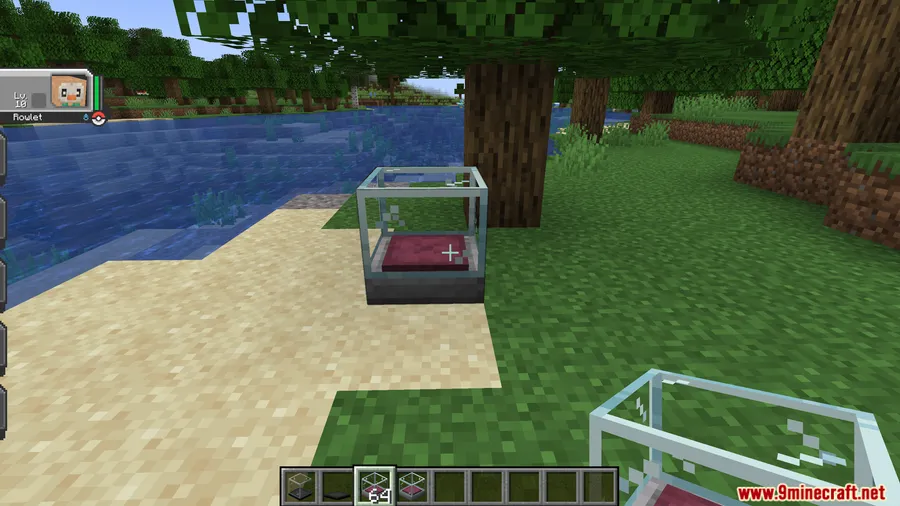
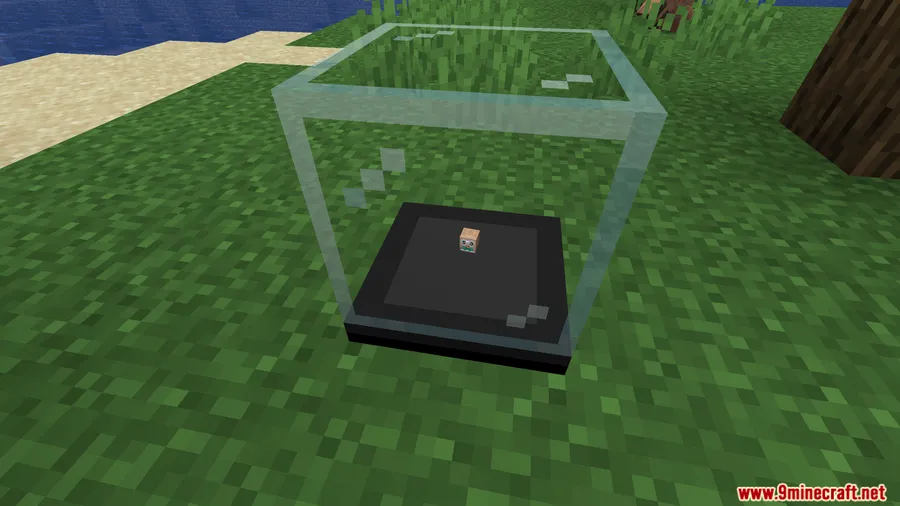
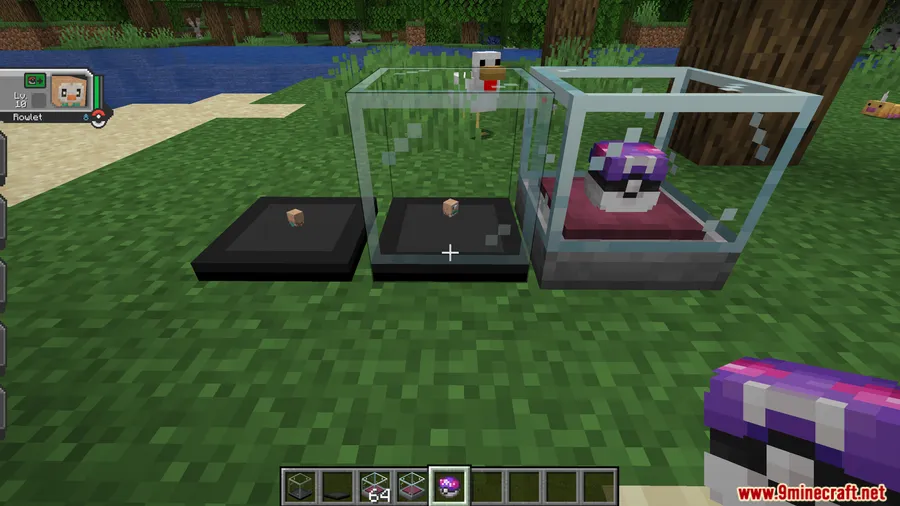
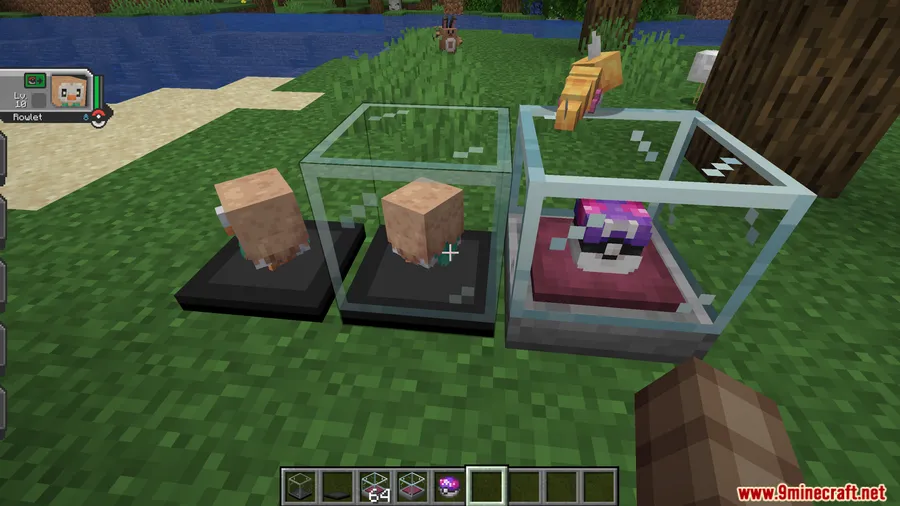
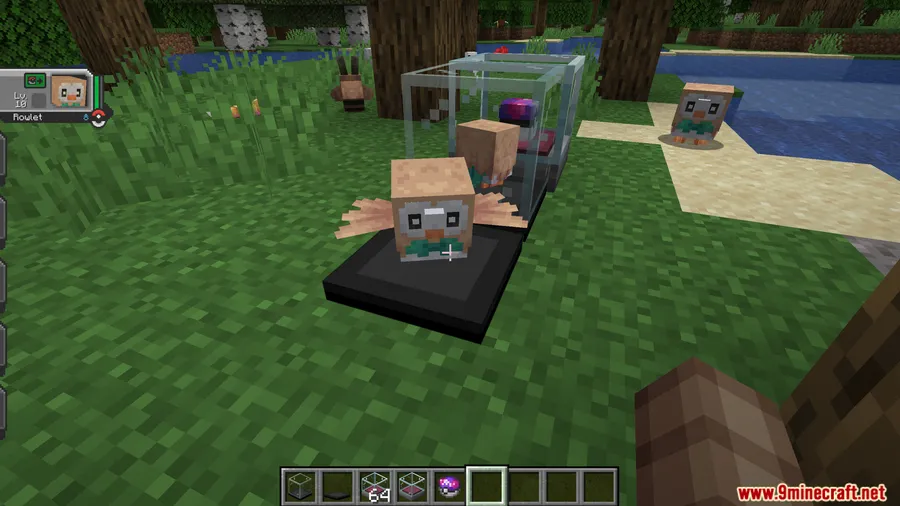
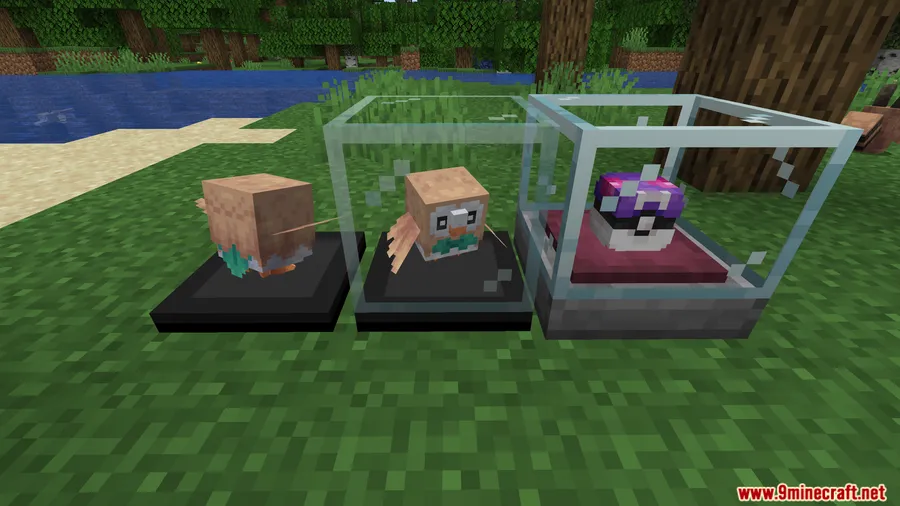
- Display Case Block — A craftable block that holds a mini 3D model of any Pokemon you own, complete with its form, shiny status, and other visual details.
- Dyeable Cases — Hold any dye and right-click the display case to customize its color, letting you match your build's palette or color-code your collection.
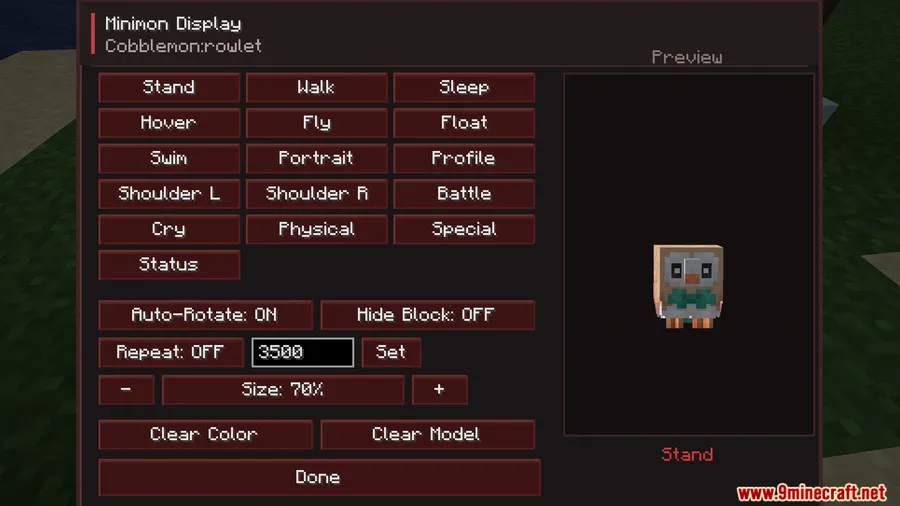
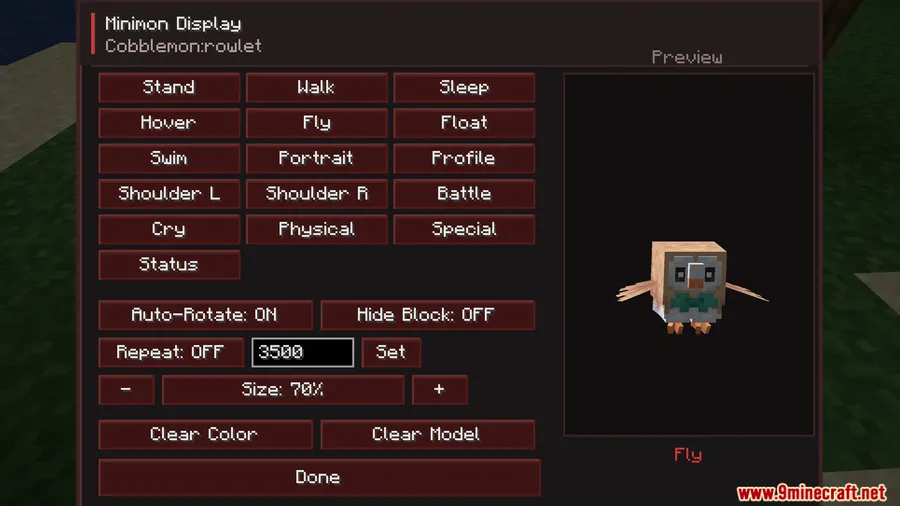
- Animation & Size Controls — Built-in GUI buttons let you play, pause, or cycle through your Pokemon's animations and adjust the size scaling of the miniature model.
- Ownership Protection — Only your own Pokemon can be turned into minimons, and other players cannot access your display case GUI — keeping your collection safe on multiplayer servers.
- Simple Workflow — Craft a display case, right-click your Pokemon to create a minimon, then place the case down and your mini Pokemon appears instantly.
Screenshots
How to Install
- Download and install Fabric Loader for your Minecraft version.
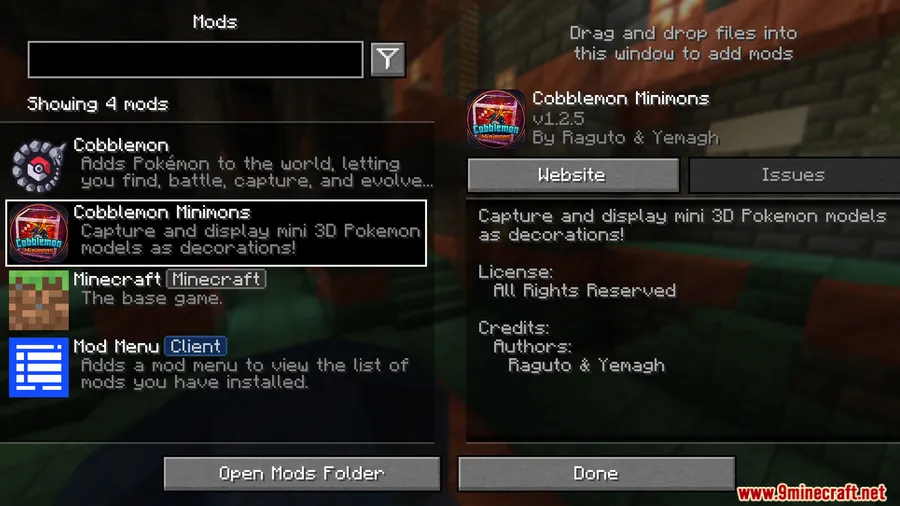
- Make sure you have Fabric API and Cobblemon Mod already installed in your mods folder.
- Download the Cobblemon Minimons Mod file from the link below.
- Place the downloaded
.jarfile into your.minecraft/modsfolder. - Launch Minecraft and enjoy your new display cases.
Requirements
| Mod Loader | Dependencies | Minecraft Versions |
|---|---|---|
| Fabric | Fabric API, Cobblemon Mod | 1.21.1, 1.21 |
Pros & Cons
Pros
- Adds a meaningful way to display and appreciate your Pokemon collection
- Dyeable cases and size scaling offer solid customization options
- Built-in ownership protection makes it safe for multiplayer servers
- Simple crafting and placement — no complex setup required
Cons
- Fabric-only — no Forge or NeoForge support available
- Cannot display wild Pokemon or other players' Pokemon
- Requires Cobblemon Mod as a dependency, so it's not standalone
Download
Always download mods from official sources to stay safe.
FAQ
Can I display wild Pokemon or other players' Pokemon?
No. Cobblemon Minimons only works with Pokemon you personally own. You cannot capture wild Pokemon or another player's Pokemon into a minimon display.
Can other players steal or interact with my display cases?
Other players cannot access your display case GUI, so your minimon settings and collection are protected on multiplayer servers.
How do I change the color of a display case?
Hold any dye in your hand and right-click the display case. You can use any dye color available in Minecraft to customize the case to your liking.


![[Let's Do] Meadow Mod (1.21.1) - thumbnail](http://mcinside.com/wp-content/uploads/2026/04/thumbnail-64-52x52.webp)


![Not Enough Recipe Book [NERB] Mod (1.21.11) - thumbnail](http://mcinside.com/wp-content/uploads/2026/04/thumbnail-63-52x52.webp)


