

Managing a Cobblemon team gets a lot easier once you can actually see what your Pokémon are capable of. Cobblemon Party Extras Mod overhauls the party and summary screens with detailed tooltips for abilities, natures, type matchups, and a built-in team analyzer that highlights your squad's strengths and weaknesses at a glance. It also surfaces every learnable move — sorted by level-up, egg, and TM — so you can plan your next evolution or move swap without tabbing out to a wiki.
Key Features
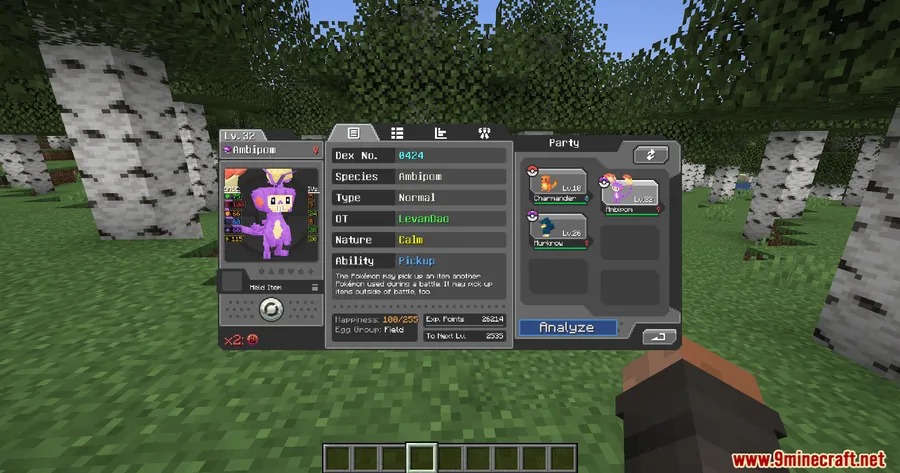
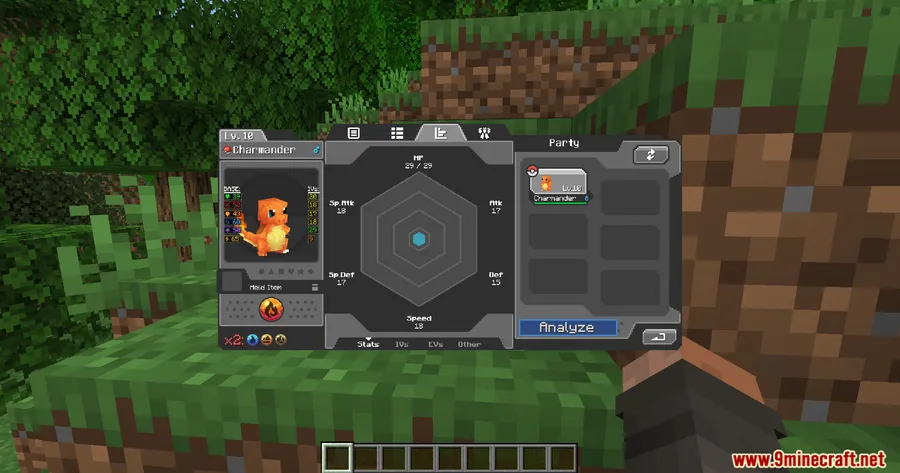
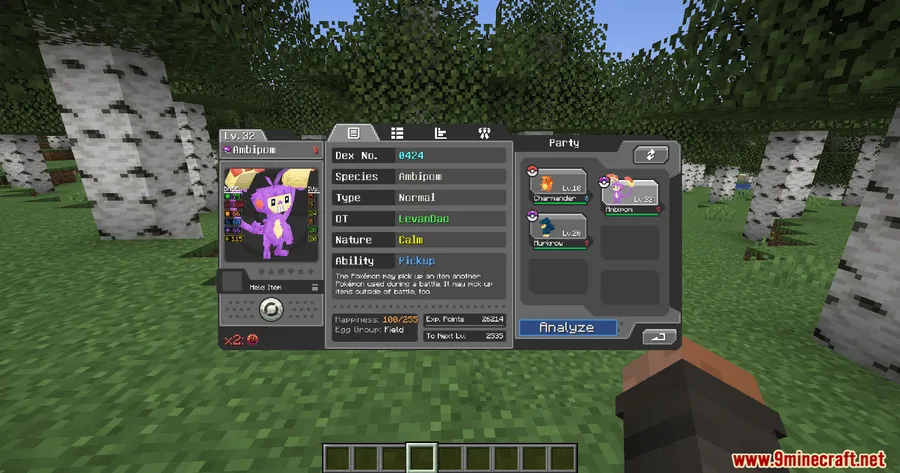
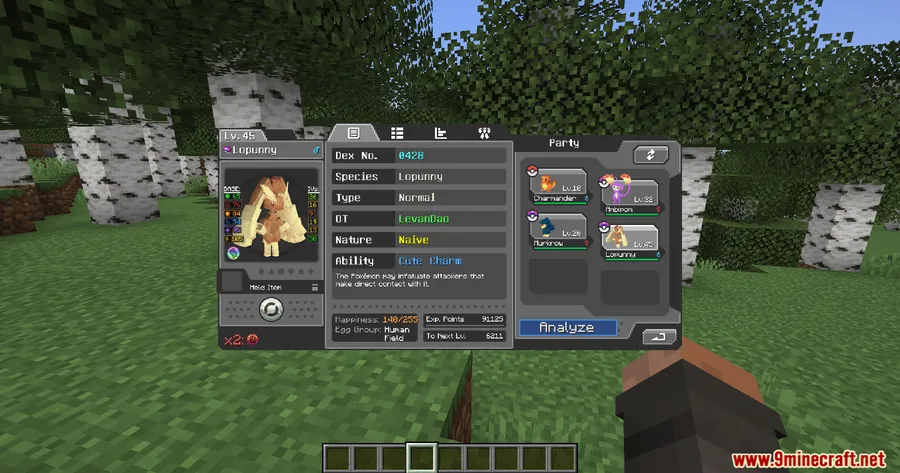
- Enhanced Summary Screen — The default Cobblemon summary UI gains ability tooltips (including hidden and possible abilities), nature tooltips that display stat changes, and classification labels for Legendary, Mythical, Paradox, and other special Pokémon forms.
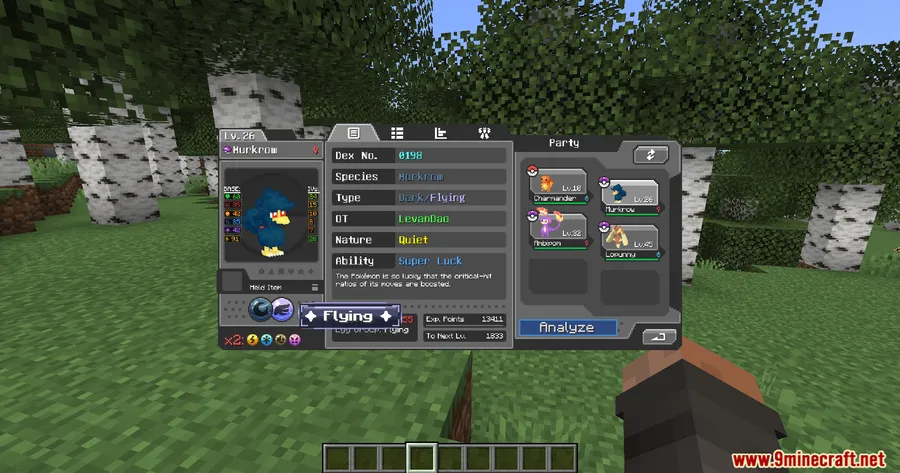
- Full Type Matchup Tooltips — Hover over a Pokémon's type to see the complete defensive matchup chart: x4, x2, x½, x¼, and x0 immunities. Weakness icons appear below the type display, split into x4 and x2 categories for quick reference.
- Type-Colored Text — Pokémon types render in their official colors across the UI, making it easier to parse information at speed.
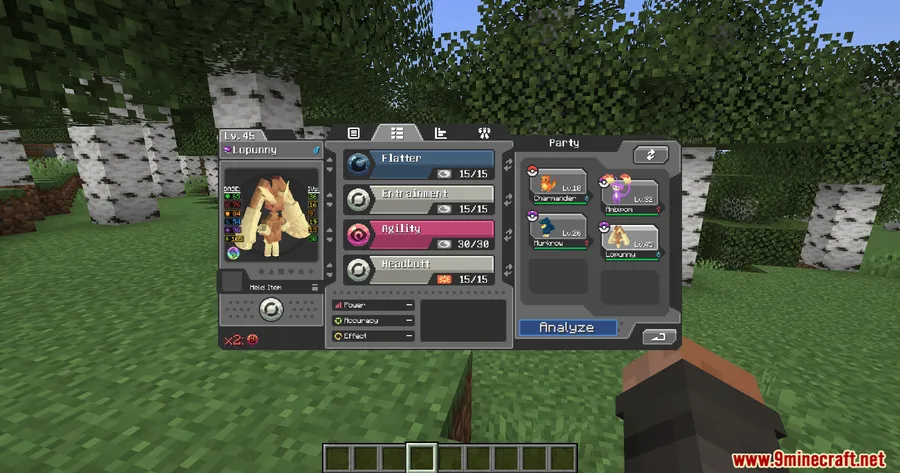
- Move Screen Overhaul — Every move now shows power, accuracy, and a description tooltip. The move swap screen categorizes possible moves into Level-Up, Egg, and TM sections, with future moves greyed out and labeled with their level requirements.
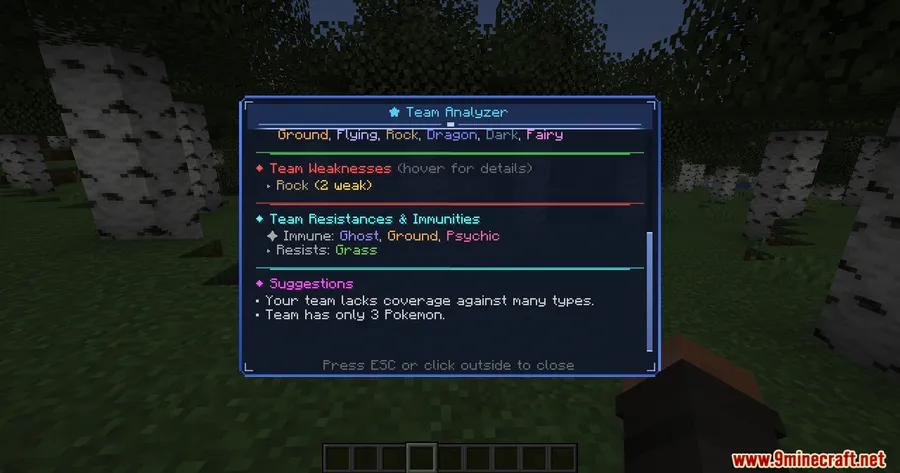
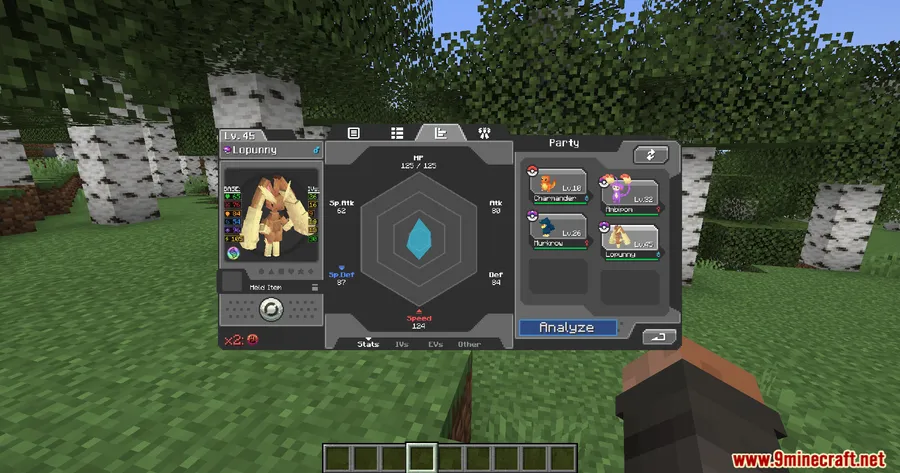
- Built-In Team Analyzer — A dedicated analyzer view evaluates your current party composition, giving you visibility into type coverage gaps and team synergy without any external tools.
- Form Information Display — Tooltips include form data for Pokémon with multiple variants, so you always know which form you are working with.
Screenshots


How to Install
- Install Fabric Loader or NeoForge for Minecraft 1.21.1.
- Download and place the Fabric API into your
modsfolder (Fabric users only). - Make sure the Cobblemon Mod is already installed and working.
- Drop the Cobblemon Party Extras Mod
.jarfile into yourmodsfolder. - Launch Minecraft and open your party screen to confirm the new tooltips and analyzer are active.
Requirements
| Requirement | Details |
|---|---|
| Mod Loader | Fabric or NeoForge |
| Dependencies | Fabric API (for Fabric), Cobblemon Mod |
| Minecraft Version | 1.21.1, 1.21 |
Pros & Cons
Pros
- Consolidates type matchups, ability info, and move data into a single in-game UI
- Team analyzer saves time compared to checking external wikis or tools
- Categorized move swap screen (Level-Up, Egg, TM) makes team building much clearer
- Supports both Fabric and NeoForge mod loaders
- Appears to be lightweight — adds UI overlays without changing core gameplay mechanics
Cons
- Requires Cobblemon as a base mod — not a standalone addition
- Currently limited to Minecraft 1.21–1.21.1
- No standalone configuration options mentioned for customizing tooltip detail levels
Download
Always download mods from official sources to stay safe.
FAQ
Does Cobblemon Party Extras work with other Cobblemon addons?
The mod enhances the default Cobblemon party and summary screens. Since it overlays tooltips and adds an analyzer view, it should be compatible with most Cobblemon addons, though conflicts with mods that heavily modify the same UI elements are possible.
Can I see what moves my Pokémon will learn at higher levels?
Yes. The move swap screen displays future learnable moves greyed out with their level requirements, so you can plan ahead without leaving the game.
What type matchup information does the mod show?
Hovering over a Pokémon's type displays the full defensive matchup chart, including x4, x2, x½, x¼ damage multipliers and x0 immunities. Weakness icons below the type display further categorize x4 and x2 vulnerabilities for quick scanning.




![[Let's Do] Candlelight - Farm&Charm compat Mod (1.21.1) - thumbnail](http://mcinside.com/wp-content/uploads/2026/04/thumbnail-81-52x52.webp)


![[Let's Do] Meadow Mod (1.21.1) - thumbnail](http://mcinside.com/wp-content/uploads/2026/04/thumbnail-64-52x52.webp)


![Not Enough Recipe Book [NERB] Mod (1.21.11) - thumbnail](http://mcinside.com/wp-content/uploads/2026/04/thumbnail-63-52x52.webp)