

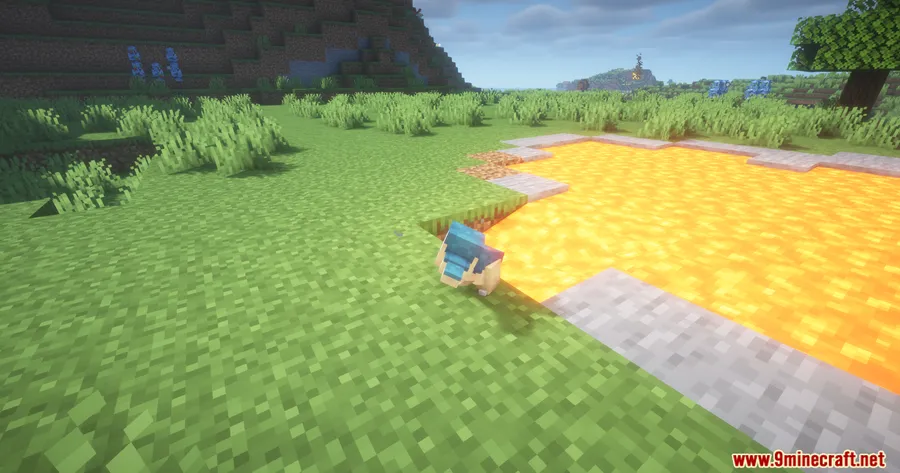
Ever built a beautiful pasture with lava waterfalls and cactus borders, only to watch your Pokémon take damage from the decorations? Cobblemon SafePastures Mod solves that problem entirely — it prevents Pokémon from receiving any form of damage while they roam inside pasture blocks. With over 2.4 million downloads on Modrinth, this lightweight add-on has become a must-have for Cobblemon players who want creative freedom without sacrificing their team's safety.
Key Features
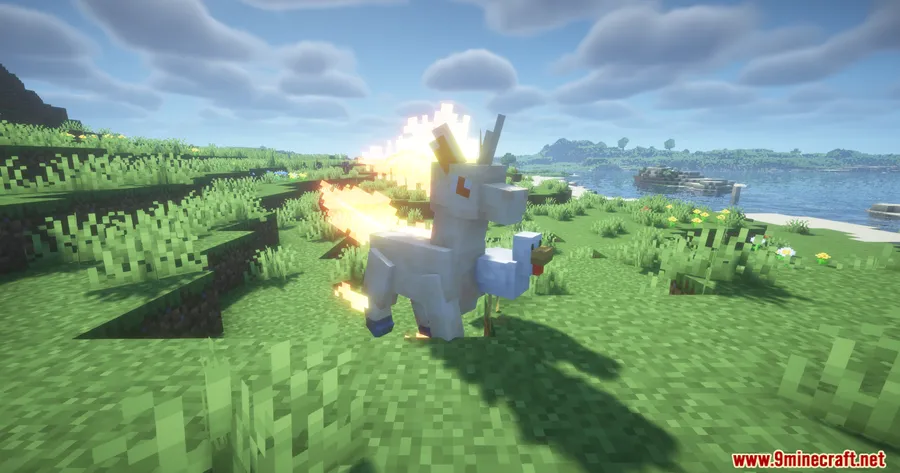
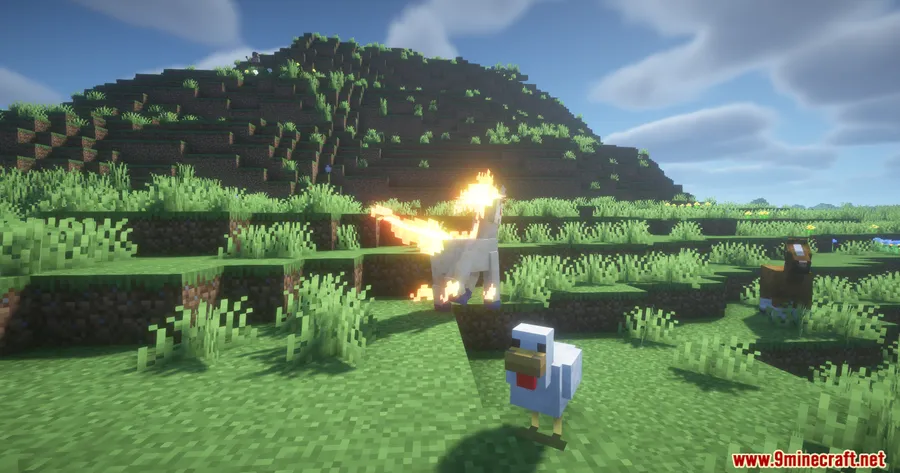
- Full Pasture Protection — Pokémon inside pasture blocks are completely shielded from all damage sources, including lava, cacti, water, and freezing hazards.
- Clean Visual Experience — Status indicators and particle effects like fire, drowning bubbles, and frost overlays are automatically removed when damage is blocked, keeping your pastures looking pristine.
- Highly Configurable — Fine-tune protection through
config/safepastures/safepastures.json. Toggle protection on or off, enable a blacklist mode, and define exactly which damage sources are allowed through. - Auto-Detect New Damage Types — When Minecraft or other mods introduce new damage types, SafePastures automatically picks them up after a config file refresh — no mod update needed.
Screenshots


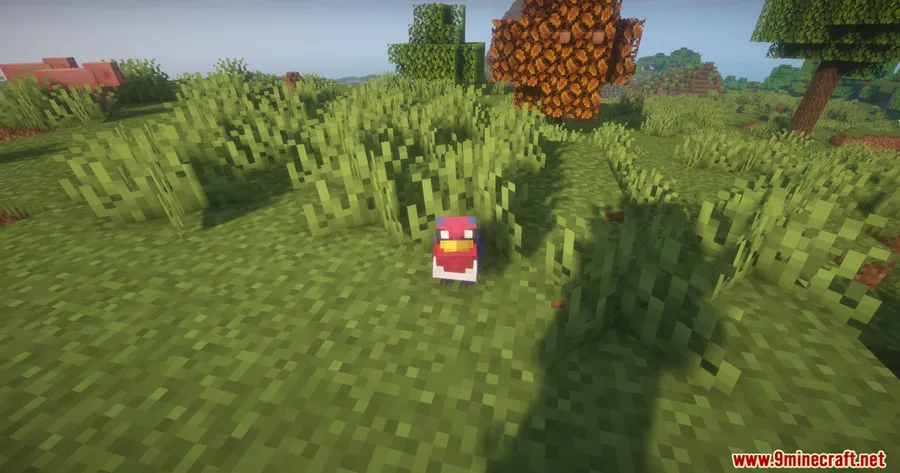

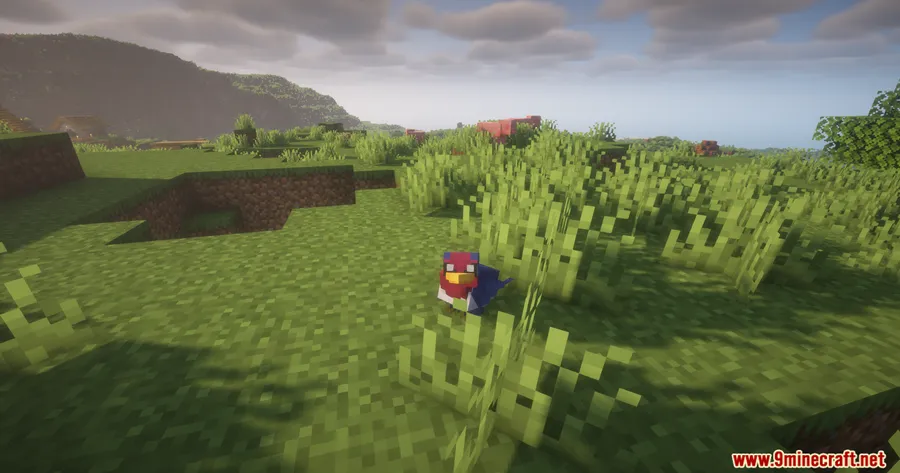
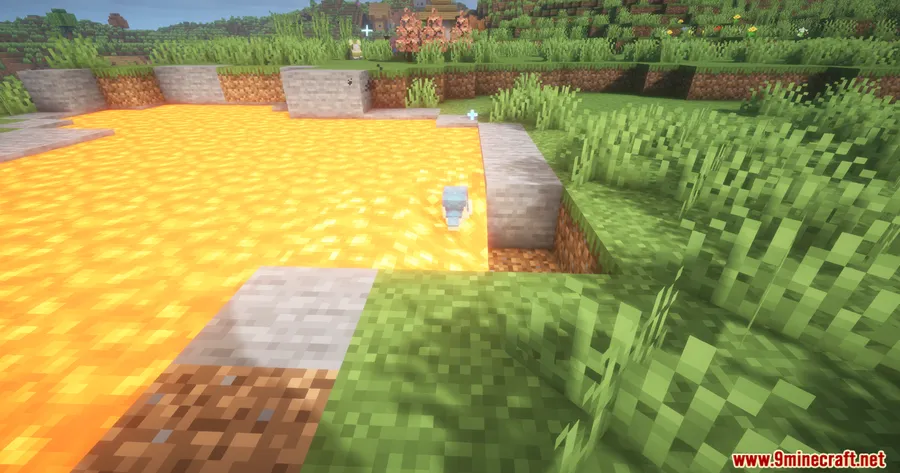
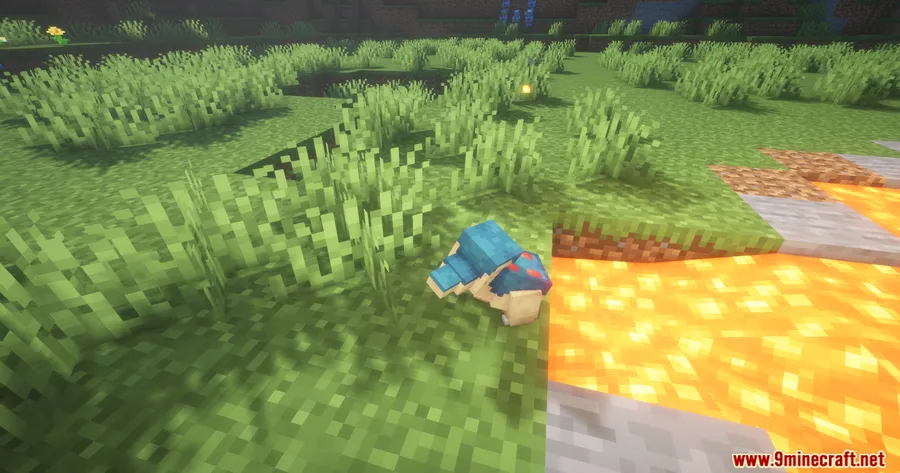
How to Install
- Download and install Fabric API or NeoForge for your Minecraft version.
- Install the Cobblemon Mod, which is required for SafePastures to function.
- Download the correct SafePastures file for your mod loader and Minecraft version.
- Place the downloaded
.jarfile into your.minecraft/modsfolder. - Launch the game — the config file generates automatically on first run.
Requirements
| Mod Loader | Dependencies | Minecraft Versions |
|---|---|---|
| Fabric, NeoForge | Fabric API, NeoForge Installer, Cobblemon Mod | 1.21.5, 1.21.4, 1.21.3, 1.21.1, 1.21, 1.20.1, 1.20 |
Pros & Cons
Pros
- Lets you build creative pastures with hazardous blocks without worrying about Pokémon safety
- Fully configurable — you decide exactly what damage sources to block or allow
- Removes visual clutter like fire and drowning effects for a cleaner look
- Supports both Fabric and NeoForge across a wide range of Minecraft versions
- Open-source (MIT license) with active development
Cons
- Requires Cobblemon as a dependency — not a standalone mod
- Protection only applies inside pasture blocks, not in the open world
- Config changes require a file refresh rather than an in-game UI
Download
Always download mods from official sources to stay safe.
What's New
- Updated compatibility to support Cobblemon 1.7.0.
- Ensures protection mechanics work correctly with the latest Cobblemon API changes.
- Maintains backward compatibility with older Minecraft versions (1.20.x and 1.21.x).
FAQ
Does SafePastures protect Pokémon from all damage types?
Yes, by default it blocks every damage source while a Pokémon is inside a pasture block. You can customize which sources are blocked or allowed through the config file.
Can I use SafePastures with other Cobblemon add-ons?
SafePastures focuses specifically on pasture block protection and should work alongside other Cobblemon add-ons. It automatically detects new damage types from other mods when the config is refreshed.
Do I need to configure anything after installing?
No — SafePastures works out of the box with default settings that block all damage. The config file at config/safepastures/safepastures.json is generated on first launch if you want to customize the behavior later.


![[Let's Do] Candlelight - Farm&Charm compat Mod (1.21.1) - thumbnail](http://mcinside.com/wp-content/uploads/2026/04/thumbnail-81-52x52.webp)


![[Let's Do] Meadow Mod (1.21.1) - thumbnail](http://mcinside.com/wp-content/uploads/2026/04/thumbnail-64-52x52.webp)


![Not Enough Recipe Book [NERB] Mod (1.21.11) - thumbnail](http://mcinside.com/wp-content/uploads/2026/04/thumbnail-63-52x52.webp)