

Cobblemon UI Tweaks Mod brings a set of thoughtful quality-of-life improvements to the Cobblemon experience that most players didn't realize they needed until they tried them. From remembering your last-viewed PC box to making the battle message window fully repositionable, these small tweaks add up to a noticeably smoother interface. With over 4 million downloads on Modrinth, it's quickly become one of the must-have companion mods for any Cobblemon player.
Key Features
- Quick Summary Access — Use the summary keybind while hovering over a Pokémon in a PC or pasture to instantly open its summary screen, saving you several clicks each time.
- Persistent Box Memory — PCs and pastures remember the last box you were viewing and open right back to it, so you no longer have to scroll through boxes every time you interact with storage.
- Scroll-Based Box Navigation — Scrolling your mouse wheel inside a PC or pasture moves you to the next or previous box, making it far quicker to browse through large collections.
- Movable Battle Messages — Drag the top of the battle message window to reposition it anywhere on screen, keeping important information visible without blocking your view.
- Resizable Battle Window — Drag the bottom-right corner of the battle message window to adjust its width and height to your preference.
Screenshots


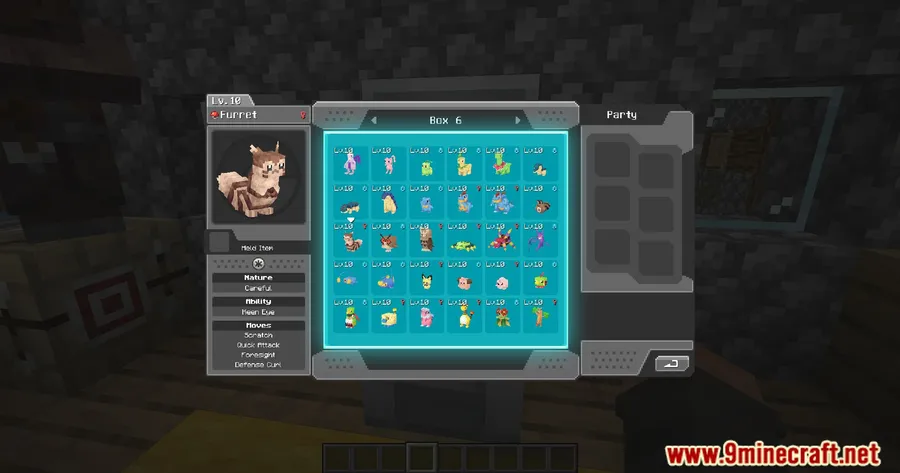
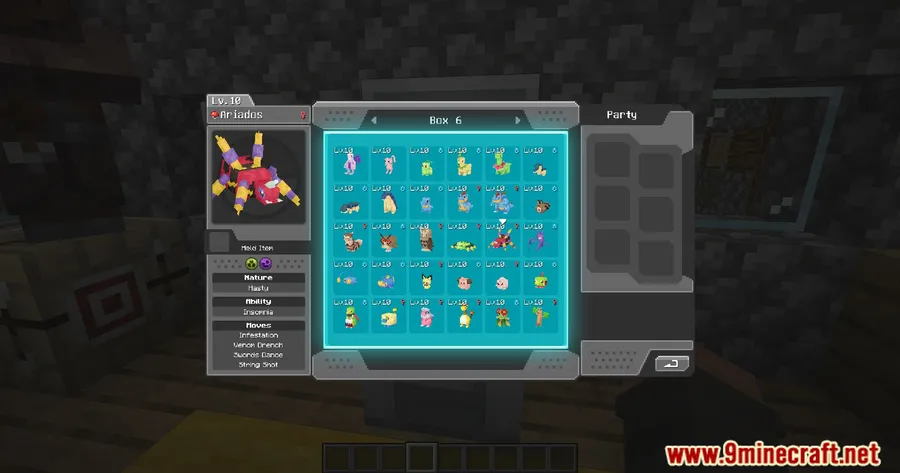
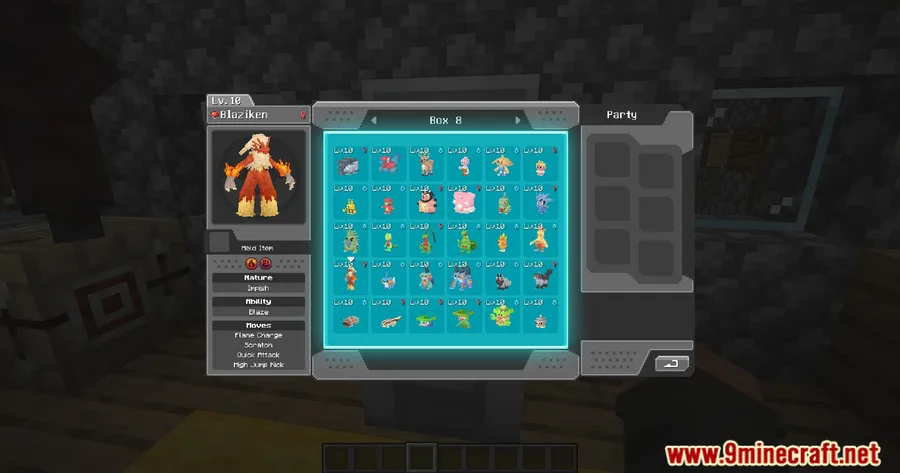
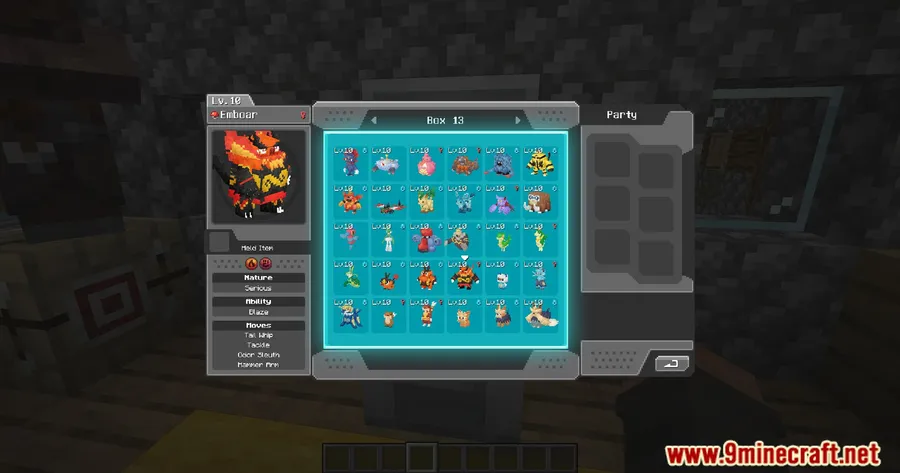
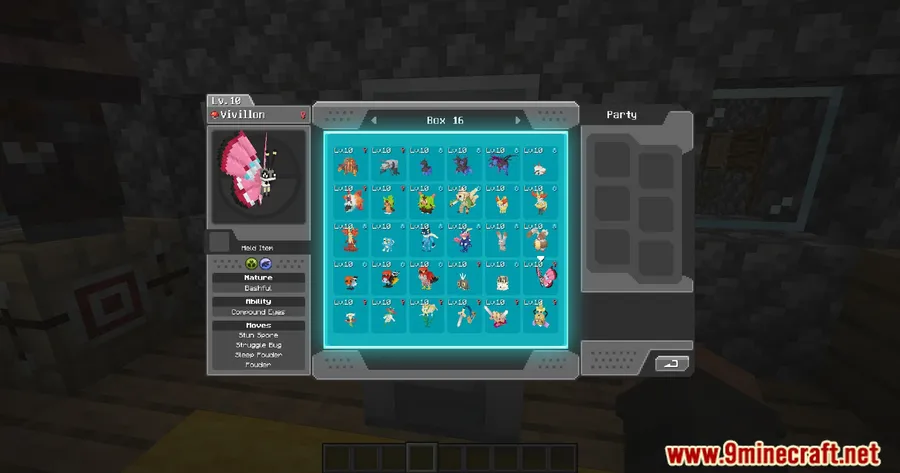
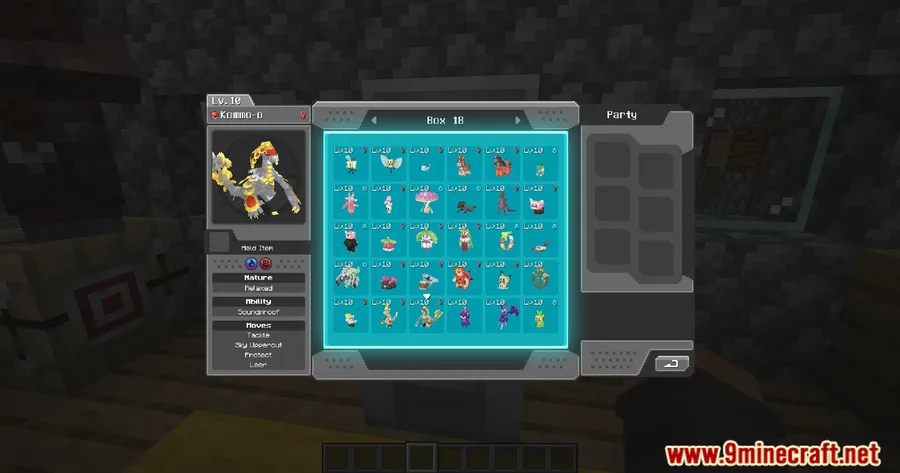
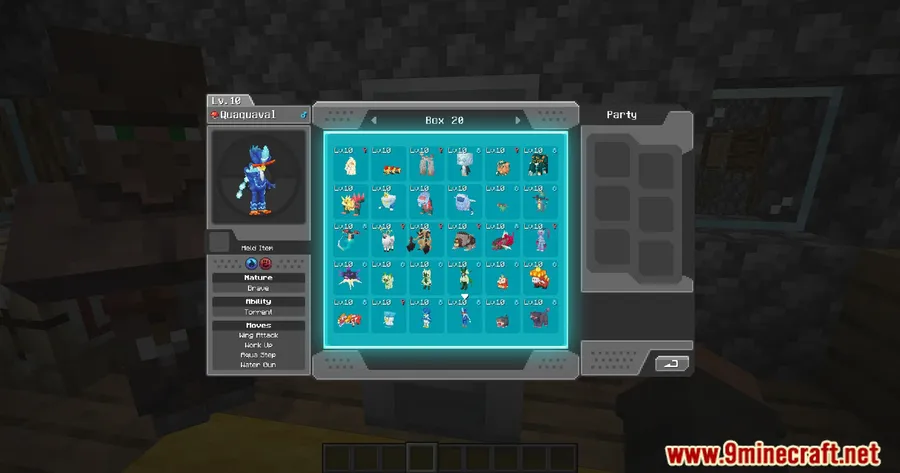
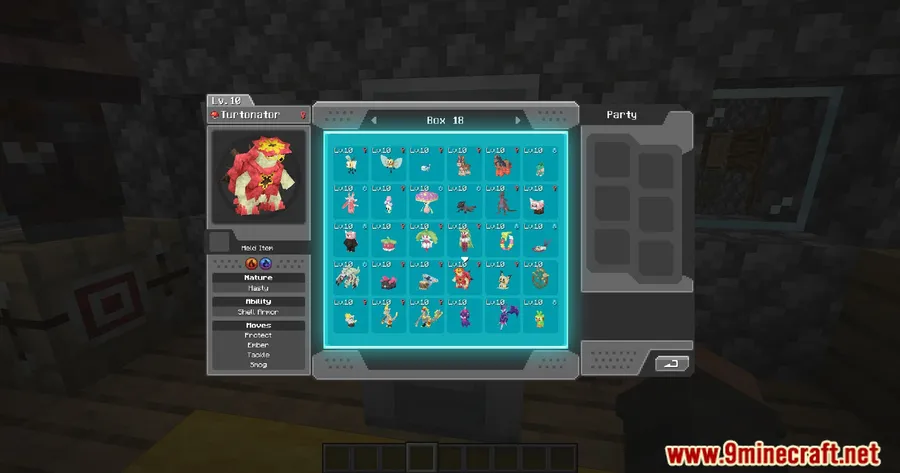
How to Install
- Download and install Fabric Loader for your Minecraft version.
- Download Fabric API and place it in your
modsfolder. - Make sure you have Cobblemon Mod installed and working.
- Download Cobblemon UI Tweaks for your Minecraft version and drop the .jar file into your
modsfolder. - Launch Minecraft and enjoy the improved Cobblemon interfaces.
Requirements
| Mod Loader | Dependencies | Minecraft Versions |
|---|---|---|
| Fabric | Fabric API, Cobblemon Mod | 1.21.1, 1.21, 1.20.6, 1.20.4, 1.20.2, 1.20.1, 1.20 |
Pros & Cons
Pros
- Addresses common UI frustrations that Cobblemon players encounter daily
- Scroll-based box navigation and persistent box memory save significant time when managing Pokémon
- Customizable battle message window lets you tailor the layout to your screen
- Open-source under MIT license — transparent and community-friendly
- Appears to be lightweight since it only modifies existing UI behavior
Cons
- Fabric-only — no Forge or NeoForge support available
- Requires Cobblemon to be installed, so it's not a standalone mod
- Limited to UI tweaks — does not add new gameplay content or Pokémon features
Download
Always download mods from official sources to stay safe.
What's New
- Updated compatibility to support Cobblemon 1.6
- Added support for Minecraft 1.21.1
- Ensured all existing UI tweaks work correctly with the latest Cobblemon version
FAQ
Does Cobblemon UI Tweaks work with other Cobblemon addons?
Since this mod only modifies Cobblemon's built-in UI elements, it should work alongside most other Cobblemon addons without conflict. However, mods that heavily alter the same PC or battle interfaces could potentially cause issues.
Can I customize which UI tweaks are enabled?
The mod applies all its quality-of-life improvements by default. Check the mod's config file in your Minecraft directory for any available toggle options after installation.
Is Cobblemon UI Tweaks available for Forge?
No, this mod is currently Fabric-only and requires Fabric API to run. There is no Forge or NeoForge version available at this time.


![[Let's Do] Candlelight - Farm&Charm compat Mod (1.21.1) - thumbnail](http://mcinside.com/wp-content/uploads/2026/04/thumbnail-81-52x52.webp)


![[Let's Do] Meadow Mod (1.21.1) - thumbnail](http://mcinside.com/wp-content/uploads/2026/04/thumbnail-64-52x52.webp)


![Not Enough Recipe Book [NERB] Mod (1.21.11) - thumbnail](http://mcinside.com/wp-content/uploads/2026/04/thumbnail-63-52x52.webp)