

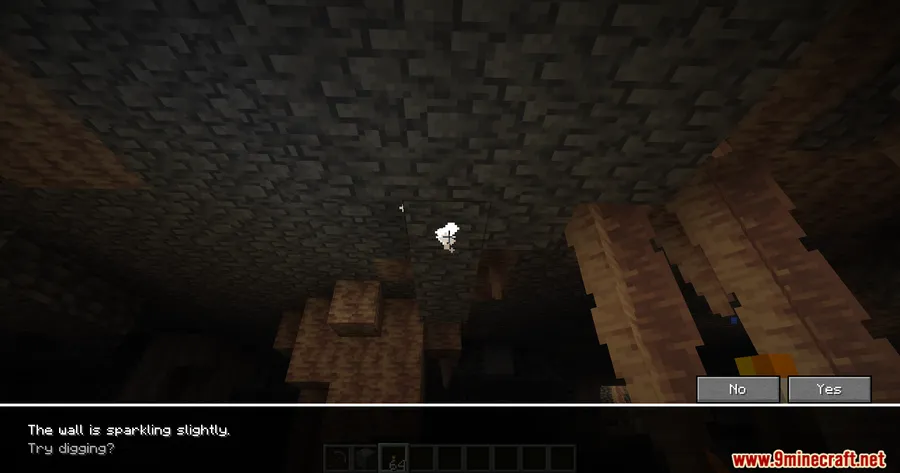
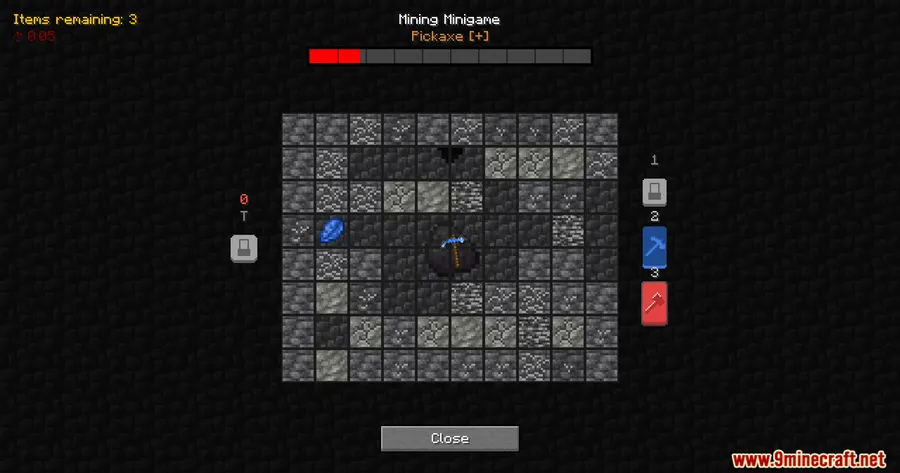
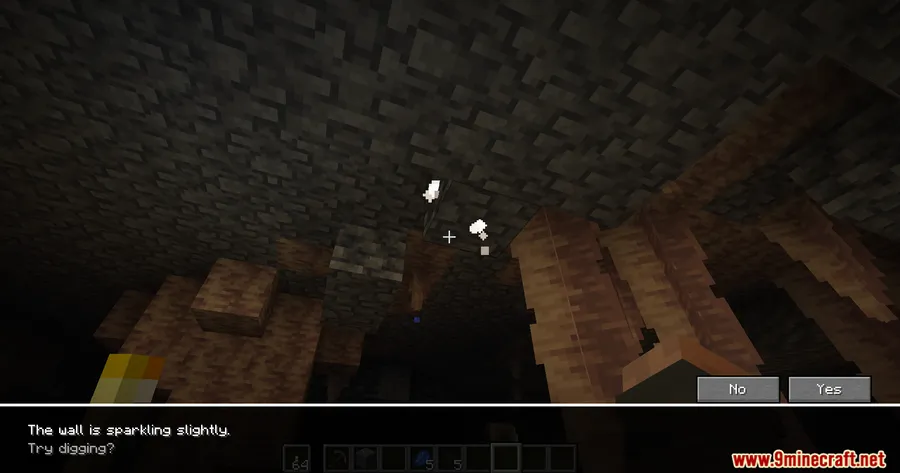
Remember the Underground minigame from Pokémon Diamond and Pearl? Cobblemon Underground Mining Minigame Mod brings that exact excavation loop into Minecraft, layered on top of Cobblemon. Rare sparkle effects appear on blocks like stone, deepslate, sandstone, and netherrack — interact with one and you enter a digging screen where every swing chips away at a hidden wall, revealing buried loot before the whole thing collapses. It is a surprisingly tense addition that turns routine caving into a genuine risk-reward minigame.
Key Features
- Generation 4–style excavation mechanic — Sparkling blocks scattered throughout the world trigger a dedicated excavation interface instead of normal mining, faithfully recreating the Pokémon Underground experience.
- Multi-biome excavation spots — Rare dig sites spawn in stone, deepslate, sandstone, netherrack, and additional block types, giving every underground biome a reason to explore.
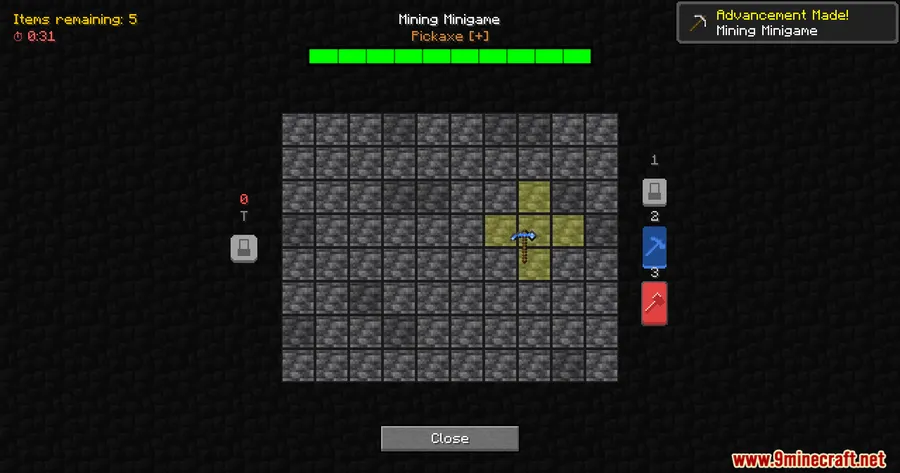
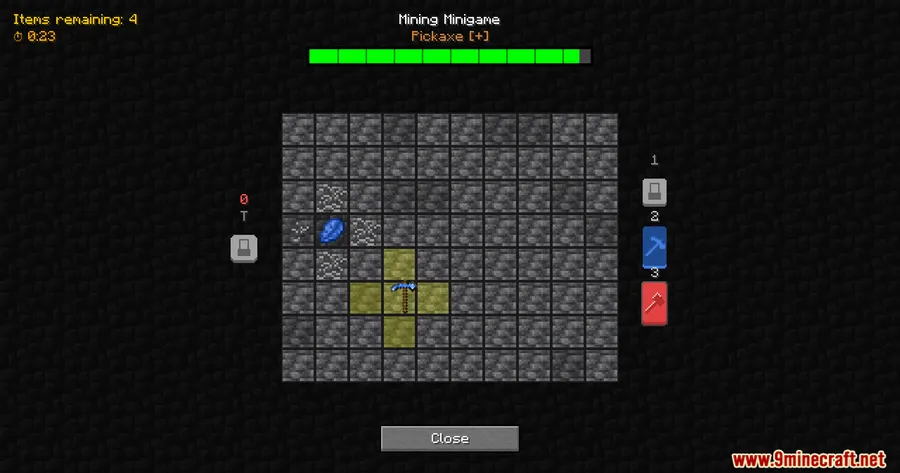
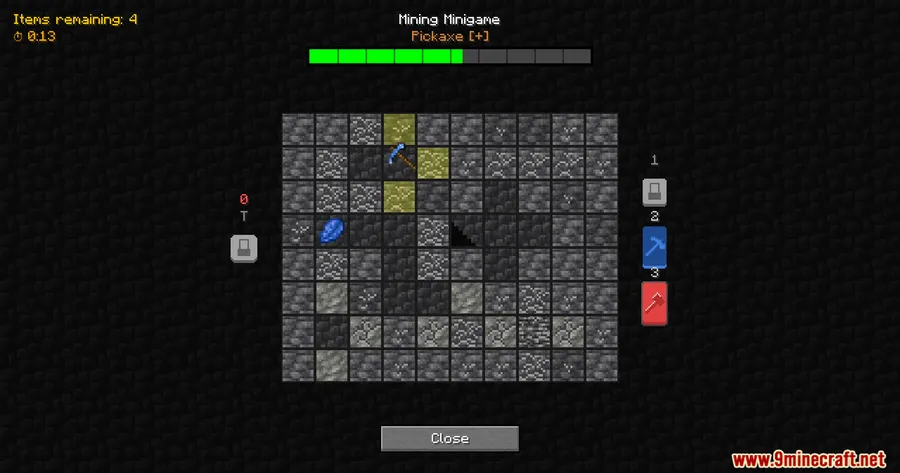
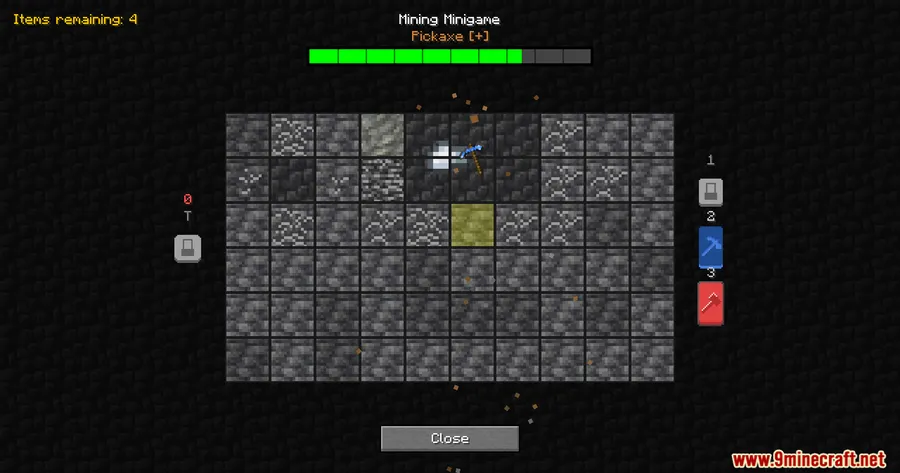
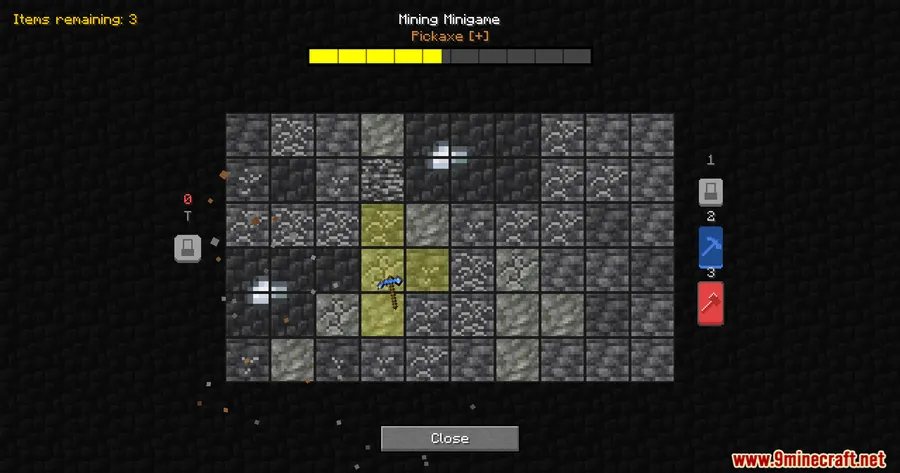
- Wall stability system — Each excavation has a hidden wall with limited durability. Every action you take reduces stability, and when it hits zero the wall collapses — any items still buried are lost for good.
- Two distinct tools — A precise tool clears a single tile for careful extraction, while a heavier tool clears a wider area at a greater stability cost. Choosing the right tool at the right moment is the core of the minigame.
- Valuable vanilla loot — Uncovered items can include diamonds, netherite scraps, enchanted golden apples, and music discs, making excavation worthwhile even outside Cobblemon progression.
- Cobblemon and vanilla integration — Pre-configured to work alongside Cobblemon out of the box, but also functions as a standalone feature compatible with broader modpacks.
Screenshots


How to Install
- Download and install Fabric Loader for Minecraft 1.21.1 or 1.21.
- Place the Fabric API jar into your
modsfolder. - Install the Cobblemon Mod into the same
modsfolder. - Drop the Cobblemon Underground Mining Minigame Mod jar into the
modsfolder and launch the game.
Requirements
| Requirement | Details |
|---|---|
| Mod Loader | Fabric |
| Dependencies | Fabric API, Cobblemon Mod |
| Minecraft Version | 1.21.1, 1.21 |
Pros & Cons
Pros
- Faithful recreation of the Generation 4 Underground minigame that adds genuine tension to caving
- Risk-reward wall stability mechanic keeps every excavation engaging
- Works with both Cobblemon setups and vanilla survival without extra configuration
- Valuable loot rewards like netherite scraps and enchanted golden apples make excavation worthwhile
- Modpack-friendly — designed to integrate cleanly alongside other mods
Cons
- Currently limited to Fabric — no Forge or NeoForge version available
- Requires Cobblemon as a dependency, which adds a larger mod footprint for players who only want the minigame
- Excavation spot rarity may feel inconsistent depending on world generation
Download
Always download mods from official sources to stay safe.
FAQ
What happens when the wall collapses during excavation?
When wall stability reaches zero the excavation ends immediately. Any buried items you have not yet uncovered are lost, so you need to balance speed against careful tile-by-tile digging.
Can I use this mod without Cobblemon installed?
Cobblemon is listed as a required dependency, so it must be present in your mods folder. However, the excavation mechanic itself also works as a standalone feature with vanilla loot like diamonds and music discs.
What is the difference between the two excavation tools?
The precise tool removes a single tile, letting you carefully expose buried items with minimal stability loss. The heavier tool clears a wider area in one action but costs significantly more wall stability, making it riskier to use near valuable finds.





![[Let's Do] Candlelight - Farm&Charm compat Mod (1.21.1) - thumbnail](http://mcinside.com/wp-content/uploads/2026/04/thumbnail-81-52x52.webp)


![[Let's Do] Meadow Mod (1.21.1) - thumbnail](http://mcinside.com/wp-content/uploads/2026/04/thumbnail-64-52x52.webp)


![Not Enough Recipe Book [NERB] Mod (1.21.11) - thumbnail](http://mcinside.com/wp-content/uploads/2026/04/thumbnail-63-52x52.webp)