

Imagine putting your Cobblemon team to work while you're off exploring — that's exactly what Cobbleworkers Mod brings to the table. This server-side companion mod for Cobblemon transforms the familiar Pasture Block into a job assignment station where your Pokémon harvest crops, generate resources, fish for loot, and even heal nearby players. With over 20 unique job roles ranging from amethyst harvesting to scouting for structures, it gives every Pokémon on your team a meaningful purpose beyond battling.
Key Features
- Pasture Block repurposed as a job station — the vanilla Cobblemon Pasture Block doubles as a utility block where you assign Pokémon to specific work roles.
- Harvesting jobs — dedicated roles for gathering amethyst crystals, apricorns, berries, crops, mints, nether wart, and tumblestone, each triggering when the target resource reaches maturity.
- Resource generation — Pokémon can fill empty cauldrons with water, lava, or snow, add blaze powder fuel to brewing stands, and feed burn ticks directly into furnaces.
- Loot generation — assign roles like Fishing, Dive Looter, Pickup Looter, or Archeologist to have Pokémon passively generate fishing loot, treasure loot, generic loot, or archeology-related finds.
- World utility roles — the Crop Irrigator waters farmland, the Fire Extinguisher destroys fire blocks, the Ground Item Gatherer picks up dropped items, the Healer restores health to hurt players, and the Honey Collector harvests honey from beehives.
- Scout job — converts empty maps into structure maps, helping you locate nearby generated structures without manual exploration.
- Server-side only — runs entirely on the server as a Cobblemon companion mod, so players don't need to install anything on their client.
Screenshots


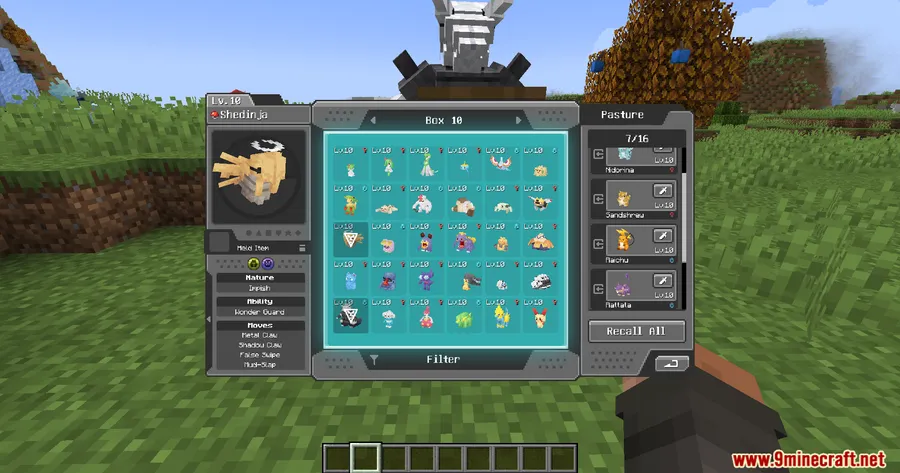
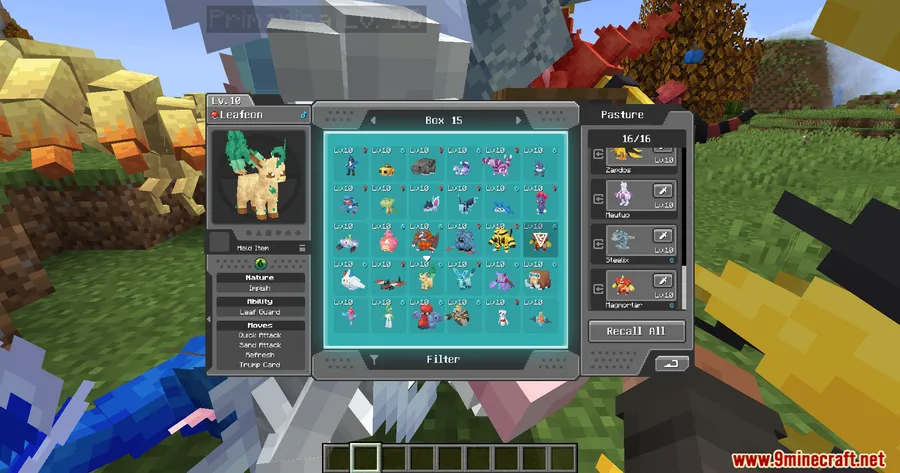
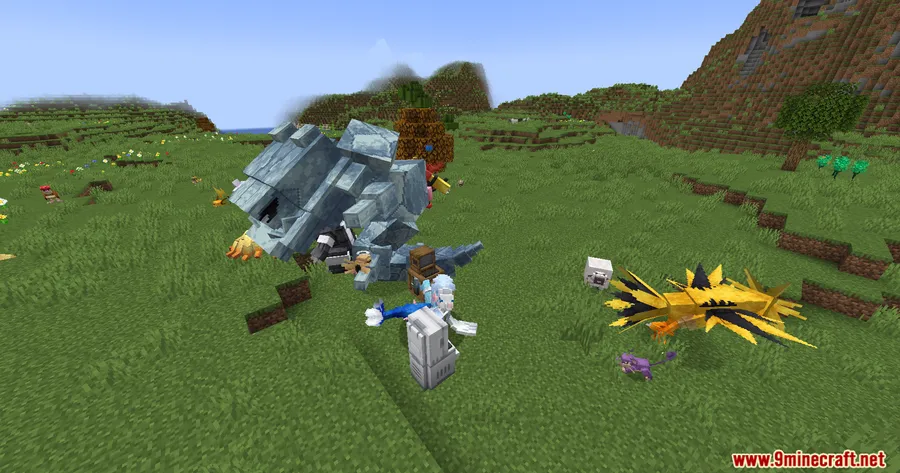
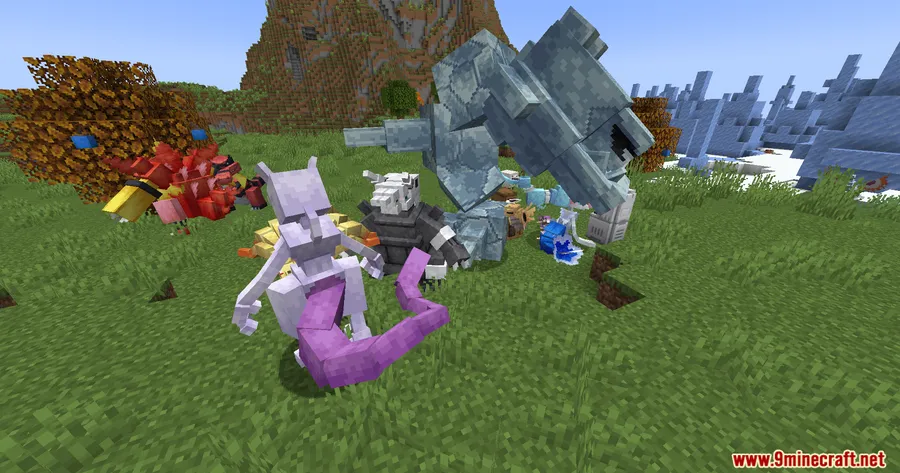
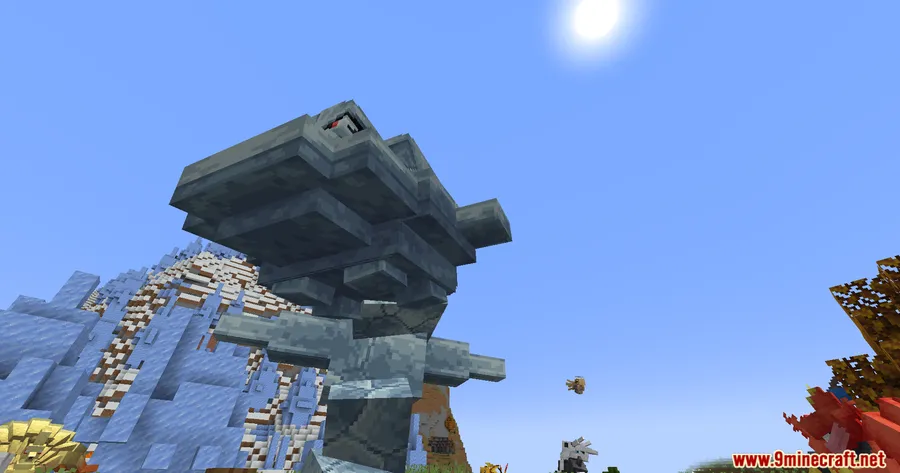
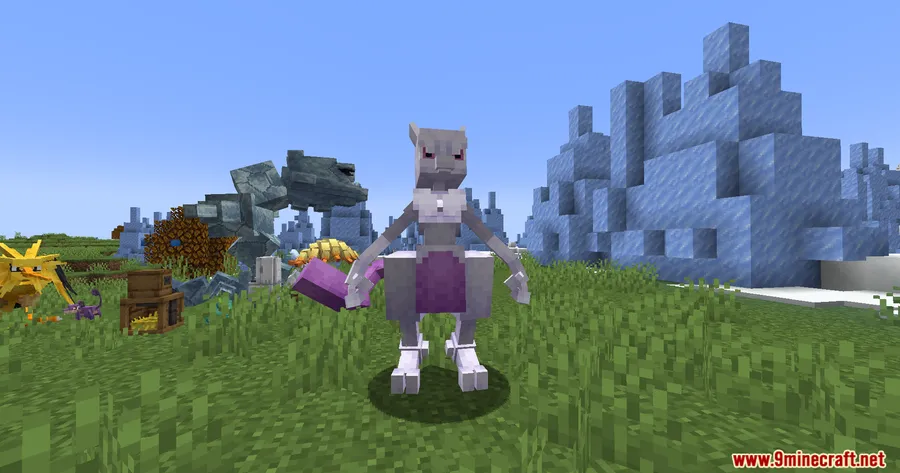
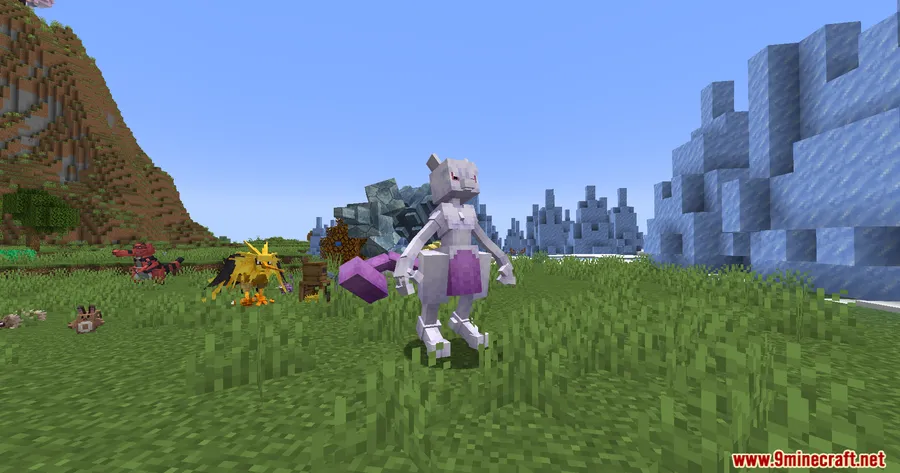
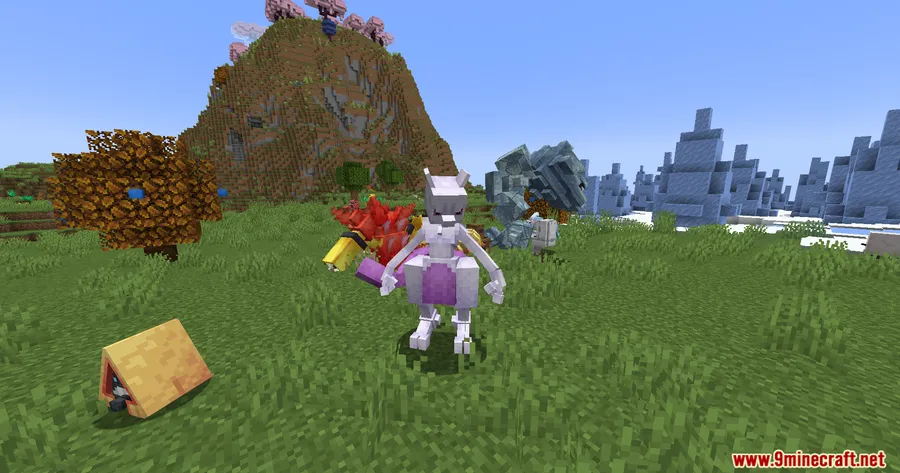
How to Install
- Download and install Fabric Loader or NeoForge for Minecraft 1.21.1 or 1.21.
- Install the required dependencies: Fabric API (if using Fabric) and Cobblemon Mod.
- Download the Cobbleworkers Mod file matching your mod loader version.
- Place the downloaded .jar file into your server's
modsfolder. - Start (or restart) your server and configure job assignments through the Pasture Block.
Requirements
| Requirement | Details |
|---|---|
| Mod Loader | Fabric or NeoForge |
| Dependencies | Fabric API (for Fabric), Cobblemon Mod |
| Minecraft Version | 1.21.1, 1.21 |
Pros & Cons
Pros
- Over 20 distinct job roles covering harvesting, resource generation, loot, and world utilities
- Server-side only — no client installation required for players
- Gives idle Pokémon a productive purpose beyond combat
- Supports both Fabric and NeoForge mod loaders
- Reuses the existing Pasture Block rather than adding new crafting recipes
Cons
- Requires Cobblemon as a mandatory dependency — not a standalone mod
- Limited to Minecraft 1.21.1 and 1.21 at this time
- Server-side focus means no dedicated client-side UI or visual feedback for job progress
Download
Always download mods from official sources to stay safe.
FAQ
Do players need to install Cobbleworkers on their client?
No. Cobbleworkers is a server-side mod, so only the server needs it installed. Players can connect with a vanilla Cobblemon client without any additional files.
How many jobs can a single Pokémon do at once?
Each Pokémon is assigned to one defined job at a time through the Pasture Block. You can reassign them to a different role whenever you want.
Does Cobbleworkers work with both Fabric and NeoForge?
Yes, the mod supports both Fabric (with Fabric API) and NeoForge for Minecraft 1.21.1 and 1.21. Make sure to download the correct version for your mod loader.


![[Let's Do] Candlelight - Farm&Charm compat Mod (1.21.1) - thumbnail](http://mcinside.com/wp-content/uploads/2026/04/thumbnail-81-52x52.webp)


![[Let's Do] Meadow Mod (1.21.1) - thumbnail](http://mcinside.com/wp-content/uploads/2026/04/thumbnail-64-52x52.webp)


![Not Enough Recipe Book [NERB] Mod (1.21.11) - thumbnail](http://mcinside.com/wp-content/uploads/2026/04/thumbnail-63-52x52.webp)