Colorwheel is a compatibility mod that makes Flywheel and Iris work together for Minecraft on Fabric, Forge, and NeoForge. It is designed to let you use Create 6 with shaders while keeping rendering behavior stable across supported setups.
Colorwheel solves a very specific but important problem: Create players often want shaders, but Iris and Flywheel do not always play nicely together. With more than 999K downloads, it has clearly become a popular fix for players who want good visuals without giving up the moving machinery, lighting effects, and contraption-heavy gameplay that make Create worth using.
Key Features of Colorwheel Mod
- Flywheel and Iris compatibility — This is the core reason to install the mod. It bridges two systems that normally clash, so you can keep shaders enabled while still using Create-based rendering in a more reliable way.
- Support for officially compatible shaderpacks — Some shaderpacks are built with Colorwheel in mind, which means they can work without extra patching or guesswork. That matters because it lowers the chance of visual glitches and makes setup much simpler for regular players.
- Non-official shaderpack support through Colorwheel-Patcher — If your favorite pack is not officially supported, Colorwheel can still extend compatibility with patch support. This gives you a better chance of keeping your preferred visuals instead of switching packs just to get a working setup.
- Fallback mode for unsupported packs — When a shaderpack has no direct support, Colorwheel can still attempt a best-effort fallback. That is not the same as full compatibility, but it is useful if you want a pack to remain playable instead of breaking outright.
- Built for Create 6 shader setups — The mod is aimed at players who want Create 6 and Iris shaders in the same world. That is the practical value here: you get the creative and mechanical side of Create without having to abandon shader rendering entirely.
- Broad loader coverage — Colorwheel supports Fabric, Forge, and NeoForge across the listed Minecraft versions. That makes it easier to fit into an existing modpack instead of forcing you to rebuild your setup around a single loader.
- Developer documentation for shaderpack authors — The project includes documentation for shaderpack creators who want to add support properly. That is important for the long term because it helps the ecosystem grow beyond one-off patches and temporary compatibility workarounds.
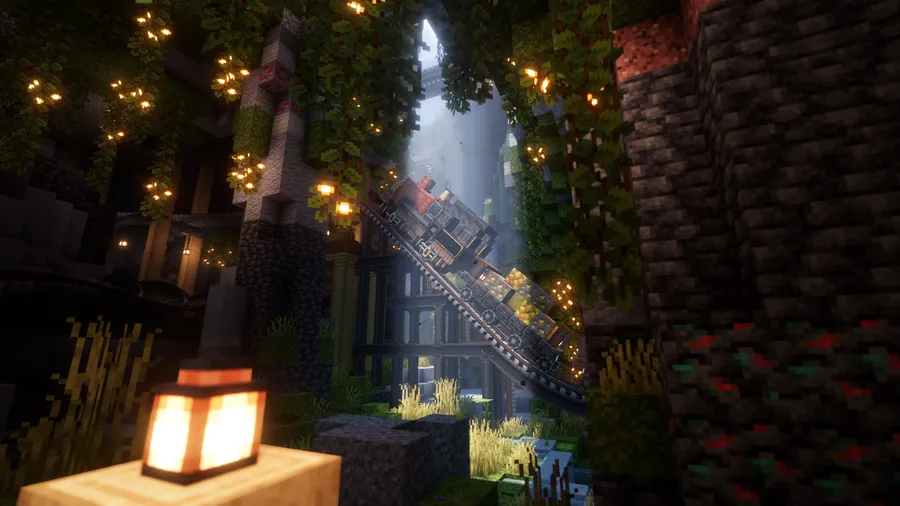
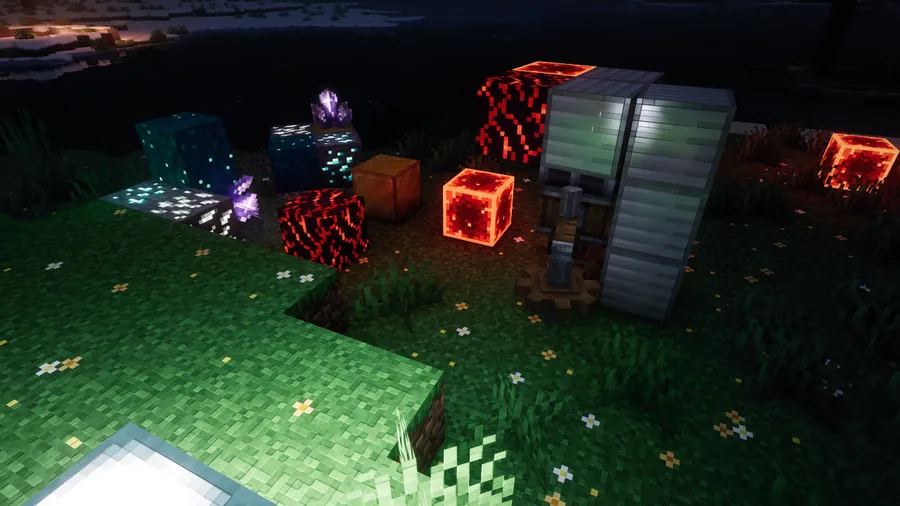
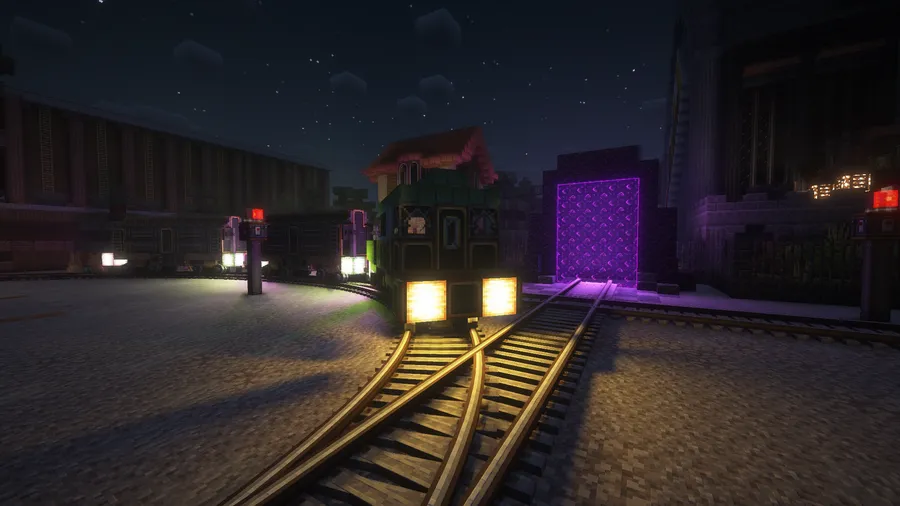
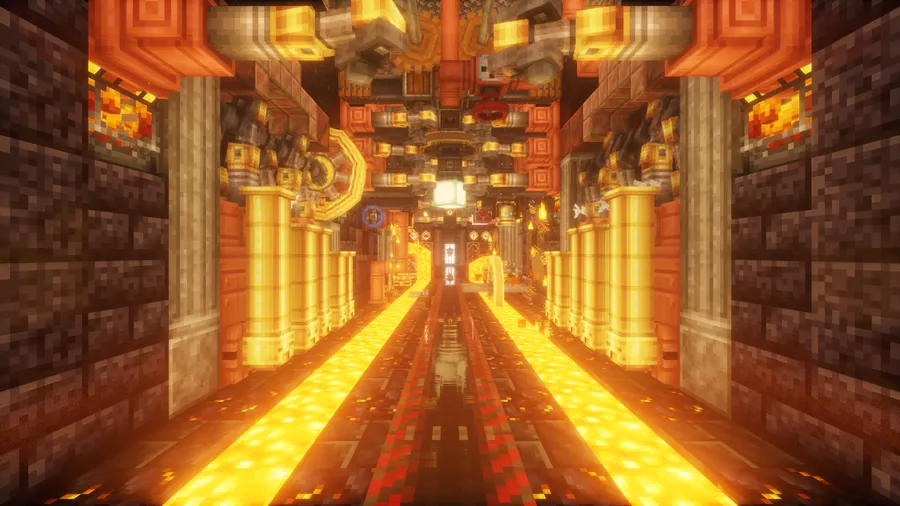
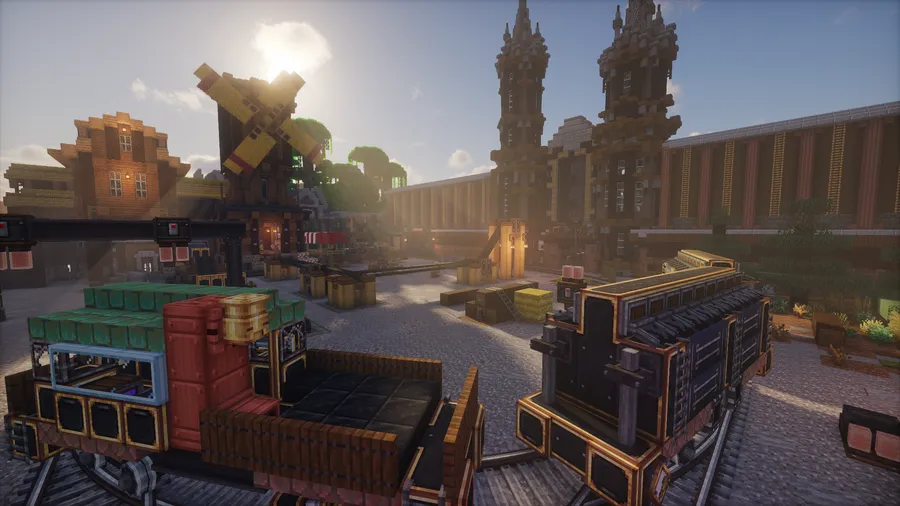
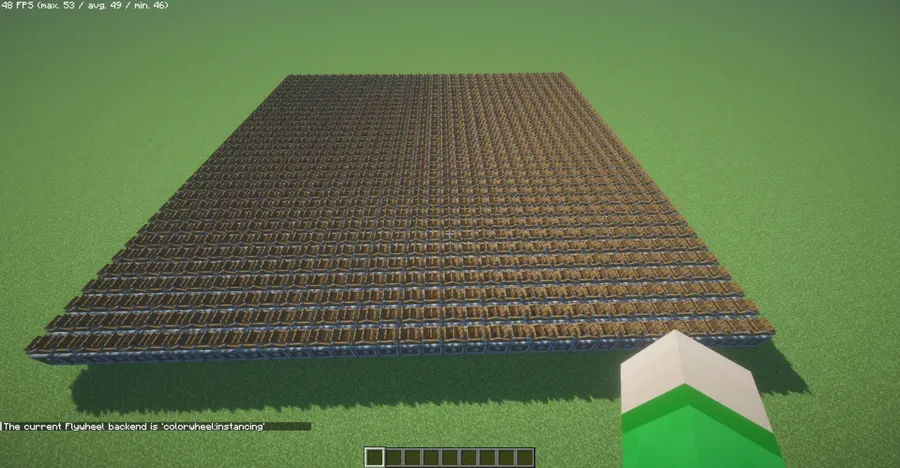
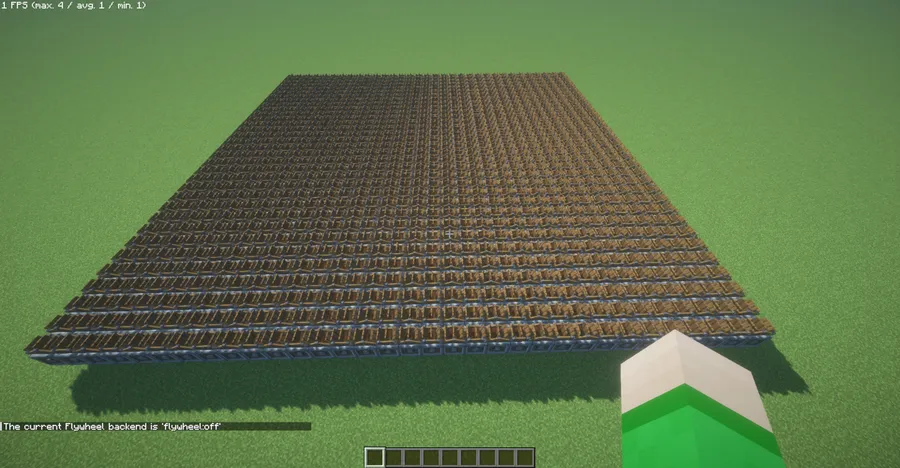
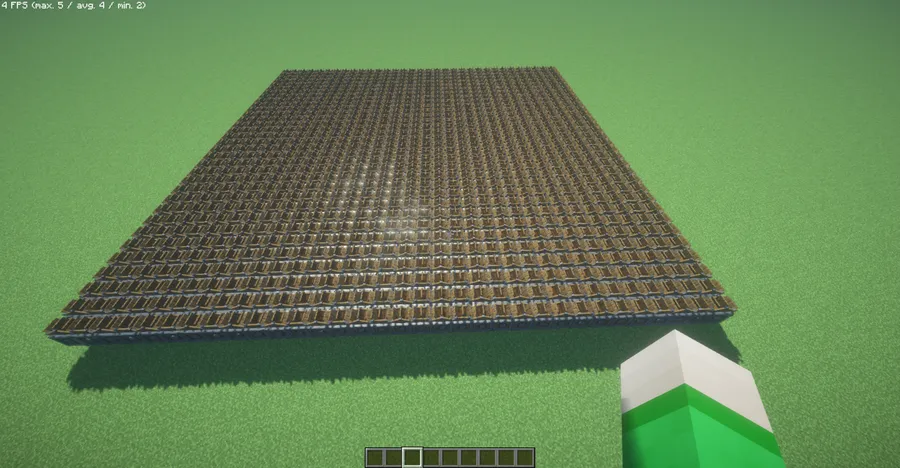
Screenshots
How to Install Colorwheel Mod
- Pick the Minecraft version and loader that matches your modpack, then install the correct loader page for your setup, such as Fabric, Forge, or NeoForge.
- Download Colorwheel for the matching Minecraft version, either 1.21.1 or 1.20.1, and make sure any dependent shader-related mods are also installed.
- Place the mod file into your
modsfolder, then launch the game once so Minecraft can register the new files. - If you use a supported shaderpack, enable it normally in Iris and test a Create world or modpack to confirm the rendering behaves as expected.
- If your shaderpack is not officially supported, try the Colorwheel-Patcher route or fall back to the best-effort compatibility mode and check the visuals in-game.
Requirements & Compatibility
| Category | Details |
|---|---|
| Minecraft Versions | 1.21.1, 1.20.1 |
| Supported Loaders | Fabric, Forge, NeoForge |
| Main Purpose | Makes Flywheel and Iris compatible for shader use with Create 6 |
| Officially Supported Shaderpacks | Complementary Unbound/Reimagined, Euphoria Patches, Eclipse, Glimmer, I Like Vanilla, Shrimple, Spooklementary, Solas Shader |
| Non-Official Support | Available through Colorwheel-Patcher for selected packs |
| Compatibility Note | Iris Flywheel Compat is incompatible with Colorwheel due to conflicting mixins |
| Related Mod | Create Better FPS is compatible and may help in some situations |
What's New
- Fixed a crash on world reload.
- Fixed a rendering issue involving Create glue and schematics on some shaderpacks.
- Improved the incompatibility warning for Iris Flywheel Compat on Forge.
- Fixed a crash with Vista.
- Improved fallback-mode shader compilation and fixed related performance issues.
- Added compatibility with Flywheel 1.0.6, which is used by Create 6.0.9.
- Fixed large bright flashes on Euphoria Patches.
- Fixed
mc_midTexCoordhandling on Create large waterwheels. - Fixed a crash when loading a PBR resource pack.
- Improved the log message on Fabric when an unsupported Flywheel version is detected.
- Added Chinese translation.
Pros and Cons
Pros
- Lets you combine shaders with Create 6 in a more workable way.
- Supports multiple loaders, so it fits a wider range of modpacks.
- Has official support for several popular shaderpacks.
- Provides a fallback path for unsupported packs.
- Has strong community adoption, with nearly 1 million downloads.
Cons
- Not every shaderpack is officially supported.
- Fallback mode is a best-effort solution, not a perfect replacement for native support.
- Iris Flywheel Compat is incompatible with Colorwheel, so you should not stack both.
- Some shaderpacks still need manual testing because visual results can vary.
Alternatives to Colorwheel Mod
- Iris Flywheel Compat - A similar compatibility option for players who are comparing different Flywheel and Iris solutions.
- Colorwheel-Patcher - A companion mod for packs that need non-official shader support through custom patches.
- Create Better FPS - A useful performance-oriented companion that can help in some Create setups.
Download Colorwheel Mod
| Minecraft Version | Fabric | Forge | NeoForge |
|---|---|---|---|
| For Minecraft 1.21.1 | Download | — | Download |
| For Minecraft 1.20.1 | Download | Download | — |
Always download mods from official sources to stay safe.
Frequently Asked Questions
Does Colorwheel work with Create 6?
Yes — Colorwheel is made to help Flywheel and Iris work together so Create 6 can be used with shaders in the same setup. That is the main reason most players install it.
Which Minecraft versions does Colorwheel support?
It supports Minecraft 1.21.1 and 1.20.1. Those are the versions listed for this mod, so choose the download that matches your game.
Which mod loaders can I use?
Fabric, Forge, and NeoForge are supported. The exact loader depends on the Minecraft version you are using, so check your modpack before installing.
Are all shaderpacks supported?
No — only some shaderpacks are officially supported, and others rely on Colorwheel-Patcher or fallback mode. If your pack is not on the supported list, you should expect to test it carefully.
Can I use Iris Flywheel Compat at the same time?
No — Iris Flywheel Compat is incompatible with Colorwheel because of conflicting mixins. You should pick one compatibility solution and avoid installing both together.
Is fallback mode good enough for unsupported packs?
Yes, for some packs it can be a usable fallback, but it is not a perfect substitute for real support. Expect possible rendering issues, and treat it as a backup option rather than the ideal setup.
Does Colorwheel need extra patches for supported packs?
No — officially supported shaderpacks should work out of the box. Extra patching is only relevant for packs that fall into the non-official support category.