
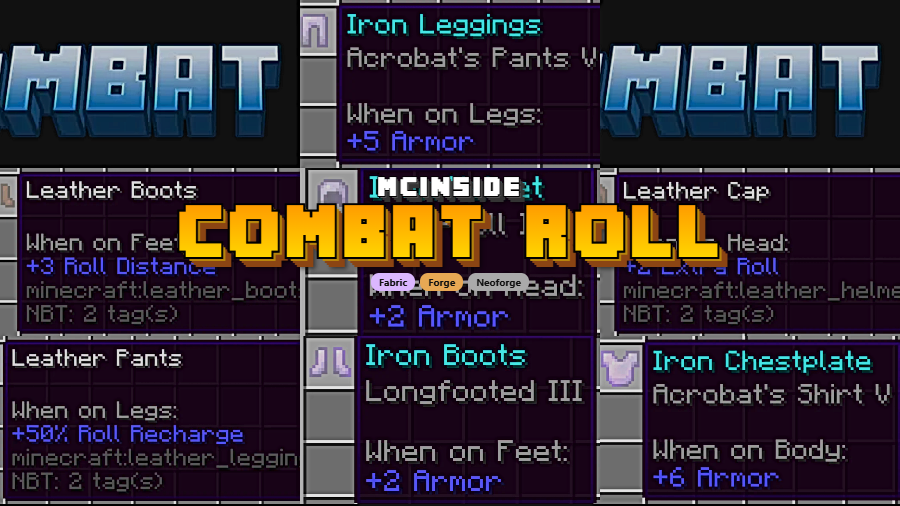
Combat Roll is a combat mechanics mod that adds a dodge-roll ability with custom attributes and enchantments for Minecraft, available on Fabric, Forge, and NeoForge. Created by ZsoltMolnarrr, it lets players press a key to roll in any direction — forwards, backwards, or sideways — bringing Dark Souls-style evasion to Minecraft's combat system.
Minecraft's vanilla combat has a well-known problem: there is no way to dodge incoming attacks. Whether you are fighting a Warden in the Deep Dark or dueling another player on a PvP server, your only defensive options are blocking with a shield or simply running away. Combat Roll solves this by giving every player a responsive dodge-roll that feels natural and integrates directly into the existing combat flow. With over 4.6 million downloads since its original release in September 2022, it has become one of the most popular combat enhancement mods in the Minecraft community — and for good reason. The mod does not just slap on a single ability; it introduces a full system of attributes, enchantments, and server-side controls that make rolling feel like a native part of the game.
Key Features of Combat Roll
- Directional Combat Roll Ability — Press R (default keybind) to roll in whatever direction you are moving — forward, backward, or sideways. This means you can dodge a Creeper explosion by rolling sideways or escape a skeleton's arrow by rolling backward, giving you tactical options that vanilla Minecraft simply does not offer.
- Cooldown and HUD Display — The roll has a 4-second cooldown by default, and your remaining cooldown is displayed directly on the HUD. This prevents spamming while keeping you informed about when your next roll is available, so you can time your dodges during intense fights.
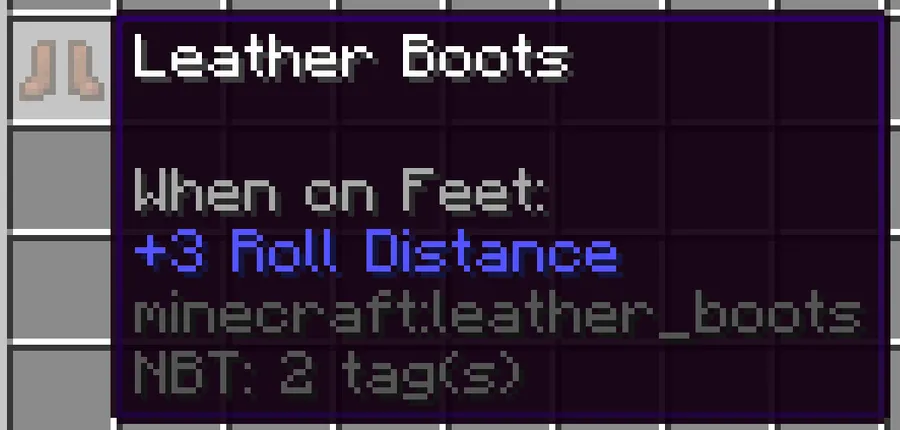
- Custom Entity Attributes — Three new attributes —
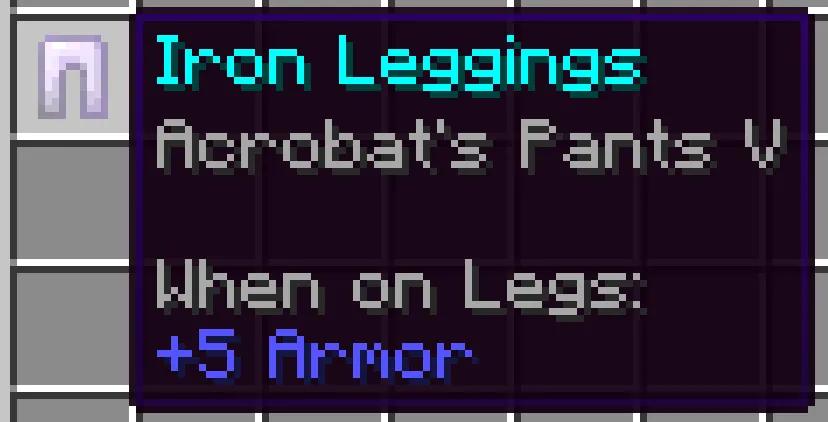
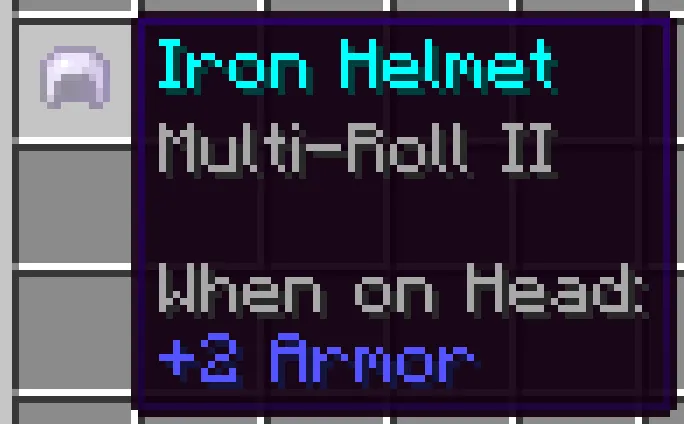
combatroll:distance,combatroll:recharge, andcombatroll:count— let modpack creators and server admins attach roll bonuses to any piece of gear. This means armor sets can be designed with unique rolling properties, adding a genuine RPG layer to Minecraft's equipment system. - Dedicated Enchantments — Three enchantments enhance your rolling capability: Multi-Roll (extra rolls on helmets), Acrobat (faster recharge on chestplates and leggings), and Longfooted (longer roll distance on boots). These enchantments give players meaningful progression goals and allow you to specialize your build around mobility.
- Invulnerability Frames (Optional) — An optional i-frames system can be enabled in the server config, granting brief invulnerability during a roll. This is a game-changer for harder modpacks or PvP servers where split-second dodges need to actually protect you from damage.
- Hunger Cost System — Rolling consumes a configurable amount of hunger, which creates an interesting resource management decision. You cannot dodge endlessly without keeping your food bar topped up, adding strategic depth without feeling punishing.
- Full Server-Side Configuration — Server admins can tweak cooldown duration, roll distance, hunger cost, and invulnerability frames through a simple JSON5 config file. This level of control makes Combat Roll suitable for everything from casual survival servers to hardcore PvP environments.
Screenshots


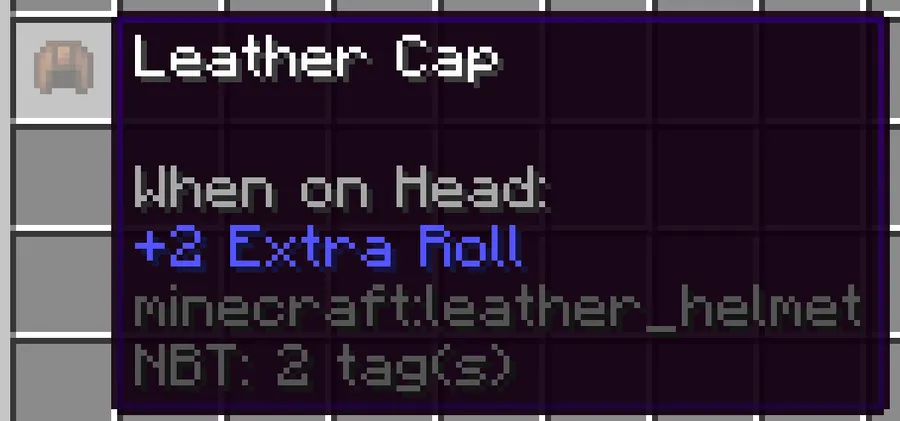
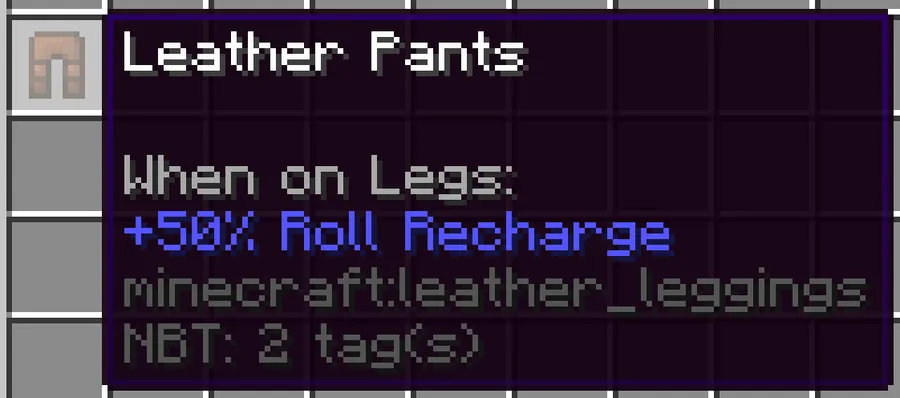
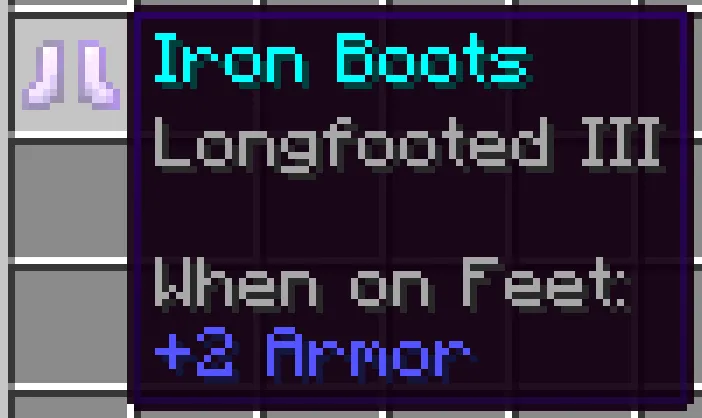
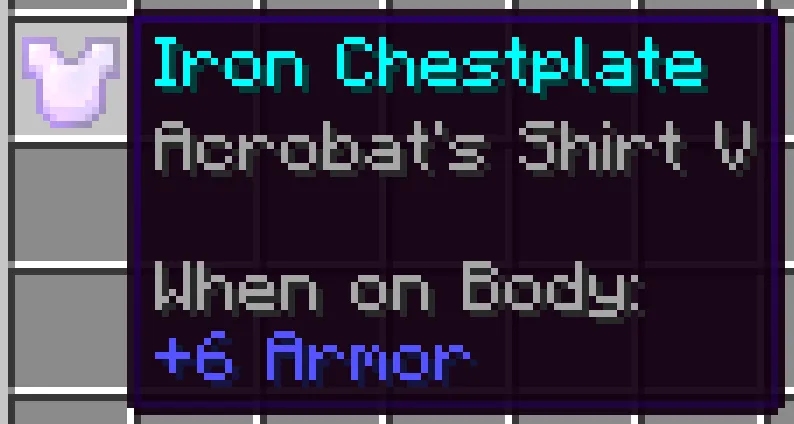
How to Install Combat Roll
- Install your preferred mod loader: Fabric, Forge, or NeoForge. Combat Roll supports all three, so choose whichever your existing modpack uses.
- If you are using Fabric, also install the Fabric API — it is required for most Fabric mods to function properly.
- Download the correct Combat Roll version for your Minecraft version and mod loader from the official download section below.
- Place the downloaded
.jarfile into your.minecraft/modsfolder. If the folder does not exist, launch the game once with your mod loader to create it automatically. - Launch Minecraft and press R in-game to test your new combat roll ability. On Fabric, you can adjust client settings through Mod Menu; on Forge, go to Main Menu → Mods → Combat Roll → Config.
Requirements & Compatibility
| Requirement | Details |
|---|---|
| Mod Loaders | Fabric, Forge, NeoForge |
| Minecraft Versions | 1.18.2 – 1.21.11 |
| Latest Update | December 20, 2025 (v3.0.0) |
| License | GPL-3.0-only (open source) |
| Dependencies (Fabric) | Fabric API required |
| Client/Server | Both — install on server for multiplayer |
What's New
- Added support for Minecraft 1.21.11 in the latest v3.0.0 release.
- Extended compatibility to cover Minecraft 1.21.6 through 1.21.8.
- Added support for Minecraft 1.21.9 and 1.21.10.
- Continued multi-loader support across both Fabric and NeoForge for all new versions.
Pros and Cons
Pros
- Transforms Minecraft combat with a responsive, intuitive dodge mechanic
- Three dedicated enchantments provide meaningful progression
- Supports all three major mod loaders (Fabric, Forge, NeoForge)
- Highly configurable — server admins can tune every parameter
- Active development with broad version support from 1.18.2 to 1.21.11
- Open source under GPL-3.0
Cons
- Cannot roll while jumping, swimming, or using items — may feel restrictive in some situations
- Invulnerability frames are disabled by default and require manual config editing to enable
- No built-in animation customization — roll animation style is fixed
- May conflict with other combat overhaul mods that remap similar keybinds
Alternatives to Combat Roll
- Better Combat — A combat animation overhaul by the same developer that adds weapon-specific attack moves and combos, pairing perfectly with Combat Roll for a complete combat rework.
- Epic Fight — A comprehensive combat system replacement with 3D attack animations, dodging, and stamina management for players who want a full Dark Souls-style experience.
- Player Animator — A library and animation mod that enables custom player animations, useful for modpack creators who want to add or modify movement abilities beyond rolling.
Download Combat Roll
| Minecraft Version | Fabric | Forge | NeoForge |
|---|---|---|---|
| For Minecraft 1.21.11 | Download | — | Download |
| For Minecraft 1.21.10 | Download | — | Download |
| For Minecraft 1.21.8 | Download | — | Download |
| For Minecraft 1.21.7 | Download | — | Download |
| For Minecraft 1.21.6 | Download | — | Download |
| For Minecraft 1.21.4 | Download | — | Download |
| For Minecraft 1.21.1 | Download | — | Download |
| For Minecraft 1.21 | Download | — | Download |
| For Minecraft 1.20.4 | Download | — | Download |
| For Minecraft 1.20.2 | Download | Download | — |
| For Minecraft 1.20.1 | Download | Download | — |
| For Minecraft 1.20 | Download | Download | — |
Always download mods from official sources to stay safe.
Frequently Asked Questions
Is Combat Roll compatible with multiplayer servers?
Yes — Combat Roll works on multiplayer servers when installed on both the server and client side. The server controls all roll parameters including cooldown, distance, and hunger cost through the config file, while clients handle the visual display and keybinding.
Can I change the default keybind from R to another key?
Yes, the roll keybind is fully customizable through Minecraft's standard Controls menu. Navigate to Options → Controls → Key Binds and look for the Combat Roll entry to reassign it to any available key.
Does Combat Roll work with Fabric and Forge at the same time?
No — you need to download the specific version that matches your mod loader. Combat Roll offers separate builds for Fabric, Forge, and NeoForge, so make sure you grab the correct file for your setup from the download table above.
Does this mod affect game performance?
Combat Roll appears to be lightweight and should not cause noticeable performance drops for most players. The mod primarily adds a single ability with a cooldown timer and a few enchantments, so it does not introduce heavy rendering or computation overhead.
Can I use Combat Roll alongside Better Combat?
Yes — both mods are made by the same developer, ZsoltMolnarrr, and they are designed to work together. Better Combat handles weapon attack animations while Combat Roll adds the dodge-roll mechanic, creating a comprehensive combat overhaul when used in combination.



![[Let's Do] Meadow Mod (1.21.1) - thumbnail](http://mcinside.com/wp-content/uploads/2026/04/thumbnail-64-52x52.webp)


![Not Enough Recipe Book [NERB] Mod (1.21.11) - thumbnail](http://mcinside.com/wp-content/uploads/2026/04/thumbnail-63-52x52.webp)


