
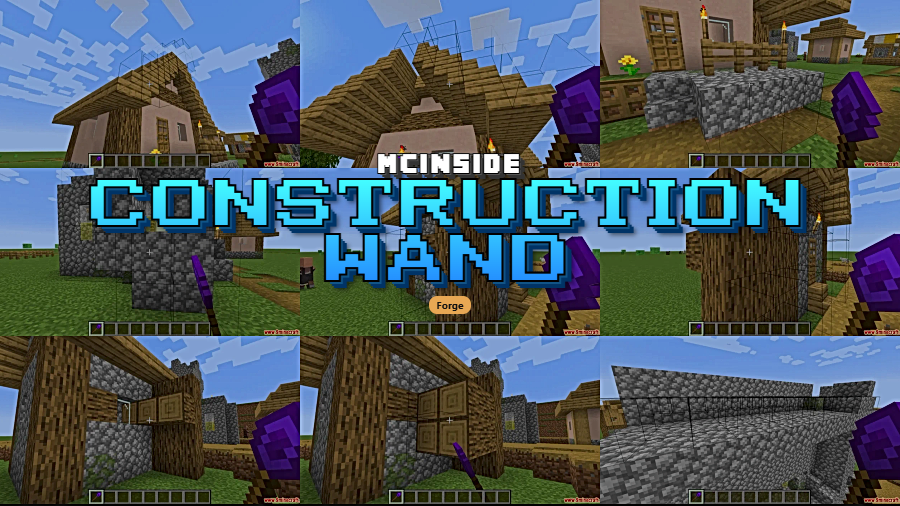
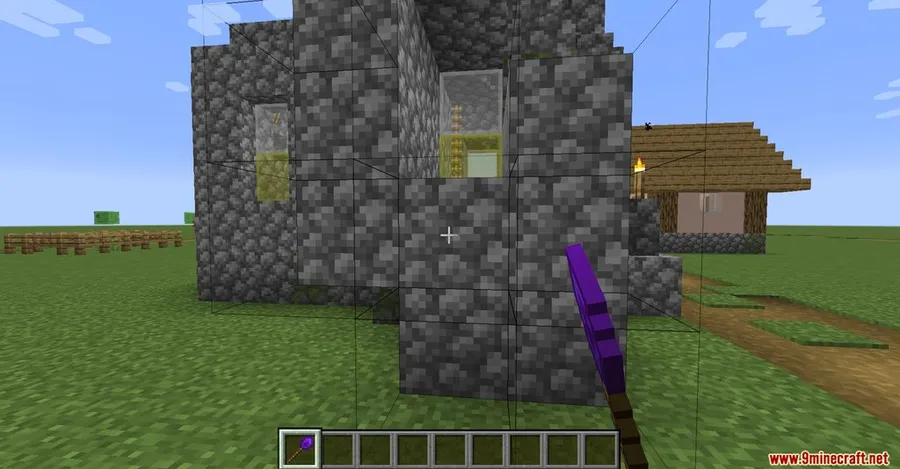
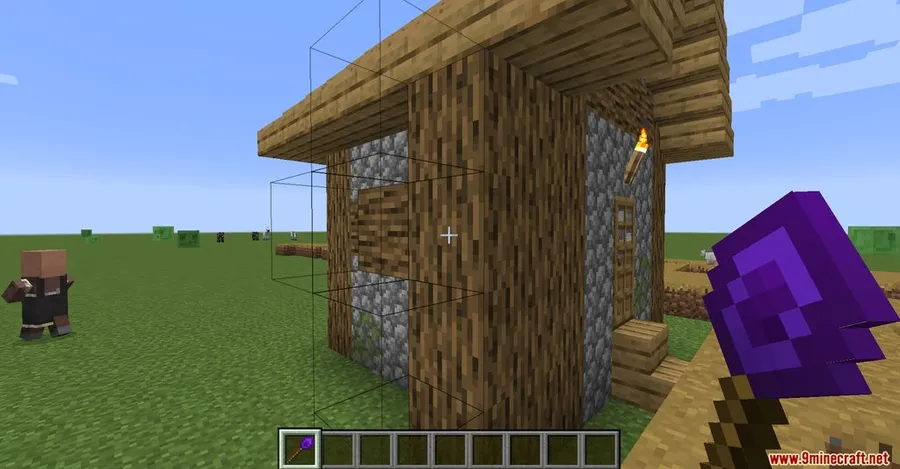
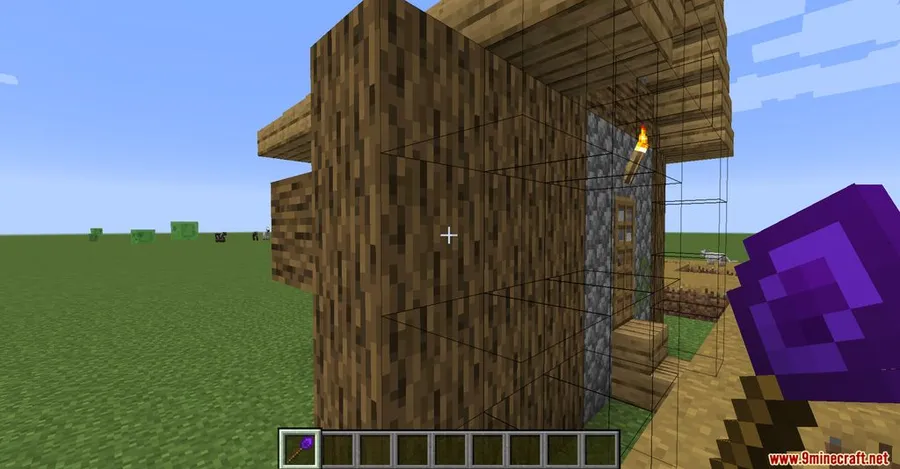
Placing blocks one at a time gets old fast, especially when you're working on massive walls, floors, or facades. Construction Wand Mod solves that by giving you four tiered wands that extend your builds in whichever direction you're facing — just look at a surface and the wand suggests where new blocks should go. With over 3.8 million downloads on Modrinth, it has become one of the most trusted building utilities in the Minecraft modding community.
Key Features
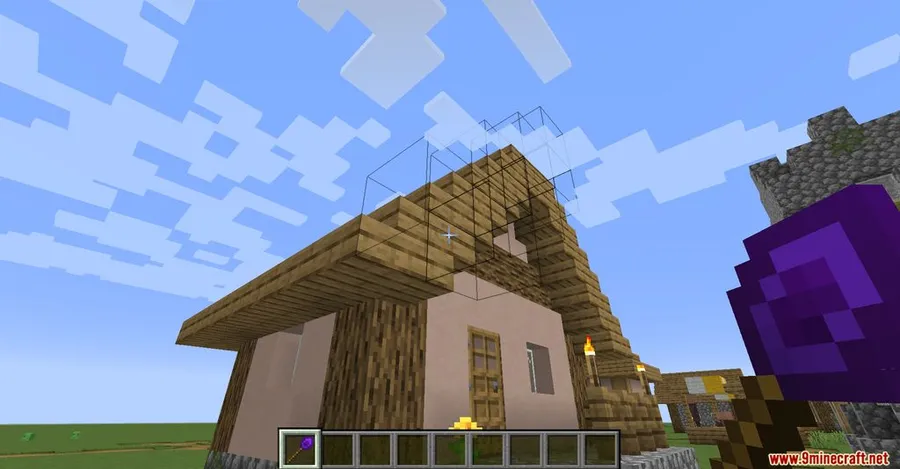
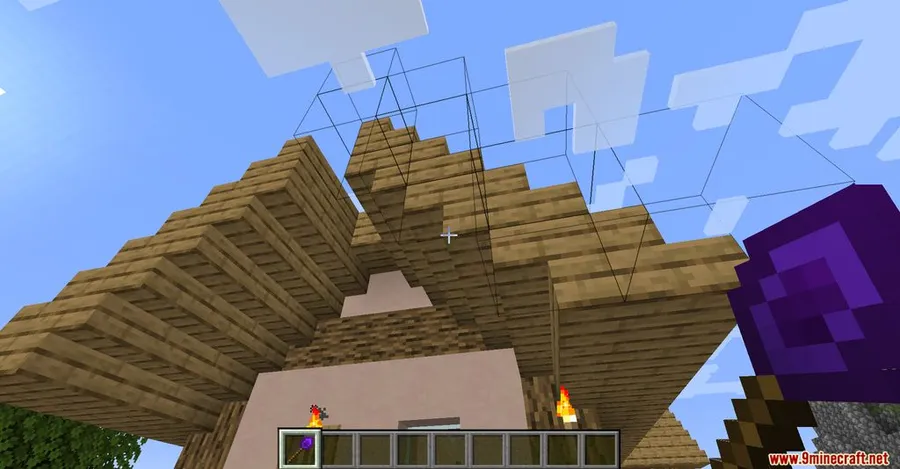
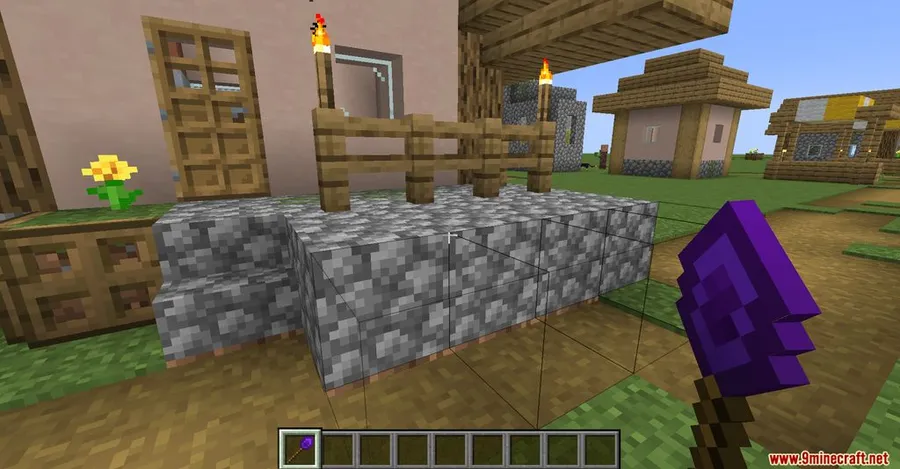
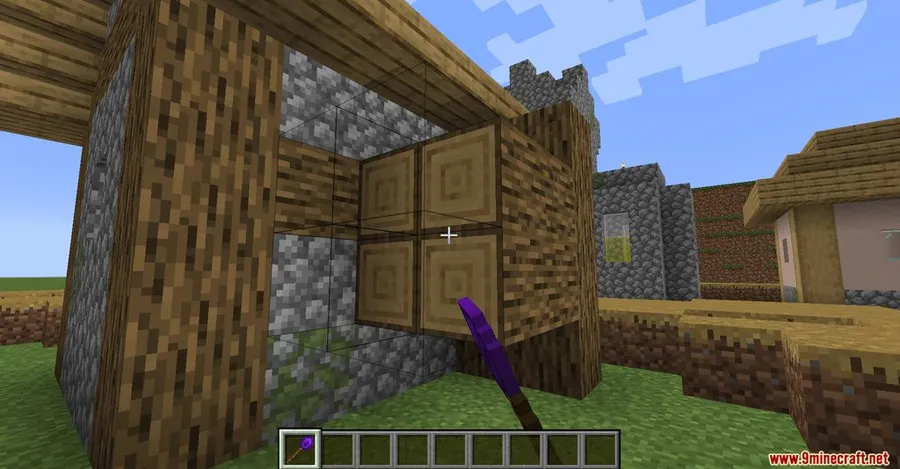
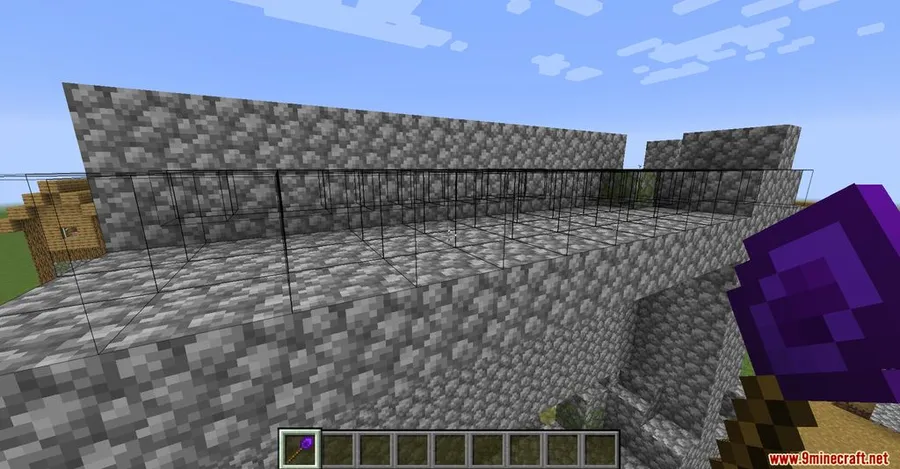
- Multi-block placement — Place multiple blocks at once by extending existing surfaces in the direction you're facing, turning tedious wall-building into a few clicks.
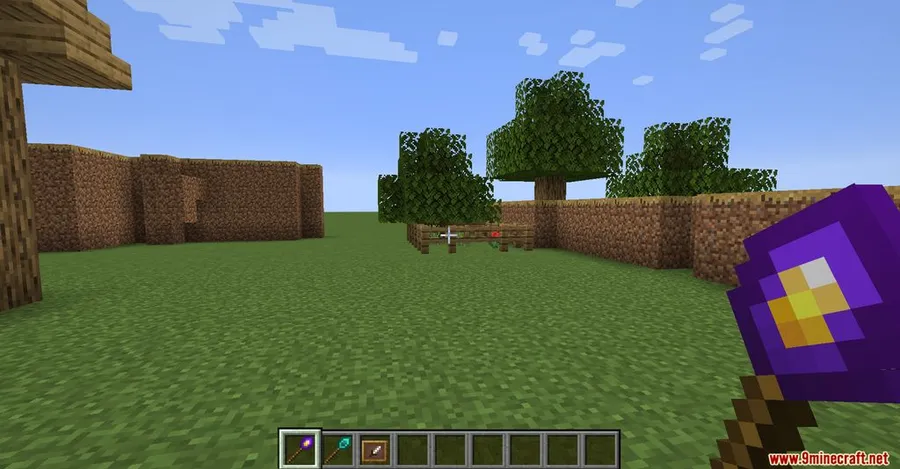
- Four wand tiers — Stone (basic, limited range), Iron (intermediate), Diamond (advanced capacity), and Infinity (unbreakable, highest capacity). Higher tiers last longer and place more blocks per use.
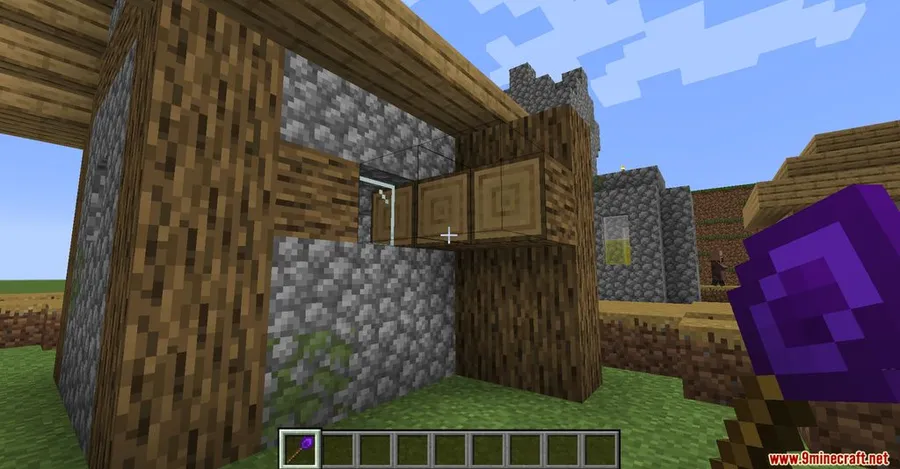
- Through-wall building — Place blocks on the opposite side of walls without walking around, making enclosed builds and hard-to-reach areas much easier to finish.
- Switchable build modes — Toggle between horizontal, vertical, and directional placement using Left Shift + Right Mouse Button to match whatever you're constructing.
- Undo misplacements — Accidentally extended a wall the wrong way? Undo recent placements instantly so mistakes never cost you resources.
- Upgradeable cores — Higher-tier wands can be enhanced with additional cores for extended functionality beyond their base stats.
Screenshots
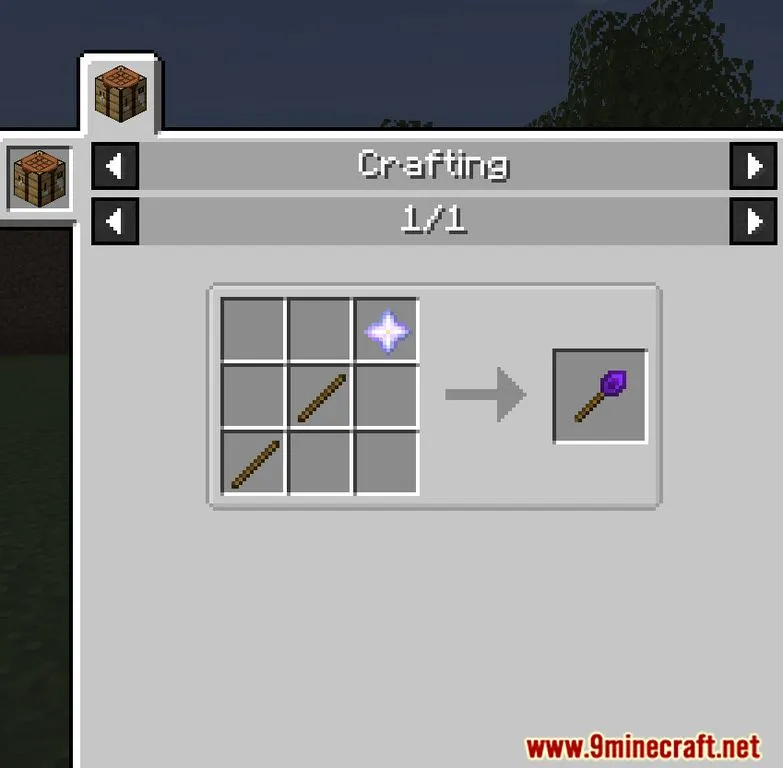
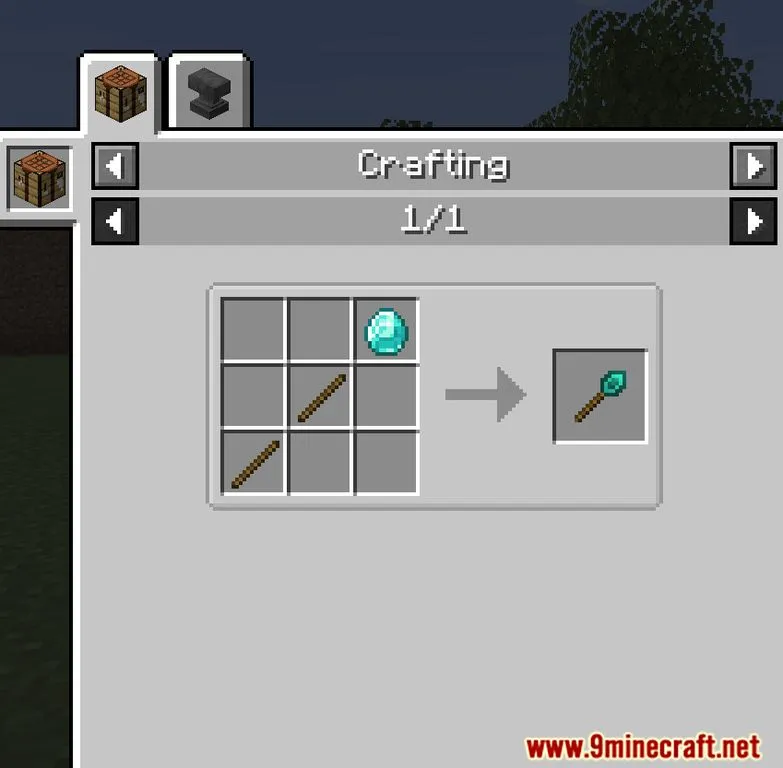
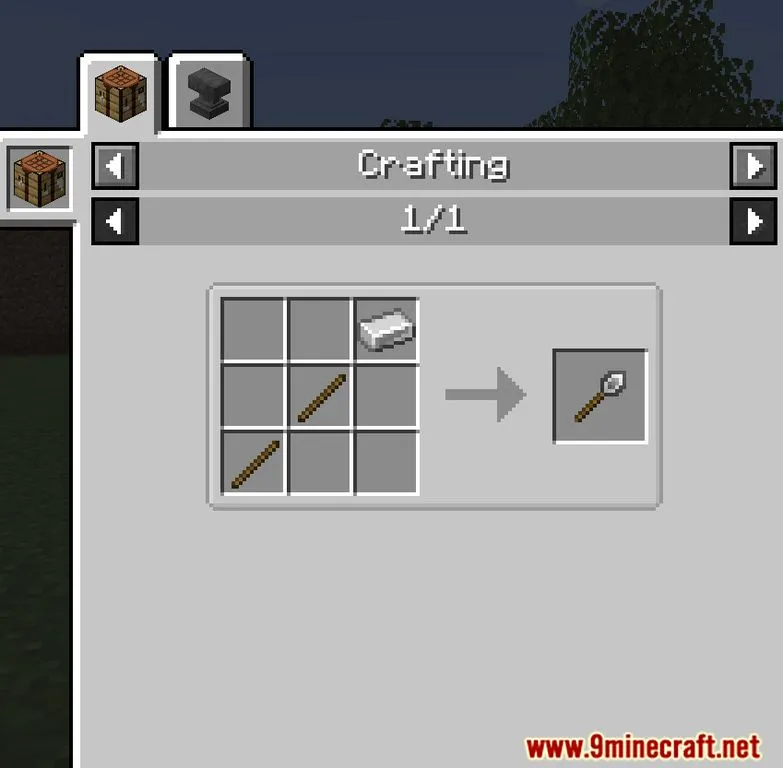
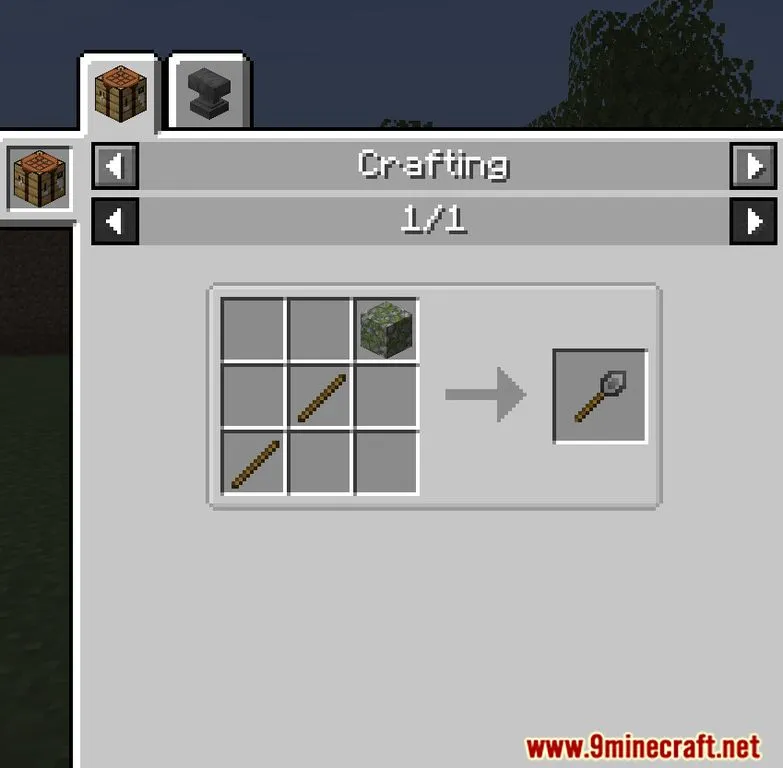
How to Install
- Download and install your preferred mod loader — Forge, Fabric, NeoForge, or Quilt — for your Minecraft version.
- If using Fabric, also install the Fabric API. For Quilt, install the Quilt Loader.
- Download the Construction Wand Mod file matching your Minecraft version and mod loader.
- Place the downloaded
.jarfile into your.minecraft/modsfolder. - Launch Minecraft with the correct mod loader profile and the wands will be available for crafting.
Requirements
| Mod Loader | Dependencies | Minecraft Versions |
|---|---|---|
| NeoForge, Forge, Fabric, Quilt | Minecraft Forge, Fabric API, Quilt Loader, NeoForge Installer | 1.21.11, 1.21.10, 1.21.9, 1.21.8, 1.21.7, 1.21.6, 1.21.5, 1.21.4, 1.21.3, 1.21.1, 1.21, 1.20.2, 1.20.1, 1.20, 1.19.4, 1.19.3, 1.19.2, 1.18.2, 1.18.1, 1.17.1, 1.16.5, 1.15.2, 1.14.4 |
Pros
- Dramatically speeds up large-scale building projects
- Four tiers offer progression from early game to endgame
- Through-wall placement removes the need to constantly reposition
- Undo feature prevents wasted blocks from accidental placements
- Supports all major mod loaders (Forge, Fabric, NeoForge, Quilt)
- Open-source under MIT license with active community contributions
Cons
- Through-wall building mode has a learning curve and may feel unintuitive at first
- Mode switching via key combinations can be easy to forget without practice
- The Infinity Wand may feel overpowered for survival-focused players
Download
Always download mods from official sources to stay safe.
What's New
- Construction Wand updated to version 2.12
- Now available for Minecraft 1.20.2
- Added Japanese language translation
- Community contribution from ALFEECLARE via GitHub pull request
FAQ
How do I switch building modes in Construction Wand?
Hold Left Shift and press Right Mouse Button while holding a wand. This cycles between horizontal, vertical, and directional placement modes so you can match the build direction to your project.
What is the difference between the four wand types?
Each tier increases the number of blocks you can place at once. Stone is the cheapest with the smallest range, Iron and Diamond offer progressively more capacity, and the Infinity Wand is unbreakable with the highest block placement limit.
Can I undo blocks placed with the wand?
Yes, Construction Wand includes an undo feature that lets you reverse accidental block placements, so misclicks won't waste your materials or ruin your build.


![Not Enough Recipe Book [NERB] Mod (1.21.11) - thumbnail](http://mcinside.com/wp-content/uploads/2026/04/thumbnail-63-52x52.webp)


