

Tired of alt-tabbing out of Minecraft just to skip a song? Craftify Mod integrates music controls directly into the game, letting you manage Spotify, Apple Music, YouTube Music, and other streaming services without ever leaving your world. With over 2.2 million downloads since its 2022 release, Craftify has become one of the most popular quality-of-life mods for players who like a personal soundtrack while they build, explore, or grind.
Key Features
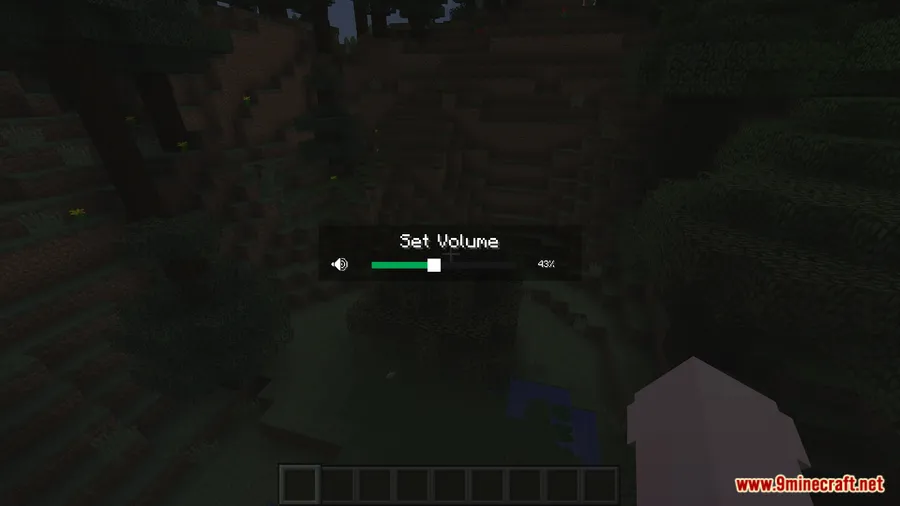
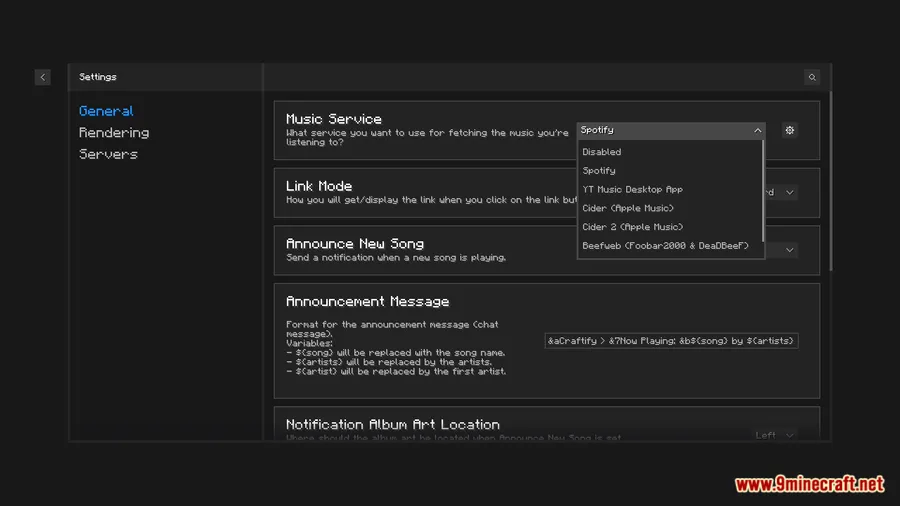
- Multi-Service Music Control — Connect to Spotify, Apple Music, YouTube Music, and other popular streaming platforms. Play, pause, skip, and adjust volume directly from an in-game overlay without switching windows.
- Now Playing Display — See the current track, artist, and album art rendered inside Minecraft. Keep tabs on what's playing while you focus on gameplay.
- Easy Setup & Client Switching — Straightforward configuration with clear instructions for each music service. Switch between different music clients whenever you want.
- Server Sharing — Share what you're listening to with other players on supported server versions, adding a social layer to your music experience.
Screenshots


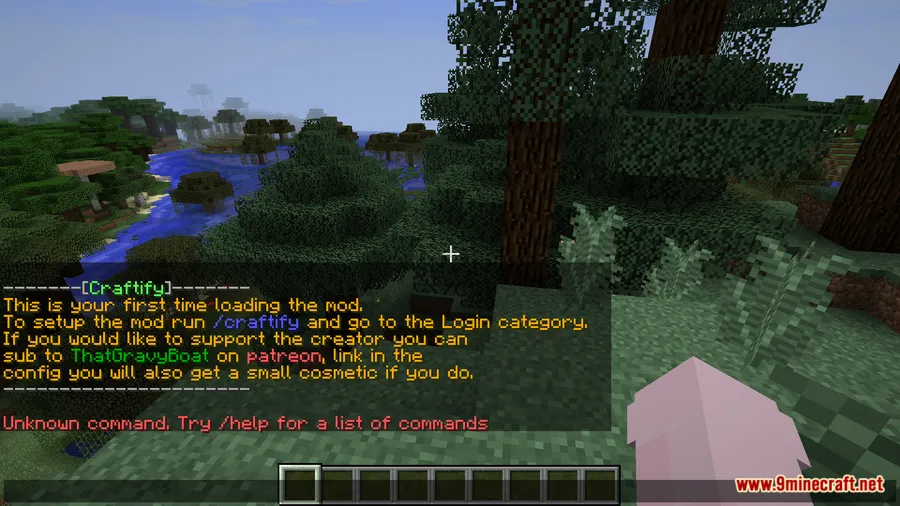
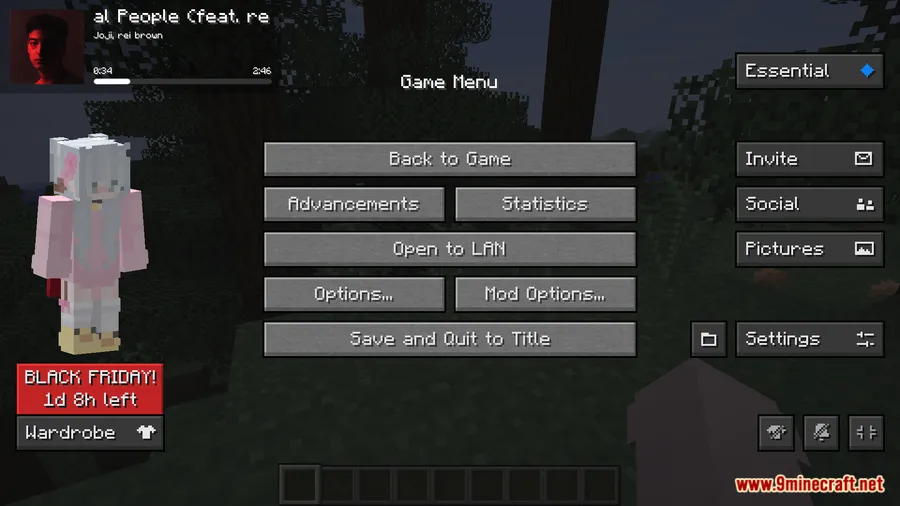
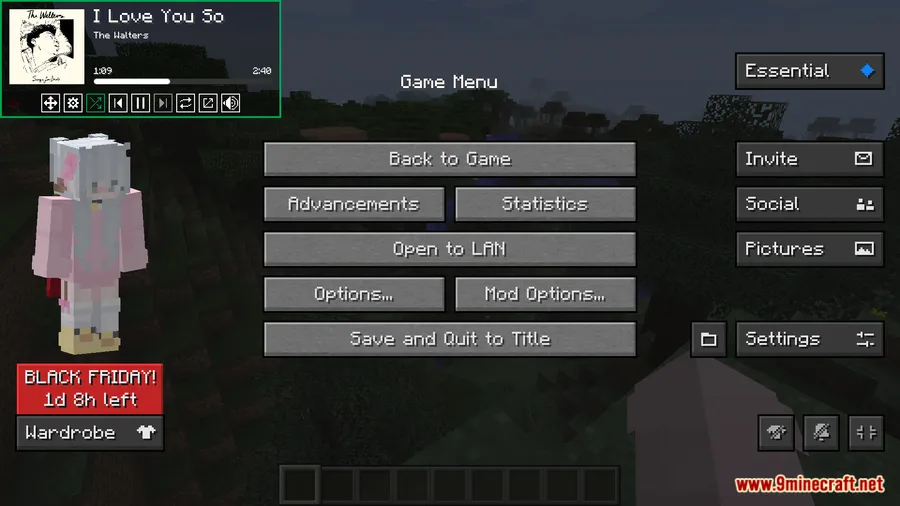
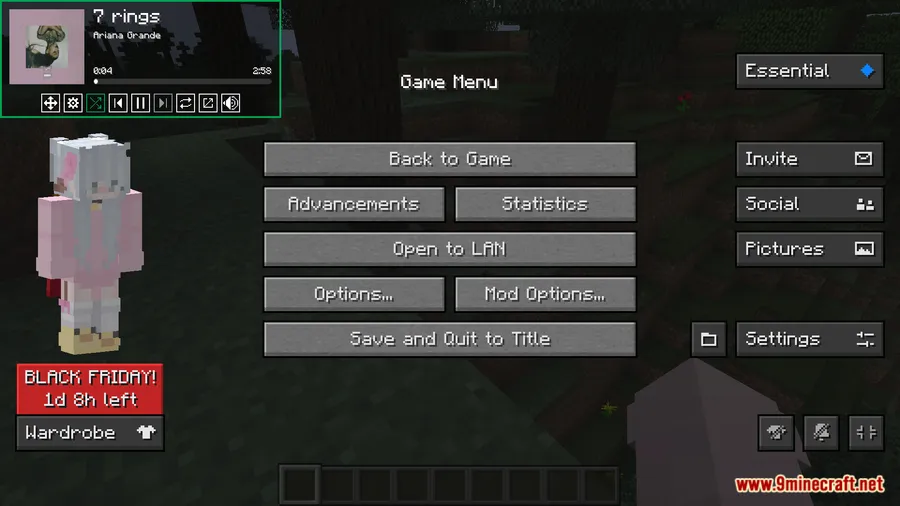
How to Install
- Install Minecraft Forge or Fabric Loader (with Fabric API) for your Minecraft version.
- Download the correct Craftify file for your version and mod loader from the links below.
- Place the downloaded
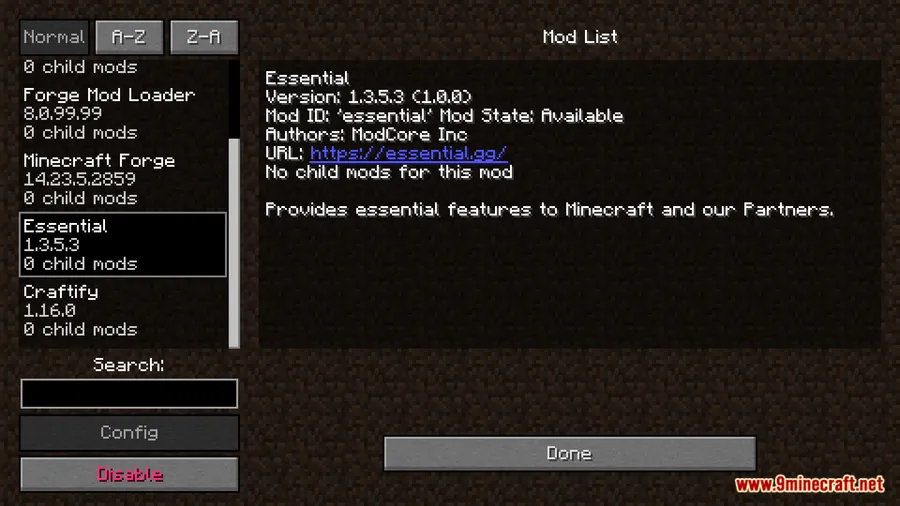
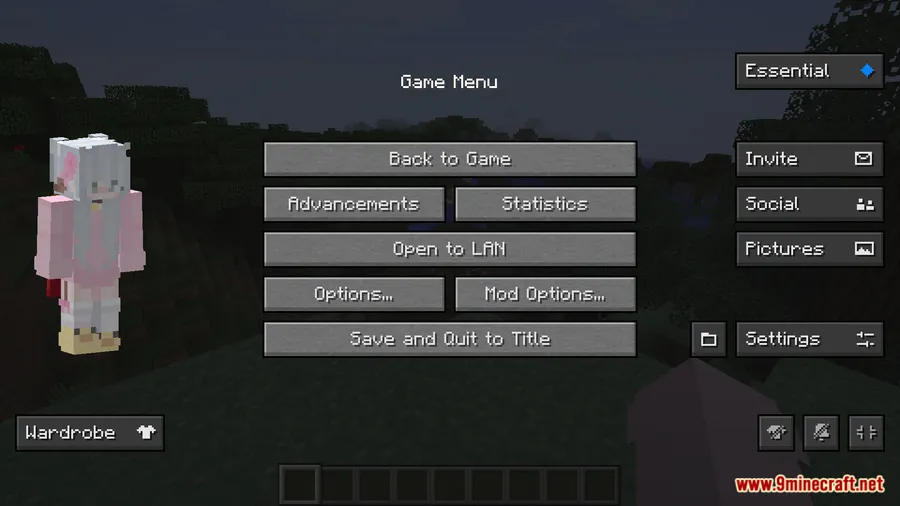
.jarfile into your.minecraft/modsfolder. - Launch Minecraft, open Craftify's settings, and connect your preferred music service by following the on-screen instructions.
Requirements
| Mod Loader | Dependencies | Minecraft Versions |
|---|---|---|
| Forge, Fabric | Fabric API (for Fabric versions) | 1.20.1, 1.19.4, 1.19.2, 1.18.2, 1.12.2, 1.8.9 |
Pros & Cons
Pros
- Supports multiple music platforms including Spotify, Apple Music, and YouTube Music
- No more alt-tabbing — full playback control stays inside the game
- Available on both Forge and Fabric across a wide range of Minecraft versions
- Active development with over 2.2 million downloads and regular updates
Cons
- Requires a separate music app running in the background
- Server sharing feature is only available on newer Minecraft versions (1.20.6+)
- All Rights Reserved license limits community modifications
Download
Always download mods from official sources to stay safe.
What's New
- Added support for Minecraft 1.21
- Fixed YouTube Music Desktop (YTMD) integration not working with API v2
- Restored server sharing functionality for Minecraft 1.20.6 and newer
- Improved clarity in the YouTube login flow, specifying which services are required
FAQ
Does Craftify Mod work with Spotify?
Yes, Craftify supports Spotify along with Apple Music, YouTube Music, and other streaming services. You connect your preferred platform through the mod's in-game settings menu.
Is Craftify available for Forge and Fabric?
Craftify is available on both mod loaders. Older versions (1.8.9, 1.12.2) use Forge, while newer versions (1.18.2 through 1.20.1) use Fabric with Fabric API required.
Can other players see what music I'm listening to?
Craftify includes a server sharing feature that lets other players see your current track. This feature is available on Minecraft 1.20.6 and newer versions.


![[Let's Do] Meadow Mod (1.21.1) - thumbnail](http://mcinside.com/wp-content/uploads/2026/04/thumbnail-64-52x52.webp)


![Not Enough Recipe Book [NERB] Mod (1.21.11) - thumbnail](http://mcinside.com/wp-content/uploads/2026/04/thumbnail-63-52x52.webp)
