
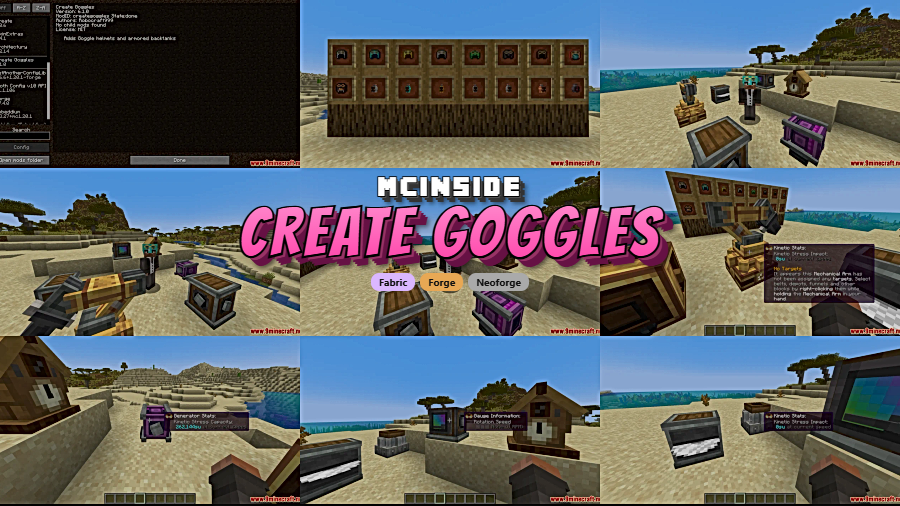
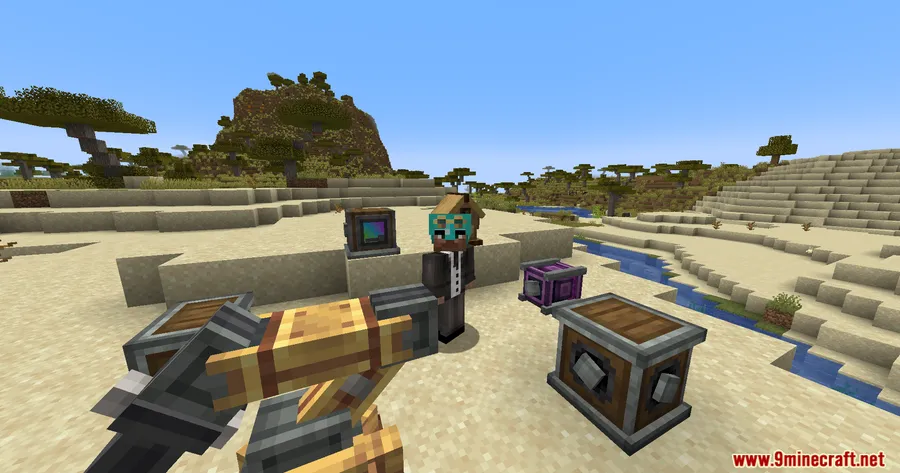
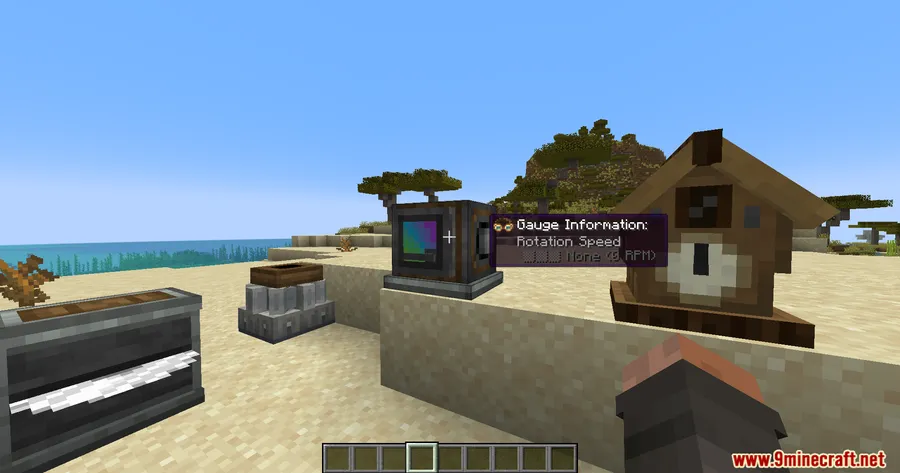
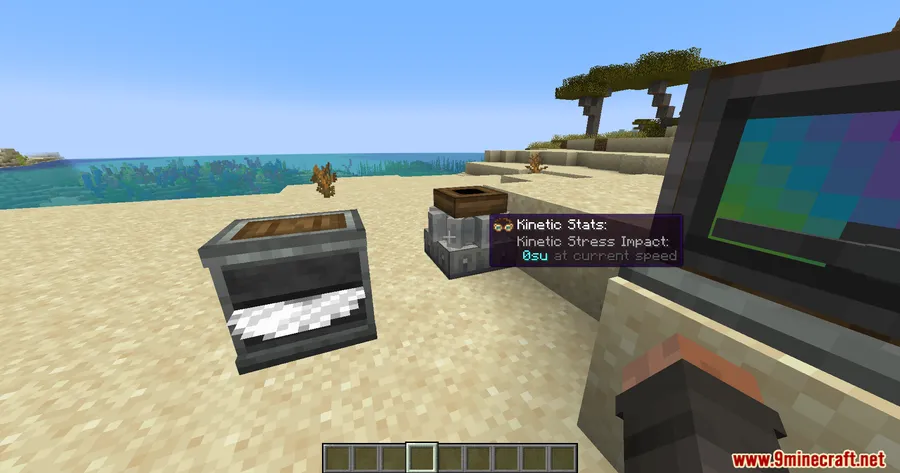
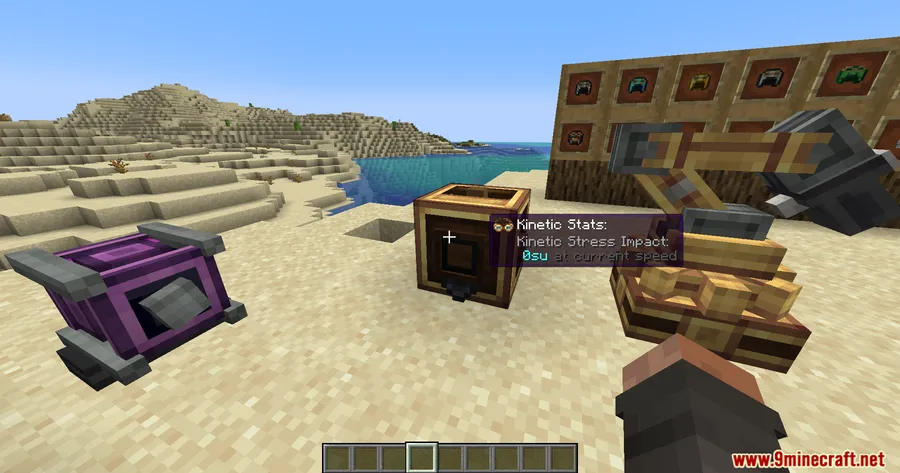
Every Create player knows the frustration: you can wear goggles for stress and speed readouts, or you can wear a helmet for armor — but not both. Create Goggles Mod solves this by letting you combine any helmet with Create's goggles into a single "goggle-helmet" that preserves full armor stats while displaying all the mechanical readouts you rely on. With over 2.3 million downloads and active updates through 2025, it has become one of the most popular Create addons in the community.
Key Features
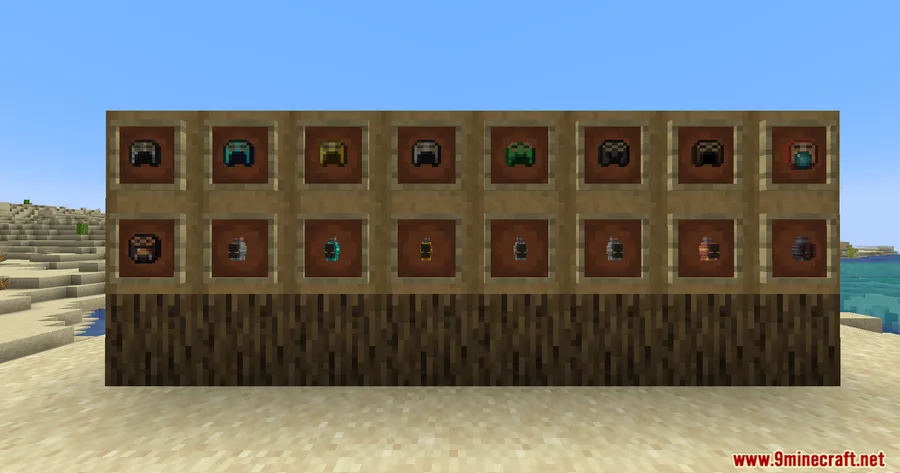
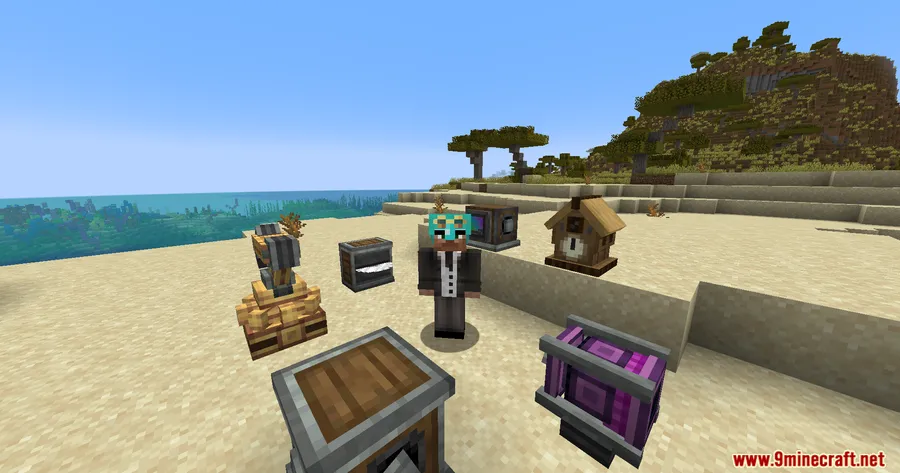
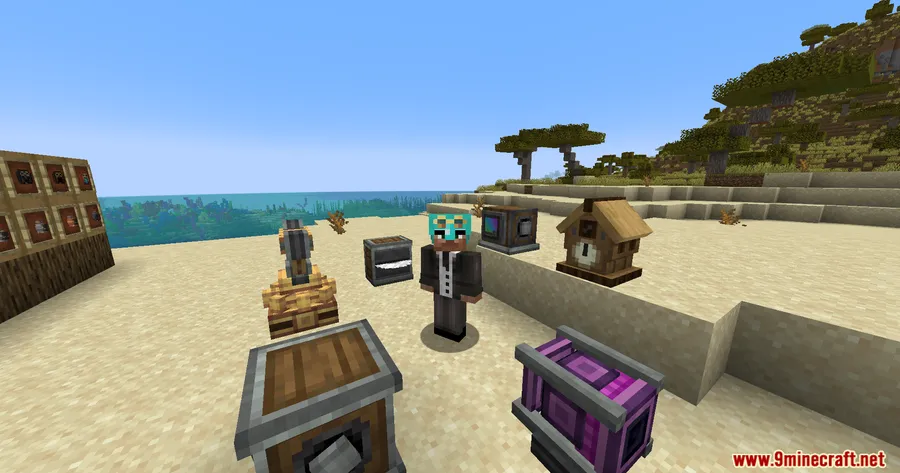
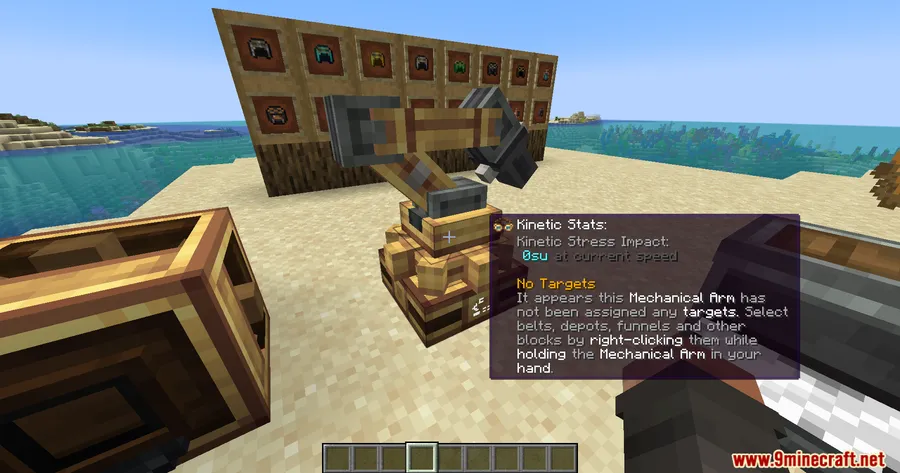
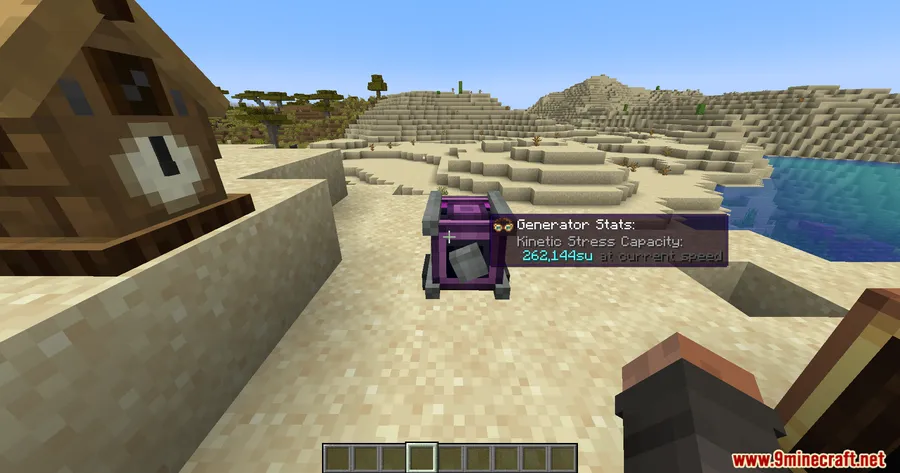
- Goggle-Helmets — Combine any vanilla or modded helmet with Create goggles to get full armor protection and goggle overlay readouts in one equipment slot.
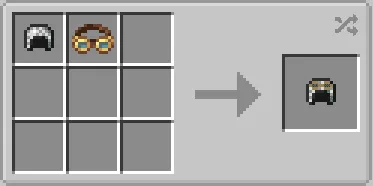
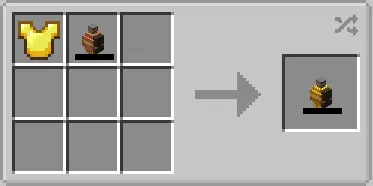
- Multiple crafting paths — Use shapeless crafting (Helmet + Goggles) for a quick combo, or the smithing table for an NBT-based goggle-helmet that preserves enchantments and durability.
- Armored Backtank support — Backtanks work alongside goggle-helmets, so you can keep your full Create setup without sacrificing any functionality.
- Curios slot compatibility (Forge) — On Forge, the mod supports the legacy Curios goggle slot and backtank slot for players who prefer accessory-based equipment management.
- Cross-loader availability — Runs on Forge, Fabric, and NeoForge across six major Minecraft versions from 1.18.2 through 1.21.1.
Screenshots
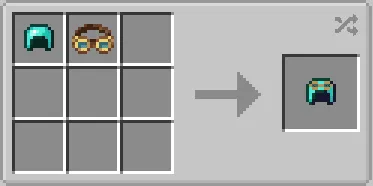
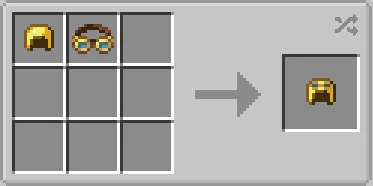
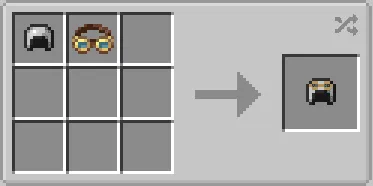
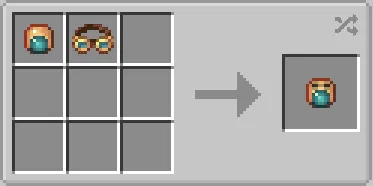
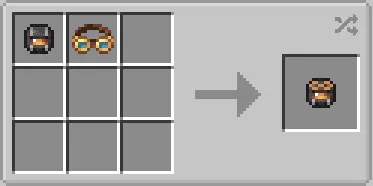
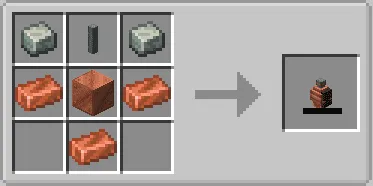
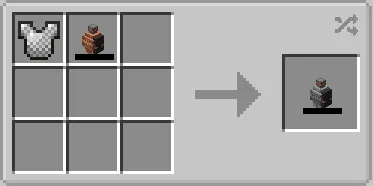
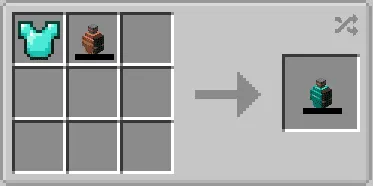
How to Install
- Download and install your preferred mod loader — Forge, Fabric, or NeoForge — matching your Minecraft version.
- Install the Create Mod (required dependency). If using Fabric, also install Fabric API.
- Download the correct Create Goggles file for your loader and Minecraft version from the link below.
- Place the downloaded
.jarfile into your.minecraft/modsfolder. - Launch Minecraft and confirm the mod appears in your mod list.
Requirements
| Category | Details |
|---|---|
| Mod Loader | Forge, Fabric, NeoForge |
| Dependencies | Create Mod, Fabric API (Fabric only), Minecraft Forge or NeoForge Installer |
| Minecraft Versions | 1.21.1, 1.21, 1.20.1, 1.20, 1.19.2, 1.18.2 |
Pros & Cons
Pros
- Eliminates the goggles-vs-armor tradeoff that every Create player faces
- Multiple crafting methods give flexibility for different playstyles
- Supports all three major mod loaders and six Minecraft versions
- Open-source (MIT license) with active development and regular bug fixes
- Appears to be lightweight — adds only the goggle-helmet functionality without bloat
Cons
- Curios slot support is Forge-only — Fabric and NeoForge players miss this feature
- Requires Create Mod as a dependency, which is a large mod on its own
- NeoForge builds only available for 1.21+ — older NeoForge users need Forge instead
Download
Always download mods from official sources to stay safe.
What's New
- Fixed a critical game crash that could occur when using goggle-helmets.
- Resolved an issue where goggle-helmets had no durability, making them unbreakable by mistake.
- Corrected the breaking stress impact display so readouts now show accurate values.
- Internal improvements for better stability across all supported mod loaders.
FAQ
Can I use Create Goggles with modded helmets like Netherite or armor from other mods?
Yes — the mod supports combining goggles with any helmet, including vanilla Netherite and modded helmets. Both the shapeless recipe and the smithing table method work with non-vanilla gear.
Do I lose enchantments when I combine a helmet with goggles?
The smithing table method creates an NBT-based goggle-helmet that preserves your helmet's existing properties, including durability. For best results with enchanted gear, use the smithing table path rather than shapeless crafting.
Which mod loader should I pick for Create Goggles?
For Minecraft 1.20.1 and older, both Forge and Fabric are supported — choose whichever matches your existing mod setup. For 1.21 and 1.21.1, the mod is available on NeoForge only.





![[Let's Do] Meadow Mod (1.21.1) - thumbnail](http://mcinside.com/wp-content/uploads/2026/04/thumbnail-64-52x52.webp)


![Not Enough Recipe Book [NERB] Mod (1.21.11) - thumbnail](http://mcinside.com/wp-content/uploads/2026/04/thumbnail-63-52x52.webp)

