

Large railway networks in Minecraft can grind your server's tick rate to a halt, especially when dozens — or hundreds — of trains run simultaneously. Create Threaded Trains Mod by MrJulsen tackles this head-on by offloading all railway network calculations to a dedicated thread, running them in parallel with the main server loop. The result is noticeably smoother performance for anyone pushing the Create mod's train system to its limits, with successful testing reported on setups running 700+ trains alongside 200 mods.
Key Features
- Separate-thread railway processing — All train pathfinding and network calculations run on their own thread instead of blocking the server tick loop, which means other game systems stay responsive even under heavy rail traffic.
- Massive scalability — The mod has been tested with over 700 trains and 200 mods loaded at the same time, making it a strong fit for ambitious modpack builds and large multiplayer servers.
- Tick lag reduction — By parallelizing railway tasks with the main server loop, the mod reduces the per-tick workload that typically causes stuttering in complex train setups.
- Multi-loader support — Available for Forge, Fabric, and NeoForge, covering Minecraft versions from 1.18.2 through 1.21.1.
Screenshots


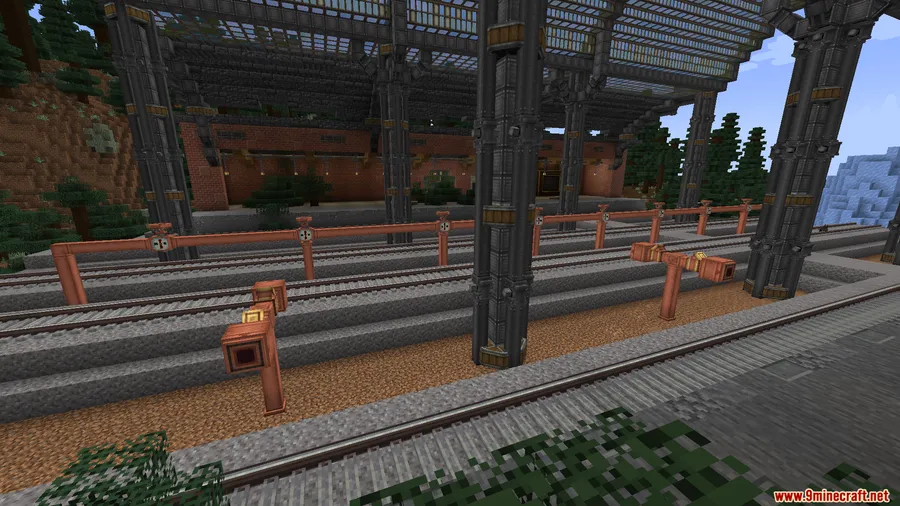
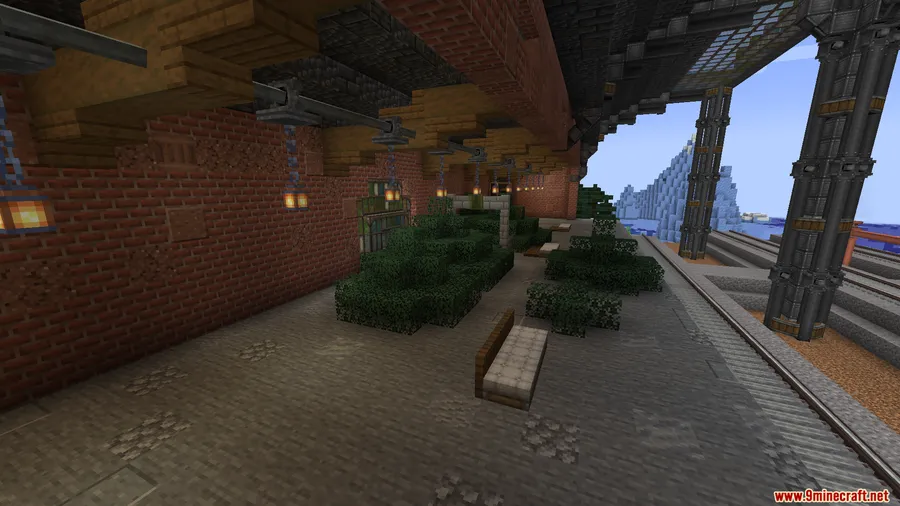
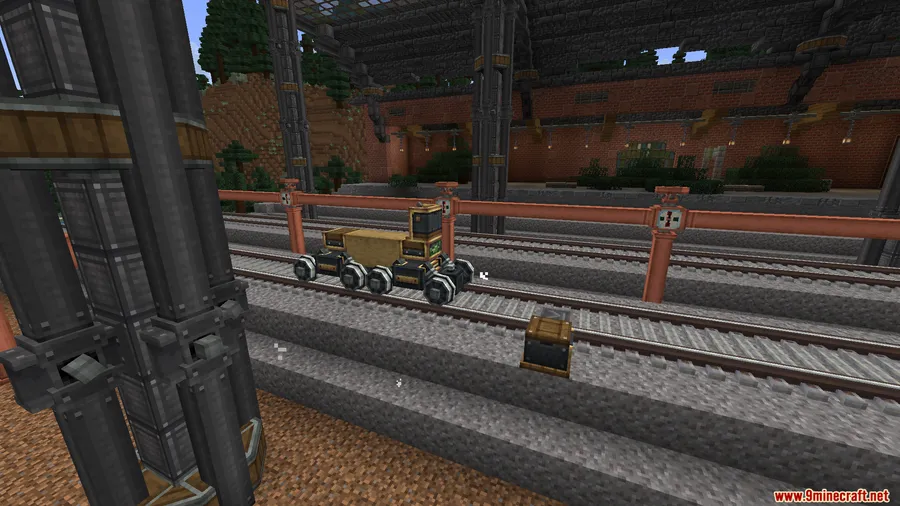
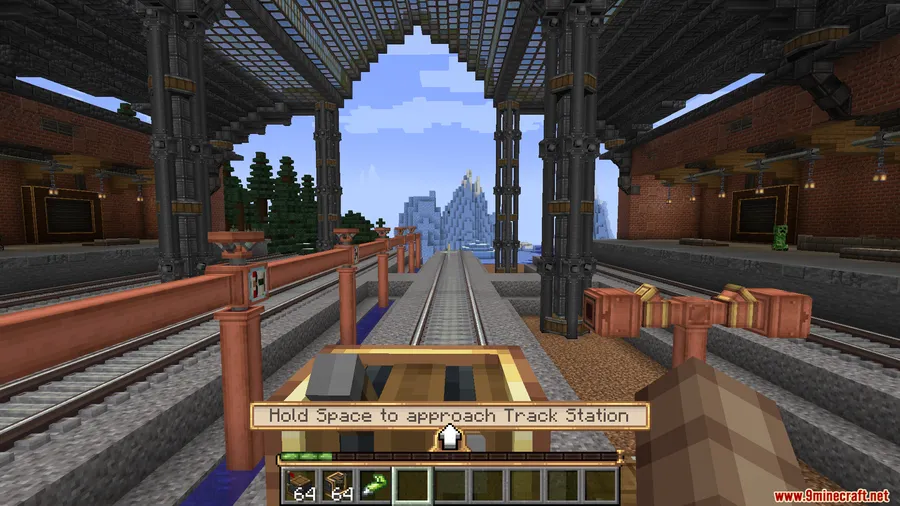
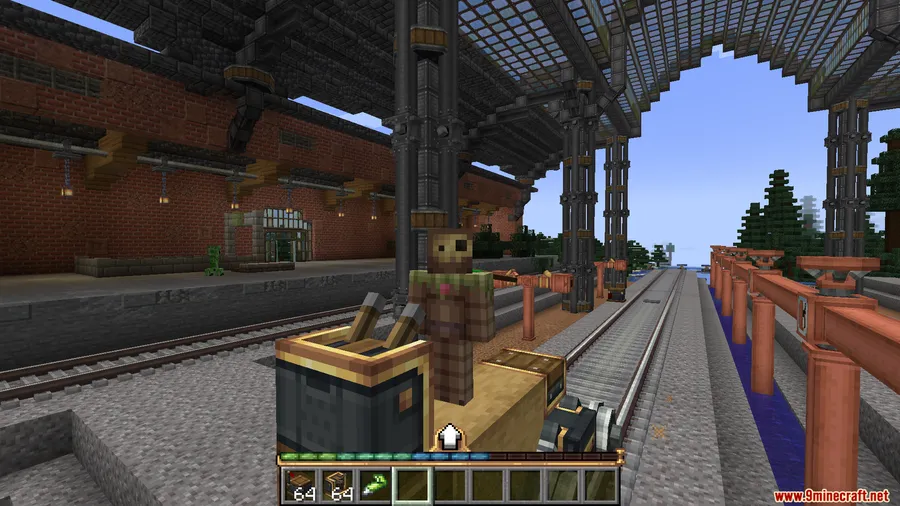
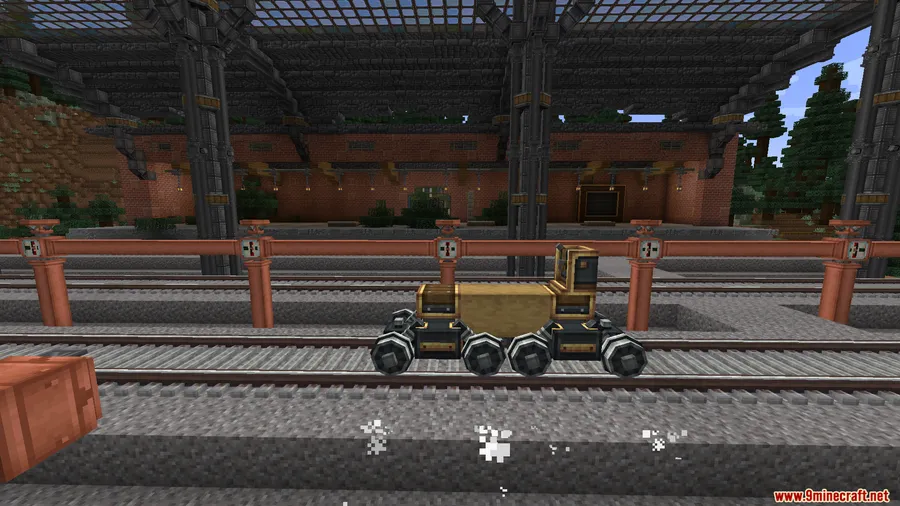
How to Install
- Install your preferred mod loader — Forge, Fabric, or NeoForge — for your Minecraft version.
- Download and install the Create Mod, which is required for this addon to function.
- If using Fabric, also install the Fabric API mod.
- Download the correct version of Create Threaded Trains from the link below and place the
.jarfile into your.minecraft/modsfolder. - Launch Minecraft and verify the mod appears in your mod list.
Requirements
| Category | Details |
|---|---|
| Mod Loader | Forge, Fabric, or NeoForge |
| Dependencies | Create Mod (required), Fabric API (Fabric only) |
| Minecraft Version | 1.18.2, 1.19.2, 1.20 – 1.20.1, 1.21 – 1.21.1 |
Pros & Cons
Pros
- Significantly reduces lag on servers and singleplayer worlds with large train networks
- Proven at scale — tested with 700+ trains and 200 mods simultaneously
- Works across Forge, Fabric, and NeoForge with broad version coverage
- Simple drop-in installation with no extra configuration needed
Cons
- Requires the Create Mod as a dependency — not a standalone optimization
- NeoForge support is currently limited to 1.21.x versions only
- Multithreading can introduce edge-case conflicts with other mods that modify train behavior
Download
Always download mods from official sources to stay safe.
FAQ
Does Create Threaded Trains work with other Create addons?
The mod has been tested successfully with over 200 mods loaded at once. While broad compatibility appears strong, specific interactions with other Create addons that modify railway behavior may vary — always test in a development world first.
How many trains can this mod handle?
According to the developer's testing, the mod has been run with 700+ active trains without major issues. Your results will depend on your hardware and the complexity of your railway network.
Do I need to configure anything after installing Create Threaded Trains?
No. The mod works out of the box — once installed alongside Create Mod, it automatically moves railway calculations to a separate thread with no additional setup required.


![[Let's Do] Meadow Mod (1.21.1) - thumbnail](http://mcinside.com/wp-content/uploads/2026/04/thumbnail-64-52x52.webp)


![Not Enough Recipe Book [NERB] Mod (1.21.11) - thumbnail](http://mcinside.com/wp-content/uploads/2026/04/thumbnail-63-52x52.webp)


