

Cull Leaves is an optimization mod that adds culling to leaf blocks, providing a significant performance boost over vanilla Minecraft. Available for Fabric, Forge, NeoForge, and Quilt, this lightweight client-side mod recreates the popular OptiFine "Smart Leaves" feature as a standalone solution.
If you have ever noticed your framerate dip while walking through a dense forest or jungle biome, you are not alone. Minecraft renders every face of every leaf block by default — including the faces sandwiched between two leaf blocks that no player will ever see. This is wasted GPU effort, and in biomes packed with trees, it adds up fast. Cull Leaves, developed by Motschen, solves this problem by telling the renderer to skip those hidden faces entirely. With over 6 million downloads since its release in 2021, it has become one of the most trusted lightweight optimization mods in the Minecraft community. The best part? It works quietly in the background — install it once and forget about it.
Key Features of Cull Leaves
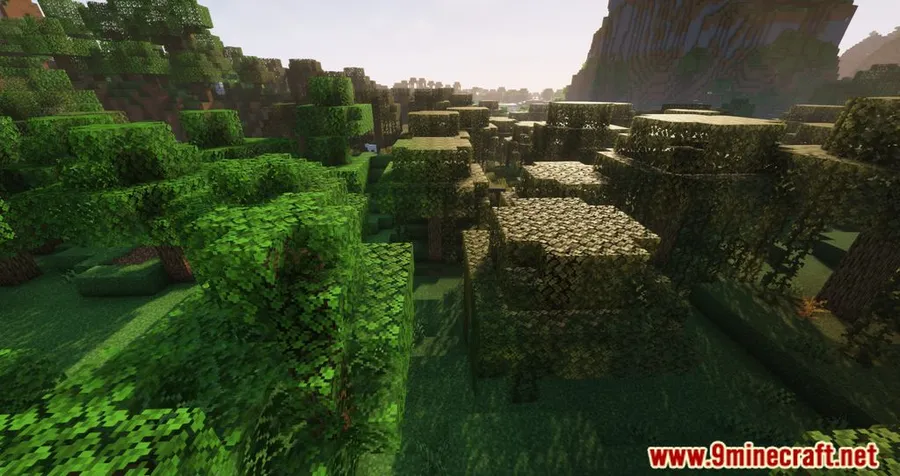
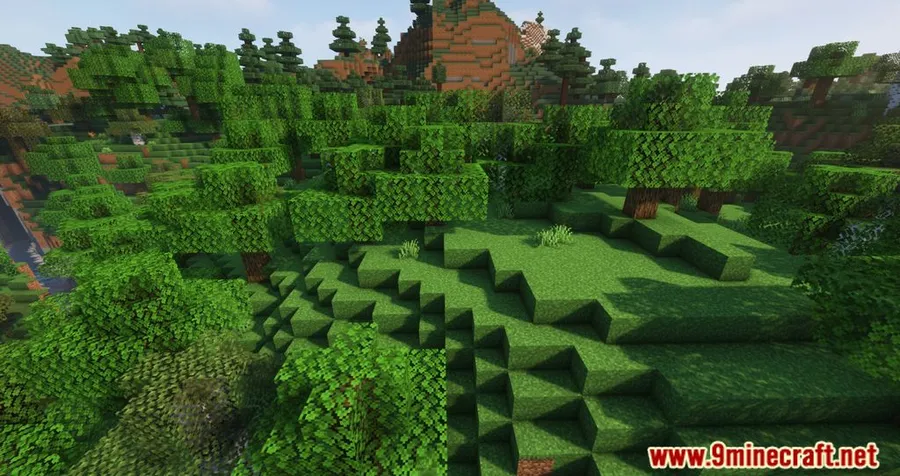
- Leaf Block Face Culling — The core function of Cull Leaves is removing internal leaf faces that are completely obscured by neighboring leaf blocks. This means your GPU spends time rendering only the surfaces you can actually see, which translates directly into higher framerates in tree-heavy areas. The visual result is nearly identical to vanilla during normal gameplay.
- Smart Leaves Recreation — This mod recreates the "Smart Leaves" feature found in OptiFine as a standalone, open-source alternative. Players who prefer a modular setup over OptiFine's all-in-one approach can get this specific optimization without committing to the full OptiFine package. It gives you the freedom to mix and match performance mods as you see fit.
- Full Sodium Compatibility — Cull Leaves is fully compatible with Sodium, the popular rendering engine replacement. Since many players already use Sodium for its massive performance improvements, having seamless compatibility means you can stack both mods together for even better framerates without worrying about conflicts or visual glitches.
- Multi-Loader Support — Whether you play on Fabric, Forge, NeoForge, or Quilt, Cull Leaves has you covered. The mod is built and maintained across all major mod loaders, so you do not need to switch your modding platform just to use it. This broad support also means it fits into virtually any modpack configuration.
- Compatible with Better Leaves Resourcepack — For players who use Motschen's own Better Leaves resource pack to give leaf blocks a more realistic bushy appearance, Cull Leaves works alongside it to keep performance in check. The resource pack adds visual complexity to leaves, and the culling mod ensures that extra detail does not tank your framerate.
- Works with Canvas and LambdaBetterGrass — Beyond Sodium, Cull Leaves is also compatible with other popular rendering and visual mods like Canvas Renderer and LambdaBetterGrass. This flexibility makes it a safe addition to almost any mod list without introducing compatibility headaches.
- Multiversion Build Environment — Starting with version 4.1.0, the mod uses a multiversion build system. This means Cull Leaves stays up to date across all relevant Minecraft versions simultaneously, so you are never stuck waiting for an update when a new Minecraft version drops.
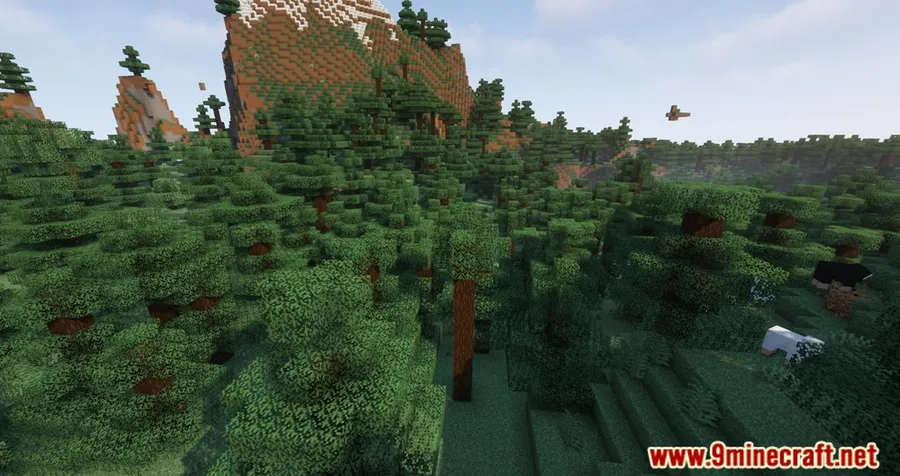
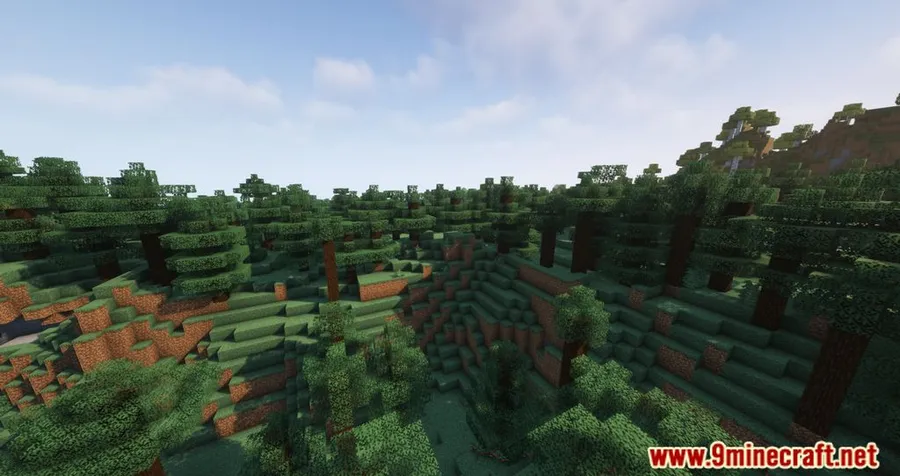
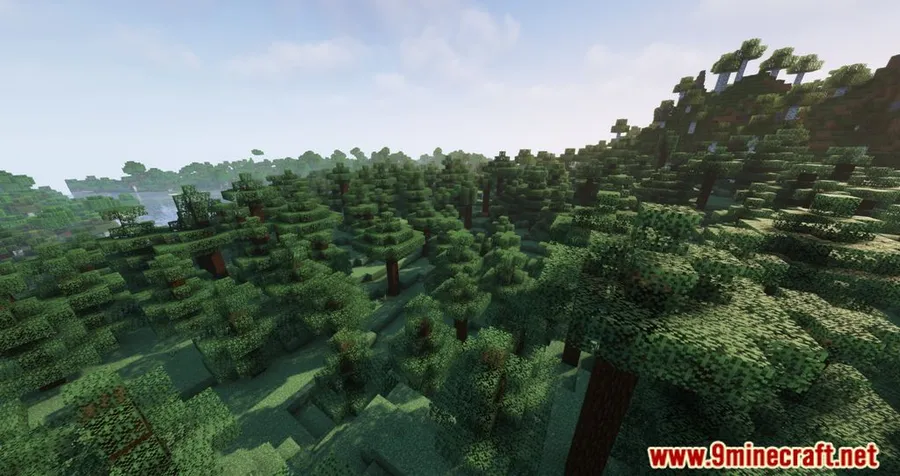
Screenshots
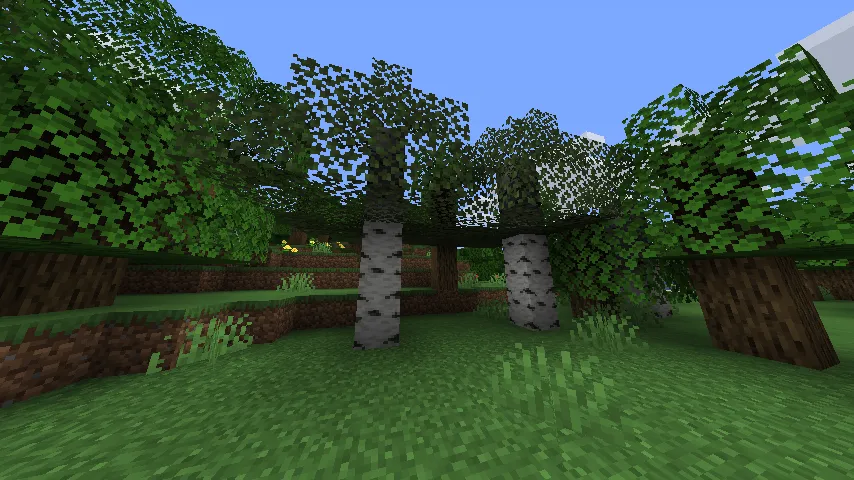
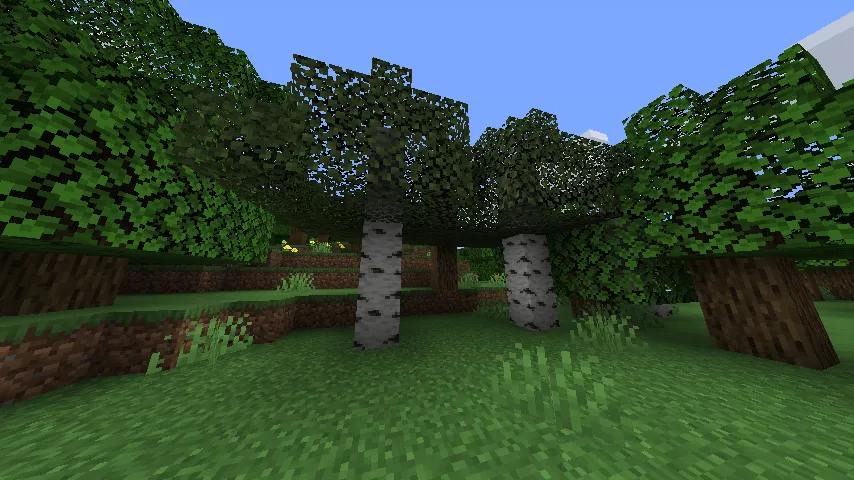
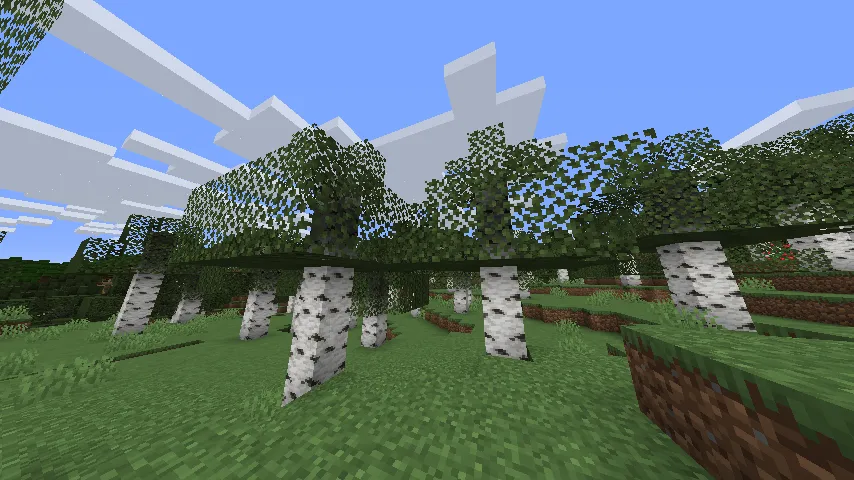
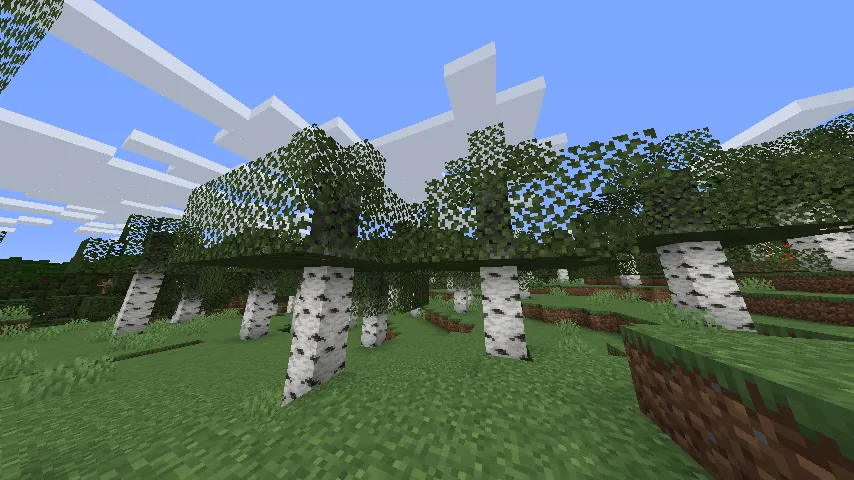
How to Install Cull Leaves
- Install your preferred mod loader. Choose Fabric, Forge, NeoForge, or Quilt depending on your setup.
- Download the correct Cull Leaves file for your Minecraft version and mod loader from the download section below.
- Place the downloaded
.jarfile into your.minecraft/modsfolder. If the folder does not exist, launch the game once with your mod loader profile to create it. - If you are using Fabric or Quilt, make sure you also have Fabric API installed, as many Fabric-based mods depend on it.
- Launch Minecraft with the appropriate mod loader profile. Leaf culling will be active immediately — no configuration needed.
Requirements & Compatibility
| Detail | Information |
|---|---|
| Mod Loaders | Fabric, Forge, NeoForge, Quilt |
| Minecraft Versions | 1.16.5 – 26.1 |
| Latest Version | 26.1, 1.21.11, 1.21.10, 1.21.9 |
| License | MIT (open source) |
| Author | Motschen |
| Compatible With | Sodium, Canvas, LambdaBetterGrass |
| Side | Client-side |
What's New
- v4.1.2: Ported to Minecraft 26.1, keeping the mod current with the latest game version.
- v4.1.1.1: Fixed a crash caused by an invalid identifier in the new Sodium compatibility layer.
- v4.1.1: Ported to 1.21.11 (Mounts of Mayhem), added support for Sodium 0.8.0, and updated MidnightLib to 1.9.2.
- v4.1.0: Introduced a multiversion build environment so the mod stays up to date across all relevant Minecraft versions simultaneously.
- v4.1.0: Migrated to Mojang mappings in preparation for upcoming non-obfuscated Minecraft releases.
Pros and Cons
Pros
- Noticeable FPS improvement in forested and jungle biomes
- Extremely lightweight with no complex configuration required
- Works across all four major mod loaders
- Fully compatible with Sodium and other popular rendering mods
- Open source under the MIT license
- Actively maintained with fast updates for new Minecraft versions
Cons
- Only affects leaf blocks, so the performance impact is limited to tree-heavy areas
- Looking through leaves at certain angles may appear slightly different than vanilla
- Redundant if you already use OptiFine with Smart Leaves enabled
Alternatives to Cull Leaves
- Sodium — A comprehensive rendering engine replacement that overhauls Minecraft's renderer for dramatically better performance across all areas, not just leaves.
- OptiFine — The classic all-in-one optimization mod that includes Smart Leaves along with dozens of other performance and visual features, though it is not open source.
- Entity Culling — Applies a similar culling concept to entities and block entities instead of leaves, skipping the rendering of objects hidden behind walls for additional FPS gains.
Download Cull Leaves
| Minecraft Version | Fabric | NeoForge | Quilt |
|---|---|---|---|
| For Minecraft 26.1 | Download | Download | Download |
| For Minecraft 1.21.11 | Download | Download | Download |
| For Minecraft 1.21.10 | Download | Download | Download |
| For Minecraft 1.21.9 | Download | Download | Download |
| For Minecraft 1.21.8 | Download | Download | Download |
| For Minecraft 1.21.7 | Download | Download | Download |
| For Minecraft 1.21.6 | Download | Download | Download |
| For Minecraft 1.21.5 | Download | Download | Download |
| For Minecraft 1.21.4 | Download | Download | Download |
| For Minecraft 1.21.3 | Download | Download | Download |
| For Minecraft 1.21.2 | Download | Download | Download |
| For Minecraft 1.21.1 | Download | Download | Download |
Always download mods from official sources to stay safe.
Frequently Asked Questions
Is Cull Leaves compatible with Sodium?
Yes — Cull Leaves is fully compatible with Sodium, including the latest Sodium 0.8.0. The two mods complement each other well since Sodium overhauls the rendering pipeline while Cull Leaves specifically targets hidden leaf block faces. You can safely use both together for maximum performance.
Does Cull Leaves work with OptiFine?
No — you do not need Cull Leaves if you use OptiFine, because OptiFine already includes the same feature under its "Smart Leaves" setting. Running both simultaneously is unnecessary and could potentially cause conflicts. Choose one or the other depending on your modding setup.
Will Cull Leaves change how my trees look?
No, not during normal gameplay. The mod only removes leaf faces that are hidden by other leaf blocks, so the exterior appearance of trees stays the same. You might notice a subtle difference if you clip inside a tree or look at leaves from very specific angles, but under regular play conditions the visual change is imperceptible.
Does Cull Leaves work on servers?
Yes — Cull Leaves is a client-side mod, so it only needs to be installed on your own game client. The server does not need the mod installed, and server administrators do not need to make any changes. This makes it safe to use on any server, including vanilla ones.
What Minecraft versions does Cull Leaves support?
Cull Leaves supports Minecraft 1.16.5 through 26.1, covering a wide range of versions. With the multiversion build system introduced in v4.1.0, the mod is updated across all supported versions simultaneously. Whether you play on older modpacks or the latest release, there is likely a compatible build available.


![[Let's Do] Meadow Mod (1.21.1) - thumbnail](http://mcinside.com/wp-content/uploads/2026/04/thumbnail-64-52x52.webp)


![Not Enough Recipe Book [NERB] Mod (1.21.11) - thumbnail](http://mcinside.com/wp-content/uploads/2026/04/thumbnail-63-52x52.webp)
