

Leaf rendering is one of those quiet performance drains that most players never think about — until their FPS tanks near a dense forest. Cull Less Leaves Reforged Mod tackles this by preventing Minecraft from wasting resources on leaf blocks that are completely hidden behind other leaves, delivering roughly 9% better performance according to the developer. With over 2.4 million downloads on Modrinth, it has quickly become a go-to optimization mod for Forge players looking to squeeze more frames out of heavily wooded biomes.
Key Features
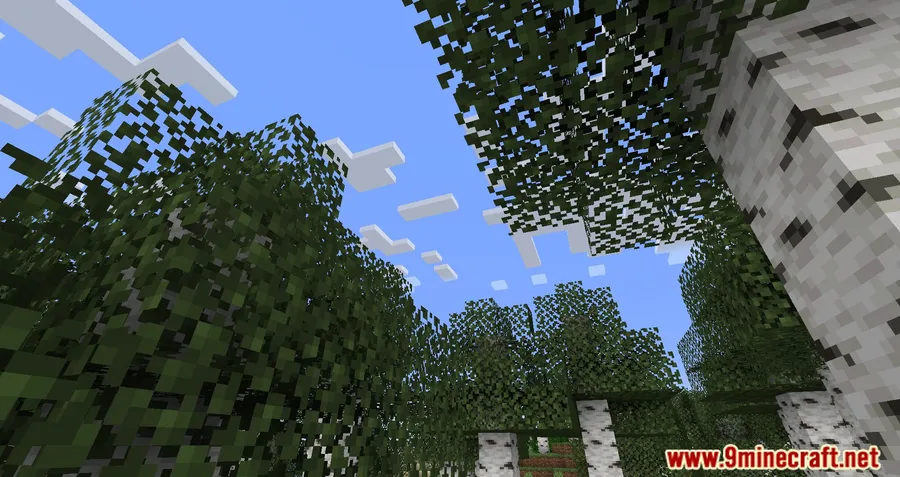
- High-Performance Mode — Renders only the outermost visible leaf block in each direction, making tree canopies appear more transparent but significantly cutting down on GPU workload. Ideal for lower-end systems where every frame matters.
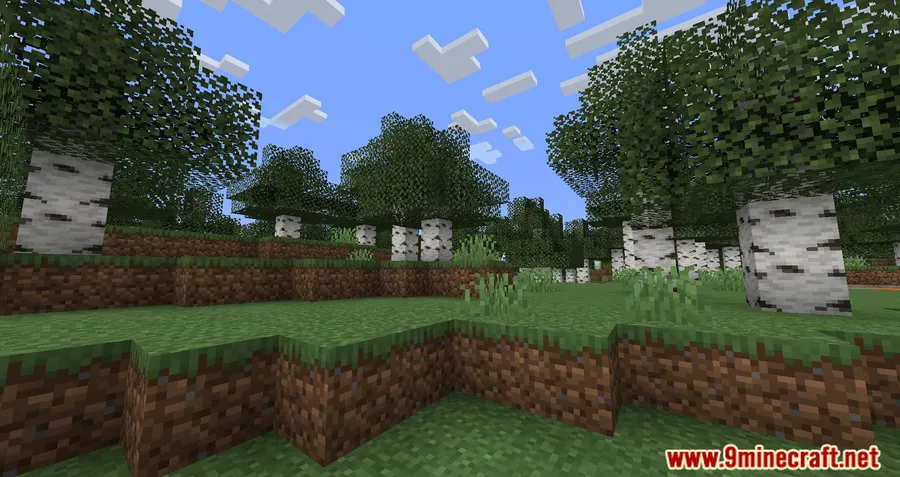
- Realistic Mode — Strikes a balance between visual quality and performance by reducing unnecessary leaf calculations while keeping foliage looking natural. This is the recommended setting for most players who want optimization without noticeable visual changes.
- Smart Culling Logic — Rather than removing leaves entirely, the mod intelligently skips rendering calculations for blocks that are fully obscured, so trees still look full from the outside.
Screenshots


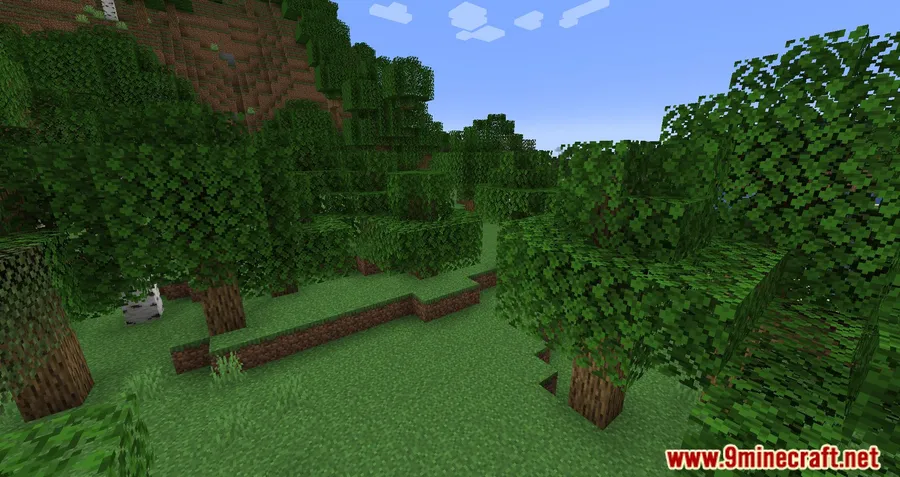
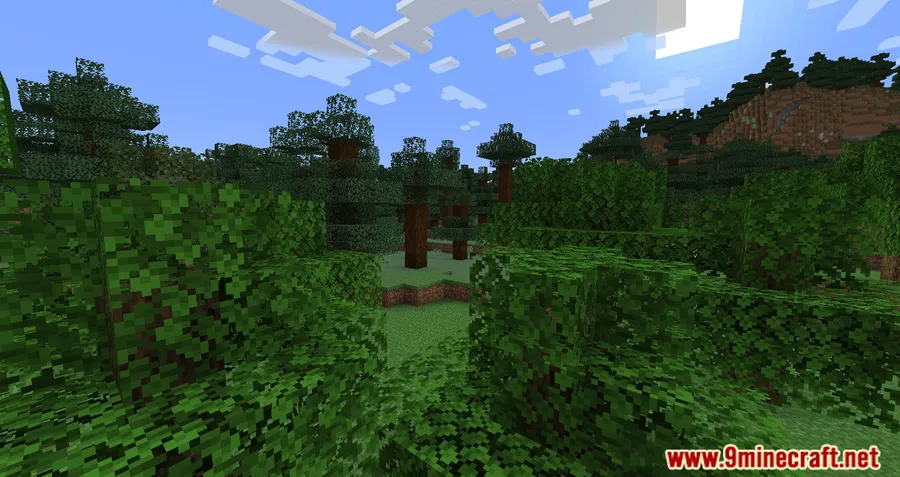
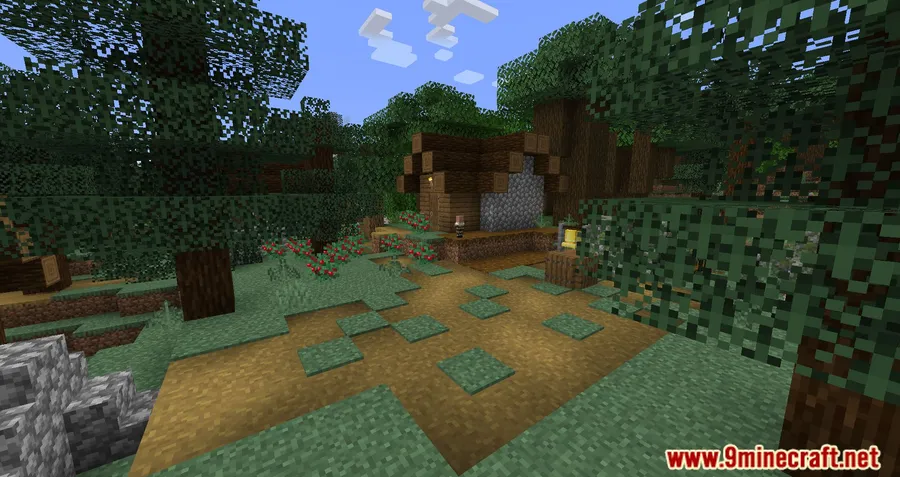
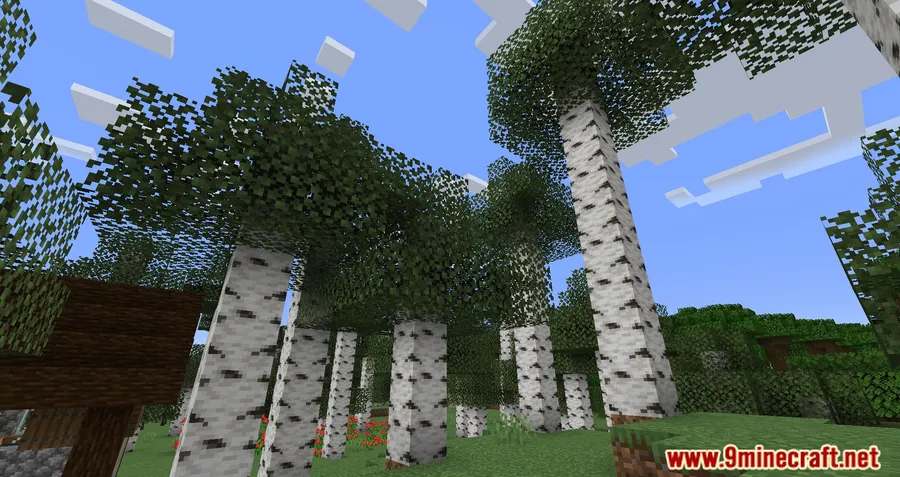
How to Install
- Download and install Minecraft Forge for your Minecraft version.
- Download the Cull Less Leaves Reforged file matching your game version from the link below.
- Place the downloaded
.jarfile into your.minecraft/modsfolder. - Launch Minecraft with the Forge profile and the mod will activate automatically.
Requirements
| Requirement | Details |
|---|---|
| Mod Loader | Forge |
| Dependencies | Minecraft Forge |
| Minecraft Versions | 1.20.2, 1.20.1, 1.19.2, 1.18.2 |
Pros & Cons
Pros
- Noticeable FPS improvement in leaf-heavy areas without removing visual detail
- Two rendering modes let you choose between maximum performance and visual fidelity
- Lightweight and appears to work alongside other optimization mods
- Open-source under LGPL-3.0, with active GitHub repository
Cons
- Forge-only — no Fabric or NeoForge support available
- Not updated beyond 1.20.2, which may limit use on newer Minecraft versions
- High-Performance mode makes trees look noticeably more transparent, which may not suit all players
Download
Always download mods from official sources to stay safe.
What's New
- Updated mod compatibility to support Minecraft 1.20 and 1.20.1
- Forge version updated to align with the latest 1.20.x Forge builds
- General stability improvements for the new Minecraft version
FAQ
Does Cull Less Leaves Reforged work with OptiFine or other optimization mods?
The mod is designed as a standalone leaf rendering optimizer for Forge. While many players report using it alongside other performance mods, compatibility with OptiFine or similar tools is not explicitly confirmed by the developer — test in your own setup to be sure.
What is the difference between High-Performance and Realistic mode?
High-Performance mode renders only the outermost visible leaf block, which makes trees look more see-through but gives the biggest FPS boost. Realistic mode reduces calculations while keeping leaves looking closer to vanilla, offering a subtler performance gain.
Can I use this mod on a Fabric or NeoForge setup?
No, Cull Less Leaves Reforged is built exclusively for Minecraft Forge. If you play on Fabric, you may want to look into the original Cull Leaves mod, which was designed for that loader.


![CobbleDollars [Cobblemon Addon] Mod (1.21.1) - thumbnail](http://mcinside.com/wp-content/uploads/2026/04/thumbnail-108-52x52.webp)

![[Let's Do] Farm & Charm Mod (1.21.1) - thumbnail](http://mcinside.com/wp-content/uploads/2026/04/thumbnail-82-52x52.webp)


![[Let's Do] Candlelight - Farm&Charm compat Mod (1.21.1) - thumbnail](http://mcinside.com/wp-content/uploads/2026/04/thumbnail-81-52x52.webp)

