
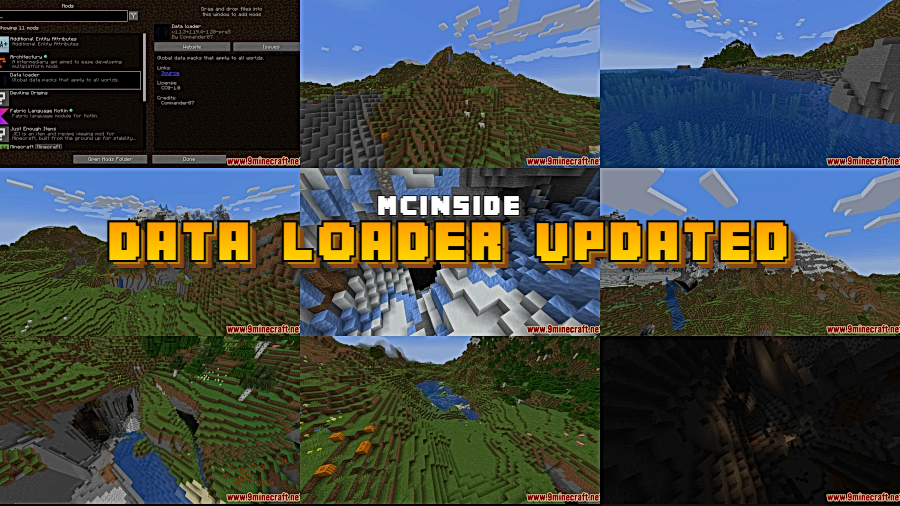
Managing datapacks across multiple Minecraft worlds has always been a tedious chore — copying files from one save folder to another every time you create a new world. Data Loader Updated Mod eliminates that hassle entirely by introducing a single, centralized datapacks folder in your game directory. Drop your datapacks in once, and they automatically apply to every existing and future world. With over 248,000 downloads on Modrinth and active development since late 2021, this lightweight utility by Commander0716 has become a go-to solution for players who rely heavily on datapacks for custom recipes, world generation tweaks, or gameplay overhauls.
Key Features
- Centralized datapacks folder — Adds a dedicated datapacks directory inside your .minecraft folder, so all your datapacks live in one organized location instead of being scattered across individual world saves.
- Automatic application across worlds — Every datapack you place in the folder applies to all worlds automatically, including worlds you haven't created yet. No more forgetting to copy a datapack when starting a fresh survival run.
- Zero manual file management — Removes the repetitive process of navigating into each world's datapacks subfolder. Install once, play everywhere.
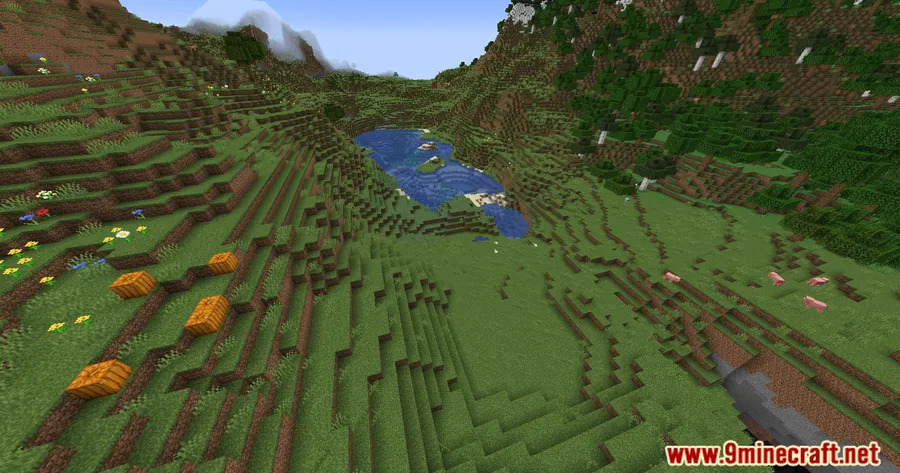
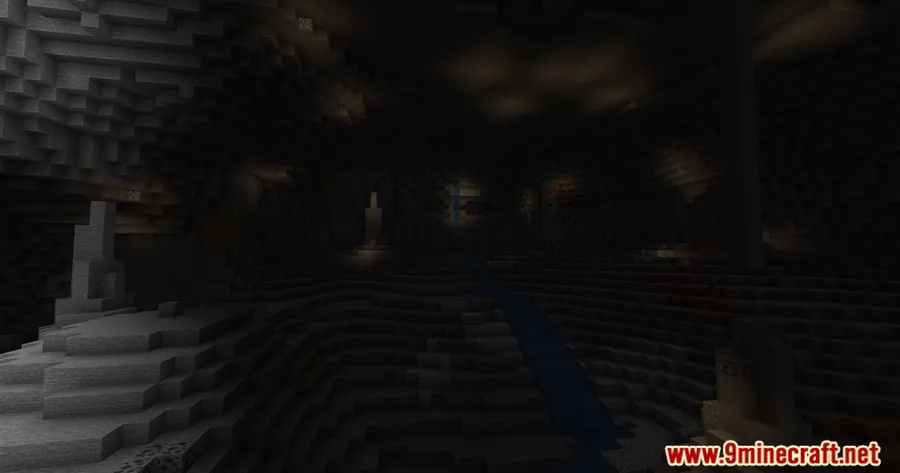
Screenshots
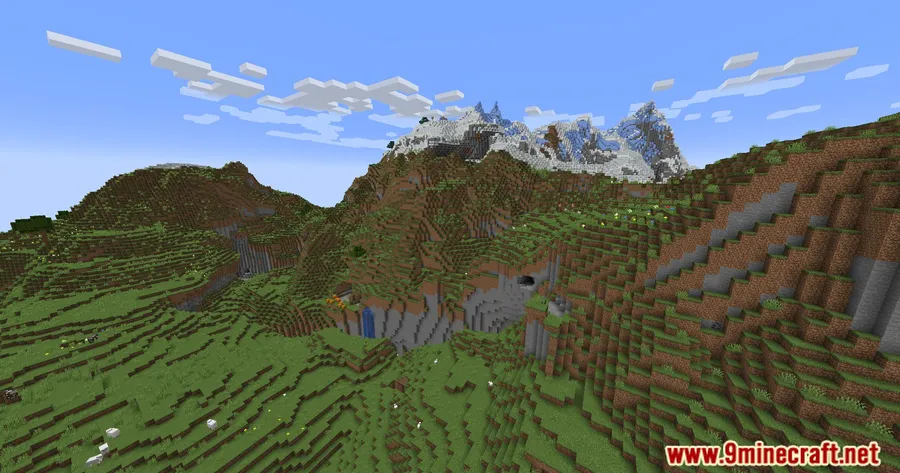
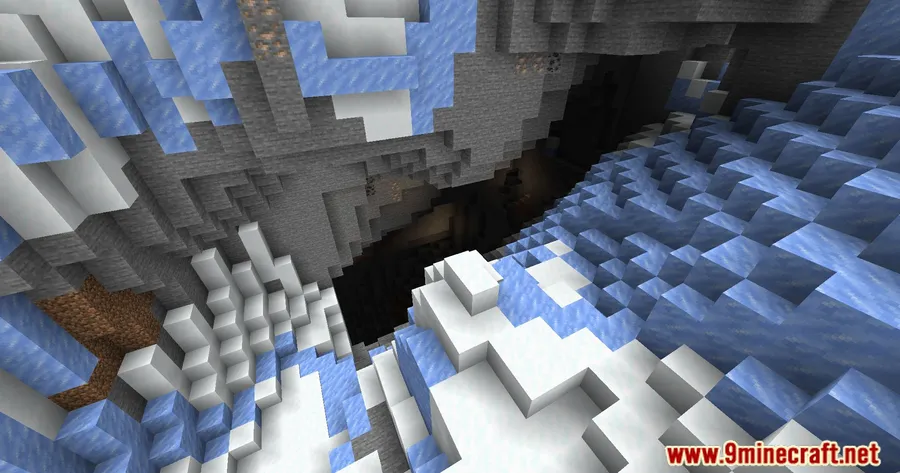
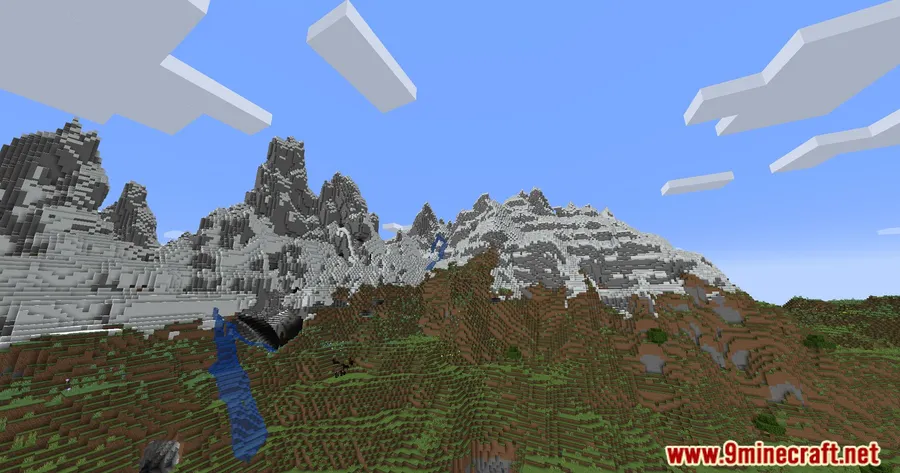
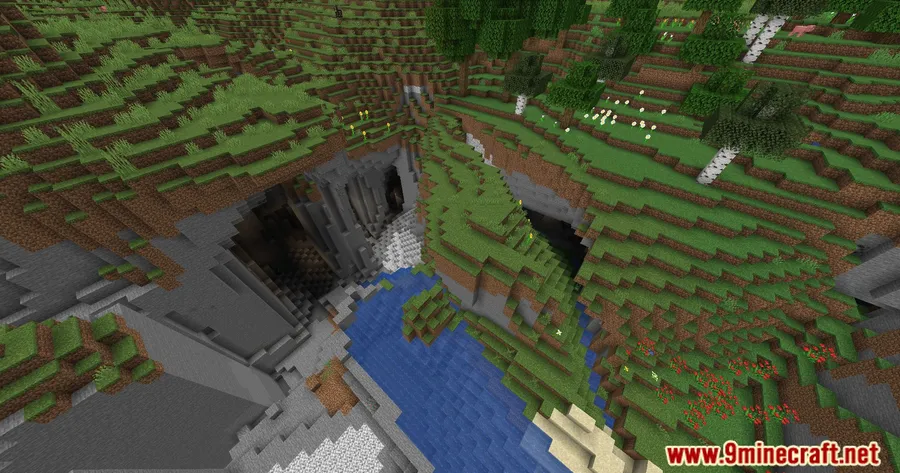

How to Install
- Download and install Fabric Loader (or Quilt Loader) for your Minecraft version.
- Download Fabric API and place it in your
modsfolder. - Download the Data Loader Updated Mod file matching your Minecraft version from the links below.
- Place the downloaded
.jarfile into your.minecraft/modsfolder. - Launch Minecraft with the Fabric profile — a new
datapacksfolder will appear in your game directory.
Requirements
| Mod Loader | Dependencies | Minecraft Versions |
|---|---|---|
| Fabric, Quilt | Fabric API, Fabric Modloader, Quilt Loader | 26.1, 1.21.11, 1.21.10, 1.21.9, 1.21.8, 1.21.7, 1.21.6, 1.21.5, 1.21.4, 1.21.3, 1.21.1, 1.20.6, 1.20.5, 1.20.4, 1.20.3, 1.20.2, 1.20.1, 1.19.4, 1.19.3, 1.18.1 |
Pros & Cons
Pros
- Saves significant time when using multiple datapacks across several worlds
- Works with both Fabric and Quilt mod loaders
- Broad version support spanning from 1.18.1 all the way to 26.1
- Open-source under the Apache-2.0 license, with an active GitHub repository
- Appears to be lightweight — a simple utility that adds folder-based datapack loading without complex overhead
Cons
- Requires Fabric API as a dependency — not a standalone mod
- No Forge or NeoForge support available
- No built-in way to exclude specific worlds from the global datapacks
Download
Always download mods from official sources to stay safe.
What's New
- Updated to support Minecraft 1.21 and its subsequent releases
- Continued compatibility maintained across the broad range of supported versions
- The mod remains actively maintained with the latest update published in August 2024
FAQ
Do datapacks in the global folder override world-specific datapacks?
The mod loads datapacks from the centralized folder alongside any world-specific datapacks. If two datapacks modify the same data, standard Minecraft datapack priority rules apply.
Can I use Data Loader Updated with Quilt instead of Fabric?
Yes. The mod officially supports both Fabric Modloader and Quilt Loader, so you can use whichever you prefer. Just make sure you also have Fabric API installed, as it's a required dependency for both loaders.
Does this mod work on multiplayer servers?
The mod is tagged as a server utility, so it can be installed on a dedicated server to apply datapacks globally across all worlds on that server. Players connecting to the server do not need the mod installed on their client.





![[Let's Do] Meadow Mod (1.21.1) - thumbnail](http://mcinside.com/wp-content/uploads/2026/04/thumbnail-64-52x52.webp)


![Not Enough Recipe Book [NERB] Mod (1.21.11) - thumbnail](http://mcinside.com/wp-content/uploads/2026/04/thumbnail-63-52x52.webp)

