

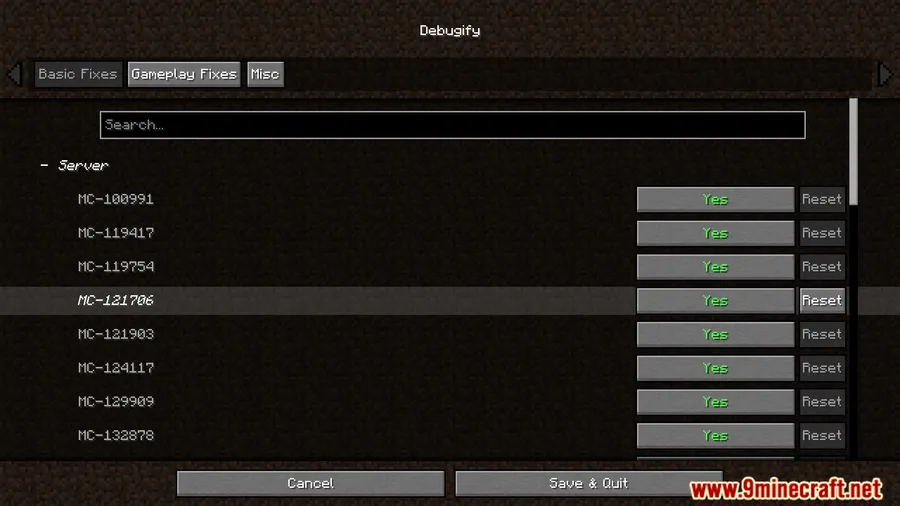
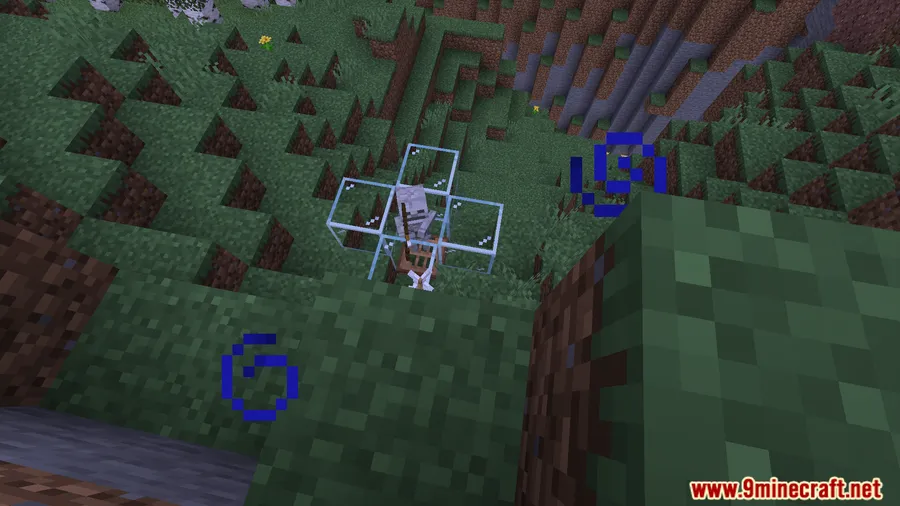
Tired of random glitches breaking your builds or mobs behaving oddly? Debugify Reforged Mod tackles exactly that — a community-driven bugfix mod that patches known Minecraft issues Mojang hasn't addressed yet. With over 23 million downloads across its versions, it's become one of the most trusted stability mods in the ecosystem. Whether you're a casual player frustrated by visual artifacts or a modder building content packs, Debugify Reforged gives you a cleaner, more predictable Minecraft experience.
Key Features
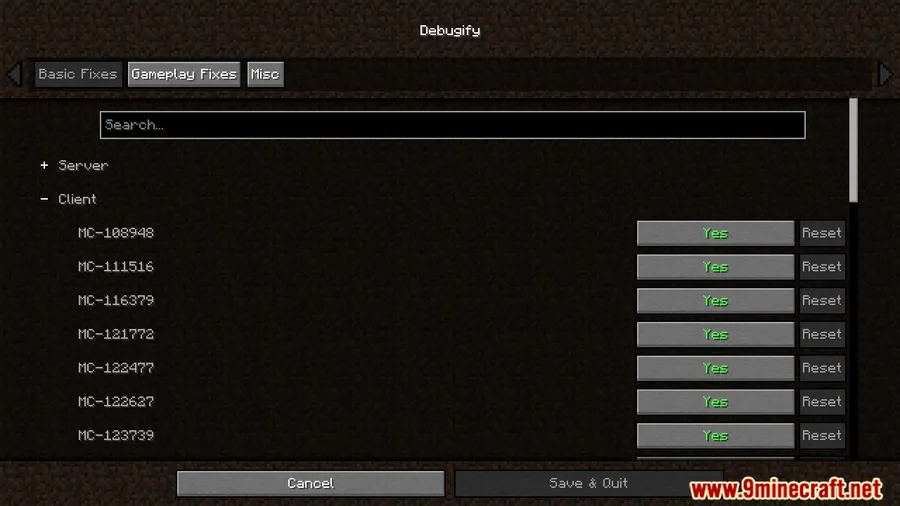
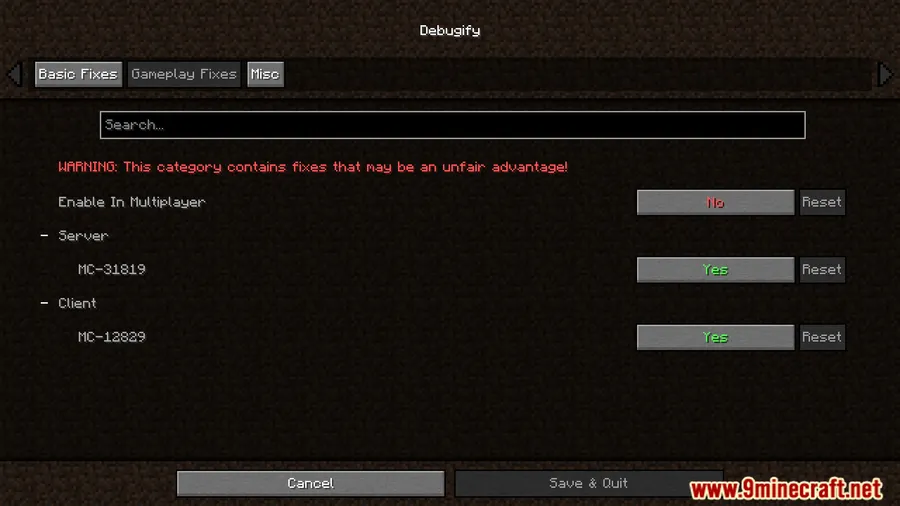
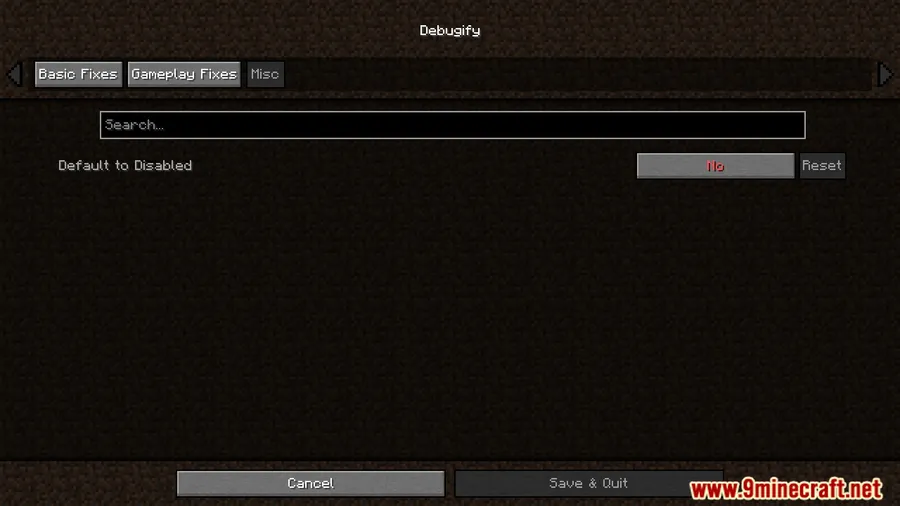
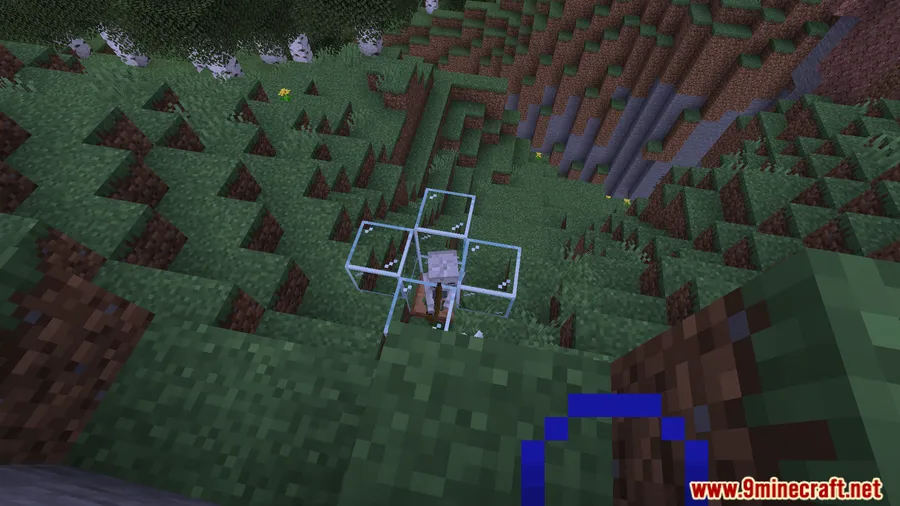
- Gameplay Stability Fixes — Resolves common in-game issues that cause crashes, visual bugs, or unexpected behavior, so you spend less time troubleshooting and more time playing.
- Debugging & Error Tools — Provides utilities that help players and modders identify and fix errors faster, making it easier to track down what's going wrong in your world.
- Glitch Reduction — Targets known glitches and edge cases to make Minecraft more reliable overall, especially useful for long play sessions or complex modpacks.
Screenshots


How to Install
- Download and install Minecraft Forge for version 1.19.2.
- Download and install the Cloth Config API dependency.
- Download the Debugify Reforged Mod file from the link below.
- Place the downloaded
.jarfile into your.minecraft/modsfolder. - Launch Minecraft with the Forge profile and verify the mod loads correctly.
Requirements
| Mod Loader | Dependencies | Minecraft Versions |
|---|---|---|
| Forge | Cloth Config API | 1.19.2 |
Pros & Cons
Pros
- Fixes bugs that Mojang hasn't patched yet, improving day-to-day gameplay
- Massively popular with over 23 million downloads — well-tested by the community
- Useful for both regular players and modpack developers
- Open source under LGPL-3.0 license — transparent and trustworthy
Cons
- Only available for Forge on 1.19.2 — no Fabric support in this version
- Requires Cloth Config API as an additional dependency
- Fixed bugs may overlap with other bugfix mods in large modpacks
Download
Always download mods from official sources to stay safe.
What's New
- Updated to support Minecraft 1.21.1 in the latest mainline release (version 1.0).
- Removed bug fixes that have been officially patched by Mojang in vanilla Minecraft.
- Clean slate release — as is standard with major 1.0 versions, the fix list has been refreshed.
- Continued partnership with BisectHosting for community server support.
FAQ
What does Debugify Reforged actually fix?
Debugify Reforged patches various known Minecraft bugs related to gameplay stability, visual glitches, and unexpected behavior. It focuses on issues that Mojang hasn't officially resolved yet.
Is Debugify Reforged compatible with other mods?
It's designed to work alongside other Forge mods. Since it primarily fixes vanilla bugs, it generally doesn't conflict with content mods — though in large modpacks, some fixes may overlap with other bugfix mods.
Do I need Cloth Config API to use this mod?
Yes, Cloth Config API is a required dependency. Make sure to install it in your mods folder alongside Debugify Reforged before launching the game.


![[Let's Do] Meadow Mod (1.21.1) - thumbnail](http://mcinside.com/wp-content/uploads/2026/04/thumbnail-64-52x52.webp)


![Not Enough Recipe Book [NERB] Mod (1.21.11) - thumbnail](http://mcinside.com/wp-content/uploads/2026/04/thumbnail-63-52x52.webp)
