
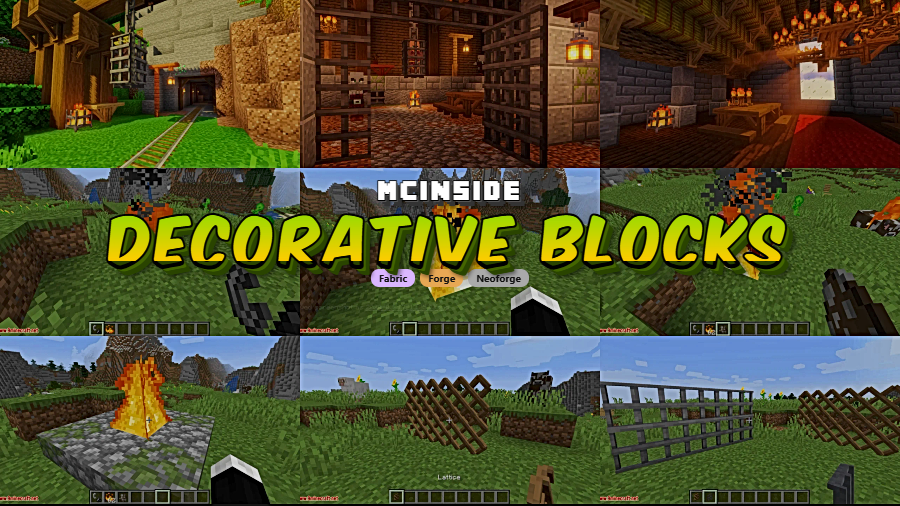
Decorative Blocks Mod brings a carefully crafted collection of rustic decoration blocks that blend seamlessly with Minecraft's vanilla aesthetic — something surprisingly rare among decoration mods. With over 4 million downloads on Modrinth, it's become a go-to choice for builders who want bonfires, chandeliers, wooden palisades, stone pillars, and climbable chains without breaking the game's visual identity. From cozy campfire setups to grand medieval halls, these blocks fill the gaps that vanilla Minecraft has left open for years.
Key Features
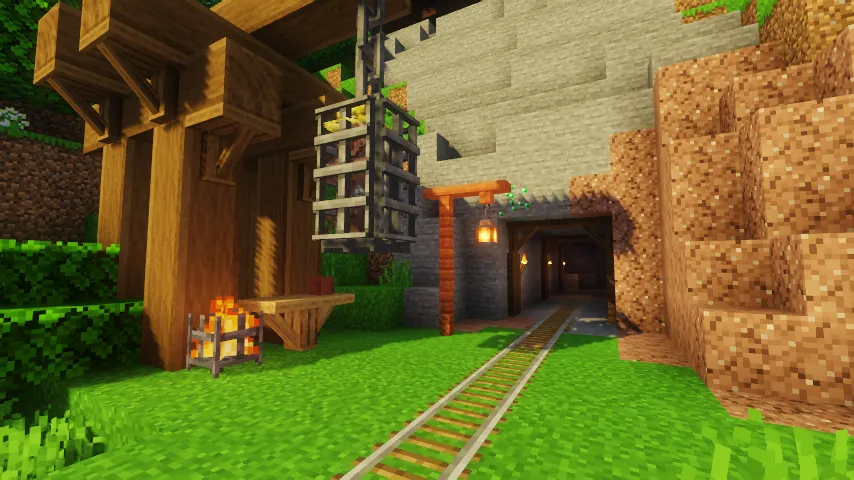
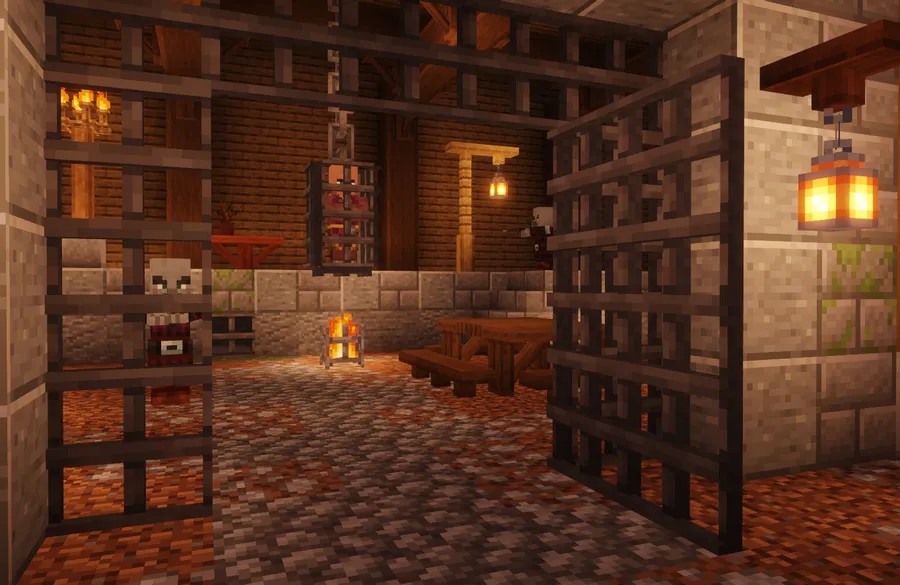
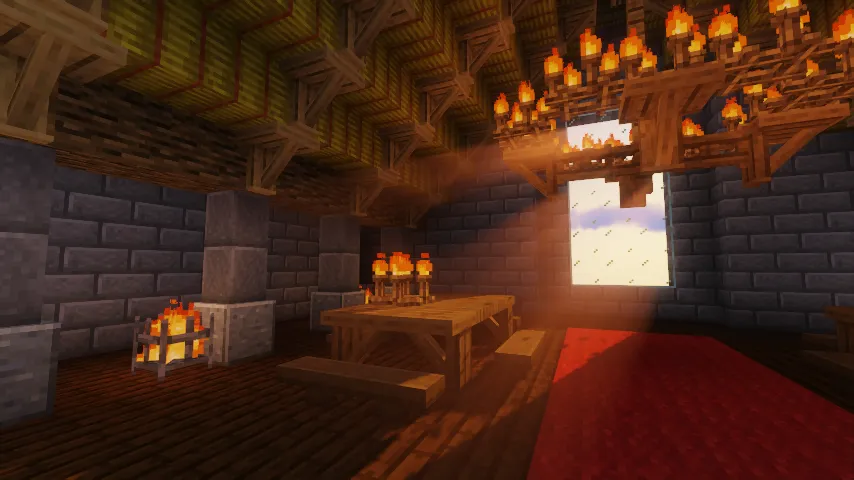
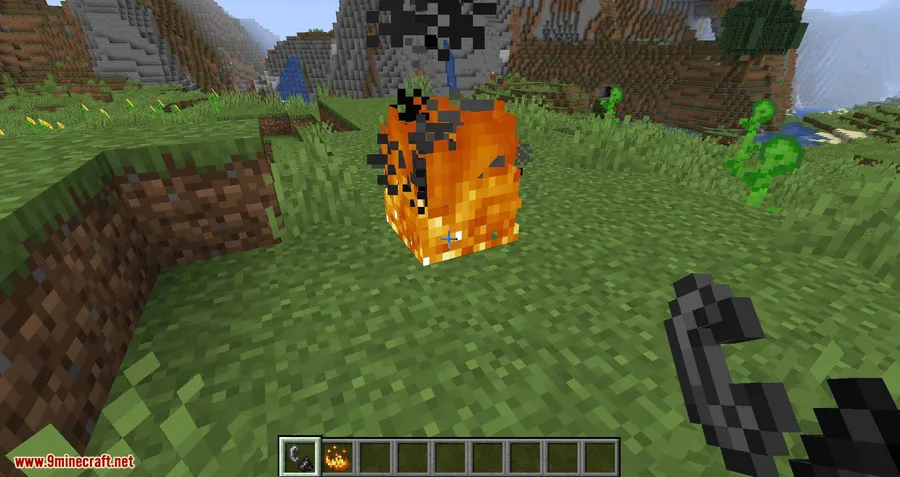
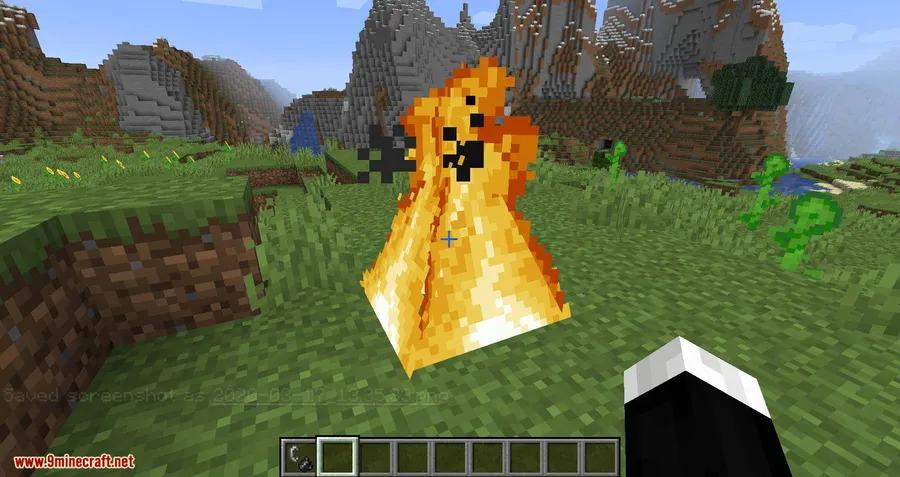
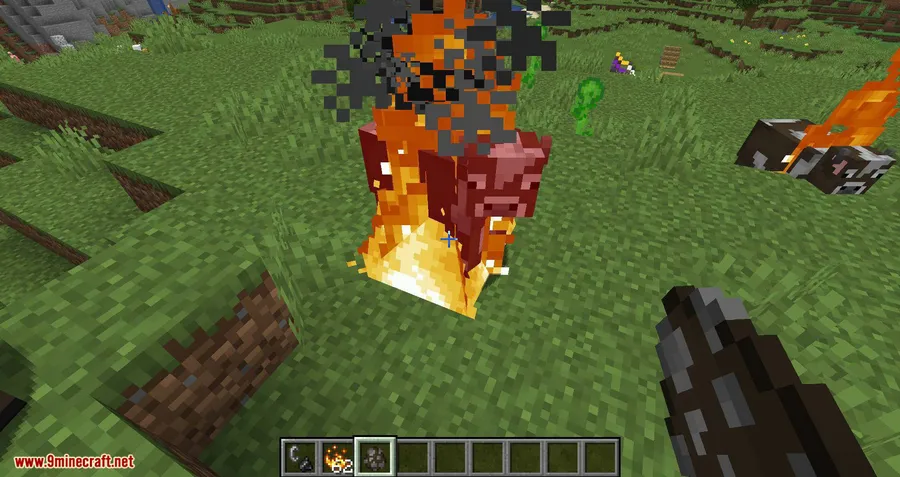
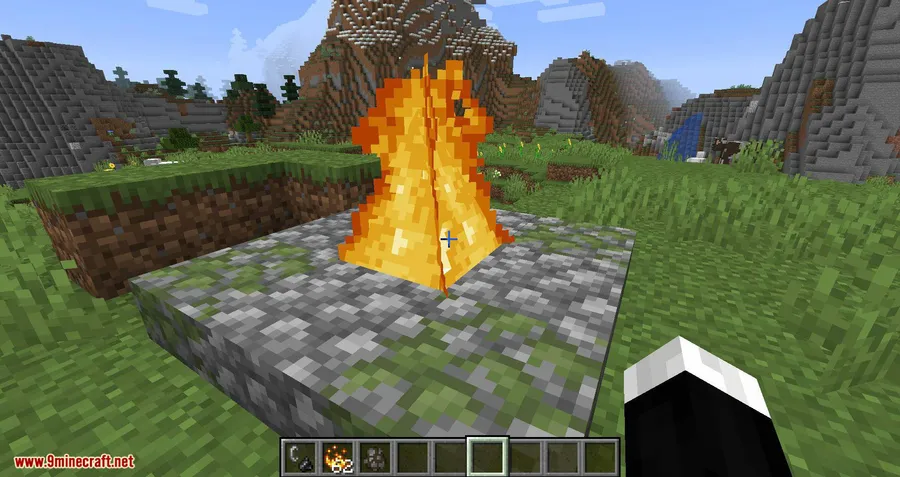
- Bonfire — Toss blaze powder into fire to ignite it, with a configurable activator item for modpack creators
- Thatch Blocks — Cut open a hay bale with shears to produce thatch, a fluid-like roofing material perfect for rustic builds
- Wooden Palisades & Supports — Sturdy fence-like posts and structural supports available in all wood types
- Wooden Beam Blocks — Exposed timber beams for half-timbered houses and medieval frameworks, designed by community member u/ksym_
- Brazier & Chandelier — Atmospheric lighting options; chandeliers are reverse-craftable with 4 torches
- Rocky Dirt — A natural-looking dirt and stone blend for paths and trails, reverse-craftable with 4 dirt
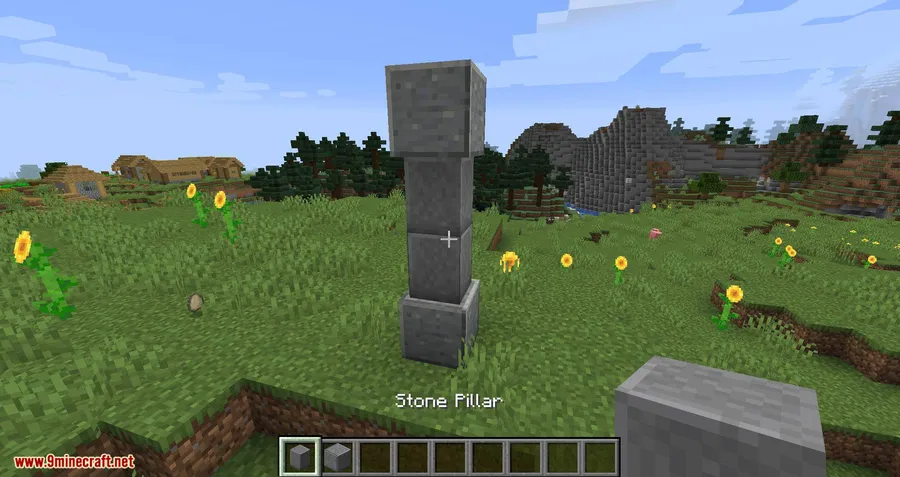
- Stone Pillar — Clean stone columns for temples, ruins, and grand entryways
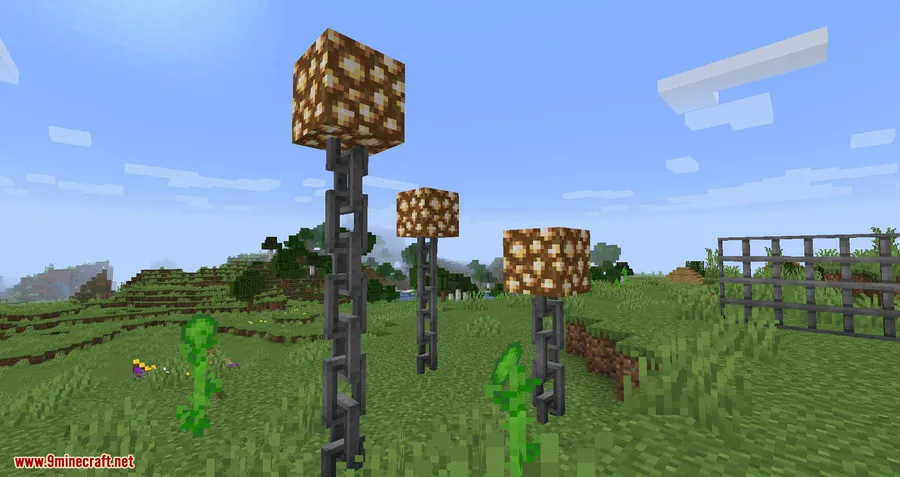
- Big Chain — Oversized chains that players can climb, great for drawbridges and dungeon builds
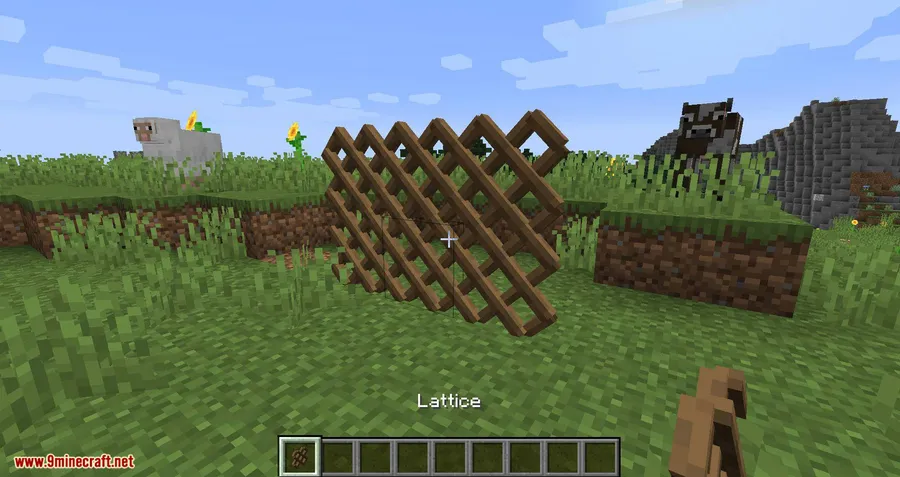
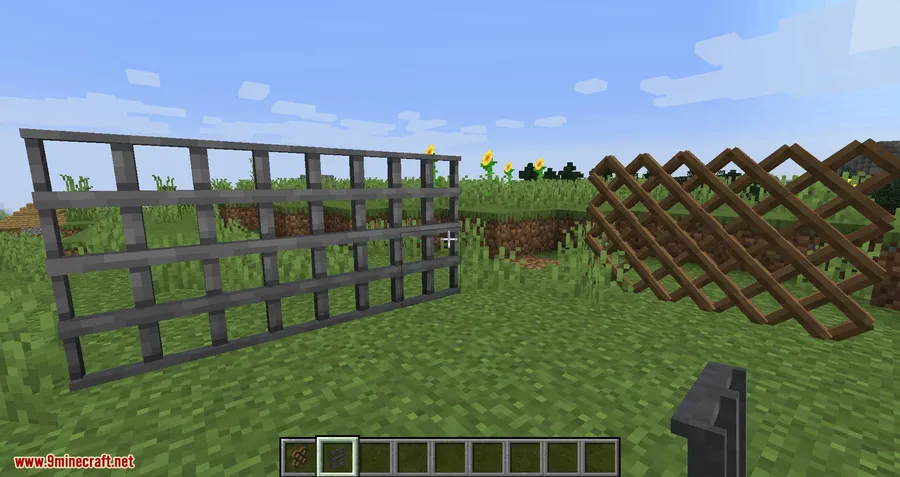
- Bar Panel & Lattice — Trapdoor-style panels for windows, prison cells, and ventilation shafts
- Wooden Seats — Right-click to sit down, adding functional furniture without any extra mods
- Biomes O' Plenty Integration — Built-in support for BOP wood types in the main mod
- Decorative Blocks Compat — Extended support for Bloomful, Druidcraft, The Midnight, Traverse, and Upgrade Aquatic
Screenshots
How to Install
- Download and install Minecraft Forge, NeoForge, or Fabric for your Minecraft version.
- Download the Decorative Blocks Mod file matching your loader and game version.
- Open your Minecraft directory and navigate to the
modsfolder (create it if it doesn't exist). - Drop the downloaded
.jarfile into themodsfolder. - Launch Minecraft with your modded profile and the blocks will be available in the creative menu or through crafting.
Requirements
| Requirement | Details |
|---|---|
| Mod Loader | Forge, NeoForge, or Fabric |
| Dependencies | Minecraft Forge |
| Minecraft Versions | 1.20.4, 1.20.1, 1.20, 1.19.2, 1.18.2, 1.18.1, 1.17.1, 1.16.5, 1.15.2, 1.14.4 |
Pros & Cons
Pros
- Blocks match Minecraft's vanilla art style perfectly — no jarring textures
- Functional elements like sittable seats and climbable chains add gameplay value
- Wide version support from 1.14.4 all the way to 1.20.4
- Available on Forge, NeoForge, and Fabric — covers all major mod loaders
- Built-in Biomes O' Plenty compatibility without needing extra addons
- Open-source (MIT license) with active development
Cons
- Focused on rustic and medieval styles — limited options for modern or futuristic builds
- Some addon compatibility (Druidcraft, The Midnight) targets older mod versions that may no longer be updated
- No NeoForge/Fabric support for versions older than 1.17.1
Download
Always download mods from official sources to stay safe.
What's New
- 1.20.4 Support (v5.0.0): Full update for both Fabric and NeoForge on Minecraft 1.20.4
- Recipe Fixes: Dirt from rocky dirt recipe and chain crafting recipe have been restored in v5.0.1 and v5.0.2
- Tag Fixes: Seat, palisade, and support block tags now work correctly
- Cherry & Bamboo Blocks: The 1.20.1 update (v4.0.0) added Cherry and Bamboo wood variants for all applicable blocks
- Improved Compatibility: Bonfire activators now use item tags (
decorative_blocks:bonfire_activators), and tool interactions use proper item tags for better cross-mod support
FAQ
Can you sit on the wooden seats in Decorative Blocks?
Yes — simply right-click any wooden seat to sit down. They work as functional furniture without requiring any additional mods or configuration.
Does Decorative Blocks work with Fabric?
Decorative Blocks supports Fabric from Minecraft 1.17.1 onward. For versions 1.14.4 through 1.16.5, only Forge is available.
Is the Big Chain climbable like a ladder?
Yes, the Big Chain block is climbable. You can use it as a functional alternative to ladders in builds like drawbridges, castle gates, or dungeon shafts.


![[Let's Do] Meadow Mod (1.21.1) - thumbnail](http://mcinside.com/wp-content/uploads/2026/04/thumbnail-64-52x52.webp)


![Not Enough Recipe Book [NERB] Mod (1.21.11) - thumbnail](http://mcinside.com/wp-content/uploads/2026/04/thumbnail-63-52x52.webp)


