

Vanilla Minecraft's difficulty settings feel limited — you're stuck with Peaceful, Easy, Normal, or Hard, and none of them truly push experienced players. Difficulty Choose Mod solves this by introducing a custom difficulty selection screen when creating a new world, complete with a Nightmare mode that ramps up mob health, damage, and aggression far beyond what vanilla offers. Originally built for the Ascendra Modpack, this lightweight Forge mod gives you real control over how punishing your survival experience gets.
Key Features
- Four difficulty tiers — Choose between Easy, Normal, Hard, and Nightmare right from the world creation screen, each with distinct gameplay changes.
- Scaled mob stats — Mob health and damage scale with your chosen difficulty. Harder settings mean tankier, deadlier enemies that hit noticeably harder.
- Smarter mob behavior — Mobs become more or less aggressive depending on difficulty, changing how you approach combat and base defense.
- Change difficulty anytime — Use the
/difficultyuicommand to switch difficulty after world creation without needing to restart your world. - Built for Ascendra Modpack — Designed as a companion mod for Ascendra, though it functions as a standalone Forge mod for 1.20.x.
Screenshots


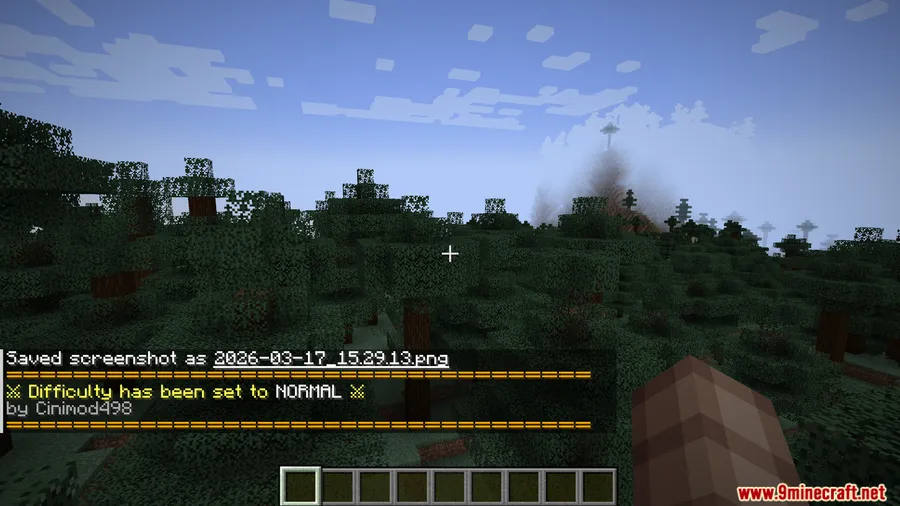
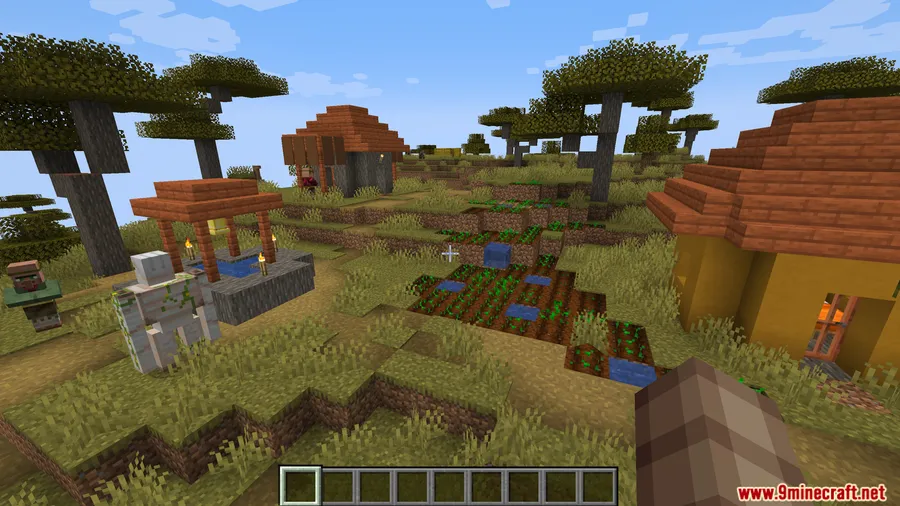
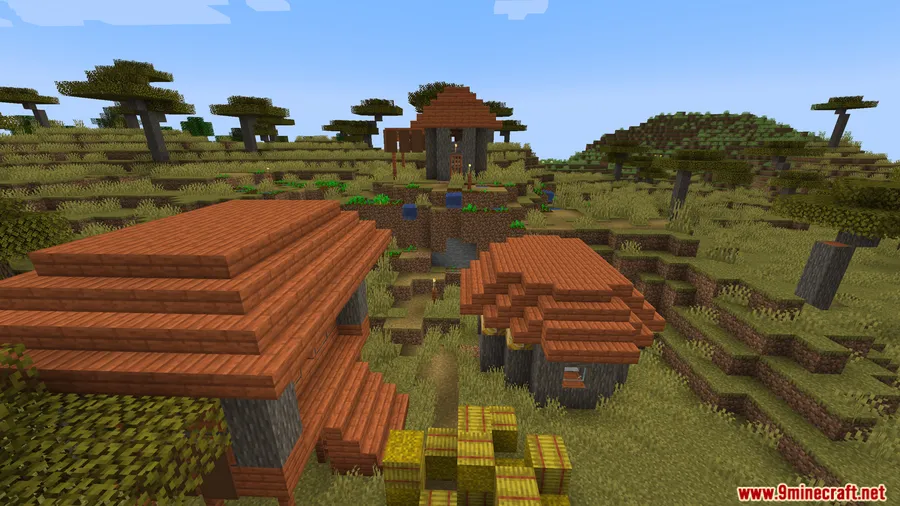
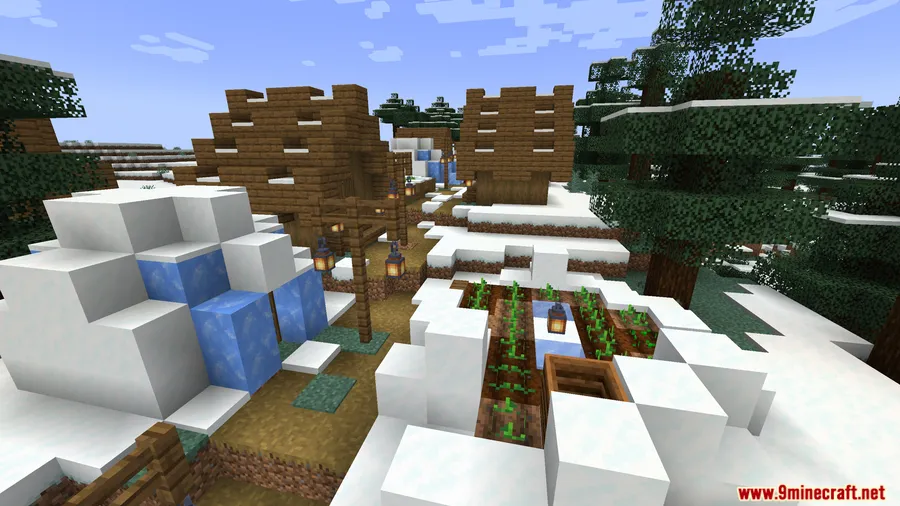
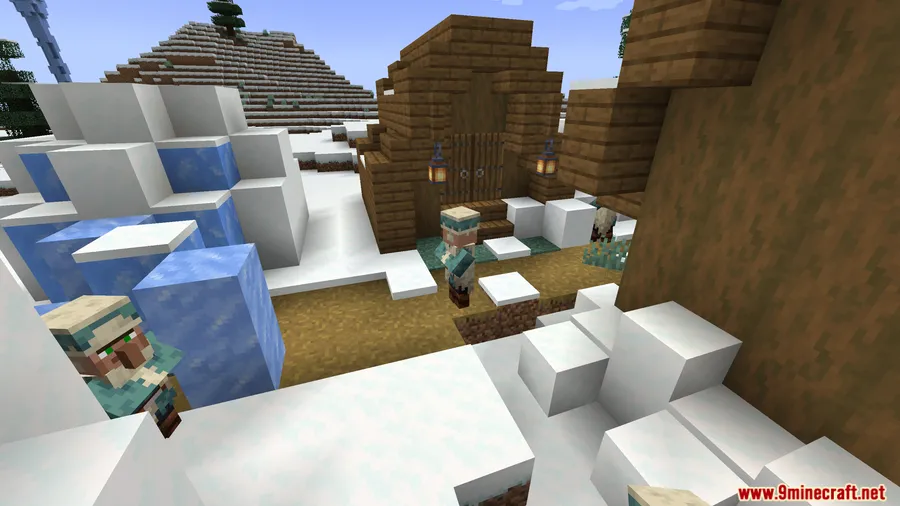
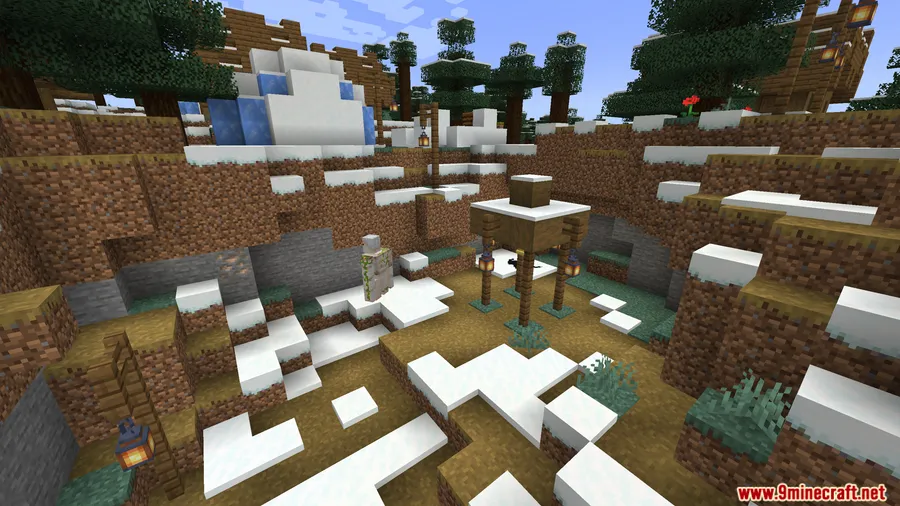
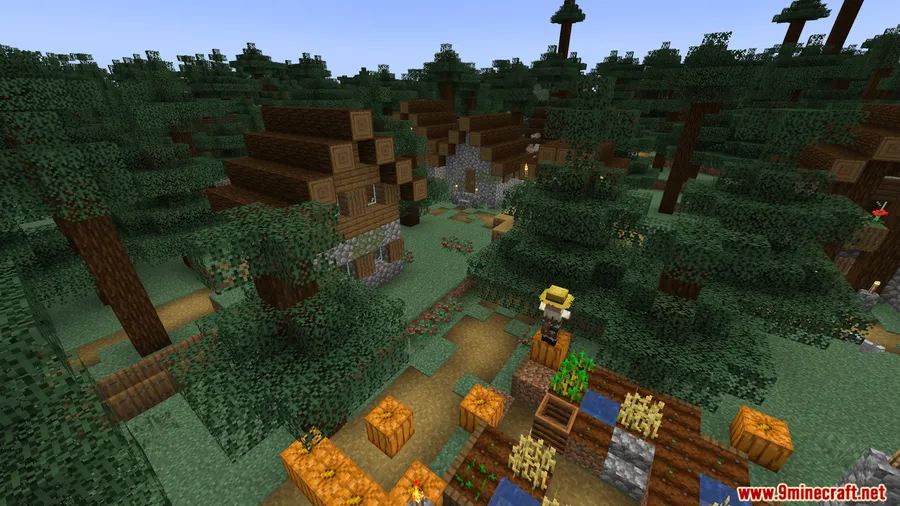
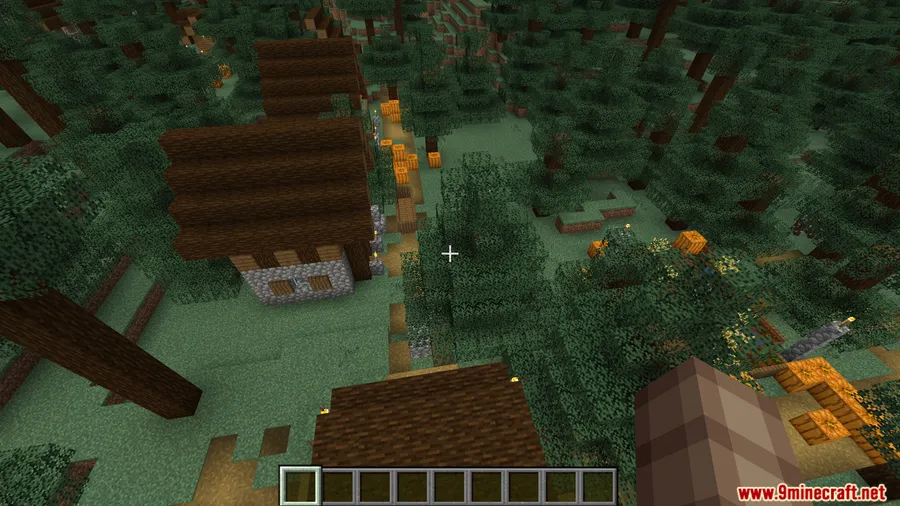
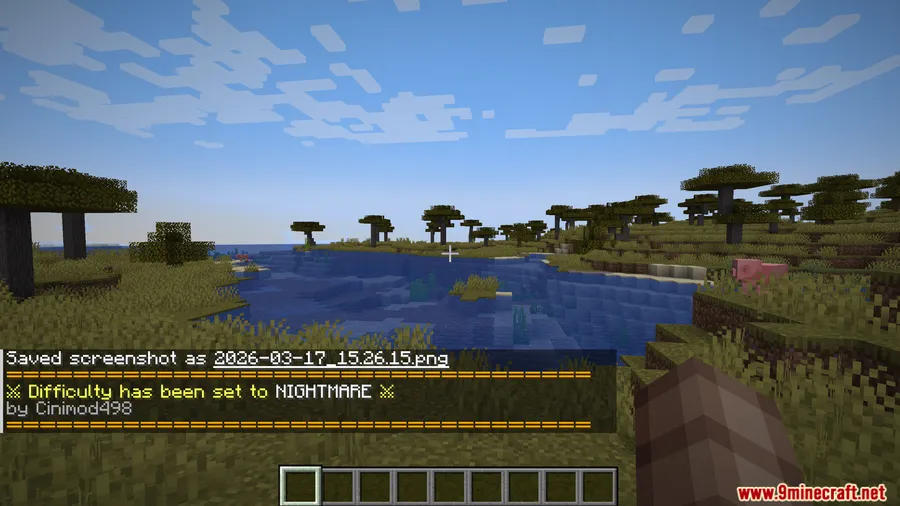
How to Install
- Download and install Minecraft Forge for version 1.20.1 or 1.20.
- Download the Difficulty Choose Mod file from the link below.
- Place the downloaded
.jarfile into your.minecraft/modsfolder. - Launch Minecraft with the Forge profile and create a new world to see the difficulty selection screen.
Requirements
| Requirement | Details |
|---|---|
| Mod Loader | Forge |
| Dependencies | None |
| Minecraft Version | 1.20.1, 1.20 |
Pros & Cons
Pros
- Adds a true Nightmare difficulty that vanilla Minecraft lacks
- Simple to use — pick difficulty at world creation or change it anytime with a command
- No restart required when switching difficulty mid-game
- Appears to be lightweight with no additional dependencies beyond Forge
Cons
- No config file — you cannot customize individual difficulty parameters
- Only available for Forge, no Fabric or NeoForge support
- Limited to Minecraft 1.20.x with no newer version updates confirmed
- Originally tailored for Ascendra Modpack, so some settings may feel specific to that pack
Download
Always download mods from official sources to stay safe.
FAQ
Can I change the difficulty after I already created my world?
Yes. Use the /difficultyui command in-game to open the difficulty selection screen and switch to a different level without restarting your world.
What does Nightmare difficulty actually change?
Nightmare increases mob health and damage beyond vanilla Hard mode and makes mobs behave more aggressively. The exact scaling values are built into the mod with no config to adjust them.
Does Difficulty Choose Mod work with other mods or just Ascendra?
While it was originally made for the Ascendra Modpack, the mod works as a standalone Forge mod on any 1.20.1 or 1.20 installation. Compatibility with other mods that modify mob stats may vary.


![[Let's Do] Meadow Mod (1.21.1) - thumbnail](http://mcinside.com/wp-content/uploads/2026/04/thumbnail-64-52x52.webp)


![Not Enough Recipe Book [NERB] Mod (1.21.11) - thumbnail](http://mcinside.com/wp-content/uploads/2026/04/thumbnail-63-52x52.webp)


