
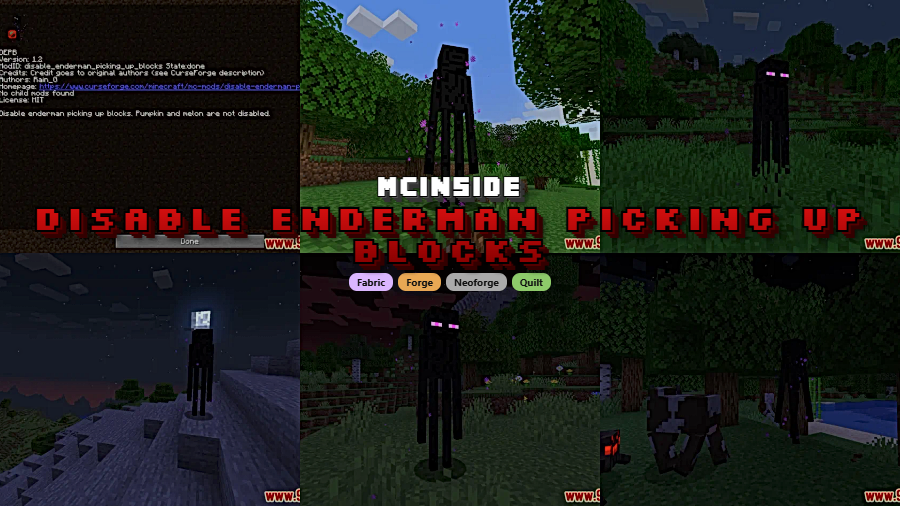
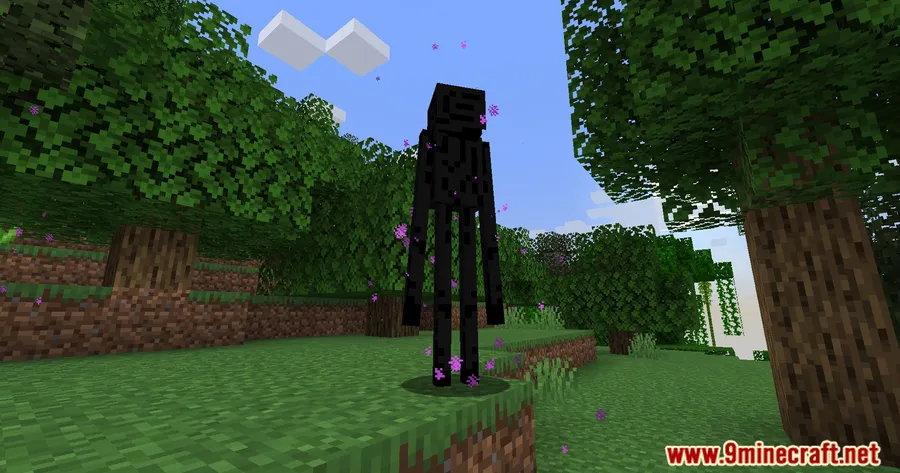
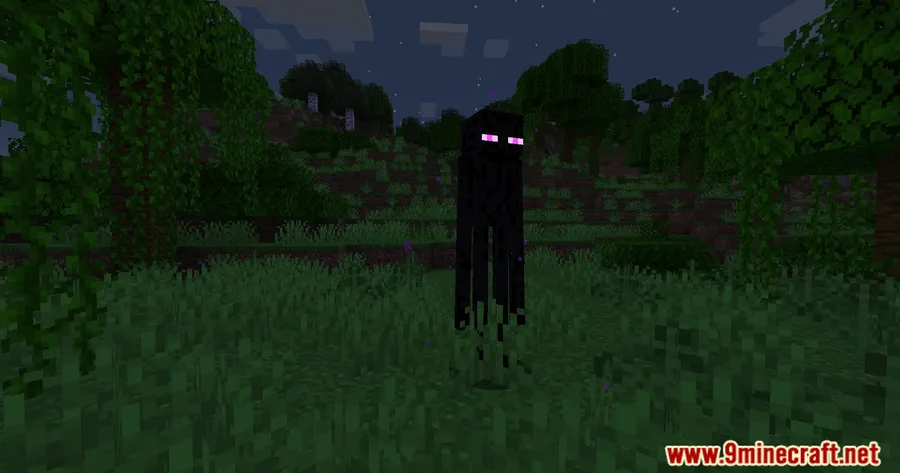
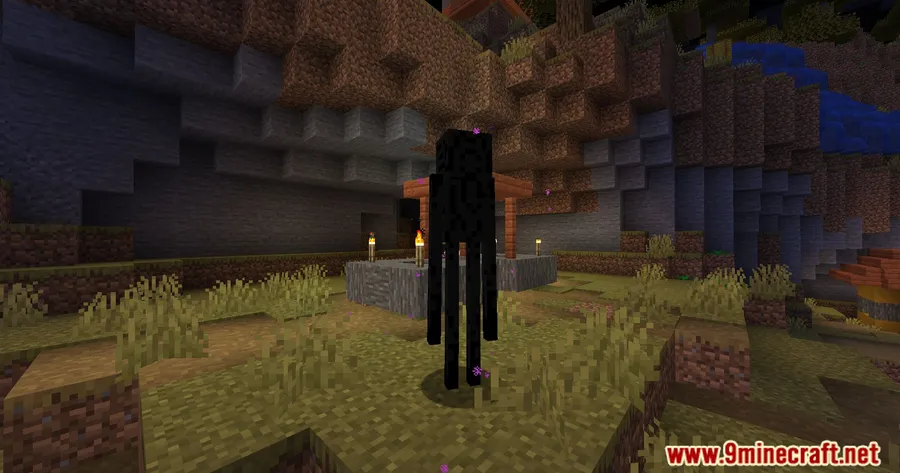
Few things are more frustrating than logging into your Minecraft world only to find that Endermen have rearranged your carefully placed landscape overnight. Disable Enderman Picking Up Blocks Mod solves this problem by preventing Endermen from grabbing and relocating blocks across your world. With a simple config file, you stay in full control of which blocks remain protected — and which ones Endermen can still interact with for gameplay balance.
Key Features
- Full Block Protection — Stops Endermen from picking up blocks entirely, keeping your builds, terrain, and redstone setups exactly where you left them.
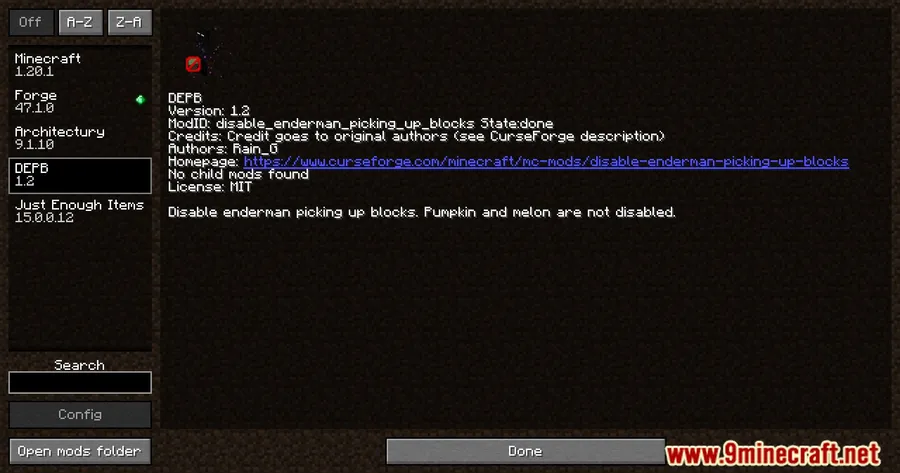
- Smart Exceptions for Balance — Pumpkins and melons are intentionally left pickable, preserving a touch of vanilla behavior and keeping farm interactions intact.
- Configurable Block List — Fine-tune exactly which blocks Endermen can or cannot pick up through a straightforward
config.ymlfile, giving you granular control without touching any code.
Screenshots
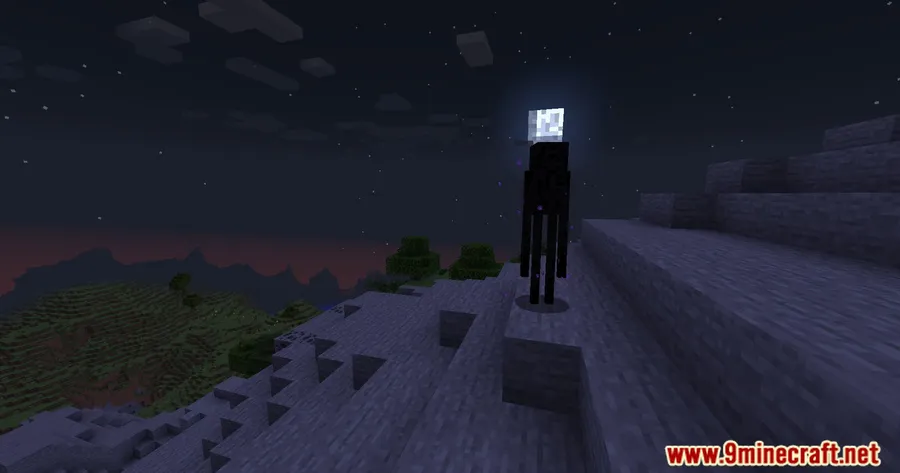
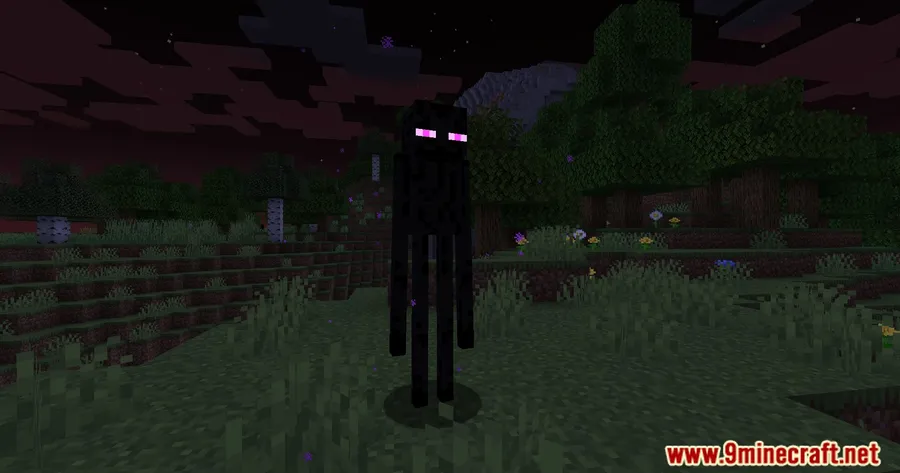
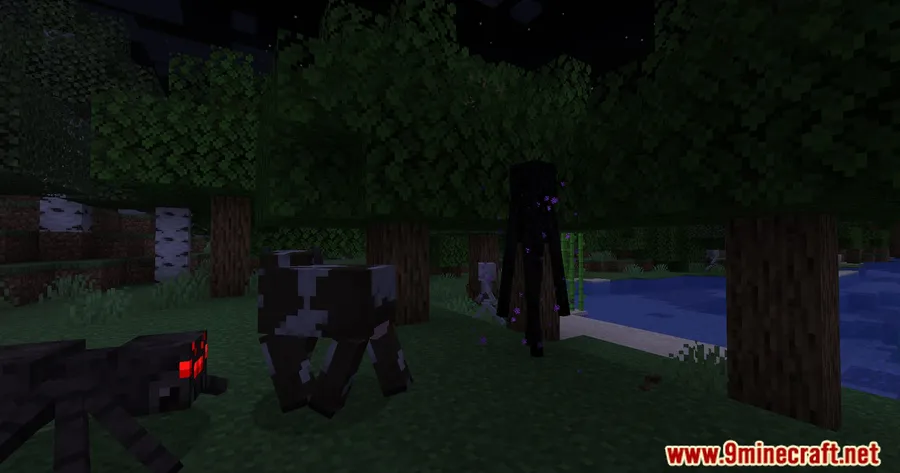
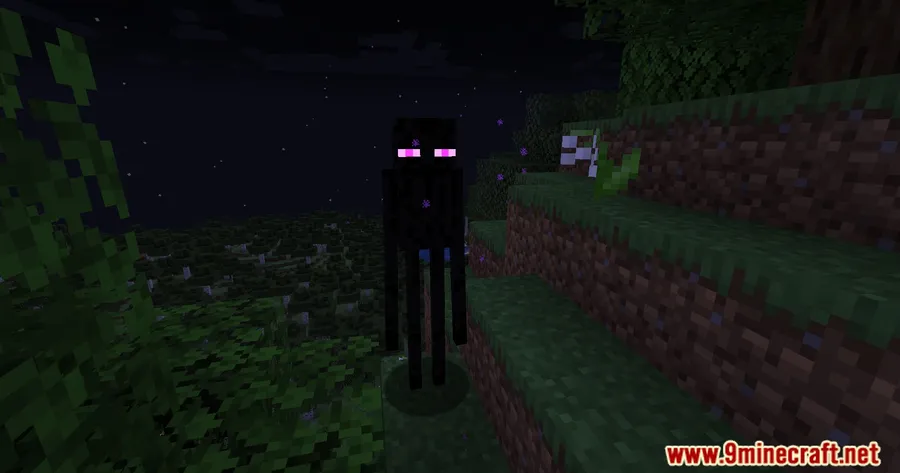
How to Install
- Download and install the required mod loader (Forge, Fabric, NeoForge, or Quilt) for your Minecraft version.
- If using Fabric, make sure you also have the Fabric API installed.
- Download the Disable Enderman Picking Up Blocks Mod file for your Minecraft version.
- Place the downloaded
.jarfile into your.minecraft/modsfolder. - Launch Minecraft and adjust block permissions in
config.ymlif needed.
Requirements
| Requirement | Details |
|---|---|
| Mod Loader | Forge, Fabric, NeoForge, or Quilt |
| Dependencies | Fabric API (for Fabric users), Quilt Loader (for Quilt users) |
| Minecraft Version | 1.18.2 – 1.21.11 |
Pros & Cons
Pros
- Appears to be lightweight — no complex systems or heavy processing involved
- Highly configurable through a simple config file
- Supports all major mod loaders (Forge, Fabric, NeoForge, Quilt)
- Wide version range from 1.18.2 to 1.21.11
Cons
- Changes vanilla mob behavior, which may not suit purist players
- Pumpkin and melon exceptions are hardcoded and may not appeal to everyone
- Requires manual config editing to customize block lists — no in-game GUI
Download
Always download mods from official sources to stay safe.
FAQ
Can I choose specific blocks for Endermen to still pick up?
Yes. The mod includes a config.yml file where you can customize exactly which blocks Endermen are allowed to pick up and which ones are protected.
Why can Endermen still pick up pumpkins and melons?
This is an intentional design choice by the mod author. Pumpkins and melons are left pickable for balance and thematic reasons, keeping some vanilla interaction intact.
Does this mod work with Fabric and Forge at the same time?
The mod supports Forge, Fabric, NeoForge, and Quilt, but you need to download the correct version for your specific mod loader. You cannot use a Forge version on a Fabric installation or vice versa.




![Not Enough Recipe Book [NERB] Mod (1.21.11) - thumbnail](http://mcinside.com/wp-content/uploads/2026/04/thumbnail-63-52x52.webp)


