

Ever lost an important command or message because Minecraft wiped your chat history after a relog? Don't Clear Chat History Mod solves that frustration by preserving your entire chat log — including sent messages and commands — even after disconnecting or restarting the game. With over 387,000 downloads on Modrinth since its 2021 release, this lightweight utility has become a quiet favorite among players who rely heavily on commands or want to keep track of server conversations across sessions.
Key Features
- Persistent Chat History — All chat messages and previously sent commands are saved between sessions. Press the up arrow key after relogging to scroll through everything you typed before, no more losing your last-used commands.
- Minimal Footprint — Built as a simple one-mixin mod, it hooks into the chat system without adding bloat or complexity. It appears to be lightweight and does one thing well.
- Manual Clear Option — Need a fresh start? Press CTRL+D to manually clear your chat history at any time (available on versions 1.16 and newer).
- Wide Version Support — Compatible with Minecraft versions ranging from 1.7.10 all the way up to 26.1, covering both legacy and modern releases.
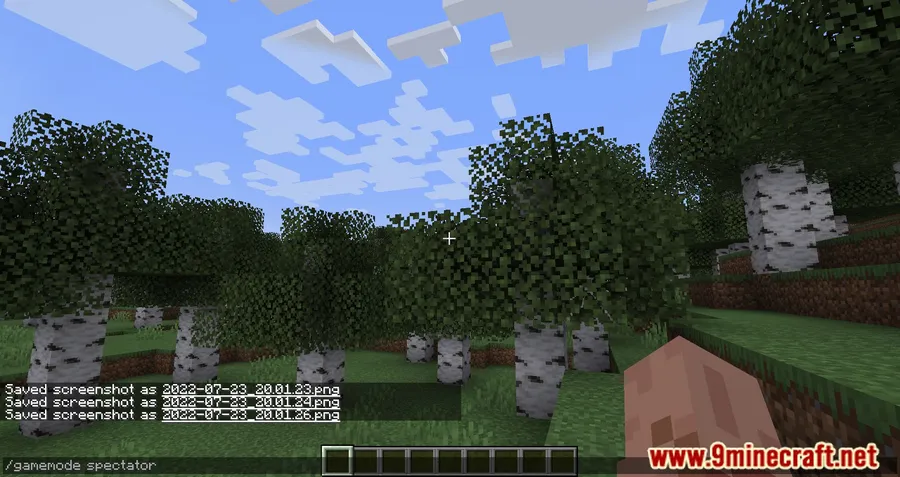
Screenshots


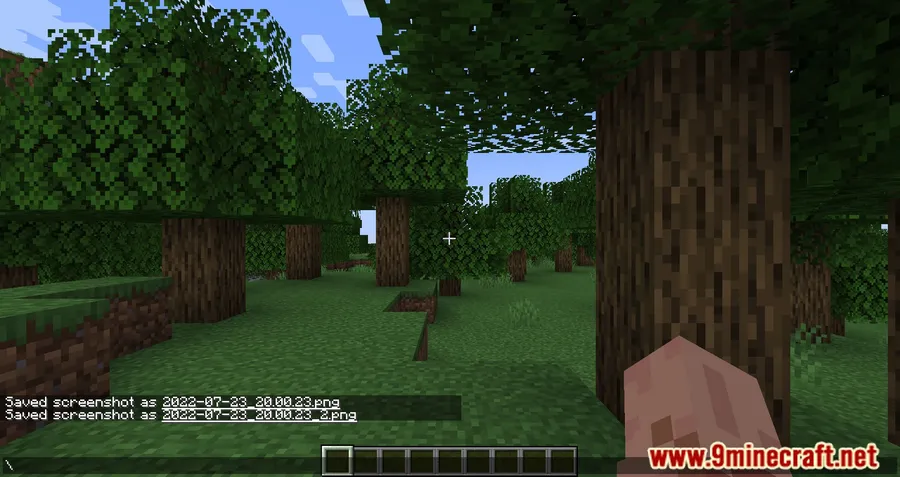
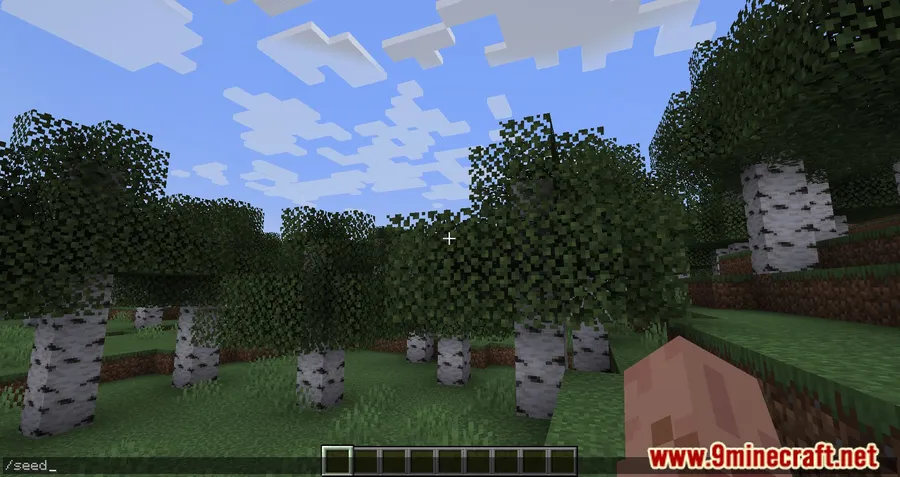
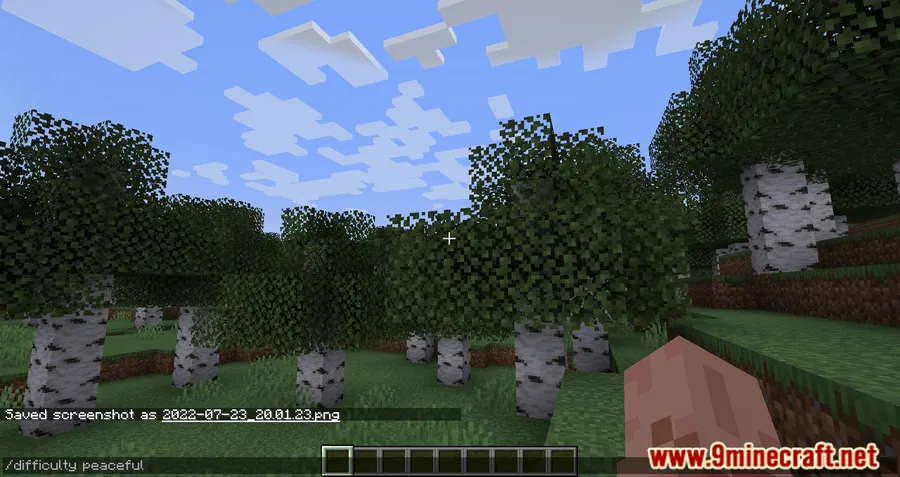
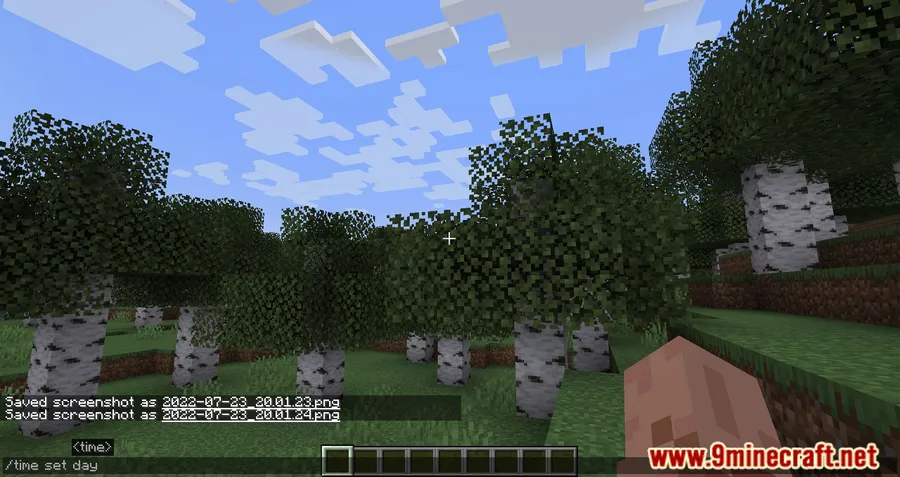
How to Install
- Download and install Fabric Loader or Forge/NeoForge for your Minecraft version.
- If using Fabric, make sure Fabric API is installed in your mods folder.
- Download the correct version of Don't Clear Chat History Mod for your Minecraft version from the link below.
- Place the downloaded
.jarfile into your.minecraft/modsfolder. - Launch Minecraft and your chat history will now persist between sessions automatically.
Requirements
| Mod Loader | Dependencies | Minecraft Versions |
|---|---|---|
| Forge, NeoForge, Fabric | Minecraft Forge, Fabric API | 26.1, 1.21.11, 1.21.10, 1.21, 1.20.6, 1.17.1, 1.16.5, 1.12.2, 1.8.9, 1.7.10 |
Pros & Cons
Pros
- Saves both chat messages and command history across relogs and restarts
- Extremely simple — works automatically with no configuration needed
- Supports a wide range of Minecraft versions from 1.7.10 to 26.1
- Available for Forge, NeoForge, and Fabric loaders
- Open-source under CC0-1.0 license
Cons
- CTRL+D manual clear feature only works on versions 1.16 and above
- Older Minecraft versions (1.7.10–1.16.5) are limited to Fabric only
- No options to configure how much history is retained
Download
Always download mods from official sources to stay safe.
What's New
- Added the ability to clear chat history manually using CTRL+D, restoring the default Minecraft behavior when you actually want a fresh chat log.
- The manual clear feature is supported on all mod versions targeting Minecraft 1.16 and newer.
- Older versions (pre-1.16) continue to work but do not include the CTRL+D shortcut.
FAQ
Does this mod save chat history permanently?
Yes, your chat messages and sent commands are preserved even after disconnecting from a server or restarting Minecraft. You can scroll through previous messages using the up arrow key.
Can I clear my chat history if I want to?
On Minecraft 1.16 and newer, you can press CTRL+D to manually clear your chat history. This works the same as the default Minecraft behavior for clearing chat.
Is Don't Clear Chat History Mod compatible with Forge and Fabric?
The mod supports Fabric across all listed versions (1.7.10 through 26.1), while Forge and NeoForge support is available for versions 1.17.1 through 1.20.6. Check the download section for the correct file for your setup.


![[Let's Do] Meadow Mod (1.21.1) - thumbnail](http://mcinside.com/wp-content/uploads/2026/04/thumbnail-64-52x52.webp)


![Not Enough Recipe Book [NERB] Mod (1.21.11) - thumbnail](http://mcinside.com/wp-content/uploads/2026/04/thumbnail-63-52x52.webp)


