

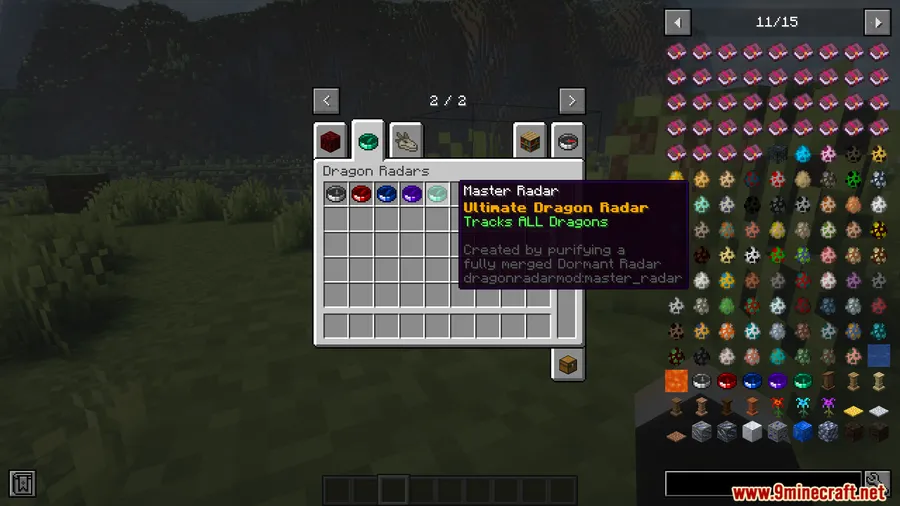
Tracking down dragons in Ice and Fire has always been a gamble — fly in one direction, hope for the best, and pray you don't get ambushed from behind. Dragon Radars Mod changes that entirely by giving you a configurable compass that detects dragons up to 15,000 blocks away, with filters for type, stage, gender, and distance. The radar uses clever spin behavior to indicate direction and vertical alignment, turning chaotic dragon hunts into calculated expeditions.
Key Features
- Long-range dragon detection — Scans for dragons within a 15,000-block radius by default, with a config option to push the range even further for large worlds or modded dimensions.
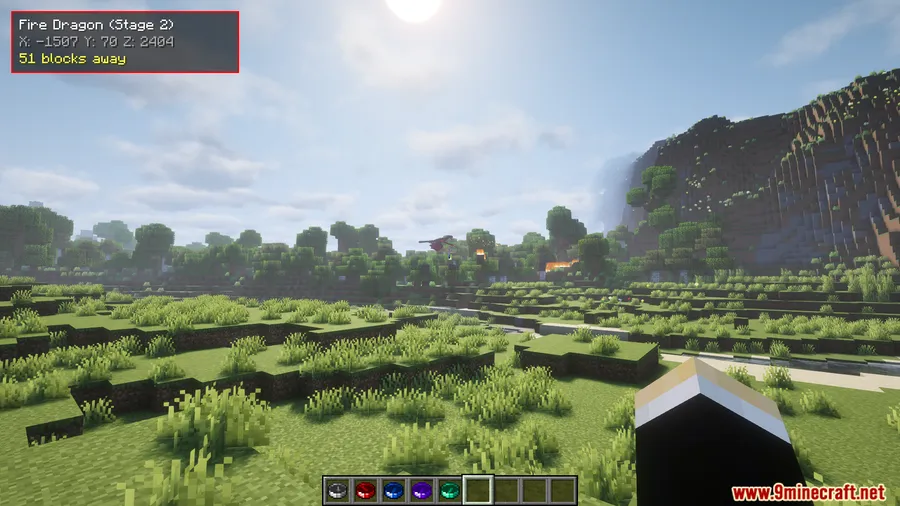
- Directional compass tracking — The radar spins clockwise while idle and locks onto the nearest matching dragon once tracking begins, pointing you straight toward your target.
- Vertical alignment indicator — When the compass spins counter-clockwise, it means you're on the correct X/Z coordinates but the dragon is above or below you — incredibly useful for cave-dwelling or mountain-perched dragons.
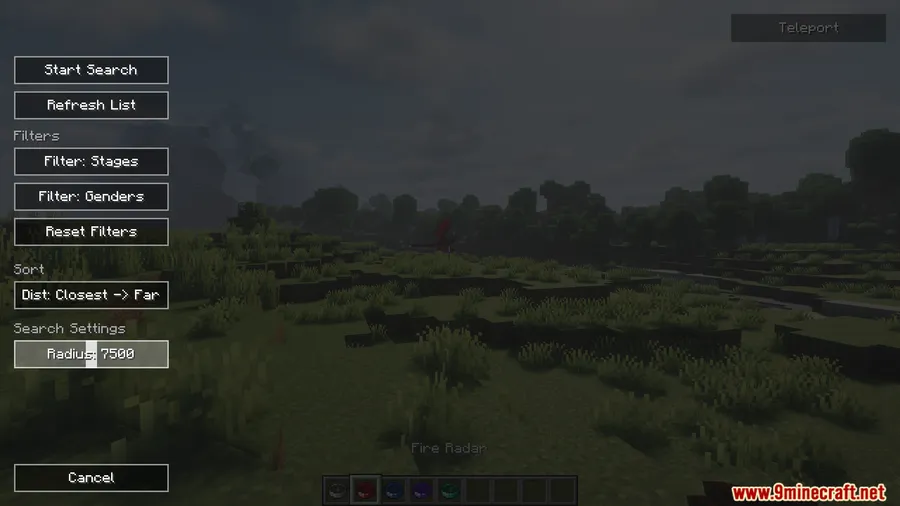
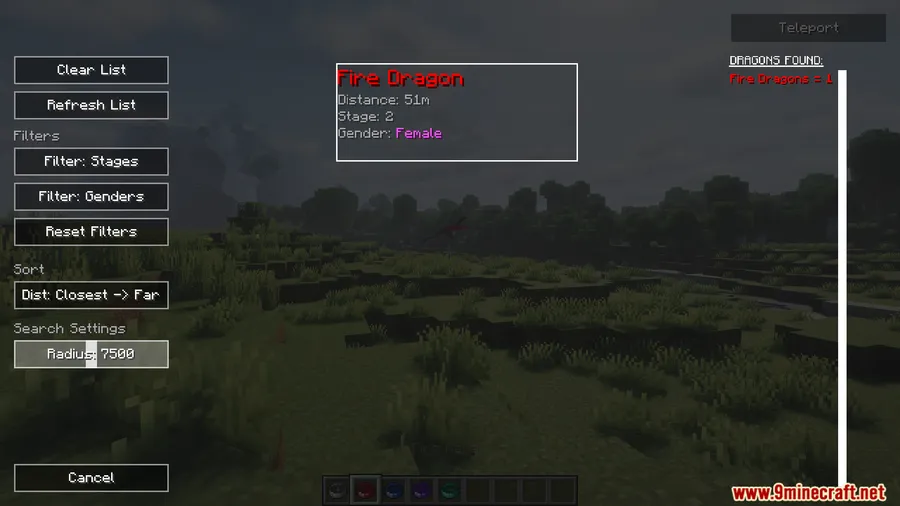
- Smart filtering — Narrow your search by dragon type, life stage, gender, and distance so you're not wasting time chasing hatchlings when you need an elder.
- Dead dragon exclusion — Dragons with 0 HP are automatically hidden from the radar, though glitched dragons may still appear until you harvest their bones.
Screenshots



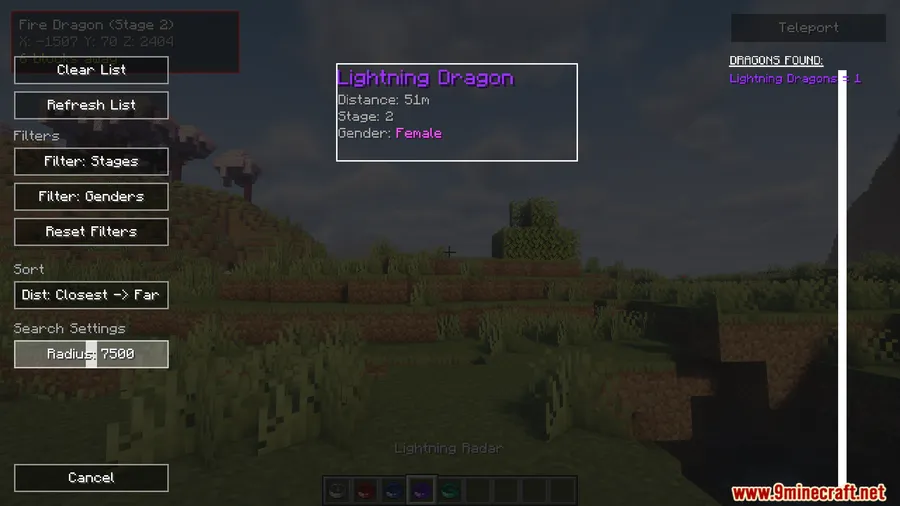
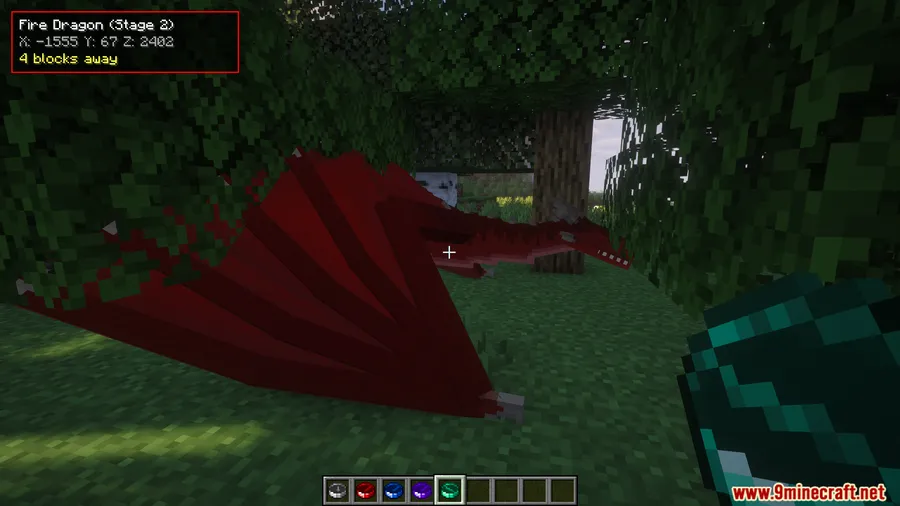
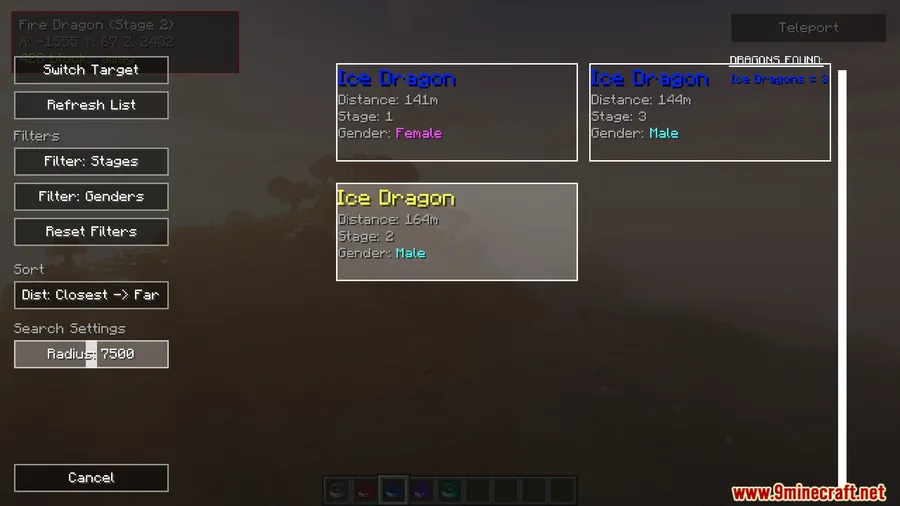

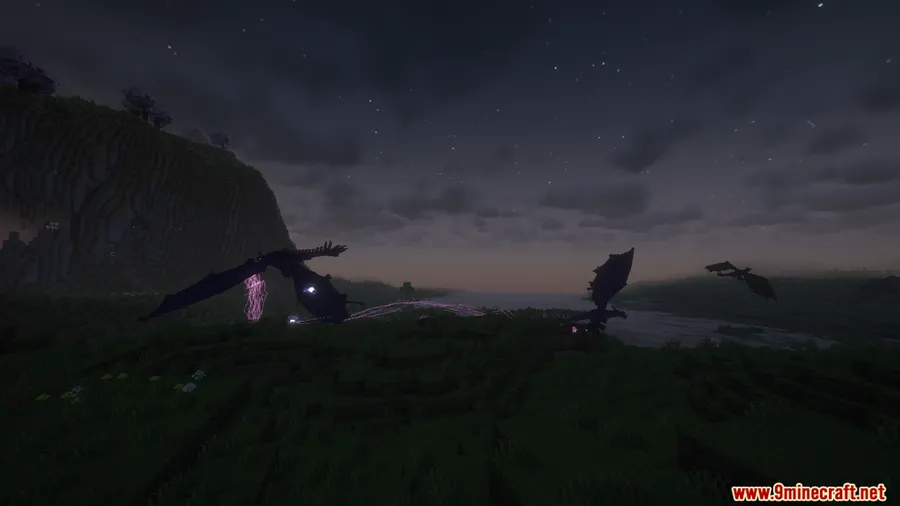
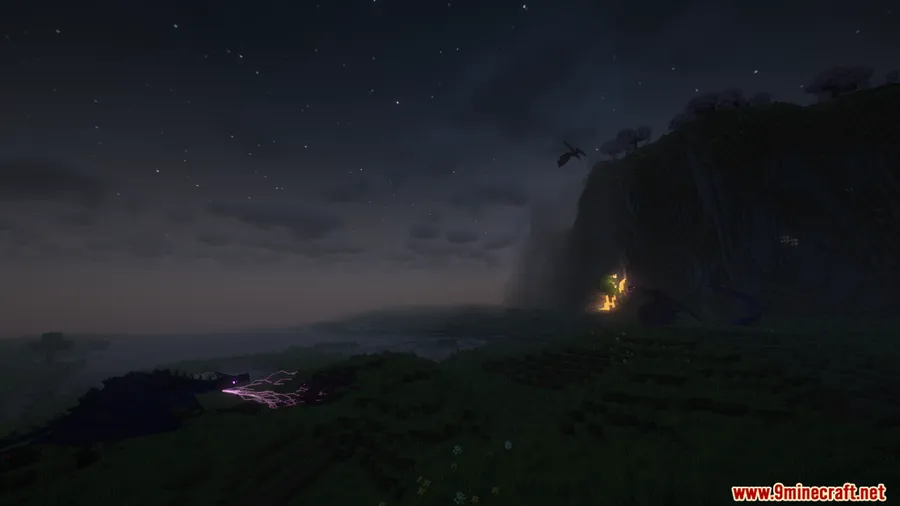
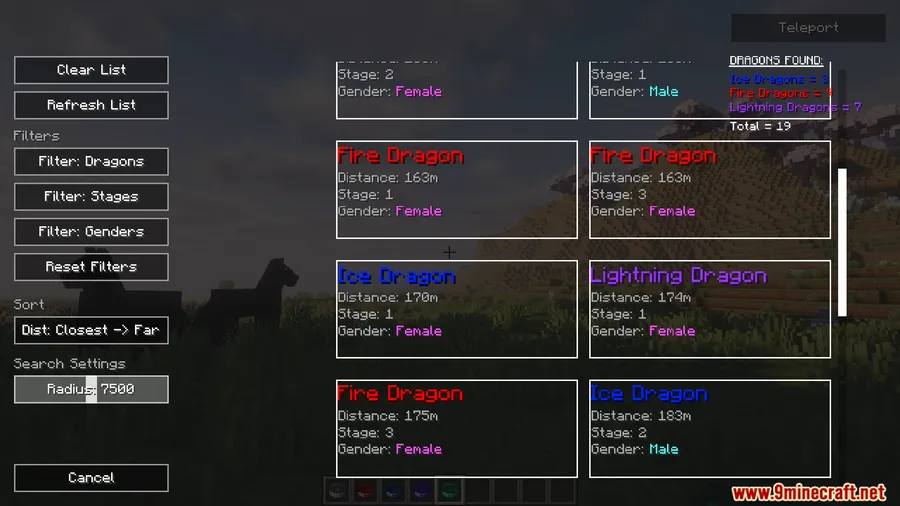
How to Install
- Download and install Minecraft Forge for your Minecraft version (1.20.1 or 1.20).
- Install the required dependencies: Ice and Fire Mod and Citadel Mod.
- Download Dragon Radars Mod from the link below.
- Place the downloaded
.jarfile into your.minecraft/modsfolder. - Launch Minecraft with the Forge profile and verify the mod loads correctly.
Requirements
| Requirement | Details |
|---|---|
| Mod Loader | Forge |
| Dependencies | Ice and Fire Mod, Citadel Mod |
| Minecraft Versions | 1.20.1, 1.20 |
Pros & Cons
Pros
- Massive 15,000-block detection range with configurable extension
- Intuitive compass behavior makes tracking easy to learn
- Filtering by type, stage, gender, and distance saves significant time
- Vertical alignment indicator prevents aimless digging or climbing
Cons
- Requires both Ice and Fire and Citadel as dependencies
- Only available for Forge — no Fabric or NeoForge support
- Glitched dragons with 0 HP may still appear on the radar until bones are harvested
Download
Always download mods from official sources to stay safe.
FAQ
How far can Dragon Radars Mod detect dragons?
The default detection range is 15,000 blocks. You can increase this distance by editing the mod's config file, which is useful for larger worlds or heavily modded setups.
What does it mean when the radar spins counter-clockwise?
Counter-clockwise spinning indicates you're aligned with the dragon on the X and Z axes but not on Y — meaning the dragon is directly above or below your current position.
Does the radar show dead dragons?
No, dragons with 0 HP are filtered out automatically. However, glitched dragons may still appear on the radar until you harvest their bones to fully remove them from the world.


